Table of Contents
If you want to relive your childhood memories by playing all the classic GBA games on your iPhone, then you've come to the right place. This article will show you the best Game Boy Advance emulators currently available for iOS devices.
Warning : Using emulators to play games is within the law; however, it is important to note that downloading and installing ROMs for games you do not own is completely illegal.
1. Delta
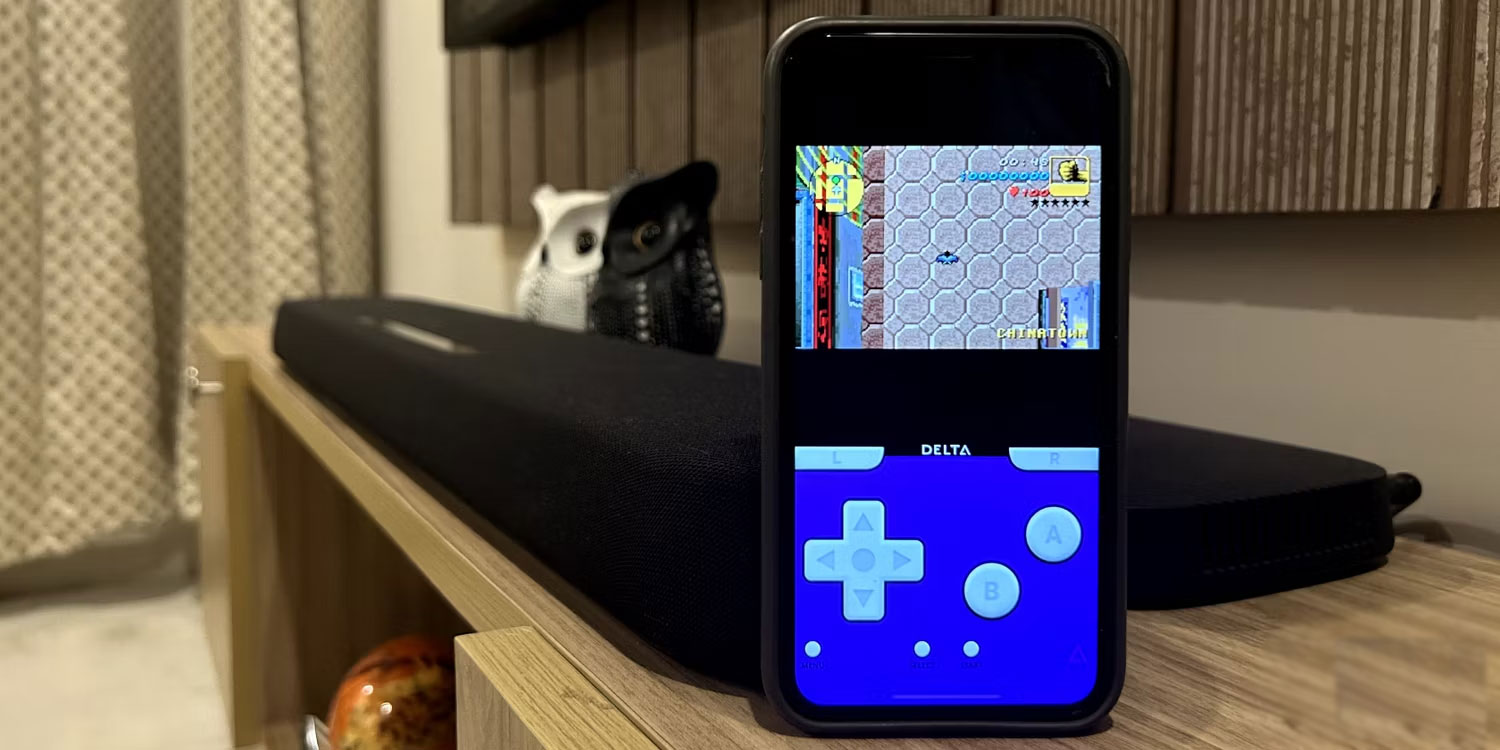
Delta is easily one of the best GBA emulators for iOS devices. It has plenty of features such as game controller support, save state, and a speed boost option to get through tedious parts of the game.
You can install Delta by downloading it via AltStore, and it can emulate not only GBA games but also SNES, Nintendo DS, N64, and Sega Genesis games.
Delta also supports local multiplayer and even has full AirPlay support, meaning you can wirelessly connect your iPhone to your TV and project your gameplay onto it while using your iPhone as a controller.
Overall, Delta is a great choice if you're looking to emulate not only GBA games but also a range of classic Nintendo console games.
2. Provenance EMU
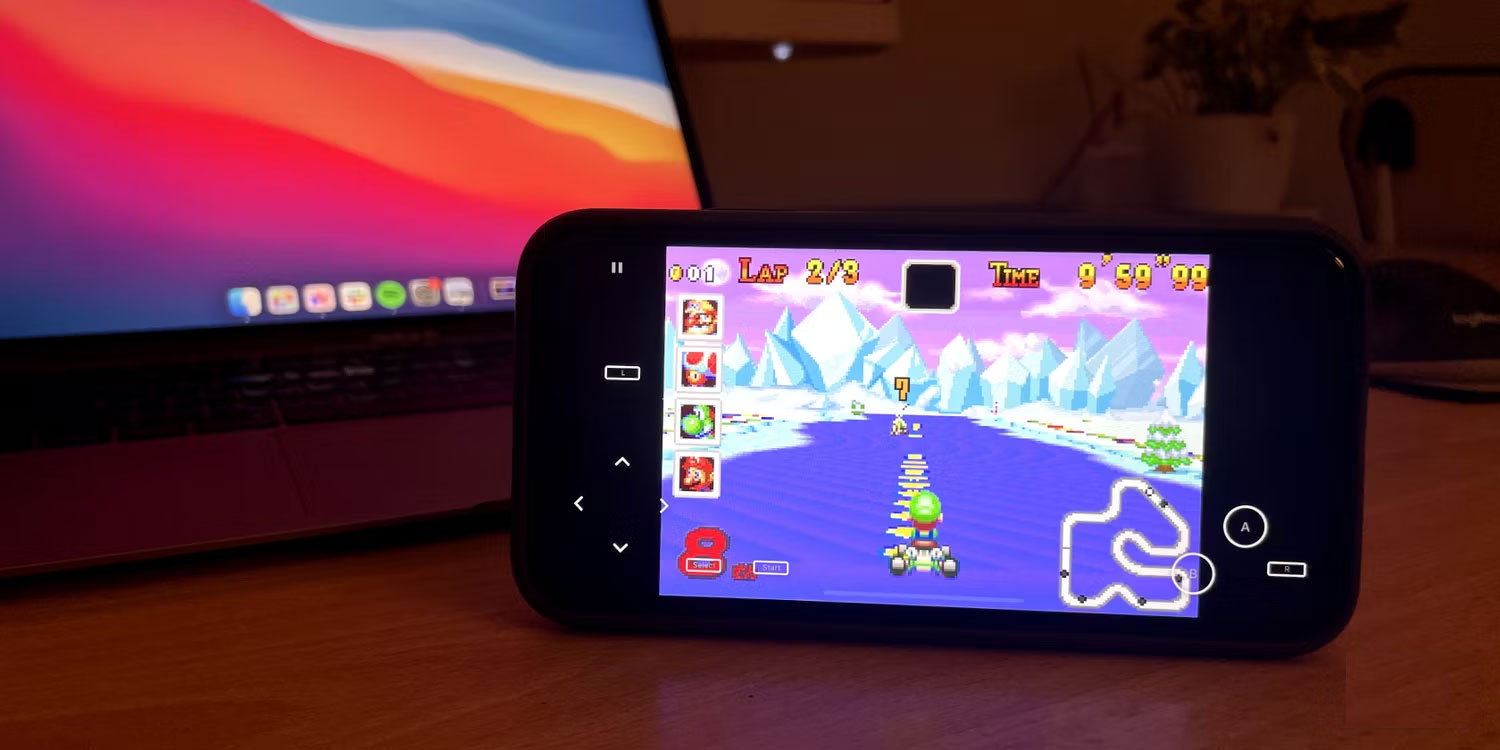
EMU Provenance, also available through AltStore, offers similar features to Delta, such as saving progress wherever you want and handle support.
However, what makes Provenance EMU stand out is that it even has a version specifically for tvOS. So, you can install Provenance EMU on Apple TV, connect a controller, and turn it into a game console that can efficiently run thousands of classic games.
EMU Provenance even lets you sync your saves using iCloud , making it the perfect choice if you want to track your progress on another device, such as an iPhone.
Provenance EMU also supports a wide range of classic consoles, including Sony's PlayStation 1, making it more versatile. However, its user interface often feels very complex and lacks some customization options compared to Delta.
3. RetroArch
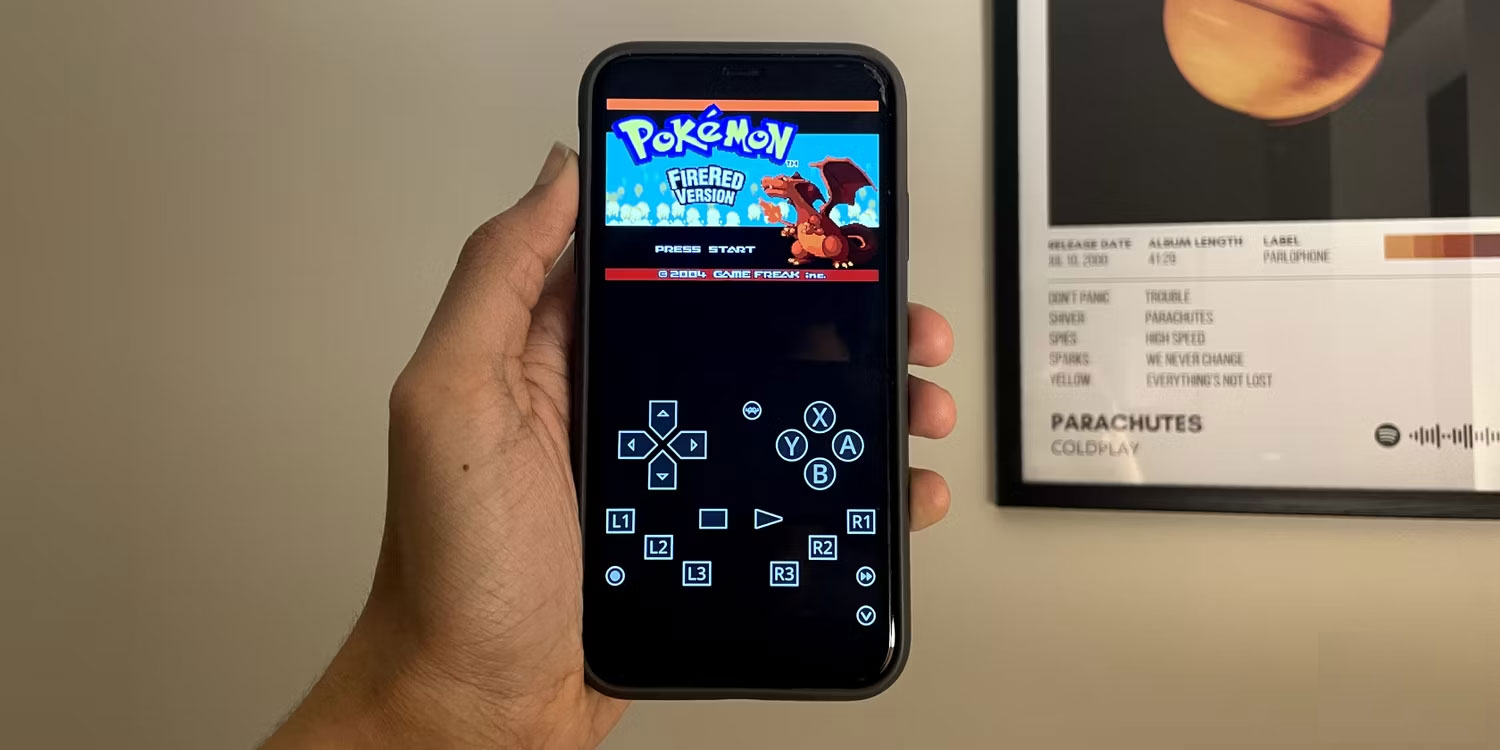
If you've ever tried playing games on emulators on other devices, you've probably heard of RetroArch. To date, it's the most capable emulator, offering a wealth of features, such as online multiplayer support, and you can even use RetroArch shaders to emulate the interface of a CRT TV.
RetroArch is also the best multi-purpose emulator; in addition to traditional Nintendo consoles, you can even emulate PSP, PS2, DOS games, etc.
It's worth noting that installing RetroArch can be a bit complicated, and setting it up is even more difficult. If you only intend to emulate GBA games without any major modifications or tweaks, then you're better off opting for Delta or Provenance EMU.
4. AfterPlay
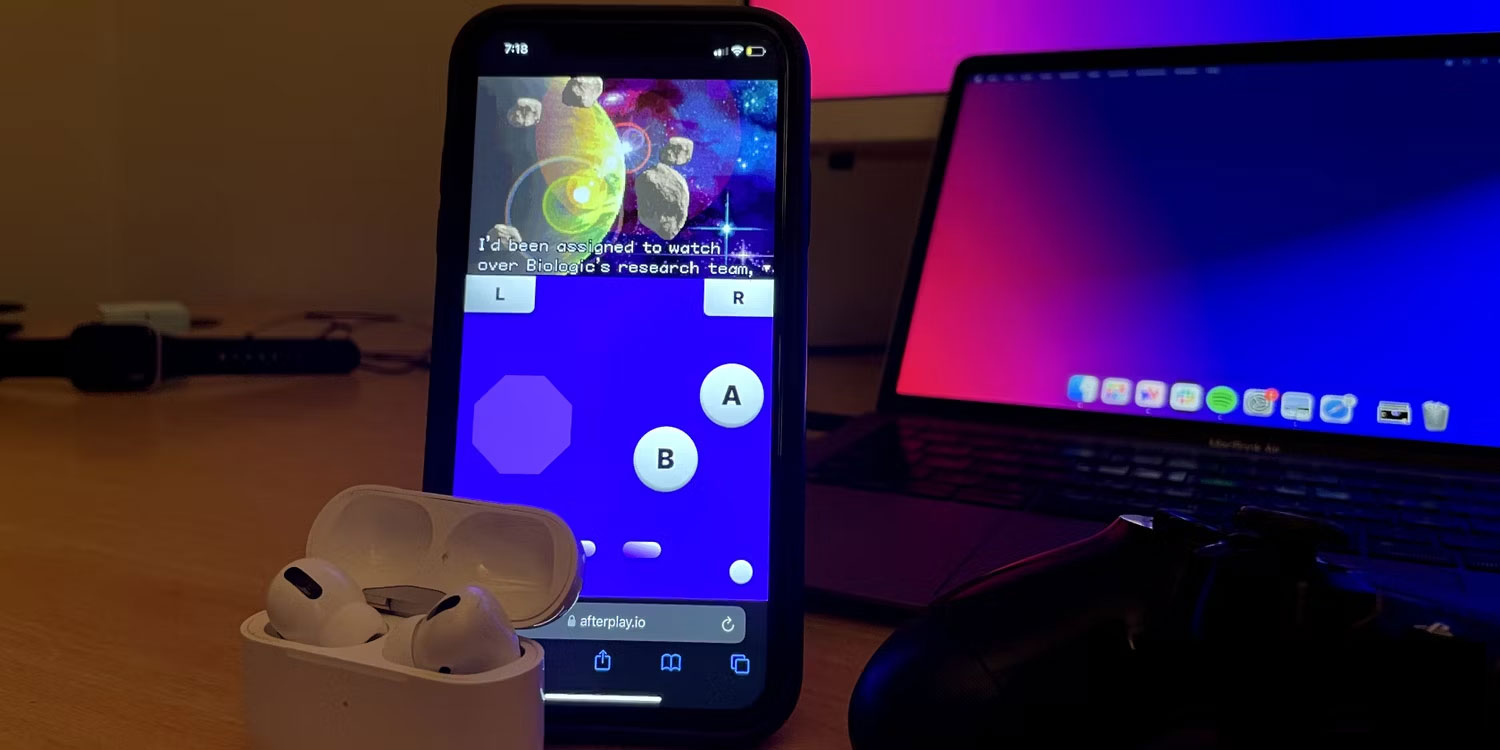
If you're not comfortable downloading apps on your iPhone, AfterPlay offers a convenient alternative in the form of a browser-based emulator. This means you can play GBA games directly through Safari or any other web browser without having to download an app.
You simply need to access the website, load your GBA ROM, and start playing. However, because it's browser-based, its performance tends to be slower than other emulators mentioned in the article. A reliable internet connection is essential for a smooth gaming experience.
AfterPlay also features automatic cloud saving so you can track your progress on any device as long as you're using the same account. While GBA emulation is free, access to other consoles like the Nintendo DS or PlayStation 1 and features like fast forward, cheats, and multiple save locations require a paid subscription.
Although no GBA emulators for iOS are available on the App Store due to Apple's policy, you can safely download them via AltStore. If you already own many classic GBA games, you can turn your iPhone into a powerful classic console with a suitable GBA emulator.
Related Articles
 10 Best Game Boy Advance (GBA) Emulators for Android12 minutes read
 Top 5 Game Boy Advance (GBA) Emulator Apps on Android4 minutes read
 Top Best iOS Emulators Help Run Applications on Windows9 minutes read
 How to Apply Viettel Phone Money by Text Message6 minutes read
 The Best Android Emulators for Gaming7 minutes read
 Pros and Cons of Playing Games on Emulators11 minutes read
Reader Comments 0
Sign in with email or Google to join the discussion.