What Is an ODT File? How to Open, Edit, and Convert It
Understand the OpenDocument Text format, open ODT files in LibreOffice or Word, convert them to DOCX or PDF, and avoid formatting loss.
Fix Windows problems, troubleshoot devices, understand AI, secure your accounts and get more from your technology with tested step-by-step guides.
Understand the OpenDocument Text format, open ODT files in LibreOffice or Word, convert them to DOCX or PDF, and avoid formatting loss.
Learn how WebP handles lossy or lossless images, transparency and animation, when it helps a website, and how to open or convert a .webp file.
Understand the ODP presentation format, which apps can open it, and how to convert ODP files to PPTX or PDF without losing important formatting.
Learn how GIF files store simple animations, how to open and edit them on desktop or mobile, and when to convert a GIF to MP4, WebP, PNG, or JPG.
Understand what an Android APK contains, how sideloading works, how to inspect an APK on a computer, and why APK files cannot simply be converted into iPhone or Windows apps.
Learn why some AVI files play while others do not, which players can handle them, and how to convert AVI to MP4 or extract its audio without unnecessary quality loss.
Learn how SVG vector graphics work, when they are better than PNG or JPG, how to open and edit them, and how to use SVG safely and accessibly on a website.
Learn how WAV stores audio, what sample rate and bit depth mean, how to open WAV files, and when to convert them to MP3, AAC, or FLAC.
Learn what a TXT file stores, how text encoding affects readability, how to create or open one on any device, and how to convert plain text to PDF or DOCX.
Learn what an M4A audio file contains, the difference between AAC and ALAC, how to open it, and how to convert M4A to MP3, WAV, or FLAC.
Learn how XML structures data with elements and attributes, how to open and edit an XML file, and how to diagnose syntax, encoding, schema, and security problems.
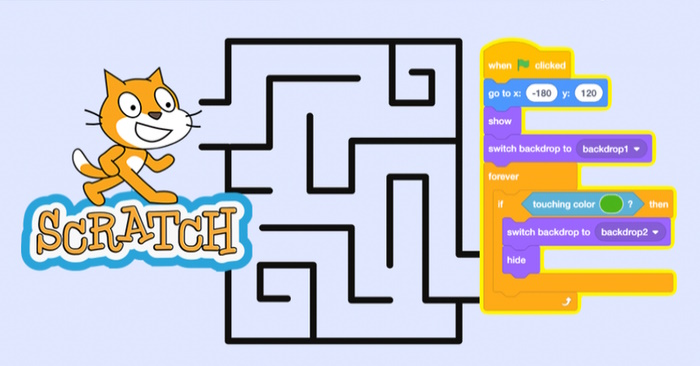
Build a playable Scratch maze with arrow-key movement, wall collision, a finish target, a timer, and optional levels, sound effects, and hazards.
A practical Wayground teacher guide covering the Quizizz rebrand, resource creation, live and homework sessions, student joining, reports, AI review, and classroom setup.
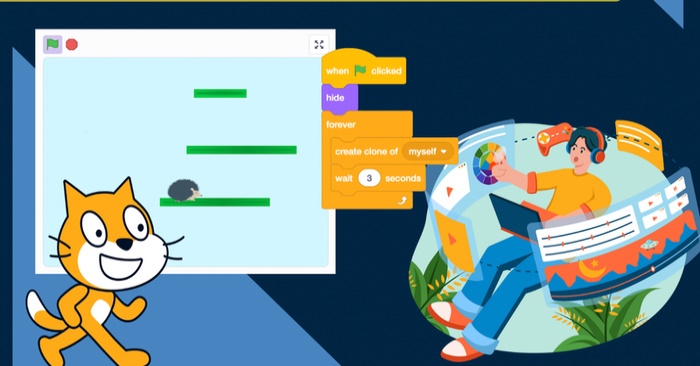
Create a Scratch platformer with smooth left-right movement, gravity, jumping, platform collision, hazards, a goal, and reliable restart behavior.

Turn a lesson PDF or image into a verified mind-map outline, then use Gemini to generate a visual diagram while checking labels, facts, privacy, and readability.
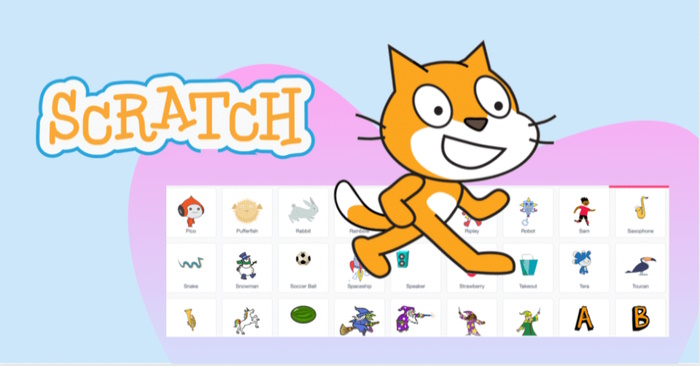
Edit a Scratch sprite with the vector and bitmap costume tools, create consistent animation frames, and fix common sizing, rotation, alignment, and collision problems.
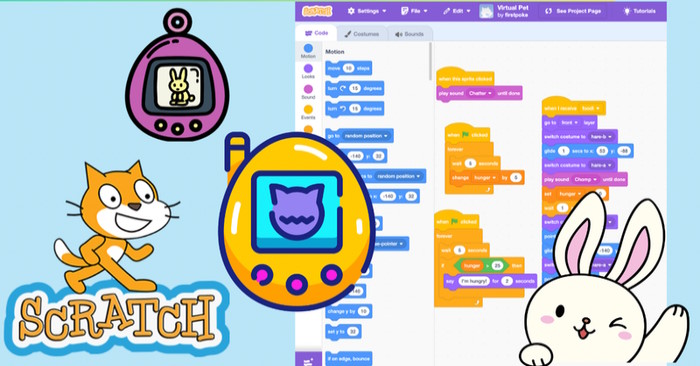
Build a Scratch virtual pet that talks, moves to food, plays sounds, tracks hunger over time, warns the player, and resets cleanly between games.
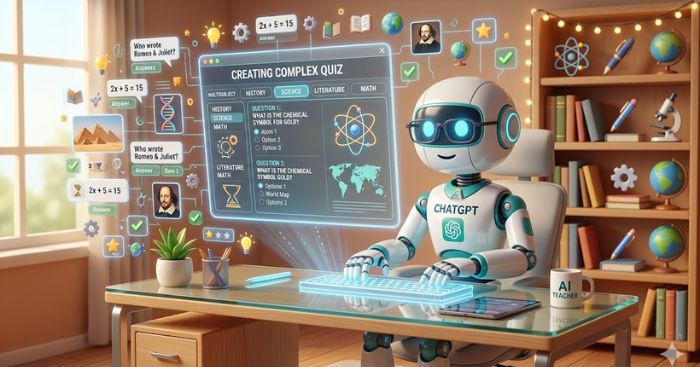
Use ChatGPT to build a quiz from a clear blueprint or uploaded lesson, then verify every question, answer, explanation, difficulty level, and export before students see it.
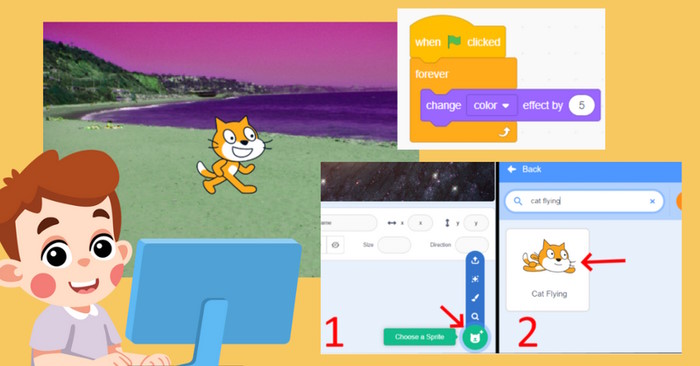
Five beginner Scratch projects teach events, loops, sensing, coordinates, costumes, sound, and variables, with step-by-step blocks, testing questions, and extensions.
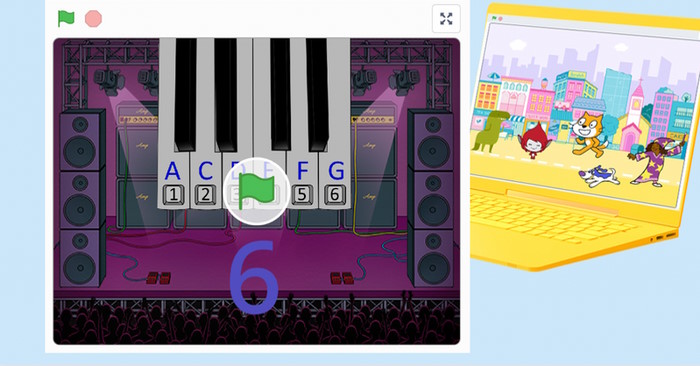
Build a playable Scratch piano with six keyboard-controlled notes, suitable sounds, clear key mapping, restart behavior, visual feedback, and a simple song challenge.