How to Put a Picture Behind Text in PowerPoint
Layer a picture behind text in PowerPoint, choose between Send Backward and Send to Back, improve contrast, and manage objects with the Selection Pane.
Fix Windows problems, troubleshoot devices, understand AI, secure your accounts and get more from your technology with tested step-by-step guides.
Layer a picture behind text in PowerPoint, choose between Send Backward and Send to Back, improve contrast, and manage objects with the Selection Pane.
Use Claude Code to plan and execute behavior-preserving refactors with clean branches, baseline tests, small checkpoints, and verified results.
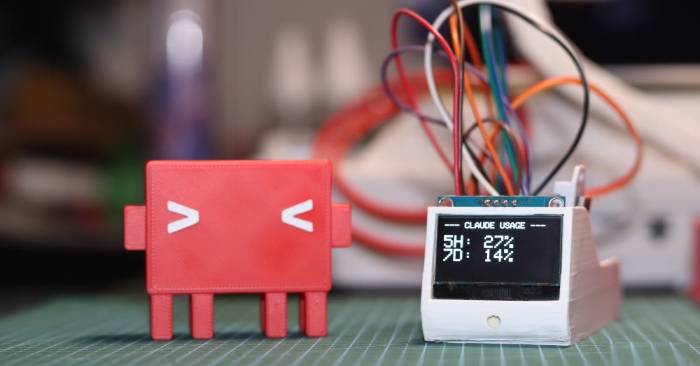
A practical comparison of three coding agents on an ESP32 dashboard, including architecture choices, test limitations, and a critical credential-safety issue.
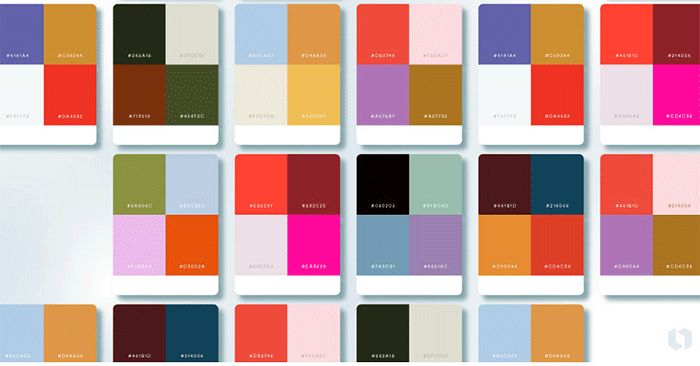
Understand color wheels, RGB, RYB, and CMYK models; use complementary, analogous, triadic, and tetradic schemes; and apply 26 practical palettes with HEX codes.
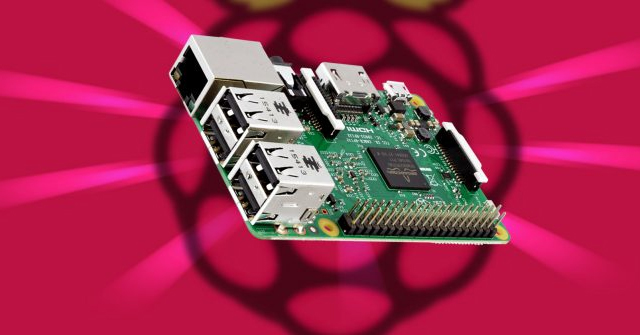
Turn a Raspberry Pi into a desktop, media center, file server, camera, controller, gaming system, or learning platform with practical setup and safety guidance.

Physical AI connects sensing, decision-making, and action in real machines. See how it overlaps with world models, embodied AI, physics-informed AI, and digital twins.
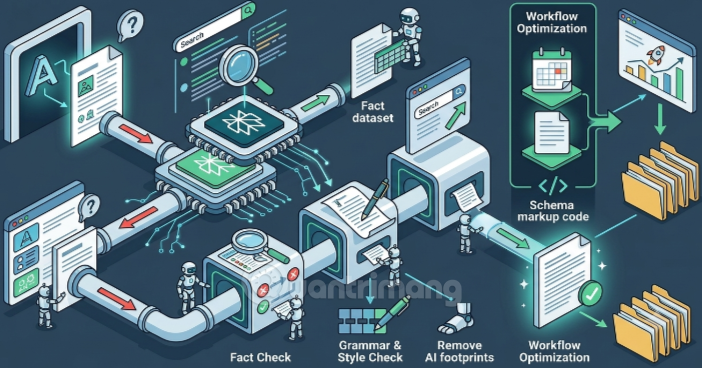
A practical workflow for using a second AI as an editorial critic while verifying claims with primary sources, preserving originality, and keeping humans accountable.
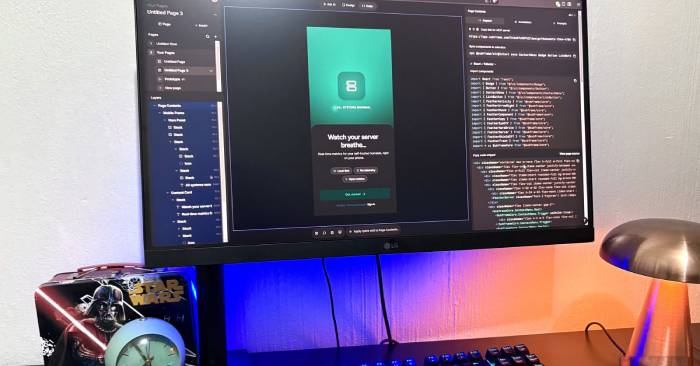
See how Subframe combines visual UI design, AI variations, reusable components, prototypes, CLI code sync, and MCP connections for React and Tailwind teams.

Learn the desktop controls, early progression priorities, warrior upgrades, equipment choices, Waystone travel, and raid preparation for Anime Warriors III on Roblox.
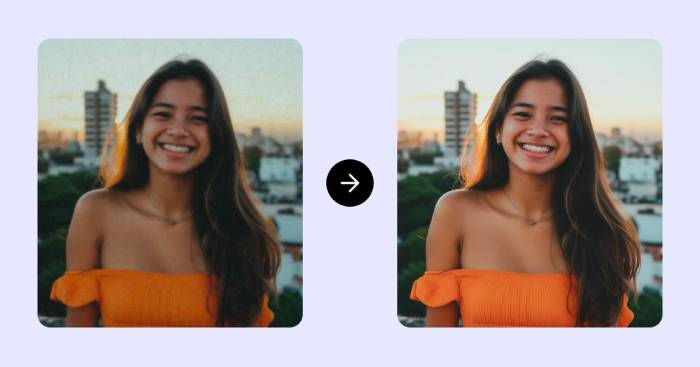
Compare Upscayl, ImgUpscaler, Pixelcut, Topaz Gigapixel, and SuperImage for local privacy, browser convenience, batch work, and professional image enlargement.
Enable the console on PC, PS5, or Xbox, authenticate as a server admin, and use common ARK: Survival Ascended movement, item, creature, and server commands safely.
Create coloring pages from prompts or photos with Colorify AI and ColoringBook.ai, then improve the line art, export it for print, and protect privacy and copyright.
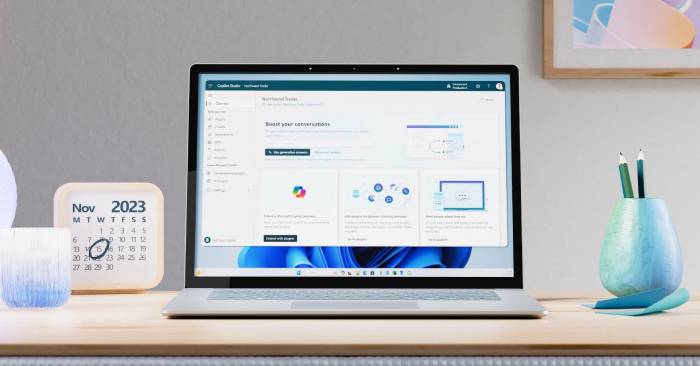
Add and scope a public website knowledge source in Microsoft Copilot Studio, follow URL-depth rules, use safe runtime URL variables, and test grounded answers.
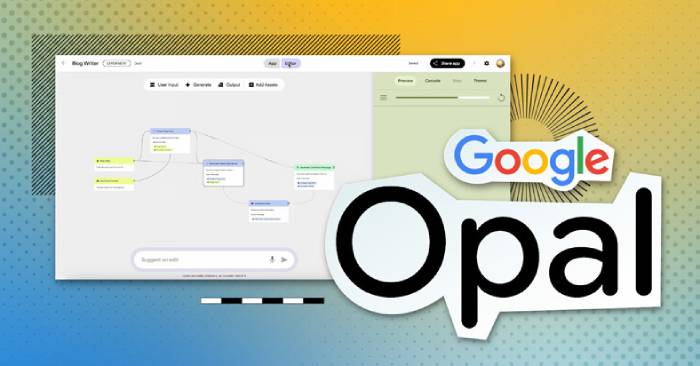
Google Opal turns natural-language instructions into editable visual AI workflows. Learn how to build, test, share, and choose suitable uses for an Opal mini-app.

Compare ChatGPT and Claude for writing, research, files, image generation, voice, coding agents, work automation, pricing, and privacy before choosing a plan.
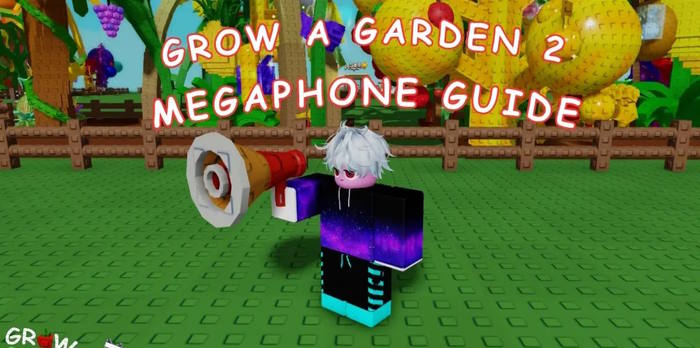
Buy the Grow a Garden 2 Megaphone for 8,000 Sheckles, equip it, enter a Roblox Sound ID, fix common audio problems, and try a current list of codes.
Use a local LLM to organize tasks, extract invoice data, draft and test scripts, and create content while managing hardware, privacy, and accuracy trade-offs.
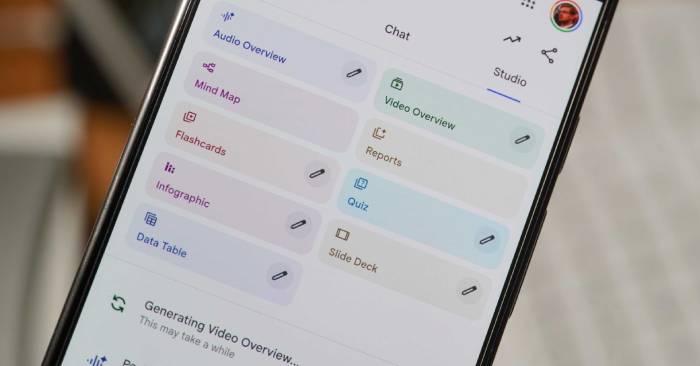
Create and customize NotebookLM Audio and Video Overviews, choose the right format, verify AI-generated explanations, and use them in an active study workflow.

Edit the Windows hosts file safely with Notepad or a copy-and-replace method, preserve the extensionless filename, flush DNS, test mappings, and fix save errors.
Compare Windows Security and leading third-party antivirus suites, understand what independent tests show, and choose protection based on features, performance, and cost.