Instructions on creating and saving files in Photoshop CS6
TipsMake has introduced you to the Photoshop CS6 interface to help you get acquainted with it. Next, we will learn how to create and save files through this article.
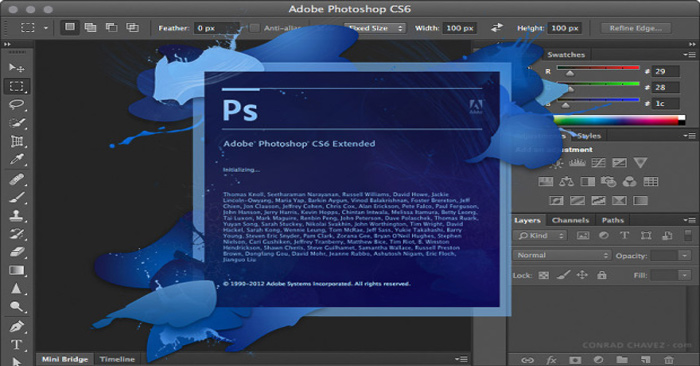
Introducing the Photoshop CS6 interface for beginners
If you're just starting to learn about graphic design, photo editing, etc., then understanding the interface and functions of each tool in Photoshop CS6 is essential.

How to create a halftone dot pattern in Photoshop
Let's learn how to transform your photos into halftone dot patterns in Photoshop with this step-by-step guide, including how to create black and white halftone patterns and add color!

How to create a more beautiful Color Halftone effect in Photoshop
The Color Halftone effect can give images a vintage or nostalgic look by mimicking printing techniques used in newspapers, magazines, comics, and pop art.

How to create AI images in Photoshop using Adobe Firefly
Generate Image uses Adobe Firefly to create entire AI images from scratch directly within Photoshop, and it carries most of the options found in the text-to-image conversion module on the Adobe Firefly website.
What is Photoshop? What are the applications of Photoshop?
You've probably heard the term Photoshop many times, but do you really understand what it is? Let's find out together with TipsMake.com!
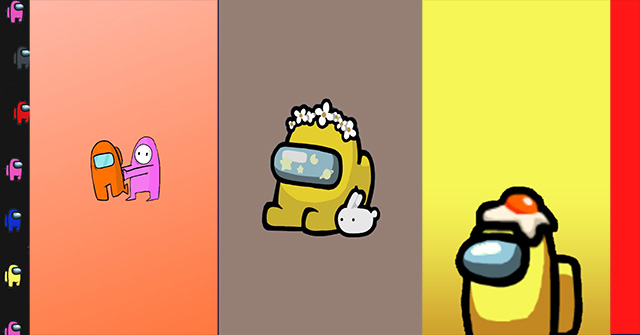
Download Among Us wallpapers for your phone and computer
This is a collection of Among Us wallpapers for phones, Among Us wallpapers for PC, and a collection of League of Legends champion images in the Among Us style.

Top 8 best Xiaomi phones of 2026
Xiaomi has made a name for itself in the market for launching affordable products with impressive features. Below is a list of Xiaomi's best phones in 2022.

How to download the latest Arena of Valor test server for Android and iOS
Arena of Valor Beta is not only a fun game, but also an opportunity to experience new features, gameplay improvements, and other notable changes in advance.
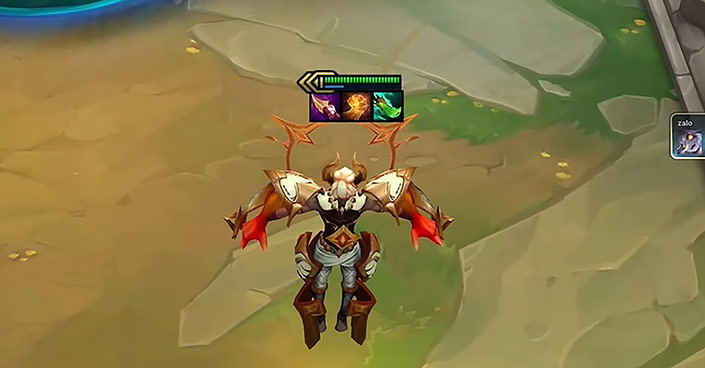
Items for Xerath in TFT Season 12, Xerath build in TFT
Xerath in TFT Season 12 can be used simply as a high-cost 5-gold champion to give the team the Ascended buff to buy the Ascended rune in the late game.

Top offline games for PC and download links
If you lose your internet connection for a while, you'll need some of the best offline games to keep you entertained. Luckily,.

Top software for anonymous web browsing and hiding your IP address
This article will summarize the best software currently available for network routing, online identity protection, and internet connection optimization.

A comprehensive overview of different types of cyberattacks and how to prevent them
Learn about common cyberattacks such as DDoS, phishing, ransomware, malware, SQL Injection, and XSS, along with effective prevention methods.
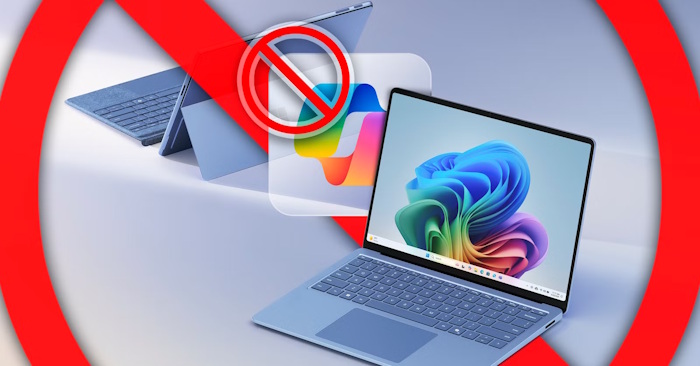
Instructions on how to completely uninstall Copilot on Windows 11
With the April update, Microsoft added a way to uninstall Copilot instead of just hiding it. The Remove Copilot option in Group Policy will completely uninstall Copilot from the system.

Instructions on creating a Threads account, Meta's newest social network
Meta has officially launched Threads, a social network considered a formidable competitor to Twitter. Threads works similarly to Twitter, allowing users to share their status updates as text, and more.
How to create graphs and charts in Google Sheets using Gemini
When using Gemini in Google Sheets to create charts, this process can become simpler. The AI automatically analyzes the data and then displays chart types appropriate to that data.
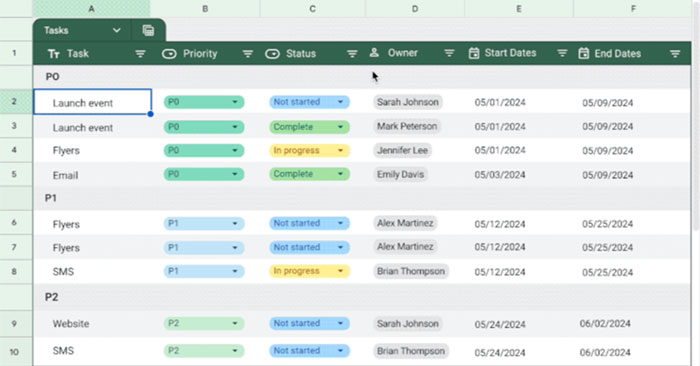
How to convert content into a Google Sheets table quickly
No need to waste time creating tables or manually formatting data; Google Sheets can now instantly convert various types of content into tables.

How to automatically remove unwanted details from photos on Google Photos
Instead of having to use complex editing software, you can now easily remove those smudges.
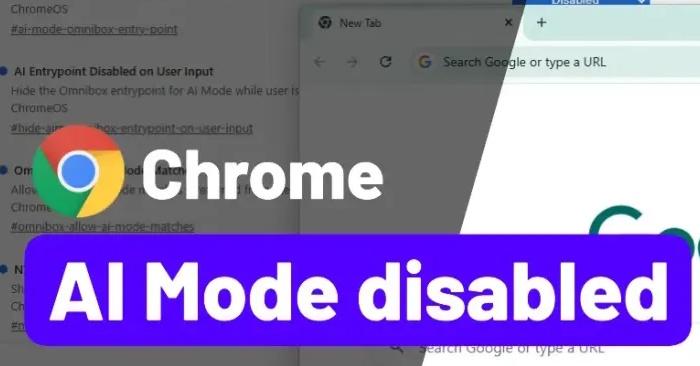
How to disable AI on the address bar and new tabs in Chrome
On Google Chrome for Windows 11 and macOS, you can turn off the AI Mode button that appears to the right of the address bar, as well as the AI Mode button in the search box on New Tab pages.

Guide to creating AI emojis for Canva design
The Emojify app on Canva will help you customize emojis to your liking. This article will guide you on how to create emojis on Canva.