How to Lock or Unlock Your Facebook Profile
Use Facebook Profile Lock on mobile or desktop, understand what it hides from non-friends, and apply alternative privacy settings if the feature is unavailable.
Fix Windows problems, troubleshoot devices, understand AI, secure your accounts and get more from your technology with tested step-by-step guides.

Use Facebook Profile Lock on mobile or desktop, understand what it hides from non-friends, and apply alternative privacy settings if the feature is unavailable.

Temporarily deactivate a Facebook profile through Accounts Center while preserving Messenger access, messages, calls, and the option to reactivate later.

Permanently delete a Zalo account from the mobile app, understand what data is removed, and cancel the request within Zalo's 48-hour window.

Check several Facebook and Messenger clues while distinguishing a block from unfriending, deactivation, deletion, privacy changes, or a technical error.

Check TikTok search, past interactions, follows, and messages while distinguishing a block from a changed username, deleted account, suspension, or privacy change.
Add a Facebook friend to the Restricted list so they see only your public posts and posts that tag them, without unfriending or blocking them.
Export your own Messenger data from Meta Accounts Center and count conversations locally without giving third-party extensions or apps access to private messages.

Find the profiles you blocked on Facebook or Messenger, understand the difference between block types, and unblock someone carefully.

Learn how to unfriend multiple people on facebook with practical instructions, useful tips, and troubleshooting guidance for common issues.

Learn how to reduce friend interaction on facebook without unfriending with practical instructions, useful tips, and troubleshooting guidance for common…

Save a Facebook video you uploaded, use your browser when a direct video file is available, and understand the privacy and copyright risks of third-party download sites.
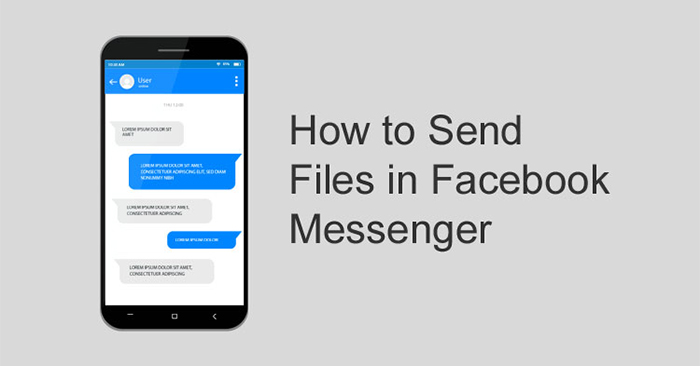
Attach PDFs, documents, and other files in Messenger from Android, iPhone, or a computer, with alternatives for missing attachment options and failed uploads.
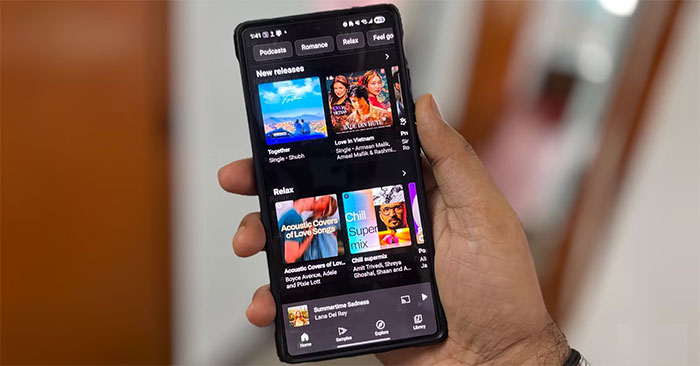
Compare YouTube Music with Spotify and Apple Music for rare uploads, video switching, recommendations, subscription value, social features, and important tradeoffs.
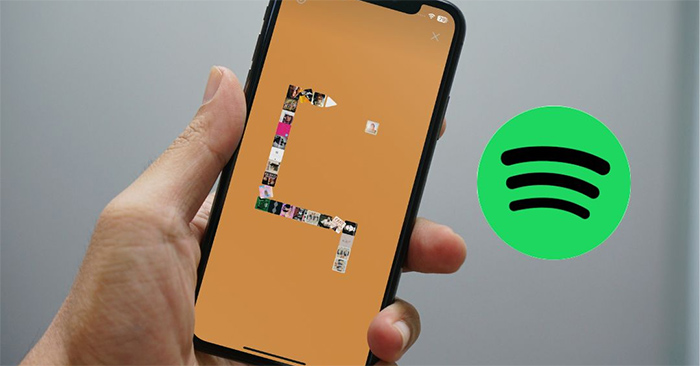
Open Spotify's Eat This Playlist game from an eligible playlist, learn the swipe controls, and troubleshoot when the hidden Snake-style option does not appear.

Learn how to create checkboxes in Google sheets - managing content on Google sheets with practical instructions, useful tips, and troubleshooting guidance…
Add a static check mark for print, convert Unicode codes with Alt+X, or insert a clickable checkbox content control for forms in Microsoft Word.
Learn how to instructions on adding alternating blank rows in Microsoft Excel with practical instructions, useful tips, and troubleshooting guidance…
Change column width and row height manually or use Fit to data in Google Sheets, including multiple-column resizing and fixes for clipped or overflowing text.
Make the first row—or several top rows—of a long Word table repeat automatically on each page, and troubleshoot headers that fail to appear.
Use Center Across Selection to center an Excel heading across several columns while keeping every cell separate, sortable, and easy to reference.