Table of Contents
Facebook does not send a notification when someone blocks you, and it does not provide a list of people who blocked you. A missing profile or failed Messenger message is only a clue: the person may have unfriended you, deactivated or deleted the account, changed a name or privacy setting, or encountered an account restriction.
Use several checks together and avoid treating any single sign as proof.
1. Check your Facebook friends list
Open your profile's Friends section and search for the person's current name. A blocked profile will not appear in your friend list, but the same is true after unfriending, deactivation, or deletion.
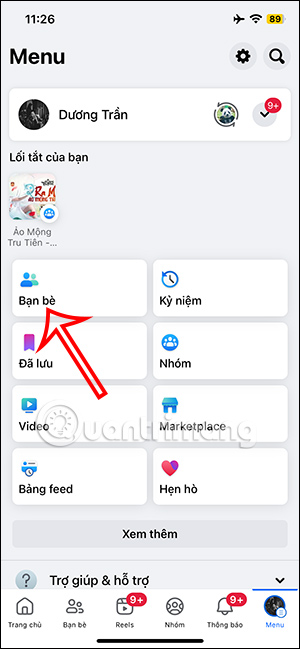
On desktop, open your profile and select Friends, then use the search box.
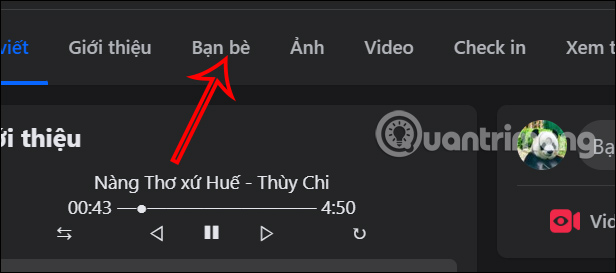
2. Search for the profile on Facebook
Search the person's name and any known current username. If the profile appears but the friendship is gone, you were probably unfriended rather than blocked. If it does not appear, blocking is one possibility, but the account may also be deactivated, deleted, renamed, suspended, or hidden by privacy settings.
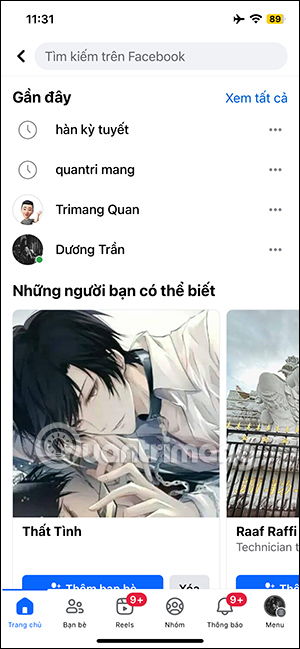
Do not create another account or use a friend's account to contact or monitor someone who may have blocked you. A block is a boundary, and trying to bypass it can become harassment.
3. Review an existing Messenger conversation
Open a conversation you previously had with the person. Messenger may show that the person or conversation is unavailable, prevent a new message, or remove the link to the profile.
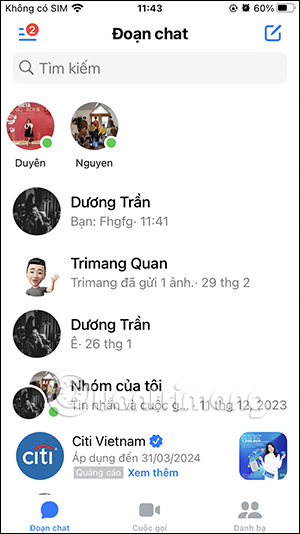
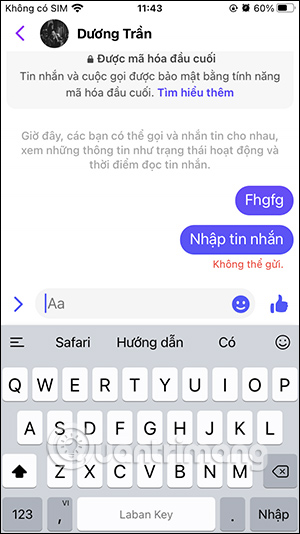
These signs are still ambiguous. They can also occur when the account is deactivated, deleted, suspended, or when Messenger has a temporary problem.
4. Try the profile link from Messenger
In the Messenger conversation, tap the person's name or View profile. If the profile does not open, combine that result with the friends-list and Facebook-search checks.
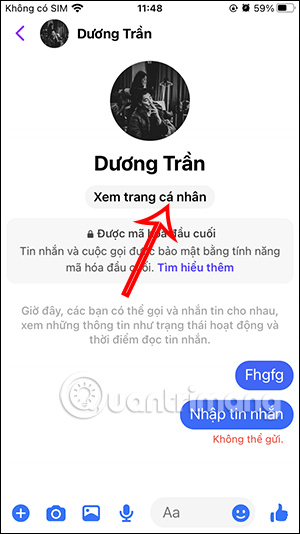
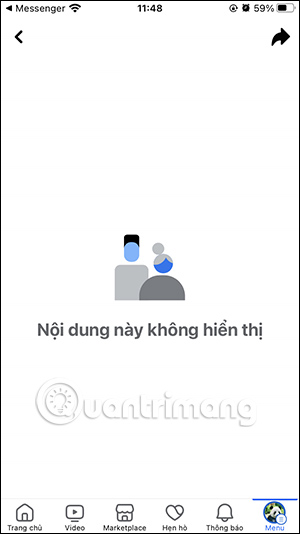
A working Messenger conversation does not always mean the Facebook profile is active. Someone can deactivate Facebook and continue using Messenger, or block messages and calls separately from the broader Facebook profile.
How to interpret the clues
| What you see | Possible explanations |
|---|---|
| Not in your friends list, but profile is searchable | Unfriended, friendship removed, or account privacy changed |
| Profile is not searchable and Messenger is unavailable | Blocked, deactivated, deleted, suspended, or renamed account |
| Facebook profile is visible, but messages or calls fail | Messenger-only block, messaging restriction, or technical issue |
| Old conversation shows “Facebook User” | Account deletion or deactivation is possible; the label alone is not proof |
Can you still see old messages?
Message history can remain after a block, deactivation, or deletion. The profile name or photo may change or become unavailable, and you may be unable to open the profile or send a new message.
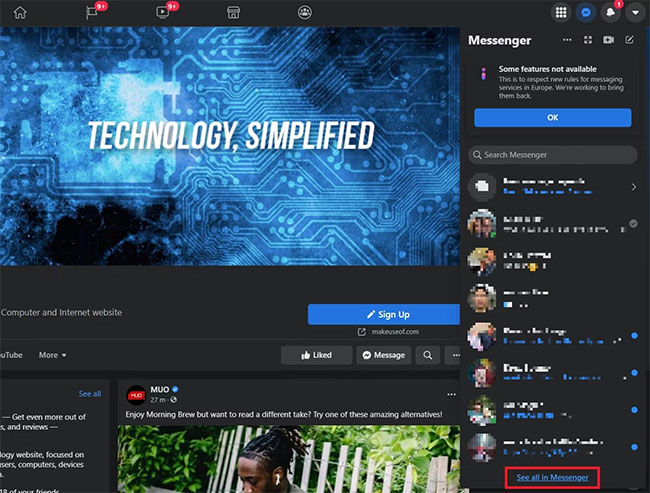
Old comments, likes, and group activity can also remain in some shared or public places. Their visibility depends on the content's audience and the accounts involved.
What to do next
- Wait and check again later if Facebook or Messenger may be experiencing an error.
- If the matter is ordinary social contact, respect the lack of access and do not try to bypass it.
- If you need information for work, safety, finances, or another legitimate reason, use an appropriate non-harassing channel or mutual organizational contact.
- If you are concerned about someone's immediate safety, contact an appropriate trusted person or emergency service rather than relying on Facebook status clues.
No method can prove a block with complete certainty from your account alone. The most reliable conclusion is that the profile or interaction is currently unavailable to you.
Related Articles
 Will You Be Blocked by Other Facebook Users?: Block Facebook4 minutes read
 Summary of Several Ways to Access Blocked Websites9 minutes read
 How to Know If Someone Blocked You on Facebook Messenger: Clear Instructions6 minutes read
 How to Change DNS to Access Facebook Is Not Blocked4 minutes read
 How to Handle When Unable to Access Facebook, Facebook Is5 minutes read
 How to Change DNS to Access Facebook Fast, Not Blocked2 minutes read
Reader Comments 0
Sign in with email or Google to join the discussion.