Table of Contents
YouTube Music is often the strongest choice for listeners who want more than official album releases. Its connection to YouTube makes live performances, covers, remixes, and music videos easier to find. Spotify and Apple Music may be better fits for people who prioritize device handoff, library organization, ecosystem integration, or a more conventional music-only experience.
The best service depends on what you listen to, the devices you use, and whether you already pay for a broader subscription. Catalog availability, features, and prices vary by country and can change, so compare the plans shown for your own account before subscribing.
A broader selection of versions and performances
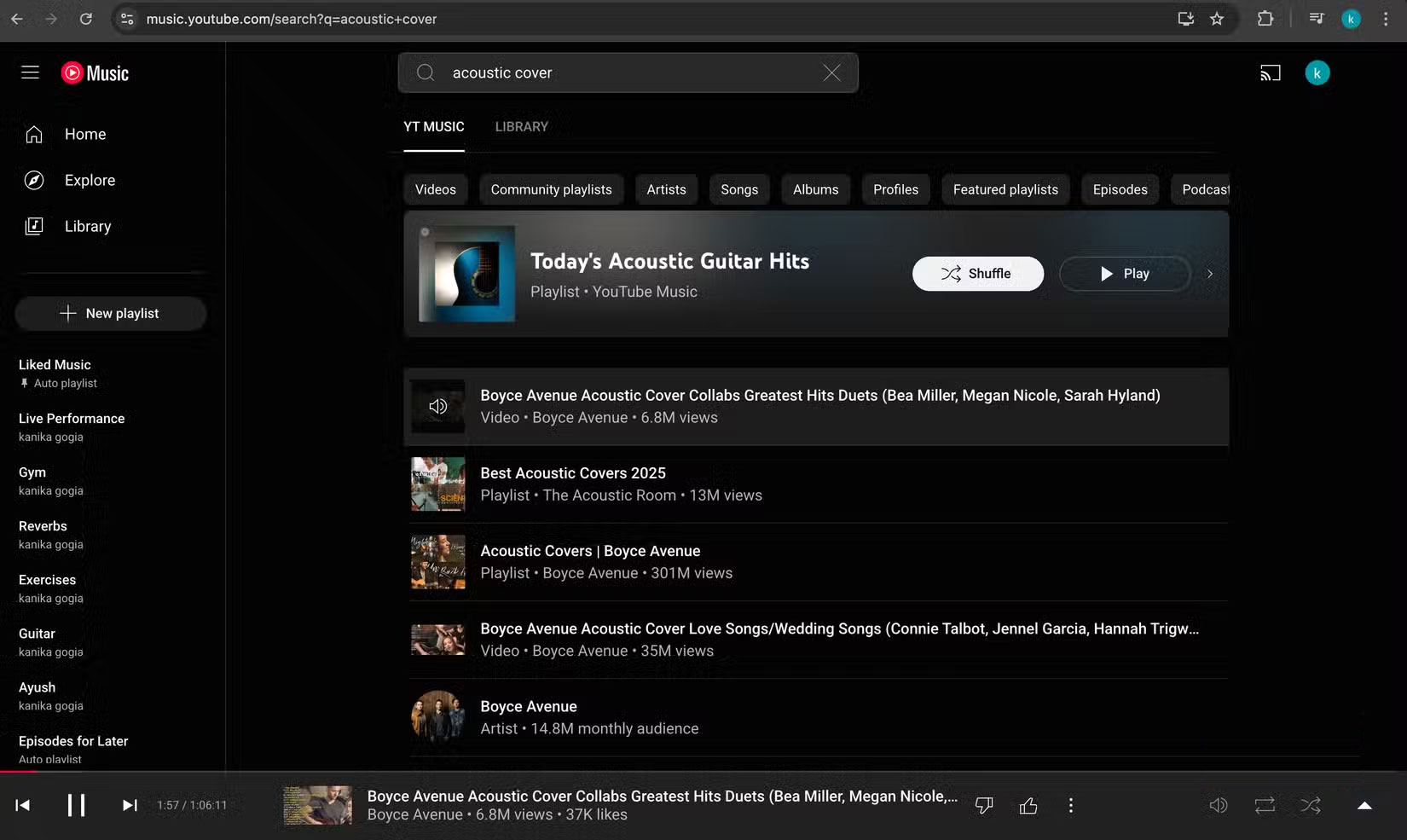
All three services carry large licensed catalogs, but YouTube Music can also surface eligible music-related uploads from YouTube. That makes it useful for finding:
- live performances that were never released as an album;
- covers, acoustic sessions, and alternate arrangements;
- older uploads, regional material, and some fan-made remixes;
- songs remembered from a specific YouTube video rather than an official release.
This breadth comes with a tradeoff: metadata and audio quality can be less consistent on user-uploaded material, and a video can disappear if the uploader removes it or rights change. Spotify and Apple Music generally present official releases more consistently.
YouTube Premium can change the value calculation
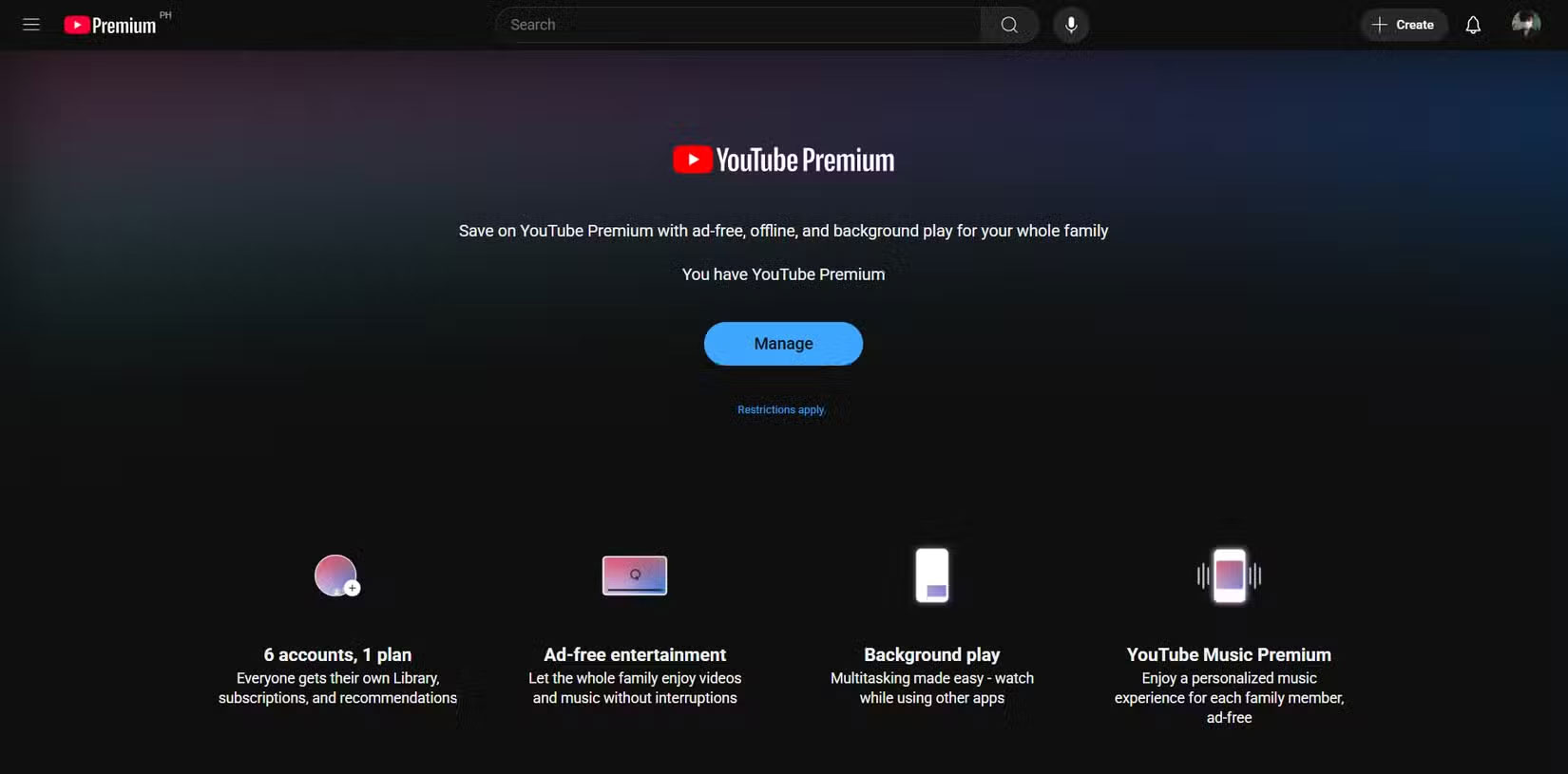
In markets where YouTube Premium includes YouTube Music Premium, one subscription can cover ad-free YouTube viewing, background playback, supported offline downloads, and the music service. That bundle may be attractive if you already spend substantial time watching YouTube.
Do not compare plans using an old fixed price. Individual, student, family, and regional pricing can change, and taxes or eligibility rules may differ. Compare the current total cost and confirm which benefits are included where you live. If you mainly listen to music, a competing music-only plan may still offer better value.
Quick switching between a song and its video
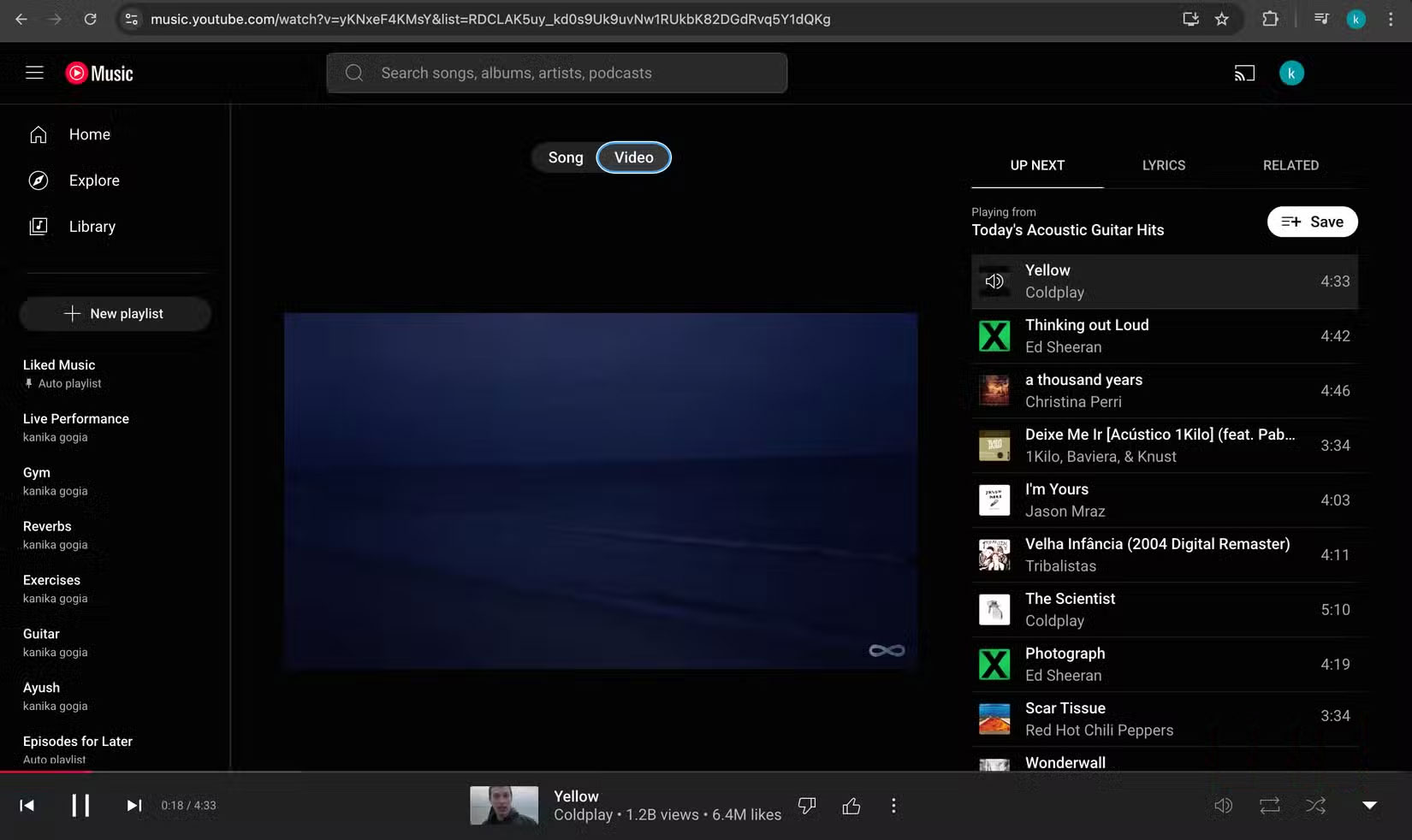
For supported tracks, YouTube Music can switch between the song and its music video from the player. This is especially convenient when you want to watch a performance and then return to audio without searching again.
Not every upload has a matched video, and the audio and video versions may differ in length, mix, or content. Spotify and Apple Music also offer video features in some regions and plans, but YouTube’s large video catalog remains a practical advantage for listeners who regularly move between the two formats.
Mood filters and recommendations informed by YouTube
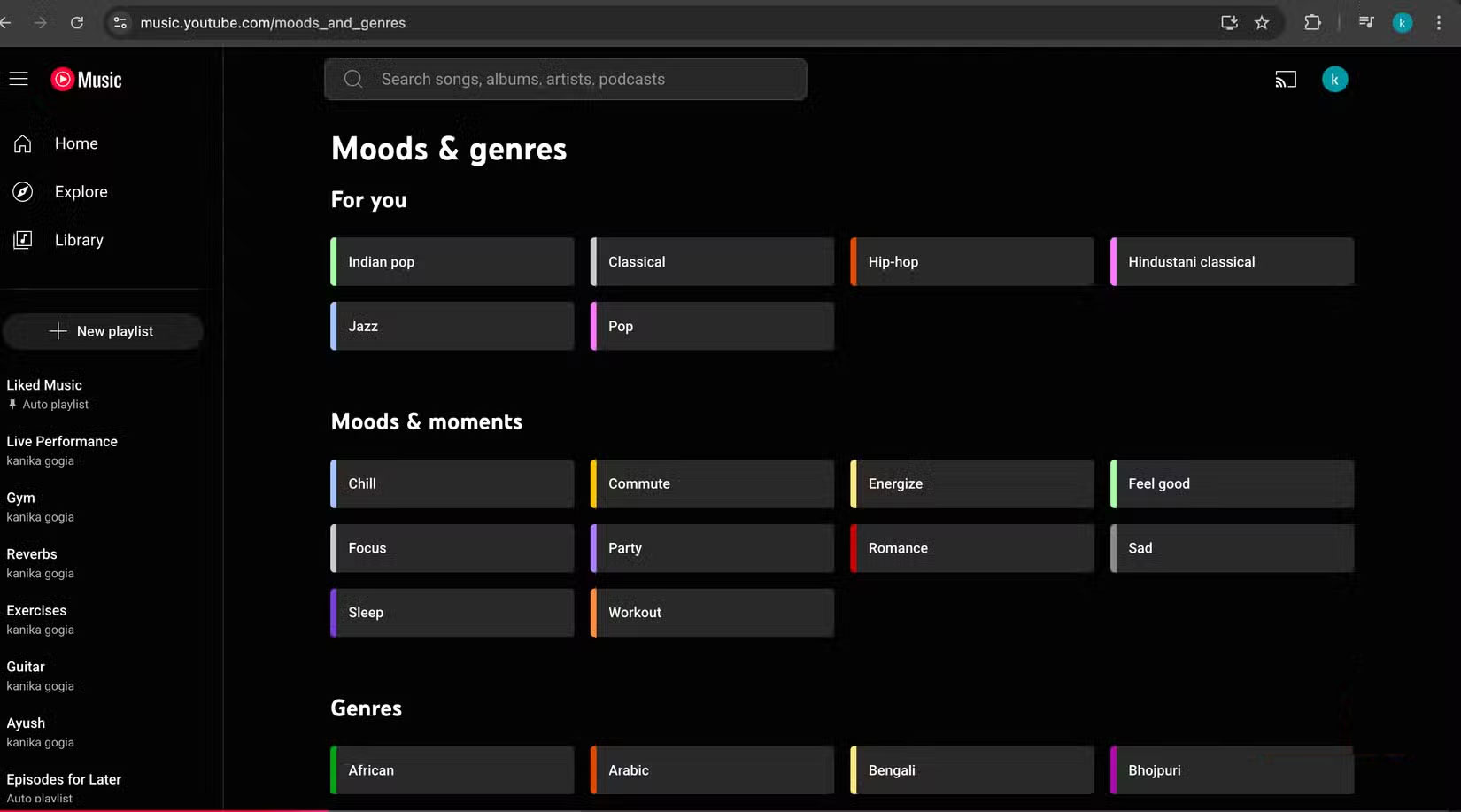
The Home screen commonly offers filters such as Focus, Relax, Commute, Workout, or Energize. Recommendations can draw on activity across YouTube and YouTube Music, which may help the service recognize songs, videos, and niche versions you have already shown an interest in.
That shared history is not automatically an advantage. Watching a few novelty videos can affect music suggestions, and recommendation quality is subjective. Use the like, dislike, “not interested,” and history controls to improve the results. If you want strict separation, review or pause the relevant YouTube history settings.
Comments can add context—but require judgment
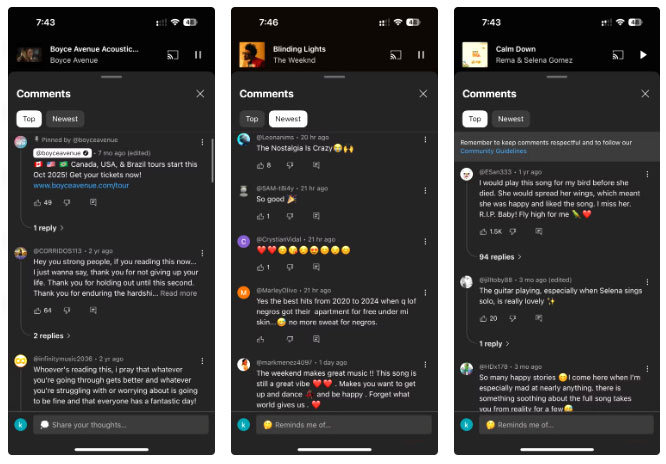
When comments are available, they can provide translations, performance details, memories, or links to related artists. That social layer is unusual in a music app and can make discovery feel more communal.
Comments are user-generated and are not a reliable source for factual claims. They can also contain spam, spoilers, or harassment, and many official tracks do not expose the same discussion experience. Treat useful context as a lead to verify, not as authoritative information.
Where Spotify or Apple Music may be better
- Spotify: may suit listeners who rely on Spotify Connect, social playlists, podcast integration, or its particular discovery tools.
- Apple Music: can be a natural fit for Apple-device libraries, lossless and spatial-audio options on supported content and hardware, and users who prefer its catalog presentation.
- Either competitor: may feel more predictable if you want official releases without a large layer of user-uploaded videos.
YouTube Music also has limitations: its library organization can feel inconsistent, uploads may be removed, some features vary by platform, and controlling playback across devices may not match the workflow you prefer elsewhere.
Who should choose YouTube Music?
Choose it first if rare performances and alternate versions matter to you, you frequently switch between songs and videos, or YouTube Premium already makes sense for your viewing habits. Choose Spotify or Apple Music if their device integration, interface, audio options, or sharing features better match your routine. A short trial using your real playlists is more useful than choosing on catalog size alone.
Related Articles
 5 Reasons Why It's Hard for Many People to Give up Spotify Despite Having6 minutes read
 How to Transfer Music Library from Spotify to Apple Music6 minutes read
 How to Play Playlist Spotify into YouTube Video and Vice Versa6 minutes read
 Which Is Better Spotify or YouTube Music: What to Know12 minutes read
 Is Spotify, Apple Music or YouTube Music the Top Music Service: Recommended16 minutes read
 Is YouTube Music 'Worth the Money': Main Insights10 minutes read
Reader Comments 0
Sign in with email or Google to join the discussion.