21 Data Recovery Tools: Current Choices and Legacy Options
Choose a suitable recovery tool, avoid overwriting deleted data, distinguish maintained products from legacy utilities, and follow a safer recovery workflow.
Fix Windows problems, troubleshoot devices, understand AI, secure your accounts and get more from your technology with tested step-by-step guides.

Choose a suitable recovery tool, avoid overwriting deleted data, distinguish maintained products from legacy utilities, and follow a safer recovery workflow.
Enable or disable System Restore through System Protection, Group Policy, the registry, or PowerShell, then verify that Windows can create a restore point.

Resolve Windows 11 or 10 partition-creation errors safely by checking storage, rebuilding the installer, matching UEFI with GPT, and using DiskPart only as a last resort.

Understand Hiren's BootCD PE, verify the current ISO, create a Rufus bootable USB, and use the Windows recovery environment without risking the wrong disk.
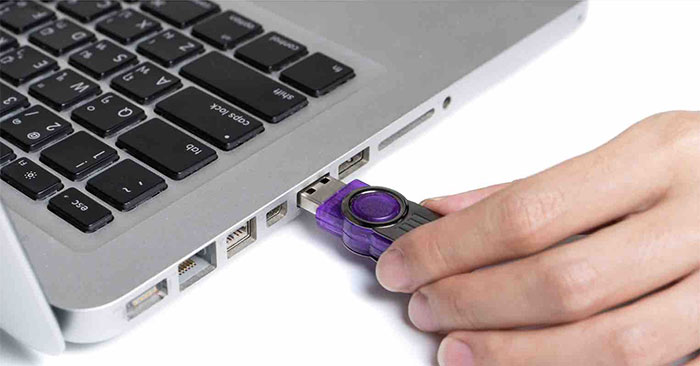
Download and verify Hiren's BootCD PE, write it to USB with the project's current Rufus settings, test UEFI booting, and avoid the obsolete Hiren 15.2 method.

Set and cancel a Windows shutdown countdown, create a reusable shortcut, or schedule recurring shutdowns with Task Scheduler—without extra software.

Learn how to change the date and time format on Windows, change the slash to a dot with practical instructions, useful tips, and troubleshooting guidance…
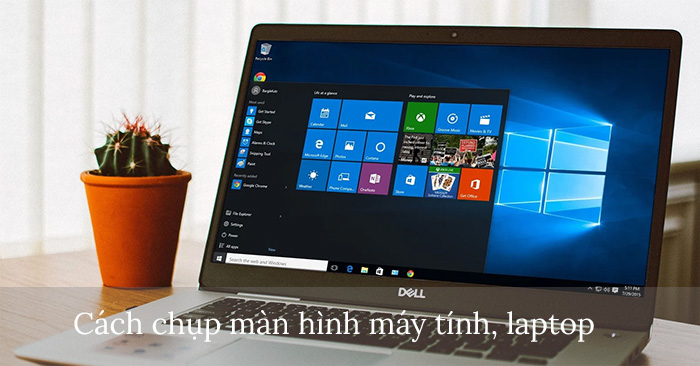
Use Windows keyboard shortcuts, Snipping Tool, Xbox Game Bar, or a dedicated capture app to take, save, and edit screenshots.
Review five nonessential Windows apps, when each one is still useful, and how to remove or reinstall it without affecting core system functions.

Show hidden files, protected system files, and filename extensions in Windows 11, 10, 8, or 7 using File Explorer and Folder Options.

Install the Vietnamese language pack in Windows 10, set it as the display language, switch keyboards, and troubleshoot missing language options.
Pause Windows updates, set active hours, schedule restarts, and limit downloads without disabling the security services that protect your PC.
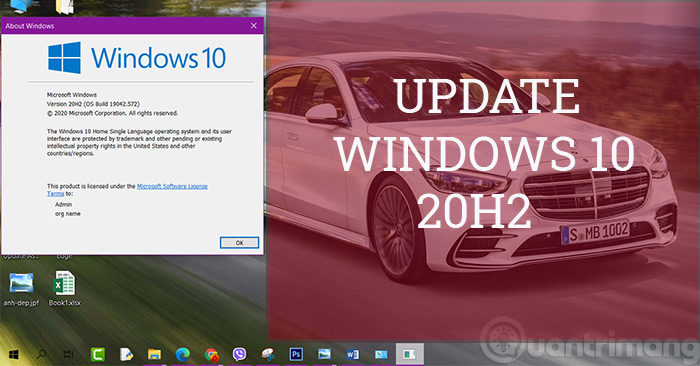
Check your Windows 10 version, install 22H2 through Windows Update or official installation media, and understand what end of support means.

Enable the built-in Windows Administrator account for recovery, set a password safely, sign in, and disable the account again when finished.

Set UniKey to Unicode and VNI, use number keys for Vietnamese tones and letters, and choose legacy VNI fonts only when an old document requires them.

Add lesson sources to NotebookLM, generate and customize a Video Overview, review it for accuracy, and download or share the finished study aid.

Mute one Facebook group or manage notifications for several groups on iPhone, Android, or desktop without leaving the groups.
Open Facebook's group-membership list, filter your groups, and leave unwanted groups one by one on mobile or desktop.
Block a Facebook profile from its page, your friends list, or Settings, and understand what blocking changes across Facebook and Messenger.
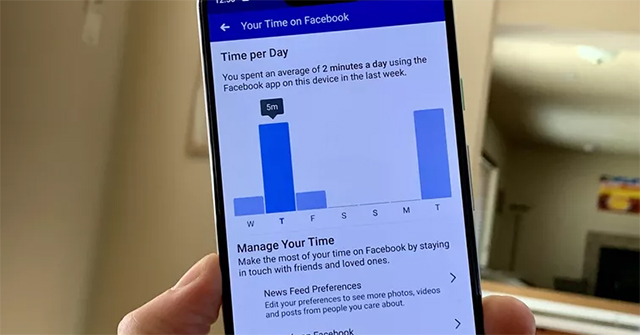
View time spent on Facebook, set a daily reminder, schedule Quiet Mode, and use phone-level app limits when you need a stricter boundary.