Table of Contents
Facebook Messenger does not provide a built-in leaderboard showing who messages you most. The safest way to calculate it is to export your own Messages data through Meta Accounts Center and analyze the downloaded files locally. Avoid extensions or mobile apps that request Facebook login details or permission to read every conversation.
Why third-party message-statistics tools are risky
A message-counting extension needs extensive access to Facebook pages, session data, or downloaded conversations. That access can expose private text, photos, files, contact names, group membership, and authentication data. A tool can also stop working when Facebook changes its interface.
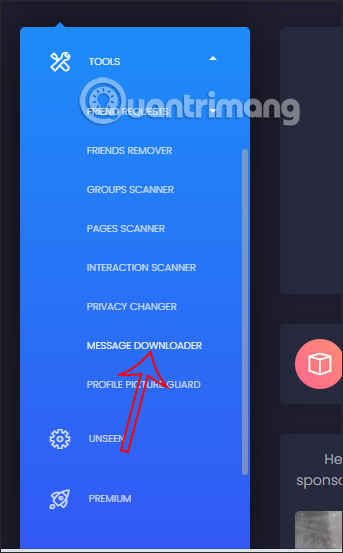
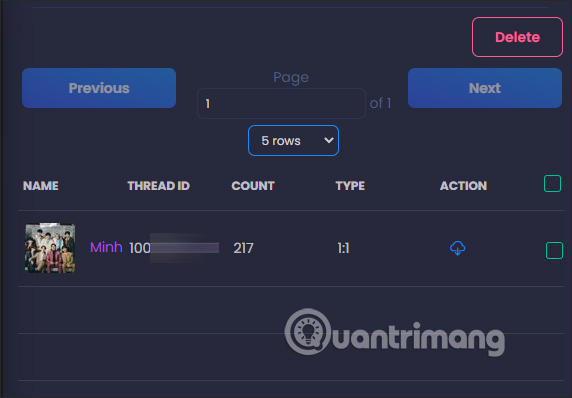
Older guides recommended tools such as Multiple Tools for Facebook. Screens like the following show a legacy message downloader and count view, but they are not evidence that the current extension is safe, supported, or accurate.
Other legacy instructions used the J2TeaM Security extension and asked users to grant Chrome access while signed in to Facebook.
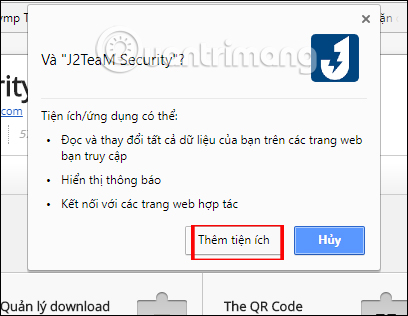
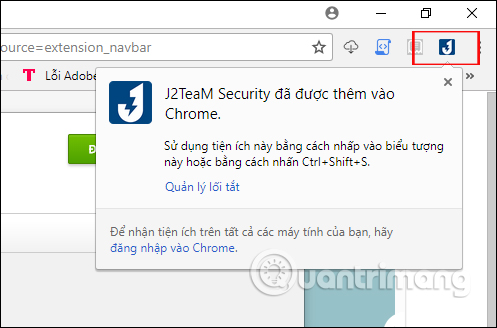
The tool then opened a message-statistics command and produced a ranking.
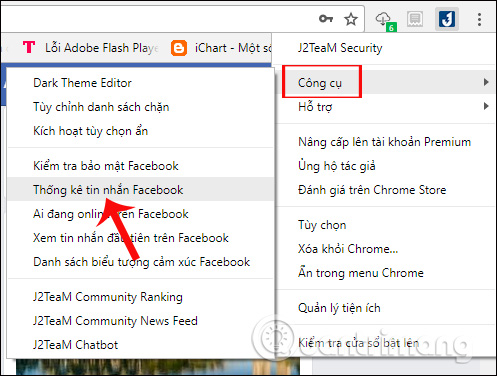
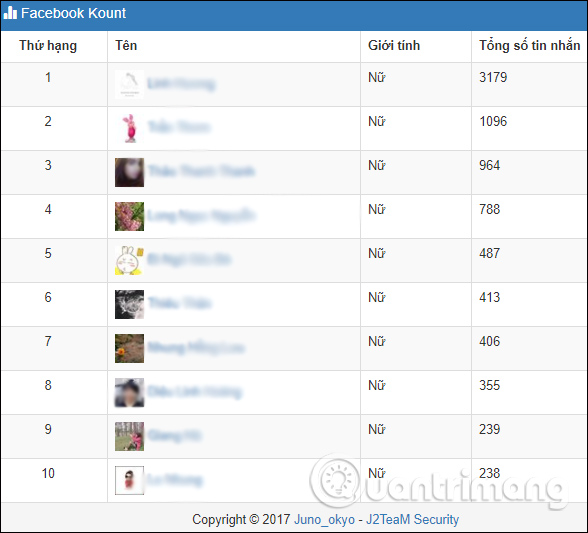
Do not assume an old screenshot, store listing, star rating, or familiar name proves current trustworthiness. Check the present developer, extension ID, update history, privacy disclosure, requested permissions, and independent security reputation.
Do not enter Facebook credentials into a statistics app
Some Android apps have asked users to sign in and generate a “top chat” image. The screens below document that old workflow; they are not a recommendation.
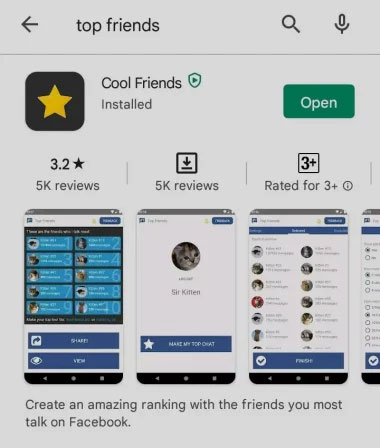
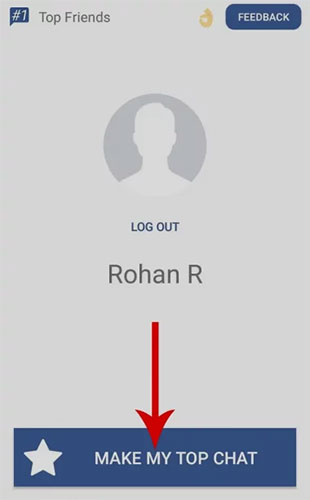
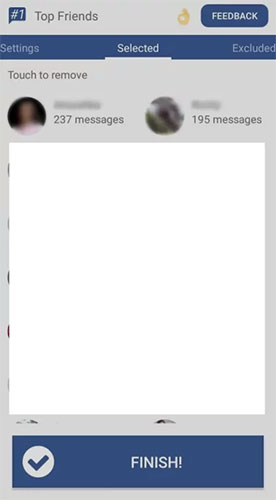
Never type a Facebook password or verification code into an unrelated app. If you already did, change the password from Facebook, review active sessions and connected apps, enable two-factor authentication, and remove the suspicious app or extension.
Export Messenger data from Accounts Center
- Open Facebook or Messenger Settings.
- Select See more in Accounts Center.
- Open Your information and permissions.
- Select Export your information or Download your information.
- Choose Export to device and select the Facebook profile.
- Choose specific information and select Messages.
- Select the date range, media quality, and JSON format for analysis.
- Create the export and wait for Meta to notify you that it is ready.
- Download the archive only from Accounts Center and store it securely.
Meta can change labels and file structure. Its current information-export help page is the authoritative reference.
Count conversations locally
Extract the downloaded ZIP file on a trusted computer. The Messages section normally contains a folder for each conversation and one or more JSON files with message records. Folder and field names can vary by export version.
For a basic ranking:
- For each conversation folder, total the number of message objects across all of its JSON files.
- Keep the conversation title and participant list with the total.
- Sort the totals from largest to smallest.
- Separate one-to-one chats from group conversations before comparing them.
To distinguish messages sent by you from messages sent by other participants, tally the sender field inside each message record. Use your exact exported sender name consistently, and remember that name changes can split counts.
What the numbers do and do not mean
- A high count can reflect a long relationship, a busy group, automated notices, or many short replies.
- Deleted, unsent, expired, unavailable, or excluded messages may not appear.
- A limited date range cannot represent lifetime activity.
- Media-only events, reactions, calls, and system actions can be represented differently from text messages.
- The most messages do not necessarily identify the closest or most important relationship.
Protect the export
A Facebook archive can contain highly sensitive information about you and other people. Keep it on an encrypted device, do not upload it to a public converter or unknown AI service, and delete working copies when the analysis is complete. Share only aggregate results that do not reveal private conversation content or expose another person's data without permission.
Related Articles
 How to See Who Uses the Most Messaging on Facebook4 minutes read
 How to Review the Message on Facebook Without Dragging the Mouse5 minutes read
 Quickly Delete Facebook Messages with Just a Click2 minutes read
 How to Know If Someone Has Read Your Message on Facebook Message?3 minutes read
 How to Statistics Messages on Facebook: Step-by-Step Guide3 minutes read
 How to Delete All Messages on Facebook Messenger with Just One Click4 minutes read
Reader Comments 0
Sign in with email or Google to join the discussion.