Quickly Fix the 'Your Connection Is Not Private' Error on Chrome Browser
What causes the 'Your connection is not private' error on Chrome browser?. Read the key facts, context, and practical takeaways.
Fix Windows problems, troubleshoot devices, understand AI, secure your accounts and get more from your technology with tested step-by-step guides.
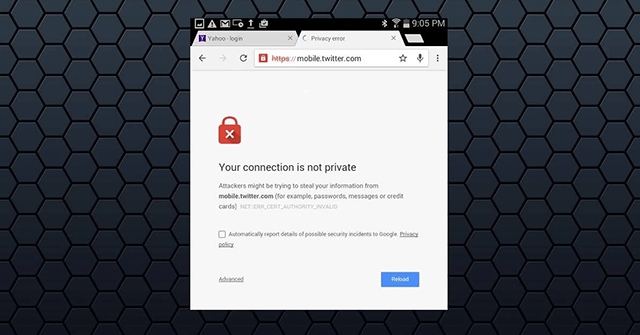
What causes the 'Your connection is not private' error on Chrome browser?. Read the key facts, context, and practical takeaways.

Do you feel your photo is pretty ordinary? Try transforming it into pixel art; it'll be much more interesting.

Change editable Canva element colors with the color panel, use exact HEX values, and recolor non-editable images with the Duotone filter.
Remove unwanted text from your own image with Photoshop's Remove tool or Content-Aware Fill, then repair difficult backgrounds without obvious blur or repeated texture.
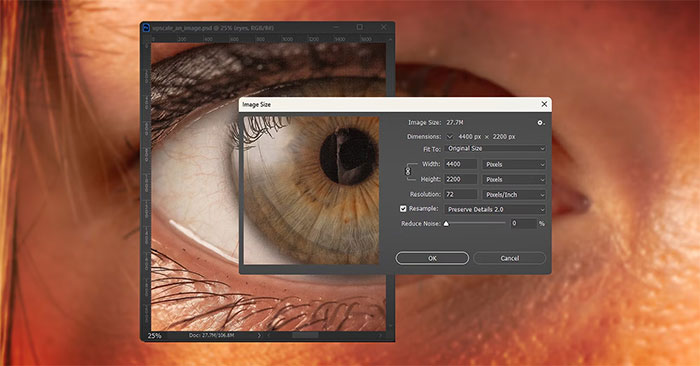
It's quite easy to zoom in on images without losing quality, and there are many tools that can help you do this – many of them AI-powered.
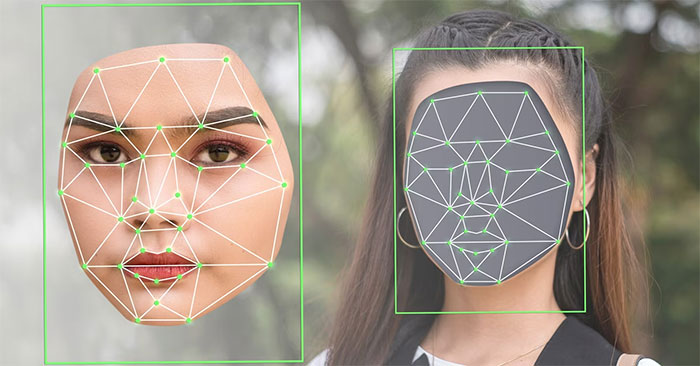
Face swapping is one of many ways to have fun with photos. Online tools and websites allow you to perform face swap edits without needing any advanced photo…
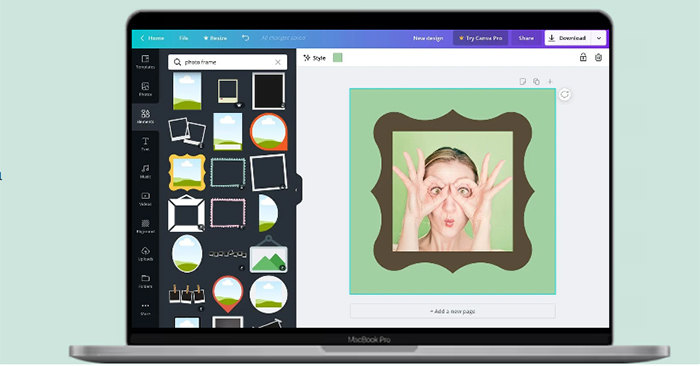
Learn how to find a Canva frame, place a photo inside it, reposition and edit the image, and download the finished design.
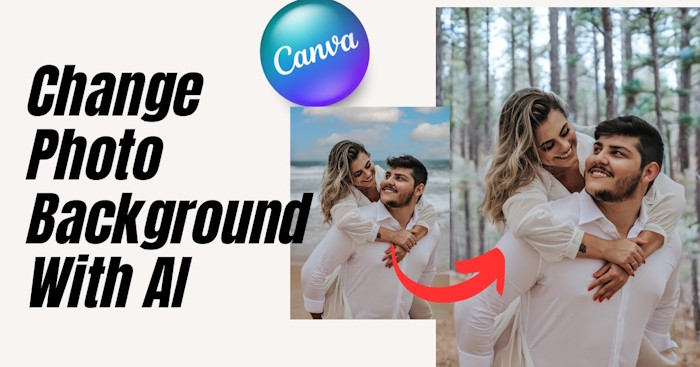
Use Canva's AI background tool to replace a photo backdrop from a text description, compare generated options, and continue editing the selected result.
Upload a palette image to Canva, use its colors across a page, and review the result so text, graphics, and backgrounds remain clear and consistent.
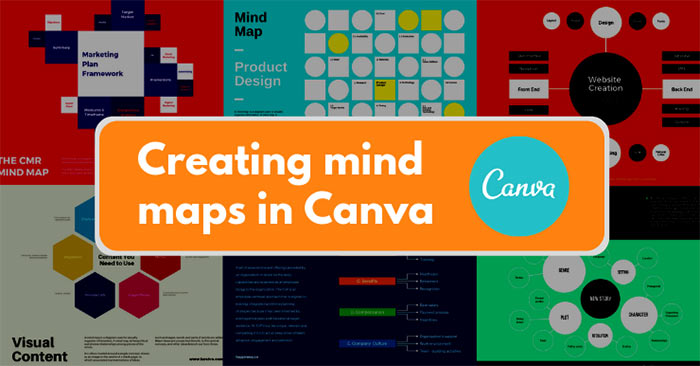
Build a Canva mind map from a template, use Magic Write to draft concise branch content, customize the layout, and export the finished diagram.
Run an i-Speed test, choose a measurement point, understand download, upload, ping, and jitter, and compare results under consistent conditions.

Reduce the risk from an unfamiliar download by checking its extension, scanning it, verifying its signature or hash, and treating security warnings seriously.
Understand torrent files, magnet links, peers, seeds, trackers, and the legal and security checks to make before joining a BitTorrent swarm.
Choose a trustworthy APK source, match the correct app and device variant, keep Play Protect enabled, and verify permissions and signatures before installing.

Choose the correct product variant, review seller and shipping details, pay with an available method, and track a Taobao order without missing extra costs.

Find a limited-time Shopee journey recap, review account milestones, control what you share, and check campaign terms before claiming any reward.

Check the current Steam price, understand what the original Mafia includes, review compatibility notes, and install the classic game through your library.
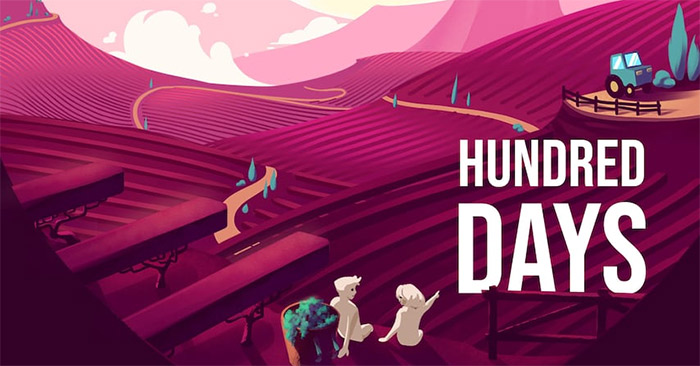
See what Hundred Days: Winemaking Simulator covers, check its current Epic or Steam listing, review PC requirements, and install it through your game library.
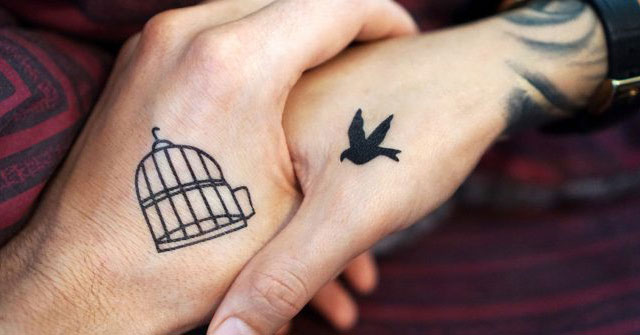
Compare tattoo inspiration galleries, virtual try-on apps, AI concept tools, artist directories, custom design services, and temporary previews.
Check whether a Game Pass promotion is still valid, redeem an eligible code through Microsoft, and review recurring billing before a trial converts to paid service.