Table of Contents
TikTok does not send a notification when another user blocks you and does not show a list of people who blocked you. A missing account, old message, or failed search is only a clue. The user may have changed the username, deleted or deactivated the account, been suspended, or changed privacy settings.
1. Search the exact TikTok username
Open TikTok Search and enter the complete username, including spelling, punctuation, and numbers. Check the Users or Accounts results rather than only the Top tab.
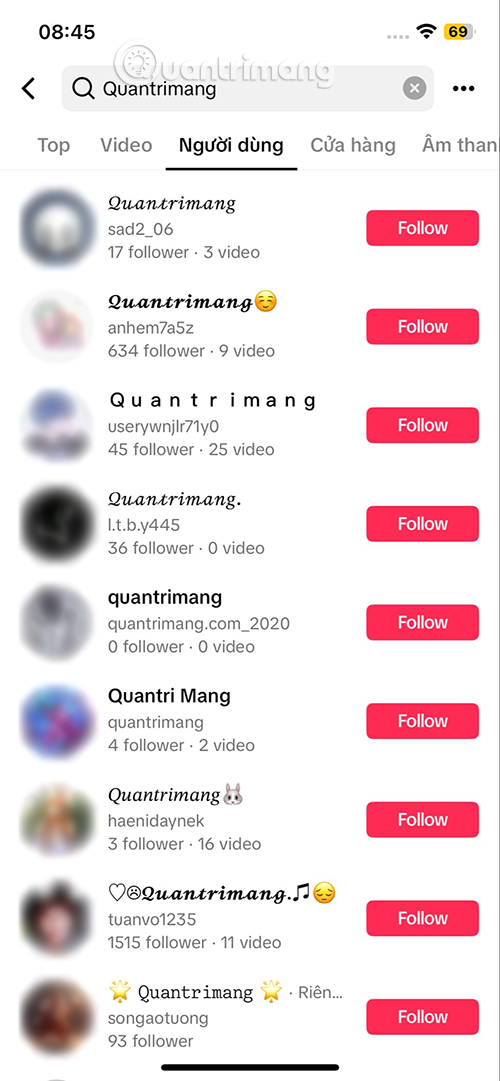
If the profile is visible but you no longer follow each other, the account may simply have removed you or changed its privacy. If the profile is not found, blocking is possible, but the search alone cannot prove it.
2. Review old interactions for a changed username
A person who changes a TikTok username may disappear from search under the old name. Open Profile > Menu > Settings and privacy > Activity center, then review available search history, watch history, comments, mentions, or other interactions.
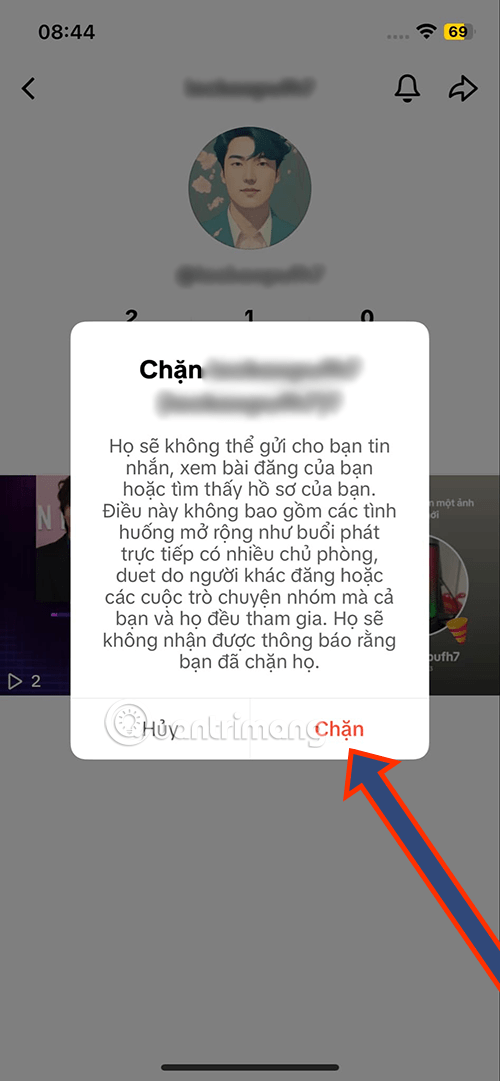
Menu names and retained history vary by app version and account. An old comment or mention can reveal the current username only if the interaction remains visible to you.
3. Check your Following and Followers lists
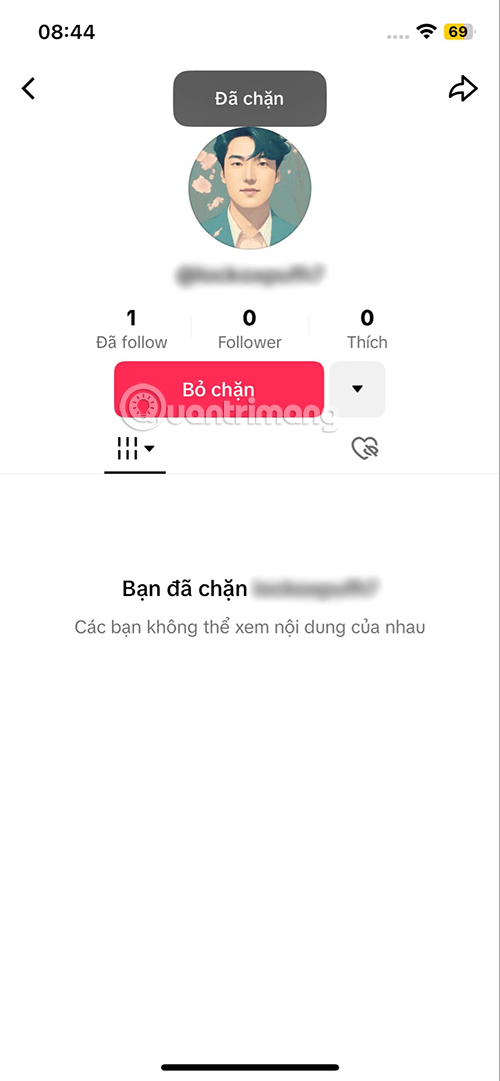
Search the lists on your profile. A blocked account normally disappears from mutual follow relationships. The same can happen when the account is deleted, suspended, or the person removes you, so combine this result with the other checks.
4. Review an existing TikTok conversation
If you previously exchanged direct messages, open Inbox and locate the conversation.
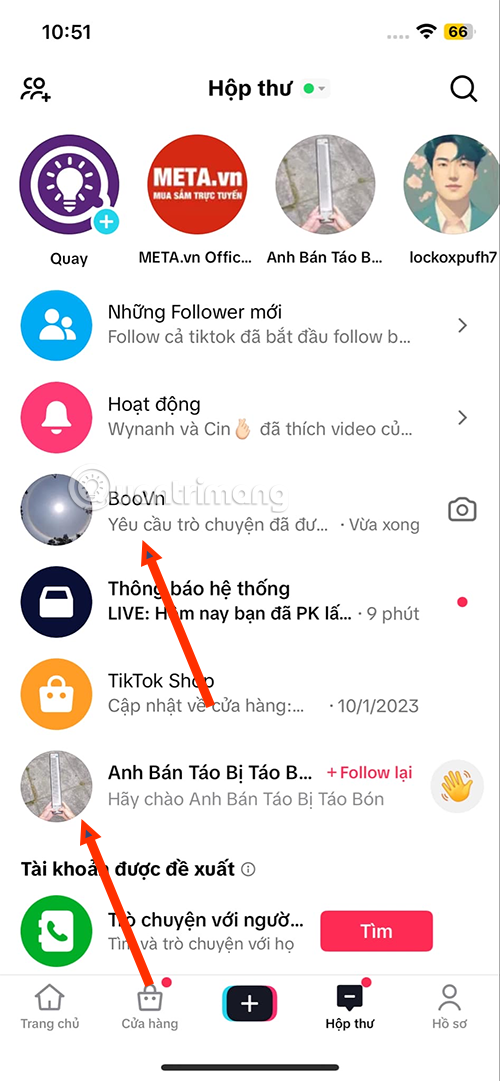
TikTok may show an unavailable account, remove the profile image, prevent new messages, or display an “Account not found” notice.
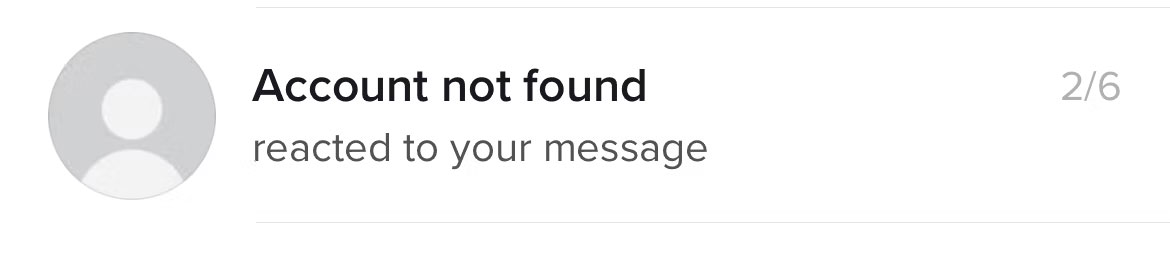
Past messages may remain or change depending on blocking, deletion, moderation, and TikTok's current interface. Their presence or absence is not a dependable way to distinguish every case.
How to interpret the signs
| What you see | Possible explanations |
|---|---|
| Profile is visible, but Follow status changed | Unfollowed, removed follower, private account, or relationship change |
| Username not found anywhere | Blocked, renamed, deleted, deactivated, suspended, or search error |
| Old conversation remains but new messages fail | Blocked, direct messages disabled, privacy restriction, or account problem |
| Old username leads to a different account | The original username may have changed or been reused |
Do not bypass a possible block
A different account or logged-out view might distinguish a block from deletion, but using it to monitor or contact someone who chose to block you crosses the boundary they set. Do not create alternate accounts, ask others to relay repeated messages, or use third-party “who blocked me” apps.
Such apps cannot access a secret TikTok blocked-you list. They may instead request login credentials, scrape visible data, or compromise the account.
If you need to confirm an important non-social matter
For a legitimate issue involving work, a transaction, safety, or shared responsibilities, use an appropriate existing channel and send at most the necessary factual message. If no safe channel exists, accept that the TikTok account is currently unavailable to you.
No on-platform check provides absolute proof. The most accurate conclusion from the signs is that the account or interaction may no longer be accessible from your profile.
Related Articles
 How to Know If Someone Has Blocked You on TikTok?: Step-by-Step5 minutes read
 7 Top TikTok Alternatives to Create and Share Videos: Top Picks and Buying Guide7 minutes read
 What Is Zefoy TikTok? How to Use It3 minutes read
 What Is Tiktok and How Does It Work?9 minutes read
 Tips for Using Tiktok for Beginners8 minutes read
 How to Enable Tiktok 'Detox'4 minutes read
Reader Comments 0
Sign in with email or Google to join the discussion.