Table of Contents
Explore meaning of the symbols on a usb-c port, including the key concepts, practical examples, important considerations, and useful guidance.
A port might look like USB-C, but a symbol can change everything. These symbols are really important, and they're trying to tell you something crucial about what the device can handle. Not every manufacturer uses them consistently, but deciphering them is important nonetheless.
It started with the trident logo
That's the logo you'll see everywhere!
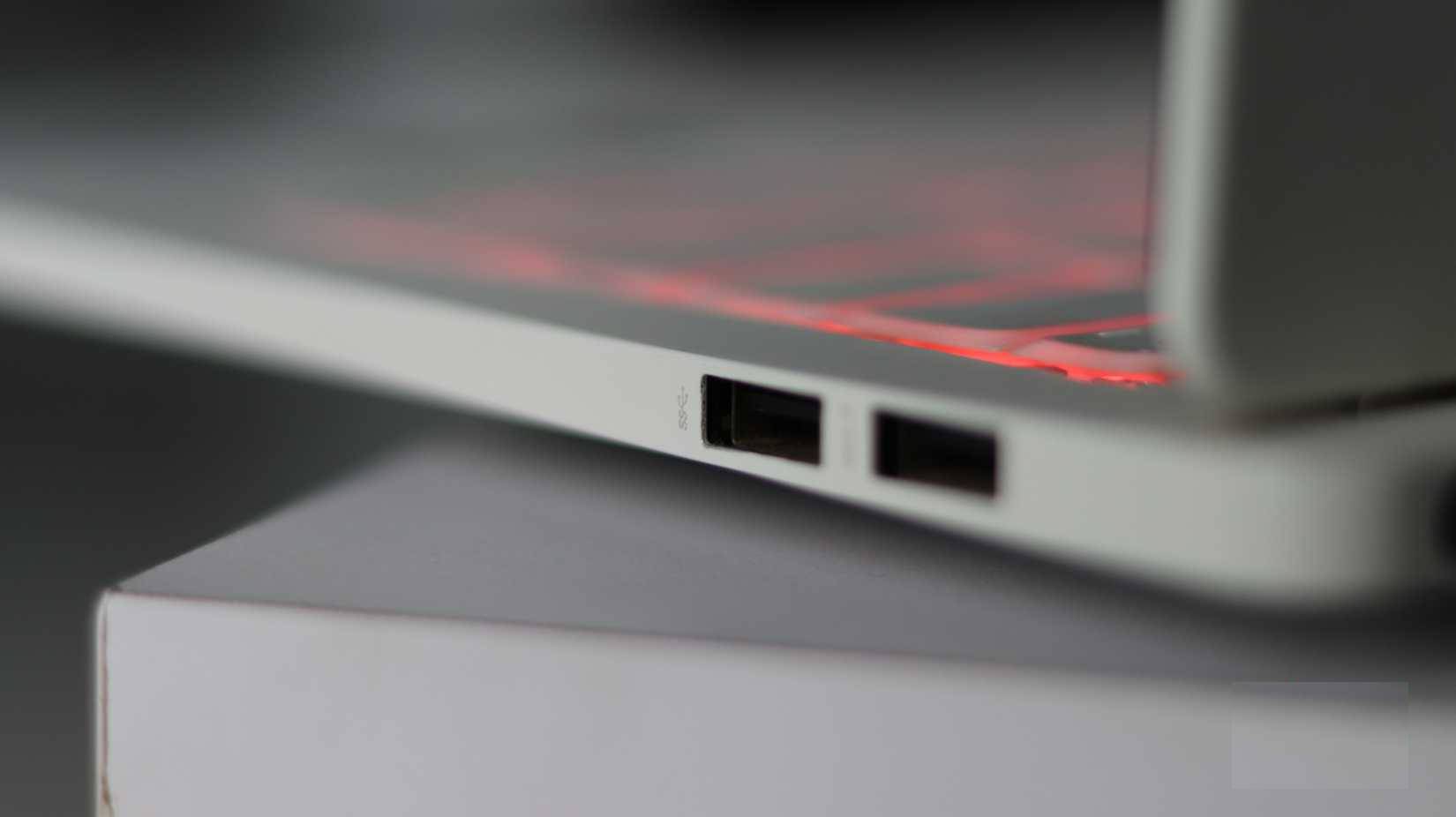
The trident logo has been around since the early days of the USB standard. The three prongs at the end represent circles, triangles, and squares, supposedly signifying the various devices you can connect via USB. On modern ports and cables, you'll see this trident symbol, but it's often accompanied by additional symbols indicating the type of USB you're using.
A typical USB-A or USB-C port with a trident symbol only indicates that it supports basic USB connectivity, but hardly tells you any other information. That's why you see dozens of other USB-C symbols on modern ports.
USB-C speed icons
Not all ports are capable of achieving those ultra-fast transfer speeds
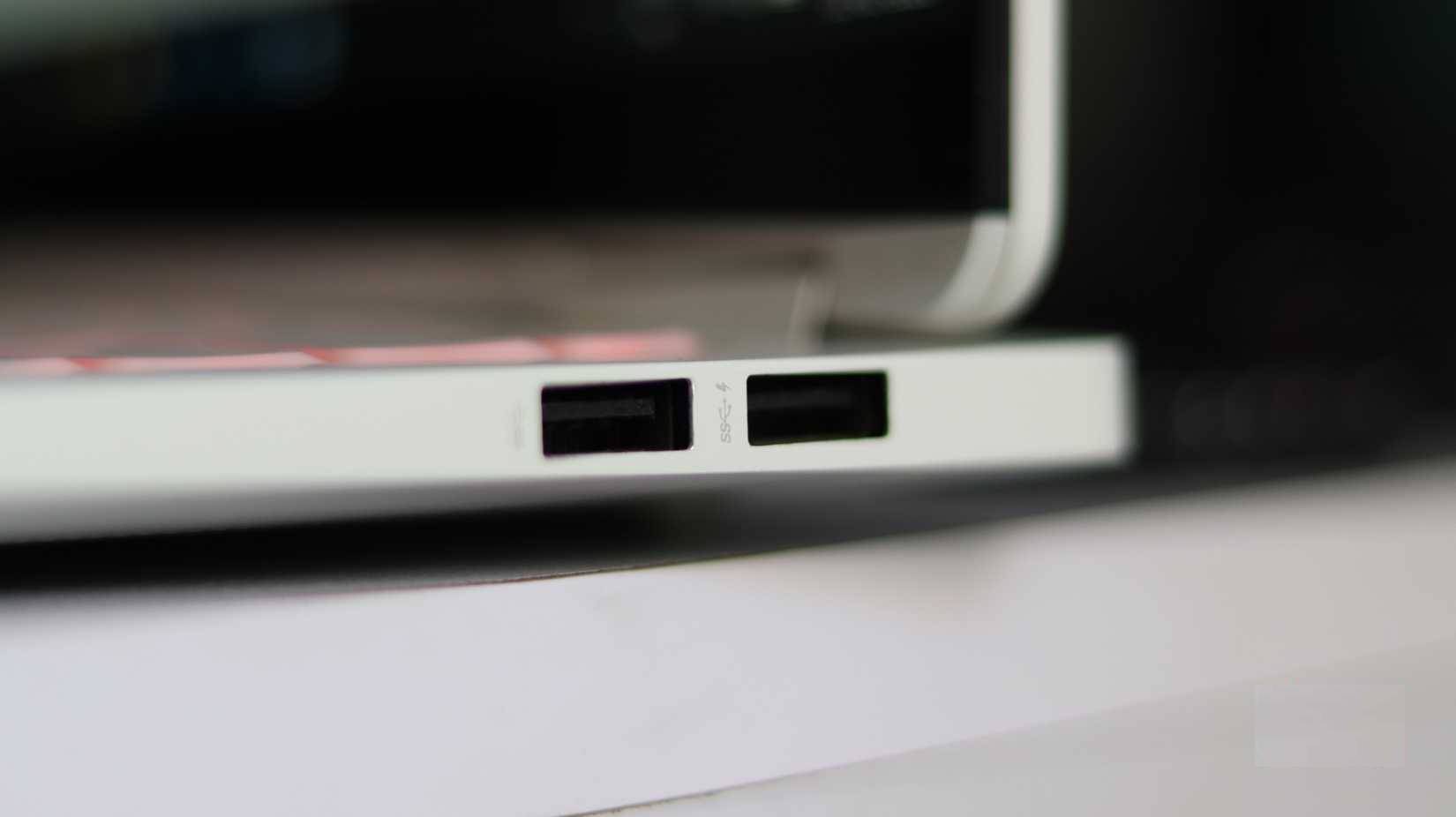
Your data transfer speed is measured in gigabits per second (Gbps) and is crucial if you're transferring large files via a USB-C port. Generally, you'll see the following two icons:
- SS (SuperSpeed) : Indicates that the USB port is USB 3.0 or USB 3.1 Gen 1, providing speeds up to 5 Gbps. You will see the SS symbol next to the number 5 on such ports.
- SS+ (SuperSpeed+) : Indicates that USB 3.2 Gen 2 doubles the data transfer speed to 10 Gbps. You'll recognize this as SS+ with the number 10 next to it.
You also often see these symbols next to regular USB-A ports to indicate data transfer speeds. Although the SS+ symbol is usually reserved for USB-C ports.
The Thunderbolt icon you should look for
What the lightning bolt symbol on a USB-C port ensures
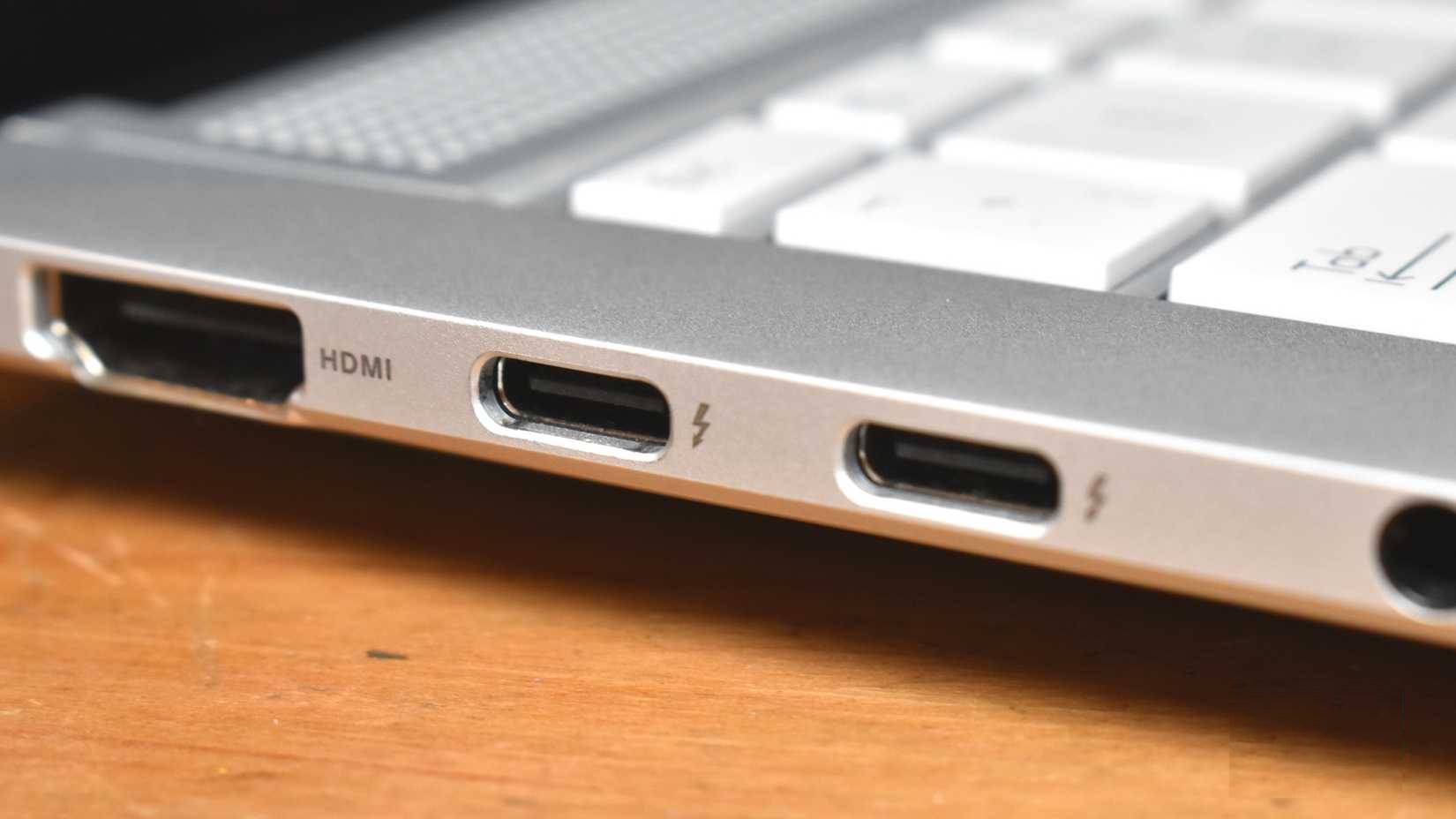
Thunderbolt 3 and Thunderbolt 4 are Intel's proprietary standards within the USB-C ecosystem. They are identified by a lightning bolt icon with an arrow at the bottom. Both support 40 Gbps data transfer speeds, but Thunderbolt 4 is more rigorous in enforcing real-world performance standards. So, if a device has a USB-C port with a lightning bolt icon, you have a powerful device.
Thunderbolt symbols are also often confused with USB4 symbols. These ports usually have clear labels or specific symbols, but not all manufacturers use these labels, making port identification somewhat difficult. It's best to consult your laptop or motherboard manual for the exact specifications of the ports.
Why do some USB-C ports charge quickly, while others charge very slowly?
The true meaning of power supply symbols
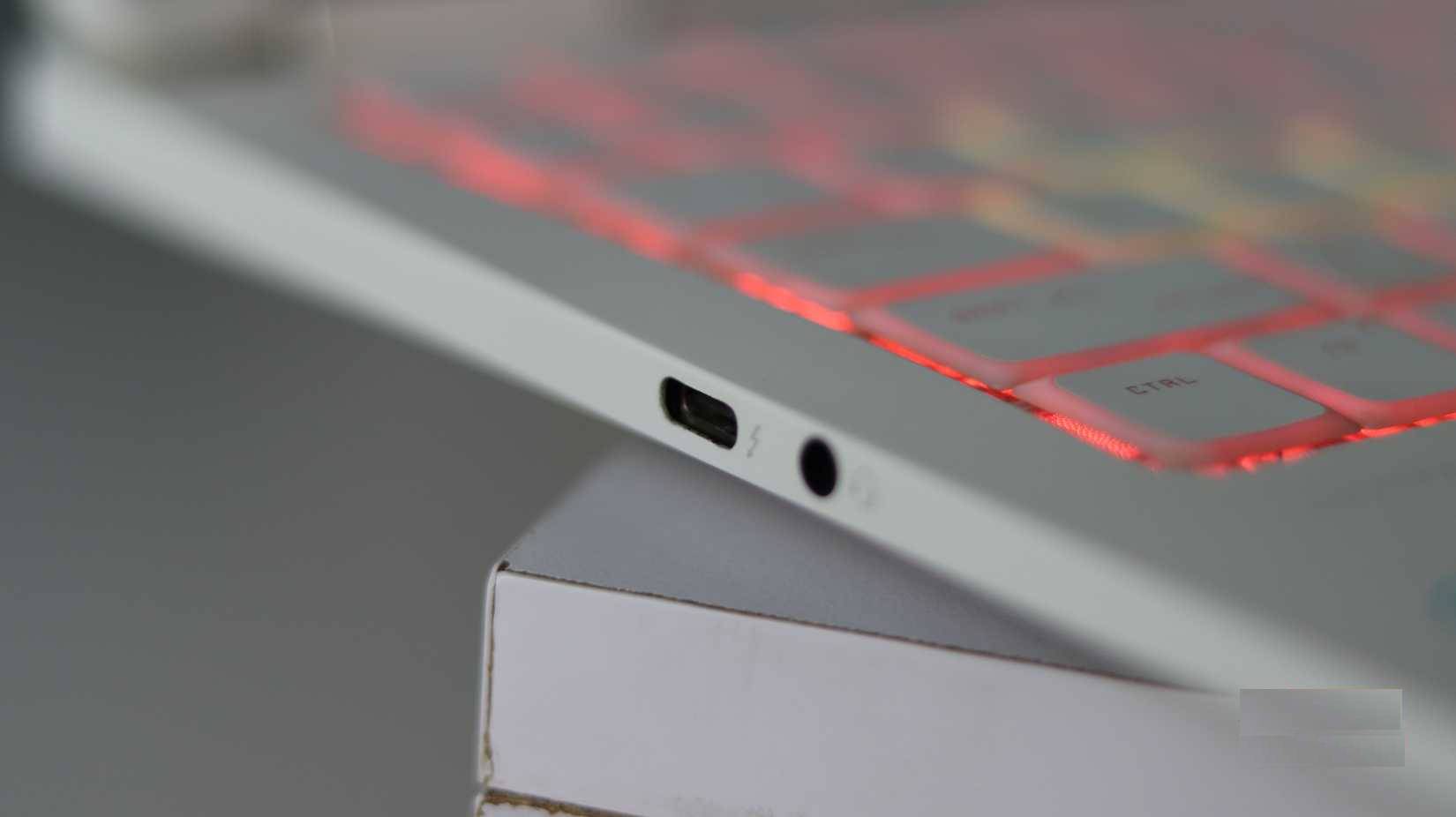
Data transfer via USB-C is just one aspect of what this port can do. But USB-C also delivers power, and considering how many modern laptops and other devices charge via USB-C, knowing which power standard your USB-C port supports is crucial. This is one of the most common USB-C errors that slows down charging.
Modern USB-C cables are labeled with either a 60W or 240W logo. These symbols appear on the cable itself (usually embossed or printed on the connector) and on the packaging. A 60W cable can charge most phones, tablets, and small laptops. A 240W cable will provide the maximum power that USB-C currently supports.
But just because your cable supports 240W doesn't mean your charger will deliver that much power, nor does it mean your device will accept that power. The actual power delivered is established between your device and the power source using a protocol called USB Power Delivery (USB PD). Your device will only use the maximum power it's capable of.
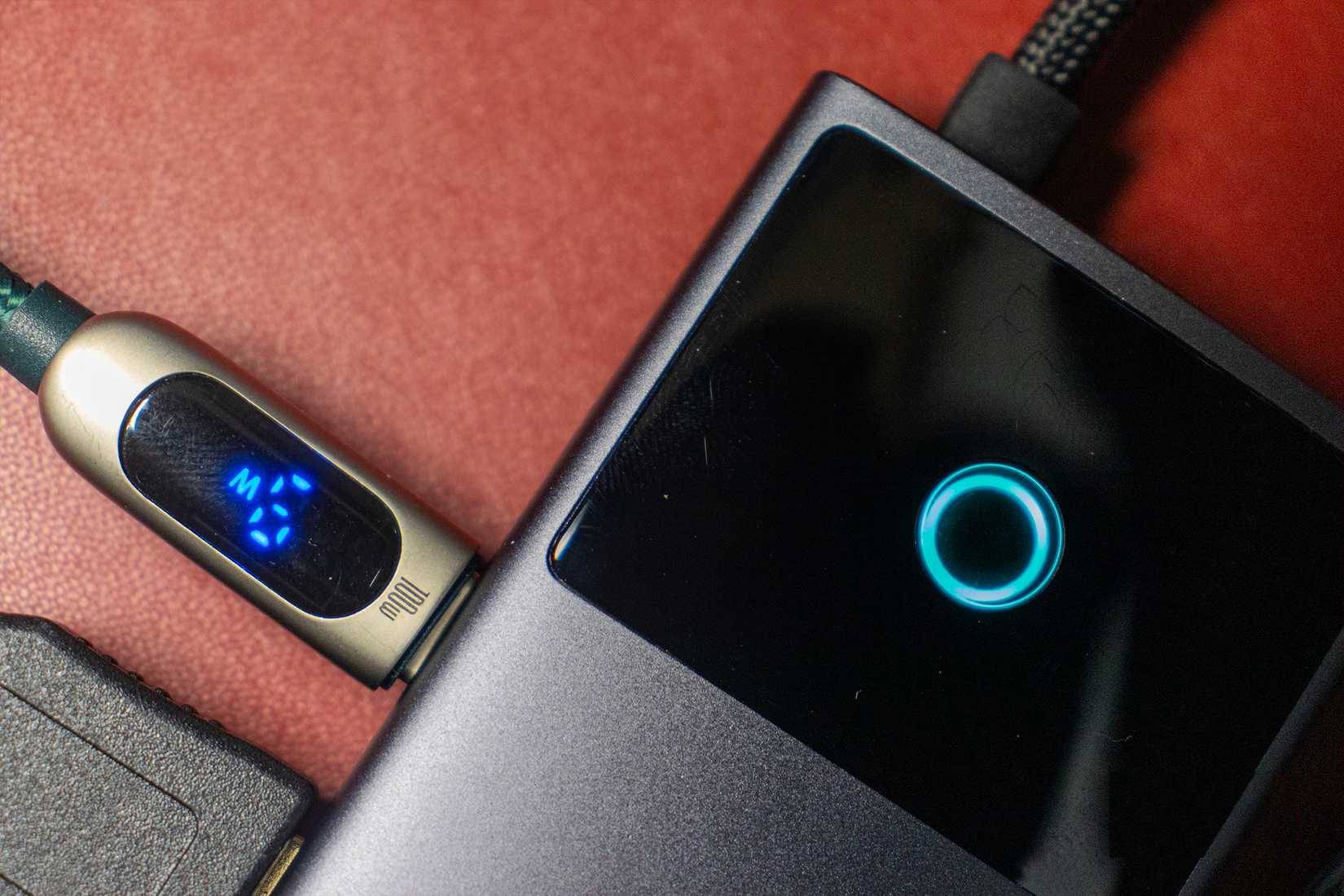
Power ratings sometimes include data transfer speeds. So you might see labels that say 20Gbps/60W or 40Gbps/240W. Again, manufacturers are often inconsistent with these ratings, so check the user manual. For example, a laptop might have two USB-C ports, and both support USB PD. However, only one of them might charge the laptop at its maximum 140 watts.
Display over USB-C
Your USB-C port can do more than just transfer data and charge your battery
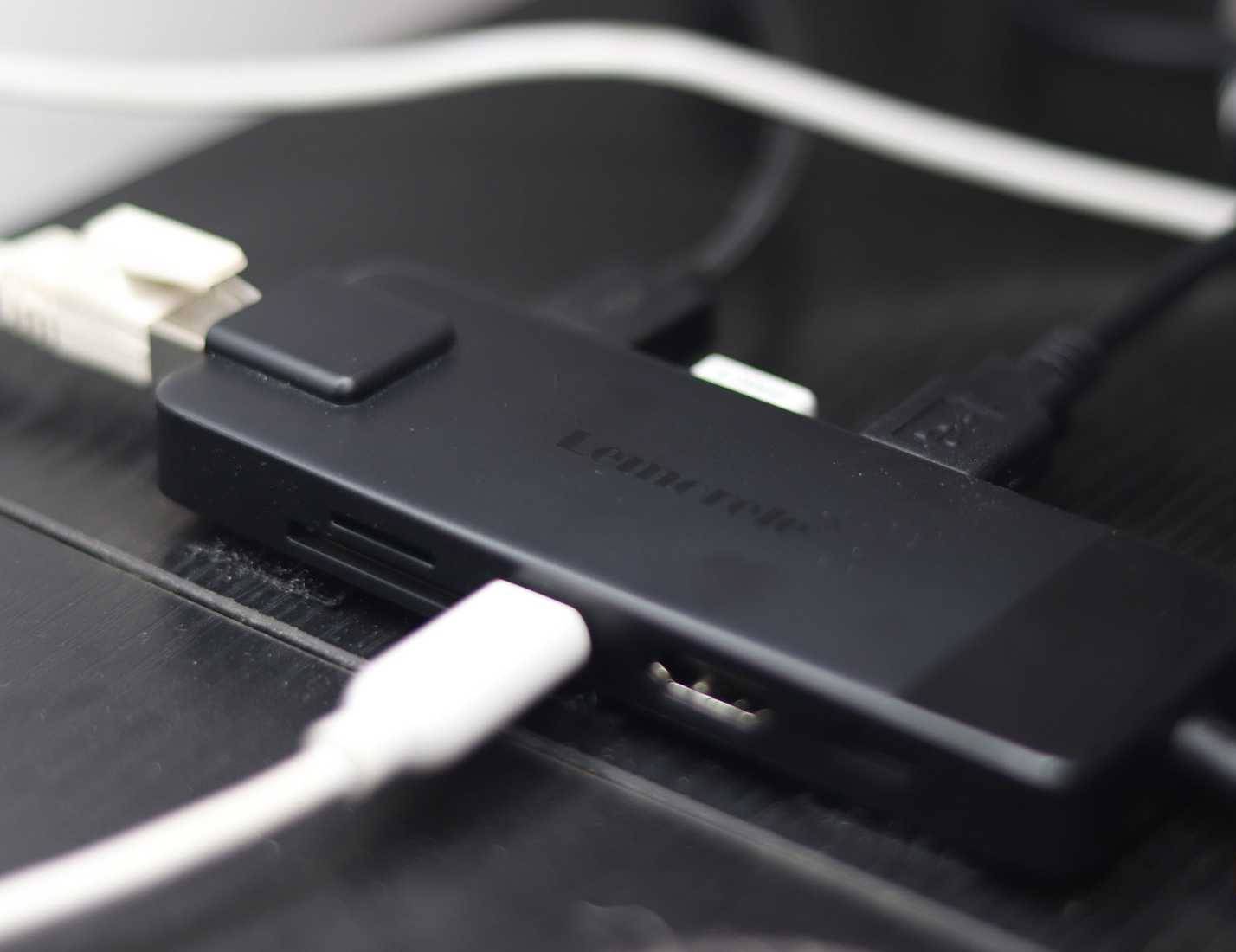
One of the best things USB-C can do is transmit video signals. This is called DisplayPort Alt Mode (DP Alt Mode), identified by the letter D with a P inside or the DisplayPort label next to the port.
If you see this icon, your USB-C port can output video directly to a monitor without an adapter. Thunderbolt ports automatically support DP Alt Mode, although you may not see the DP Alt Mode icon there. It's possible your phone's USB-C port also supports display output, meaning you might be underutilizing the capabilities of your phone's USB-C port.
Read the symbols, don't just look at the shape of the gate!
Don't guess what your USB-C port can actually do!
The USB-C designations represent the industry's attempt to bring order to the chaos. They aren't applied consistently, but they're your best guide when buying cables or evaluating device capabilities. That's one of the reasons cable standards are so messy, but you shouldn't blame USB-C entirely.
All USB-C ports look the same, so just because your device has this port doesn't mean it can do everything that high-end laptops or phones can. Check the symbols on the device before buying, or better yet, read the user manual. Remember: Just because it looks like USB-C doesn't mean you can just plug it into a 10-in-1 dock. These symbols are really important, and knowing what they mean will save you a lot of time and money.
Final Thoughts
Understanding meaning of the symbols on a usb-c port makes it easier to evaluate the information and apply the most relevant recommendations. Focus on the key points above and verify details that may change over time.
FAQ
What is meaning of the symbols on a usb-c port?
Explore meaning of the symbols on a usb-c port, including the key concepts, practical examples, important considerations, and useful guidance.
What key points does this article cover?
The article focuses on It started with the trident logo, That's the logo you'll see everywhere!, USB-C speed icons, with practical explanations and examples.
How can you use this information in practice?
Use the explanations to compare options, verify important details, and make a more informed decision. Apply the recommendations that best match your goals and situation.
Related Articles
 What Do the Symbols on the USB Ports Mean: Explained7 minutes read
 Use Every Day, but Do We Fully Understand the Meaning of These5 minutes read
 Meaning of Symbols of Fate7 minutes read
 What Is Port 0 Used For?4 minutes read
 Basic Functions of Some HDMI Connectors5 minutes read
 The Meaning of the Symbol on the Camera Lens You Need to Know8 minutes read
Reader Comments 0
Sign in with email or Google to join the discussion.