Table of Contents
Linux isn't as free as most people think. Once you start using it on your desktop, you'll quickly realize there's another cost.
Linux is often touted as a 'free' alternative to Windows or macOS. With Windows, you typically need a license key, while with macOS, the cost is built into Apple hardware. In both cases, there are costs involved. Linux, on the other hand, doesn't require you to pay anything upfront.
But that picture isn't complete. Linux isn't as free as most people think. Once you start using it on your desktop, you'll quickly notice another cost. It doesn't show up on your bank statement, but it shows up in the time and effort you put in. Think of it as a DIY expense, and it can sometimes cost more than you'd pay for a Windows license or even the premium package that comes with your Mac.
Some hardware and software will disappoint you.
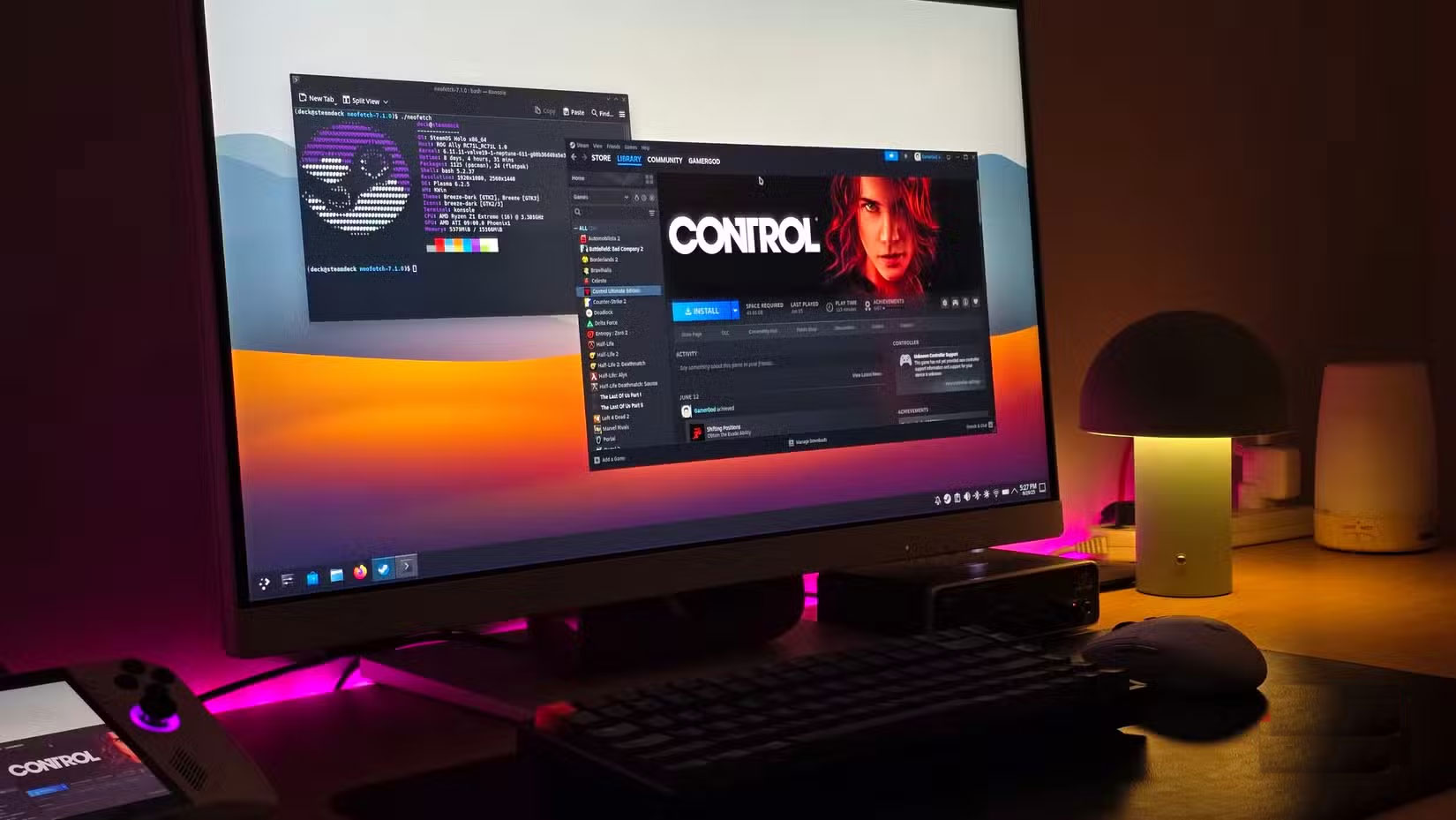
Ask any seasoned Linux user about Broadcom Wi-Fi, and you'll likely hear a sigh. Even today, many Broadcom chipsets aren't completely plug-and-play, as some still require manual driver or firmware installation, and some features, like power saving, don't always work properly. Newer chipsets also bring their own problems. Intel's Wi-Fi 7 B201 card, for example, has become known on Linux, forcing some laptop users to resort to USB dongles to stay connected.
Software is the other half of the cost. If your daily workflow relies on Adobe Creative Cloud, Avid Pro Tools, or SolidWorks, Linux may not be the right choice. Adobe still won't support Linux in 2025, and while Wine, Proton, or Windows Virtual Machine can help, they come with added costs and missing features.
The double-edged sword of choice
Where yesterday's fix is today's bug
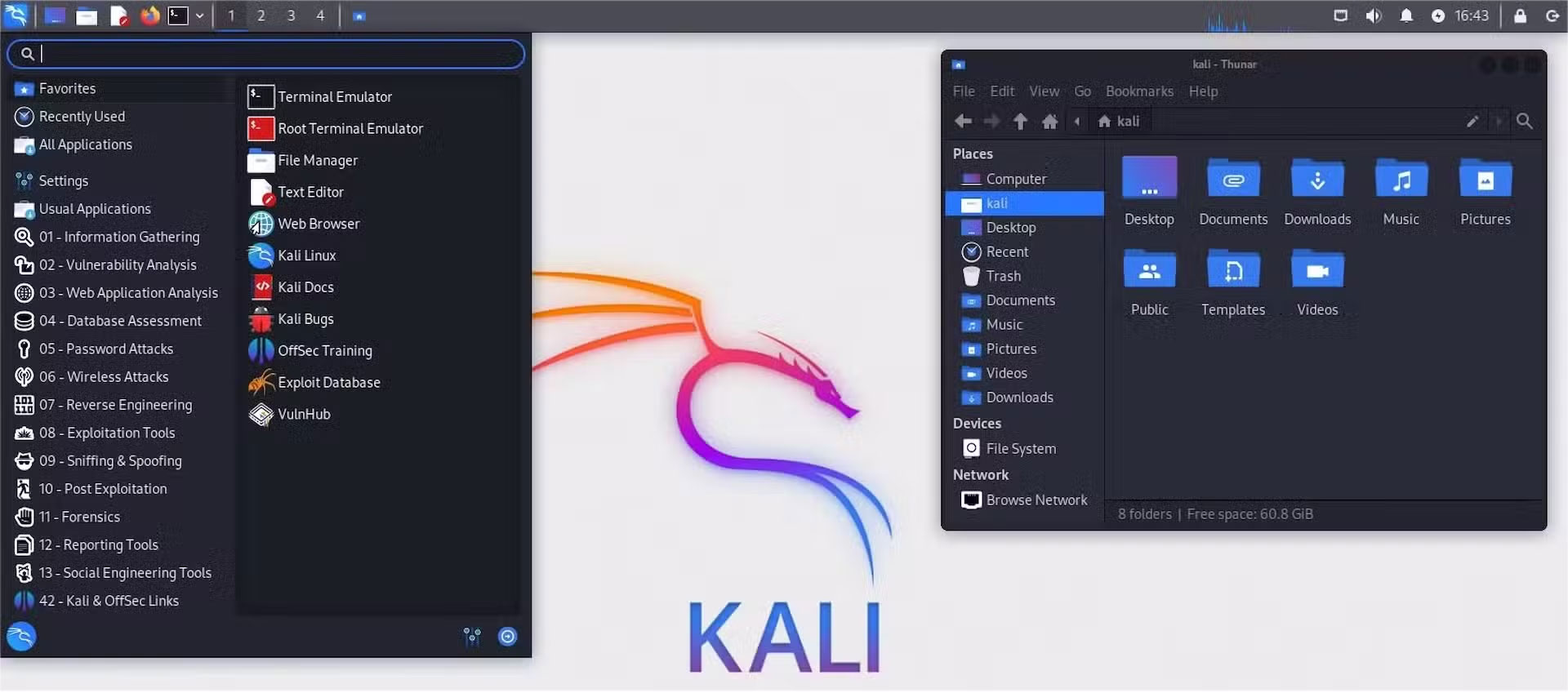
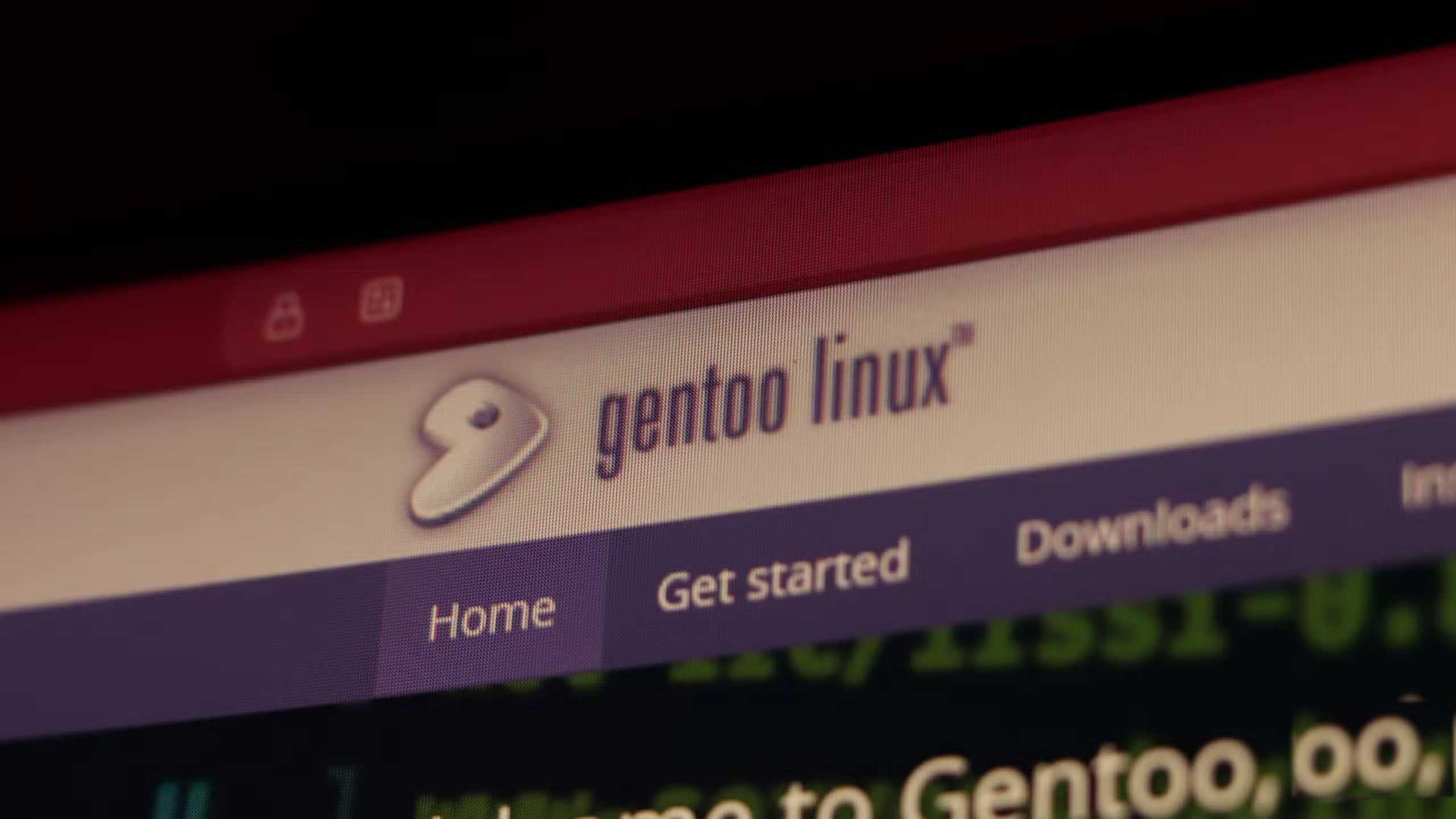
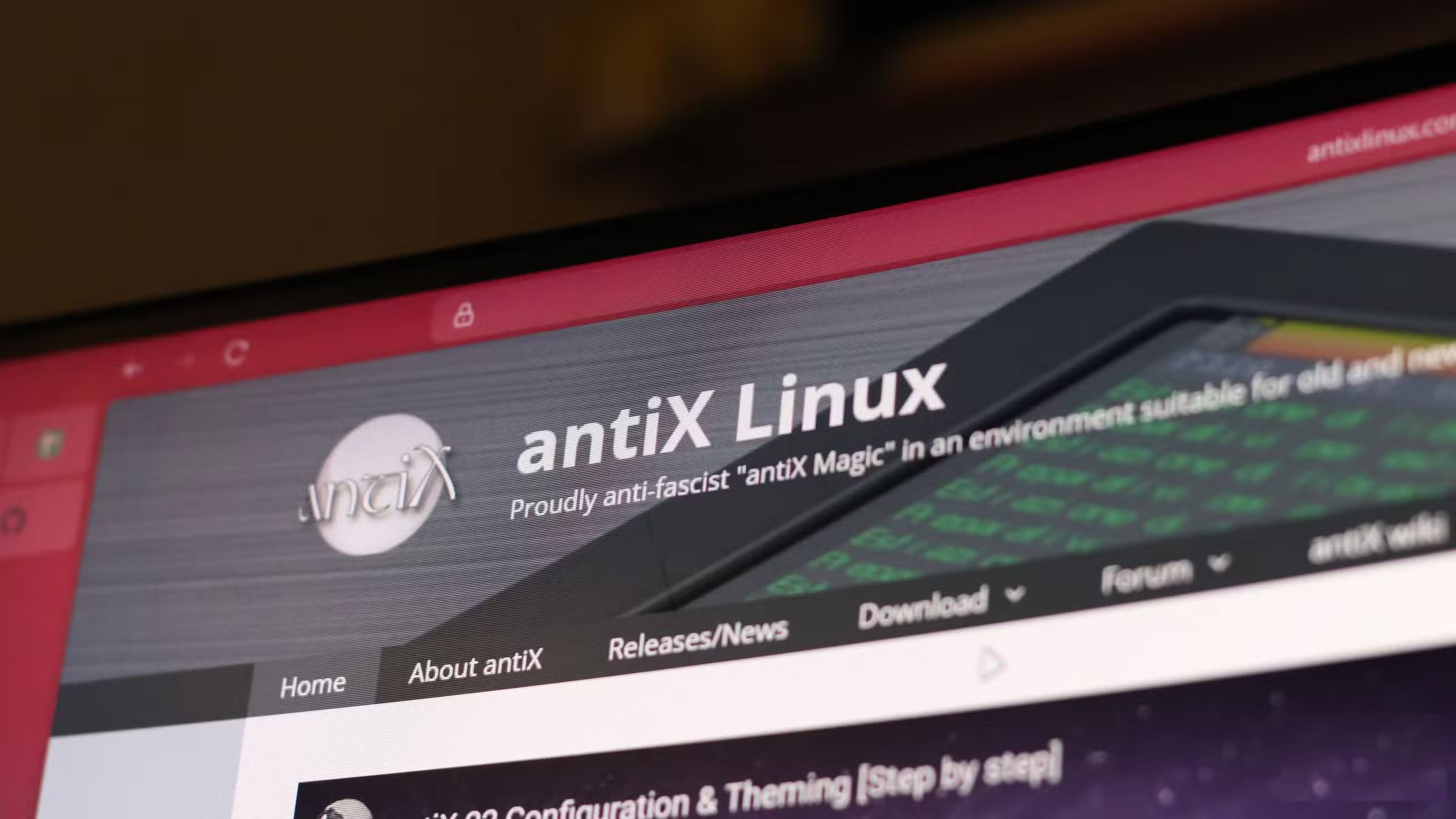
Linux's biggest strength is choice. You have dozens of distributions, multiple desktop environments, and endless customization. But that choice brings two big problems: fragmentation and vulnerability.
Fragility makes it hard to know whether the instructions you find will actually apply to your setup. Commands written for Ubuntu may not work on Fedora. Arch or Manjaro users often rely on AUR (Arch User Repository) packages that can become unstable after updates. Brand new hardware is even more frustrating. One Redditor just bought a laptop with an Intel Core Ultra processor and described the Ubuntu experience as 'terrible.' The trackpad, Bluetooth, microphone, and other basic features simply didn't work, and it was so bad that they eventually gave up and switched to Windows. Stories like this are a big part of why many people are still hesitant to switch to Linux.
Ultimately, as a desktop user, you're faced with a dilemma. You can run the most cutting-edge software and risk bugs, or you can stick with the stable path and fall behind in hardware support. This makes it more of a gamble than a choice.
Pay your bills in the evenings and weekends
Time is money
Linux doesn't cost money, but it does cost your time. Every hour you spend searching for a driver fix or debugging is an hour you can't play games, edit, or just relax.
That 'DIY cost' might seem manageable on a server or cloud, where automation and stable distributions distribute the workload. But on the desktop, it falls squarely on you. Windows and macOS are far from perfect, but once you pay for them, you rarely think about them again. With Linux, the bill comes every time your setup requires an extra evening or weekend of tinkering.
FAQ
What should you know about linux isn't really free! you still have to pay DIY costs!?
In practical terms, linux isn't as free as most people think. Once you start using it on your desktop, you'll quickly realize there's another cost.
Why does linux isn't really free! you still have to pay DIY costs! matter?
The article highlights that linux isn't as free as most people think.
What is the main takeaway?
The main takeaway is that adobe still won't support Linux in 2025, and while Wine, Proton, or Windows Virtual Machine can help, they come with added costs and missing features.
Related Articles
 The Most Attractive Free Games on Linux15 minutes read
 These 4 Linux Distributions Are a Bad Idea: Avoid Them at All Costs7 minutes read
 8 Best Linux Distros for Pentest7 minutes read
 Team Kali Linux Teaches Free Online Pentest on Twitch3 minutes read
 The Best Free Music Production Application on Linux16 minutes read
 Slax: How to Build Your Own Linux Distribution9 minutes read
Reader Comments 0
Sign in with email or Google to join the discussion.