Table of Contents
Gemini Canvas can help turn a photographed exercise into a browser-based review game. The reliable sequence is to check the extracted questions first, generate a small game, and test every answer before sharing it with students.
A generated preview is a starting point. It does not guarantee that Gemini read the photo correctly or implemented the scoring rules you intended.
1. Prepare a readable exercise image
Photograph the complete questions and any diagrams they depend on. Keep the page flat, use good lighting, and crop away unrelated pages and student names. Use material you are entitled to upload.
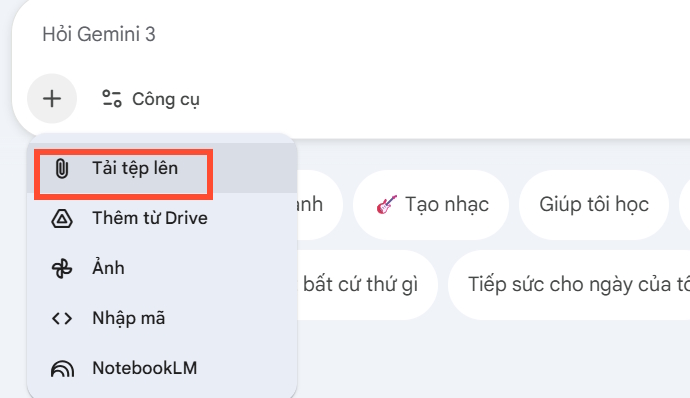
Open Gemini and attach the image. Ask it to transcribe the exercise and describe any relevant figures before requesting a game. Compare numbers, units, punctuation, and diagram labels with the source.
If a symbol is unclear, type the correct question yourself. Do not let an invented interpretation become the game's answer key.
2. Choose Canvas and define the game
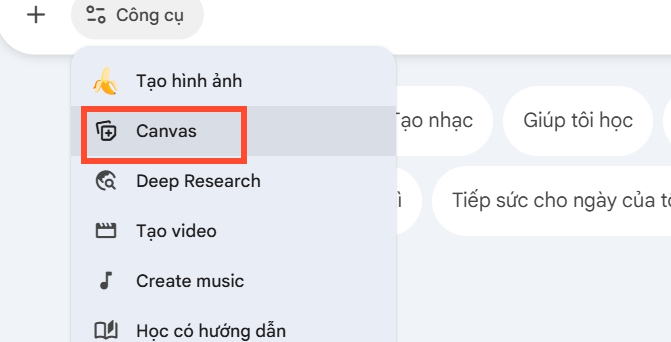
Select Canvas from the file or tools menu, then describe the format you need. On the web, Canvas supports generating and revising apps and code; see Google's Canvas instructions for current controls.
Begin with a simple multiple-choice or matching game that targets the original skill. Choose the question order, scoring rule, feedback, and whether hints should reduce the score.
3. Use a prompt with explicit rules
After approving the transcription, adapt this prompt:
Create a classroom review game from the approved questions below.
Use a browser app with HTML, CSS, and JavaScript.
Keep the questions and verified answers faithful to the source.
Show one question at a time, clear instructions, and large answer controls.
Award one point for a correct first attempt and zero for an incorrect attempt.
Show a short explanation after answering, then allow the next question.
Do not add points repeatedly when the same answer button is clicked again.
Include a final score and a restart button that resets the game.
Use simple inline SVG illustrations where useful; do not use external image links.
Do not require student names, accounts, a leaderboard, or stored personal data.
If a question or diagram is unclear, ask me to correct it before using it.
Provide the complete app and explain its rules.
For a different scoring system, change those rules before generating. Keep extra practice questions separate from the source exercise so you can review them individually.
4. Test the preview
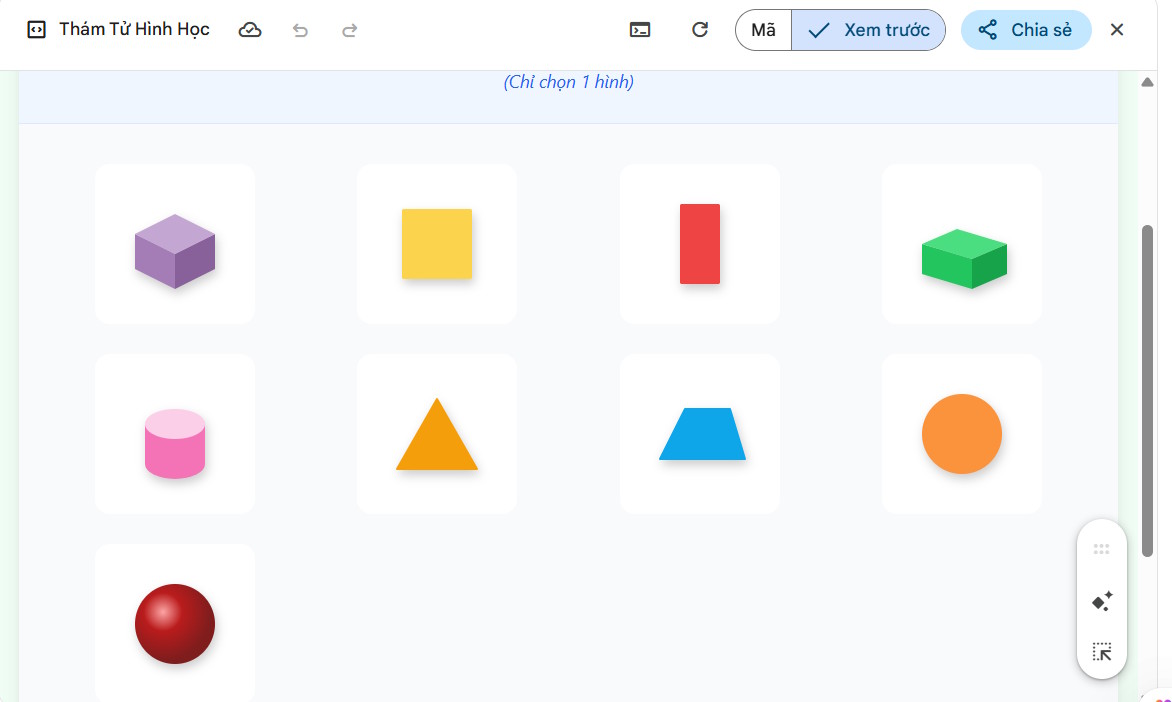
Play through the game with both correct and incorrect answers. Check the following:
- Every question and illustration matches the reviewed exercise.
- The correct answer and feedback are accurate.
- Repeated clicks cannot inflate the score.
- The next-question and restart controls work.
- The final score agrees with the attempts made.
- Text and controls remain usable on the classroom screen or student device.
Request a focused correction when something fails, then repeat the affected checks. A readable worksheet may be a better choice than a complicated game that requires extensive debugging.
5. Review the app before sharing
Use Share & export > Share in the Canvas panel. Read the app information, including whether it stores data, shares data between users, or uses Gemini-powered features.
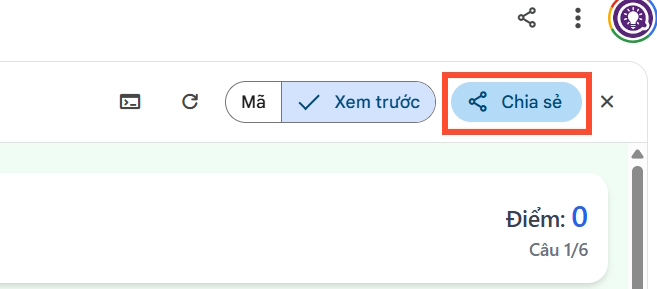
Copy the public link after reviewing it, then test that link in the same browser environment students will use.

Anyone with a public link can access the shared app. Multi-user app data can be visible or editable to other link holders, as Google's Canvas sharing guidance explains. A basic practice game usually does not need student identities or a shared score database.
For alternative activities, compare a reviewed classroom crossword in Canva or the AI quiz-question workflow.
Related Articles
 How to Create Mind Maps for Lessons Using Gemini5 minutes read
 Tips for Quickly Creating Automated Tests on Gemini4 minutes read
 A Guide to Creating Presentation Slides Quickly Using Gemini4 minutes read
 How to Create Professional Review Games with Genially AI6 minutes read
 How to Download Games Created on Gemini4 minutes read
 How Do I Create a 3D Simulation Experiment Using Gemini?4 minutes read
Reader Comments 0
Sign in with email or Google to join the discussion.