Table of Contents
This guide provides a clear, practical overview of "Apple Needs to Fix These 4 Problems on Apple TV". It organizes the most useful details, explains important considerations, and highlights the steps or choices that matter most.
4. Still no shortcut button on Apple TV remote
The Apple TV has always been about minimalist design and a fast software experience, just like other Apple products. But there comes a point where minimalism starts to become limiting. The Apple TV remote—while one of the most elegant remotes out there, with a sturdy aluminum case and convenient buttons—lacks basic shortcut functionality.
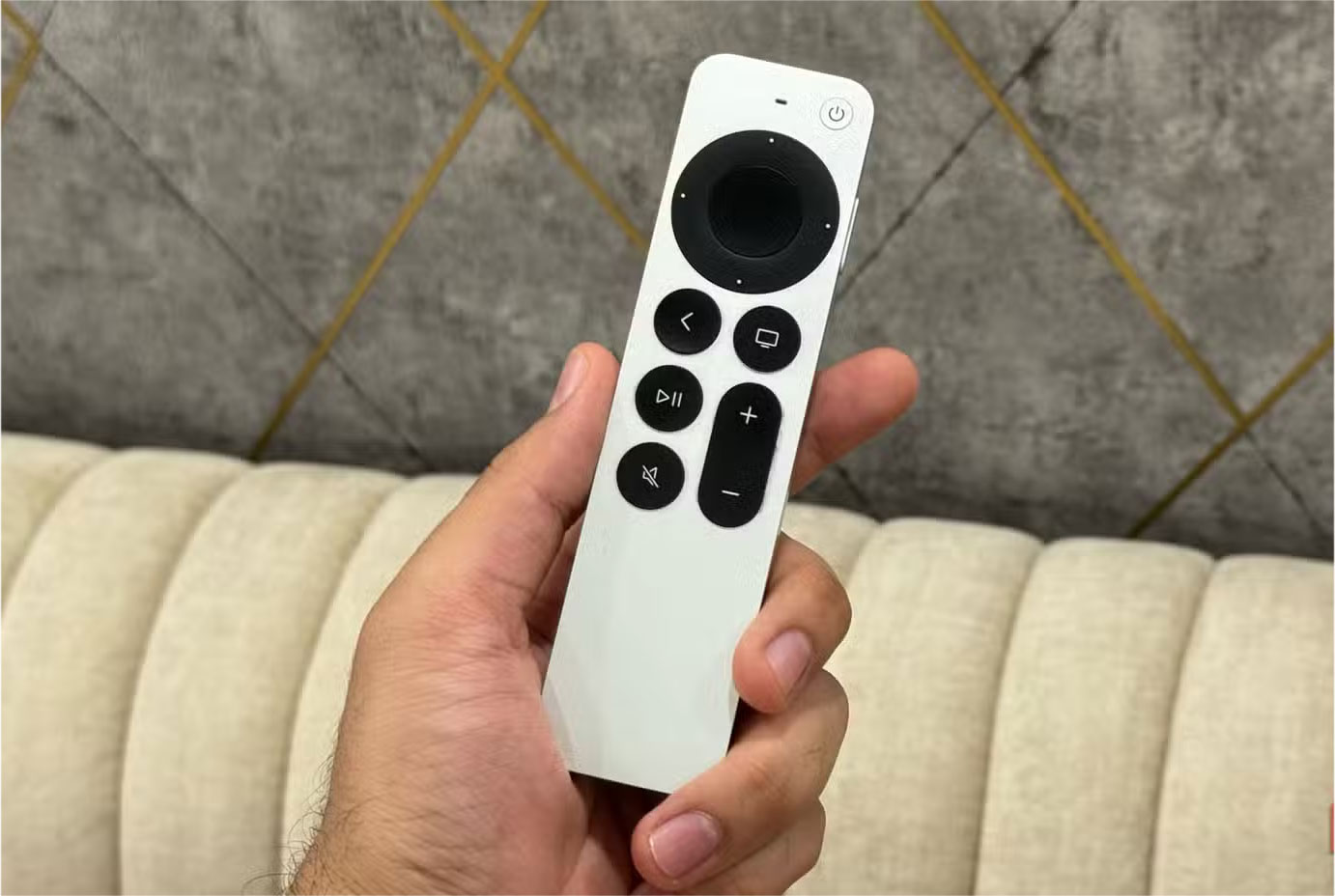
Most Android TV remotes have dedicated buttons for popular apps like YouTube, Netflix, and Prime Video. These may seem like small additions, but they make it easy to quickly launch your favorite apps as soon as you turn on your streaming device (or when you want to switch apps quickly). Some remotes, like the ones for LG TVs, let you customize your own app shortcuts by holding down the number buttons.
On the Apple TV, you have to navigate through the UI (even when opening YouTube for the 10th time that day). There's also no way to remap the buttons. It would be nice if Apple added a few quick shortcut buttons, or at least a customizable button, in the next generation of Apple TV.
3. It's time for Apple TV to work better outside the ecosystem
Like other Apple products, Apple TV is bound to an ecosystem, meaning it works best when paired with other Apple devices. But if you own an Android phone or want to stream something from a non-Apple device, the experience quickly becomes frustrating.
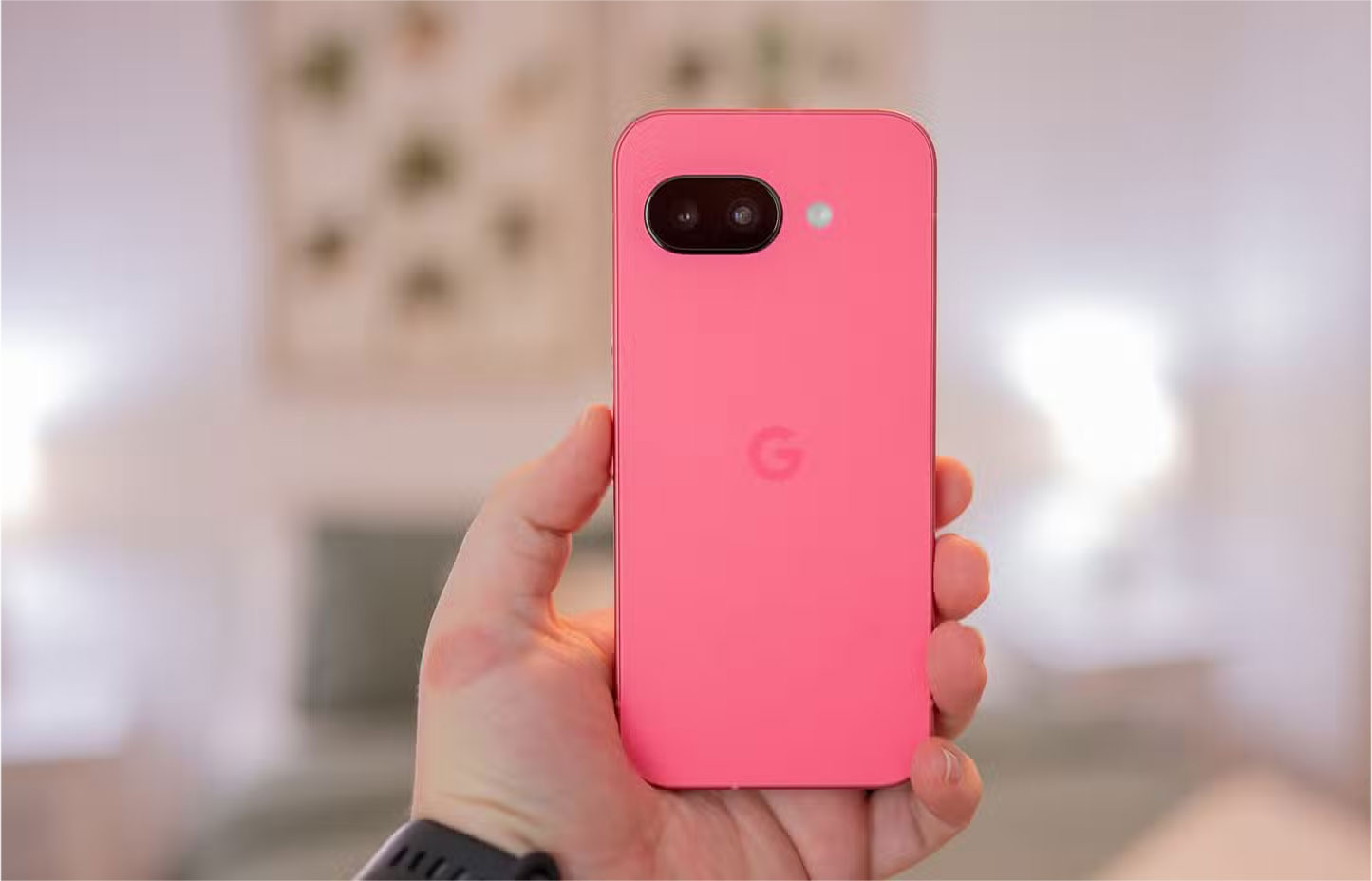
There's no native Apple TV remote app for Android, so you're forced to rely on unofficial third-party apps, which are often full of ads and other annoyances. Setting up your Apple TV without an iPhone is also a hassle. You'll need to use the physical remote to set up the home screen and log into apps, which can be a pain.
2. The lack of a suitable web browser is still a mystery
The Apple TV packs more raw power than it currently has. The latest Apple TV 4K (3rd generation) runs on Apple's A15 Bionic chip, the same processor found in the iPhone 13. Despite having a powerful chipset and one of the best-optimized platforms on tvOS, the Apple TV still doesn't have a proper web browser.
There are workarounds like AirPlay or third-party apps, of course, but they still don't offer the seamless experience you'd expect. And while competing platforms like Android TV and Fire OS also lack native browser support, many of those devices are much weaker. So even if they do have a browser, the experience on them won't be great.
1. Not having audio streaming is a big miss in 2025
Apple TV supports Dolby Atmos and Spatial Audio, but it doesn't yet support standard bitstream audio. This means you can't stream uncompressed audio to external audio systems. For the average viewer, this may not matter. But if you have a standard home theater system, it could be a deal-breaker.
Competing devices like the Nvidia Shield handle this with ease, yet Apple still compresses audio to its preferred formats. This is especially frustrating when the hardware is capable, but the software doesn't support it.
FAQ
What should you know about 4. Still no shortcut button on Apple TV remote?
The Apple TV has always been about minimalist design and a fast software experience, just like other Apple products. But there comes a point where minimalism starts to become limiting. The Apple TV remote—while one of the most elegant remotes out there, with a sturdy aluminum case and convenient buttons—lacks basic shortcut.
What should you know about 3. It's time for Apple TV to work better outside the ecosystem?
Like other Apple products, Apple TV is bound to an ecosystem, meaning it works best when paired with other Apple devices. But if you own an Android phone or want to stream something from a non-Apple device, the experience quickly becomes frustrating.
What should you know about 2. The lack of a suitable web browser is still a mystery?
The Apple TV packs more raw power than it currently has. The latest Apple TV 4K (3rd generation) runs on Apple's A15 Bionic chip, the same processor found in the iPhone 13. Despite having a powerful chipset and one of the best-optimized platforms on tvOS, the Apple TV still doesn't have a proper web browser.
What should you know about 1. Not having audio streaming is a big miss in 2025?
Apple TV supports Dolby Atmos and Spatial Audio, but it doesn't yet support standard bitstream audio. This means you can't stream uncompressed audio to external audio systems. For the average viewer, this may not matter. But if you have a standard home theater system, it could be a deal-breaker.
Related Articles
 Problems for People Switching to Apple - Part 214 minutes read
 iPhone 3G Has Problems with iOS 44 minutes read
 Controversial Problems You Solve6 minutes read
 How to Use Apple Diagnostics to Troubleshoot Macs7 minutes read
 Common Problems on iOS 13 and How to Fix Them16 minutes read
 Why Do More People Still Not Use Apple Mail, Even Though It Has Been8 minutes read
Reader Comments 0
Sign in with email or Google to join the discussion.