Table of Contents
Apple Mail works well as a single inbox for multiple accounts on Apple devices. You may prefer a provider’s own app or web interface if you depend on features such as Gmail labels, a consistent layout across Apple and non-Apple devices, or notifications that Apple Mail delivers later.
Inbox layout and sorting
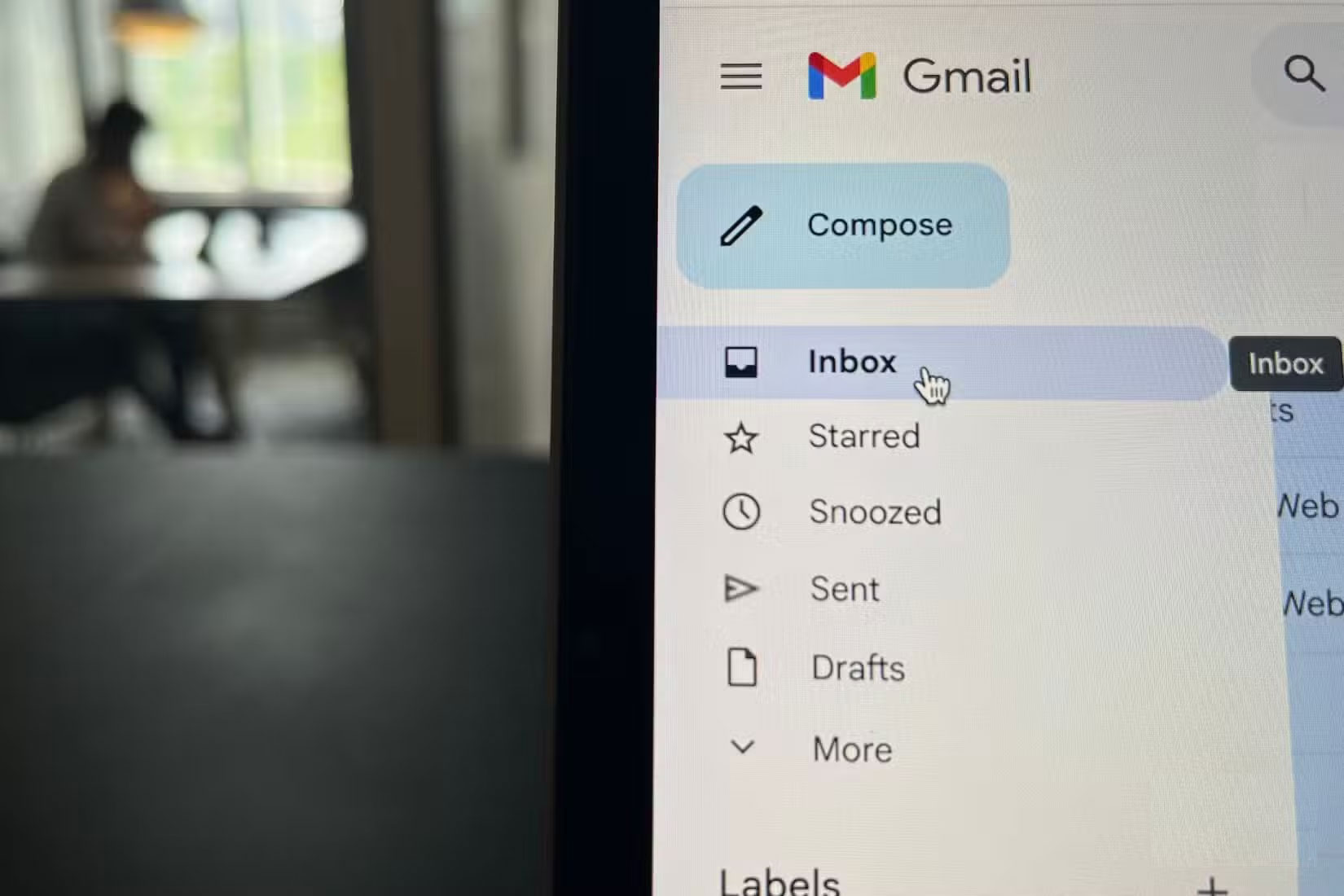
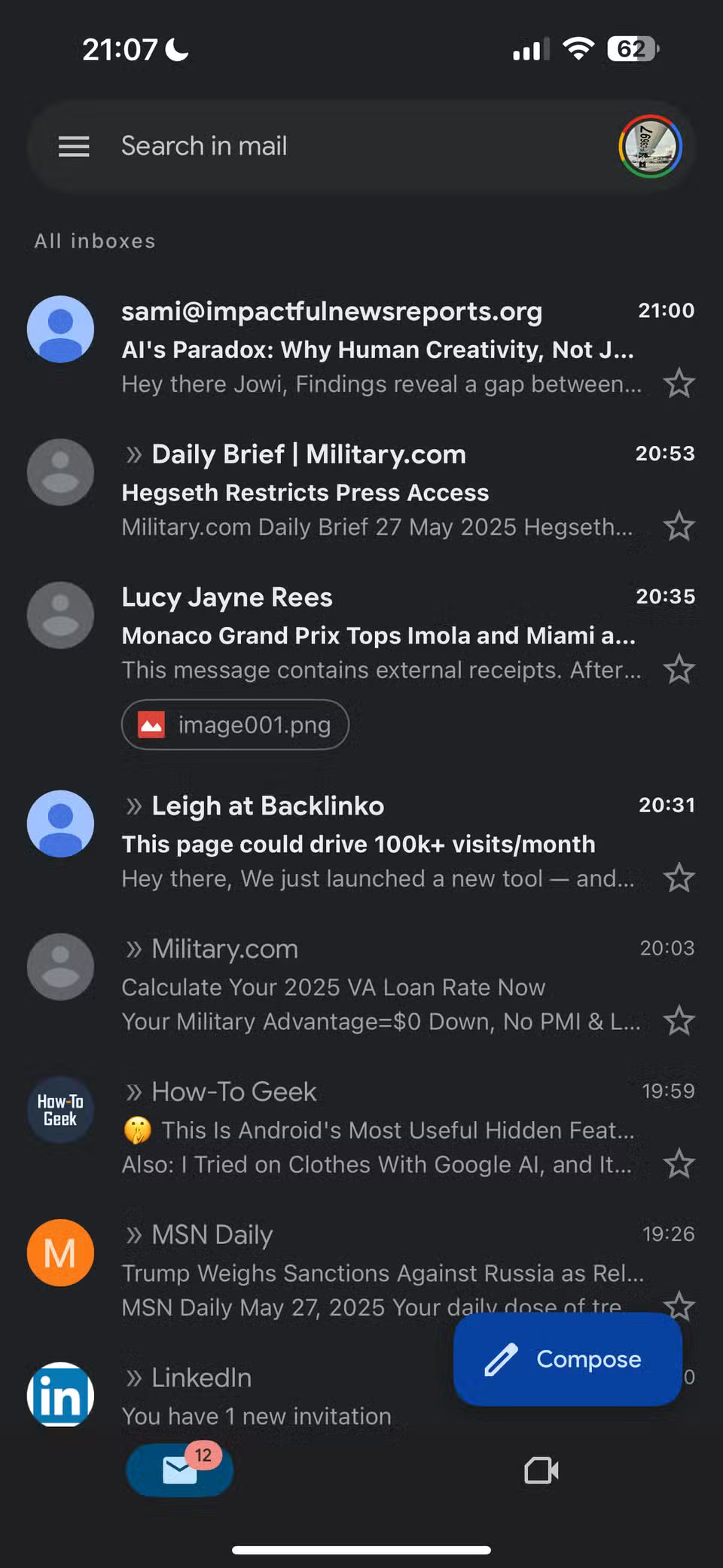
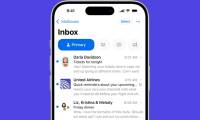
Mail on supported versions of iOS can group messages into categories such as Primary and Transactions. Check whether the messages you care about are easy to find. If you prefer a chronological inbox, use List View in Mail. If you rely on Gmail’s labels and filters, compare how the same mailbox looks in Gmail. The service’s own app or web interface exposes its native organization controls.
Message delivery and device support
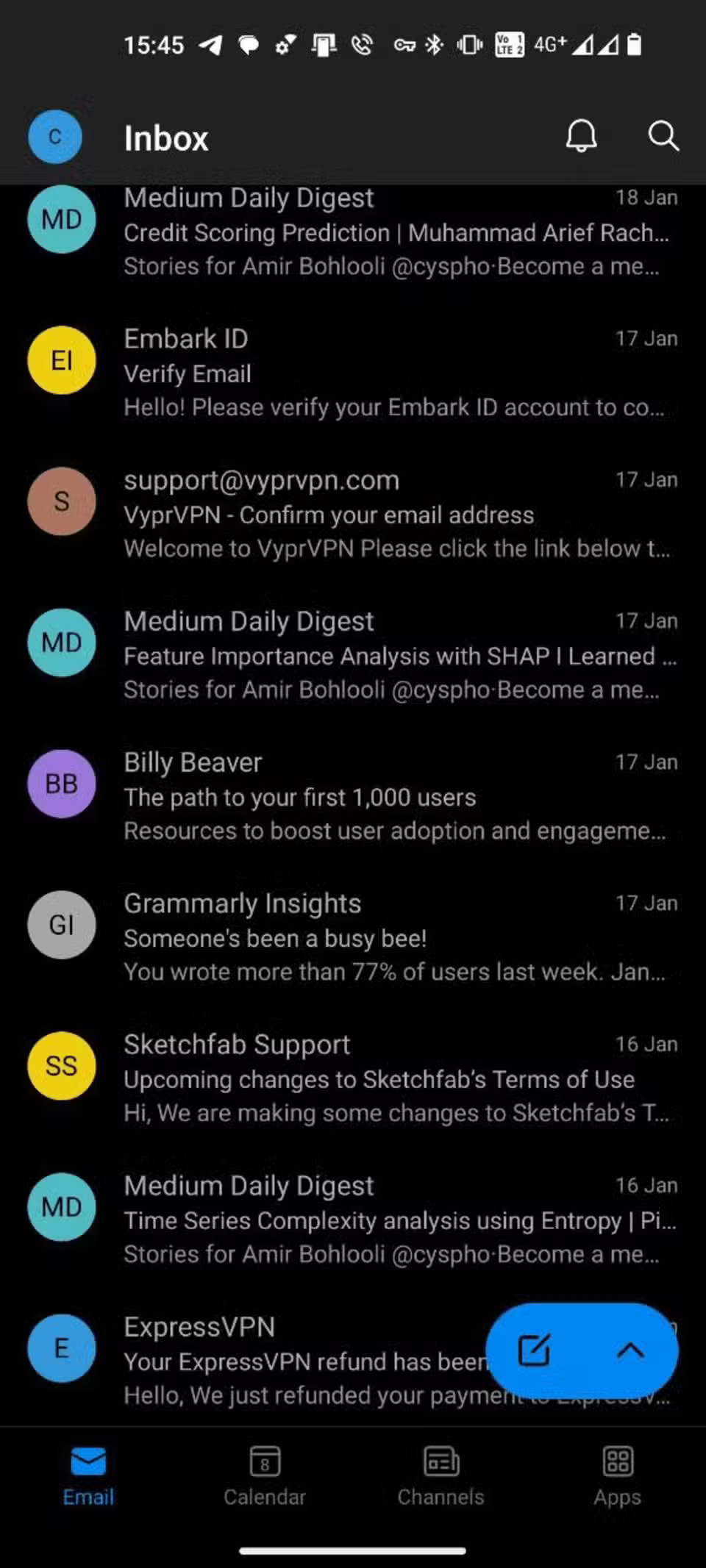
Test with one account and one message. If the message appears on your provider’s website before it reaches Mail, review the account’s delivery settings. When Push is unavailable for an account, Mail fetches on a schedule or when you check manually, depending on the settings. A slow refresh can also reflect a network or account issue. See which iPhone Mail settings to check.
Writing and switching between devices
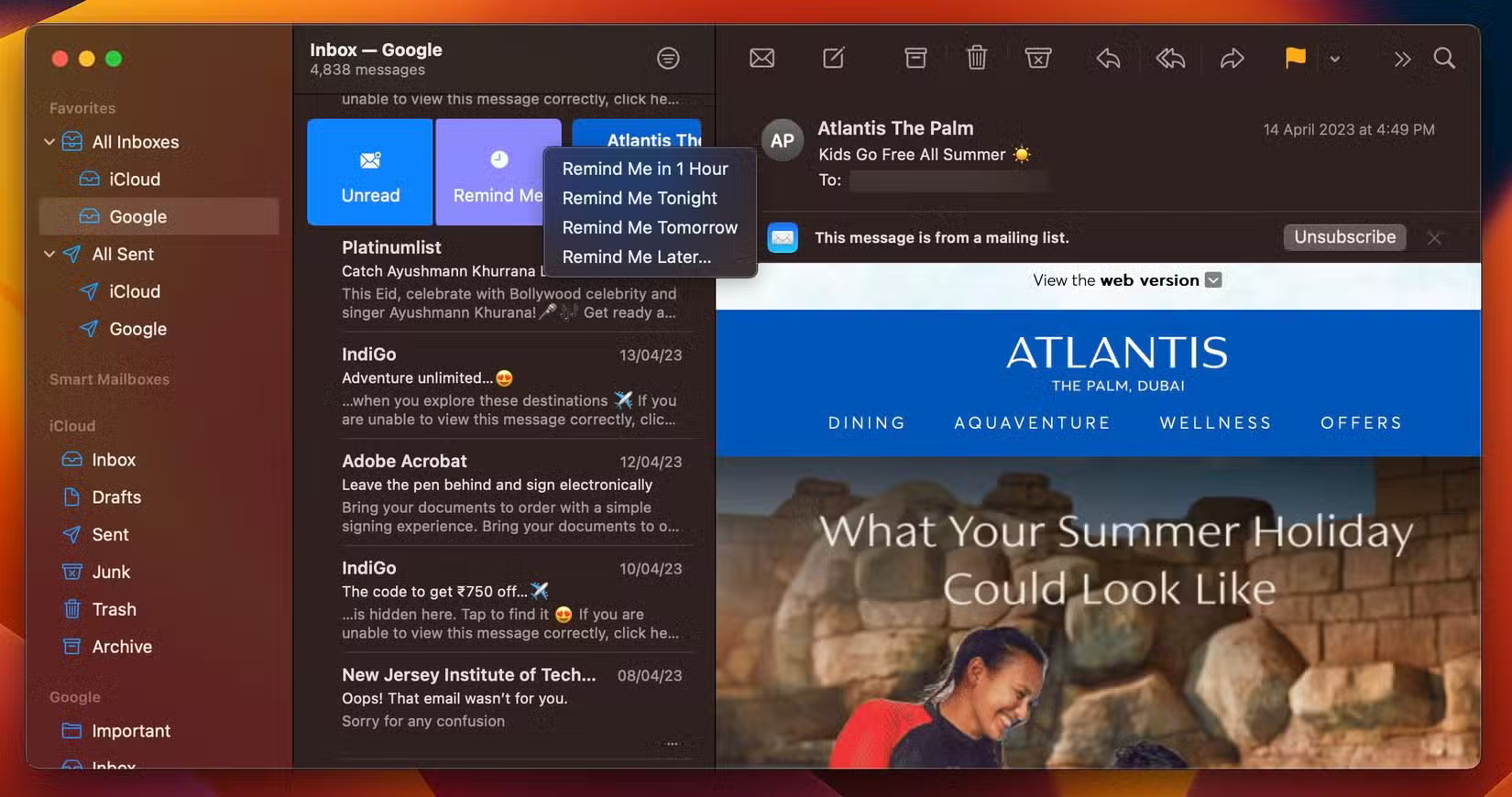
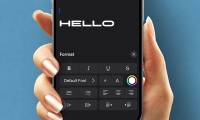
Try a real workflow on each device: find a thread, write a reply, choose a sending account, and add an attachment. Check whether drafts and organization carry over as you expect. Apple Mail’s layout and toolbar differ between Mac and iPhone. If you also use Windows or Android, a provider that offers a web interface or app on those devices may feel more consistent.
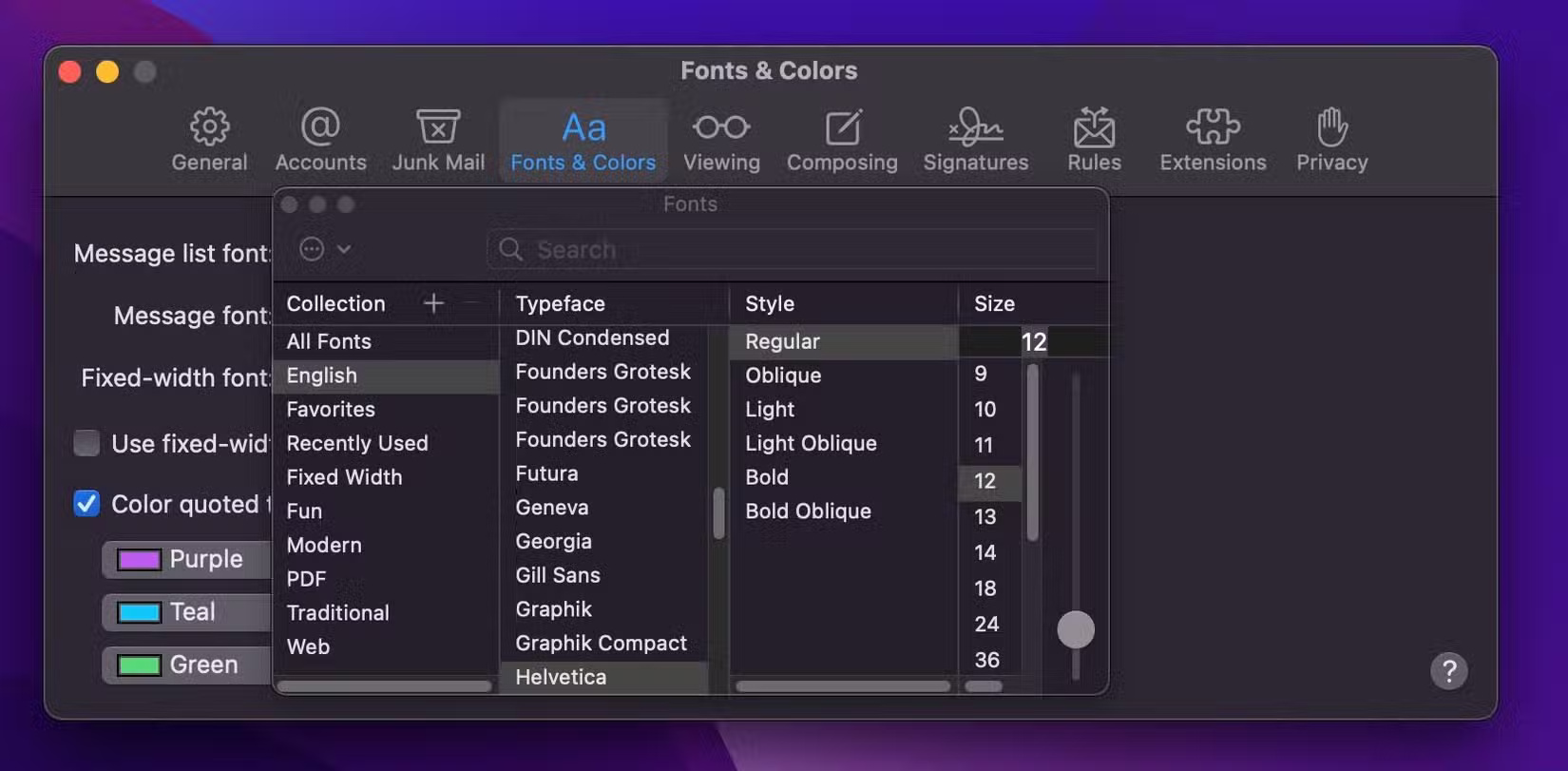
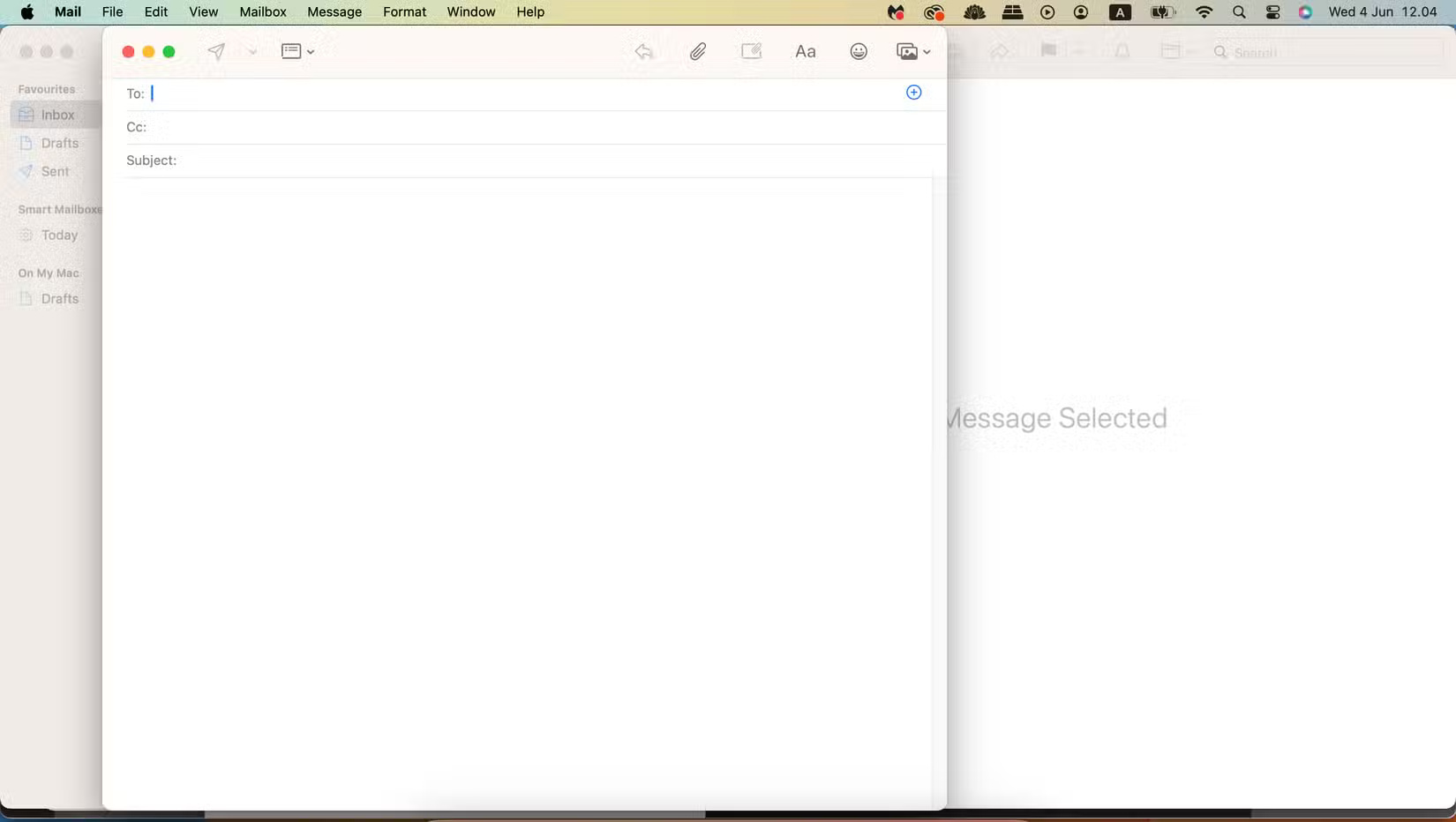
Mail’s summaries, Priority Messages, and reply suggestions depend on Apple Intelligence availability. If you don’t have compatible hardware, decide using the features you already have. Compare both apps with the same inbox for a few days before changing your default.


Reader Comments 0
Sign in with email or Google to join the discussion.