Table of Contents
This guide organizes the entries in "9 Awesome Things You Can Store in a Password Manager" and explains what each option, idea, or example offers. It also highlights practical details that matter when comparing the choices.
1. Credit card number and details
You probably already have your credit card login information stored in your favorite password manager. But what about your credit card number, phone number to block or cancel, interest rates, and any other relevant data? You can even use your credit card number to autofill when you shop online.
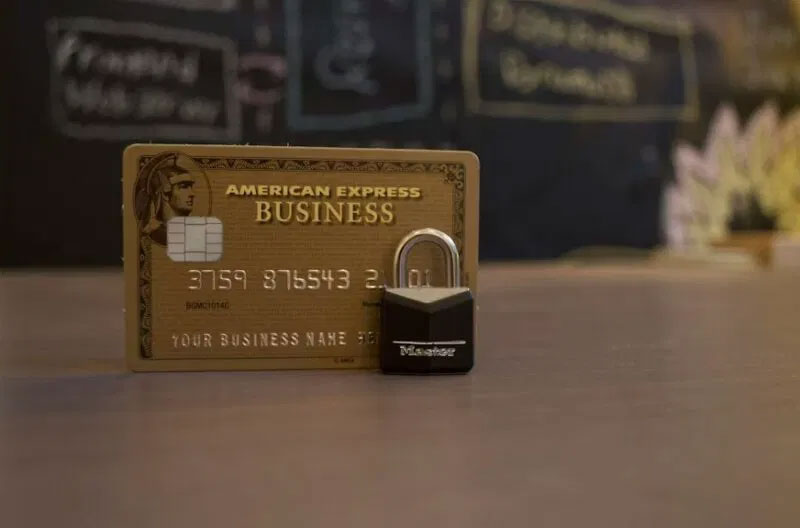
While browser-based password managers, such as Google Password Manager, can store credit card details, they aren't always the most secure.
2. Bank information
Just like your credit card, include your bank information alongside your password. For example, your login information is not the same as your member ID that you use when you go to the bank in person or call support. So include this information alongside your password.
You can also add your account number for easy access when filing your taxes online, setting up direct deposit, or verifying your account on other financial sites.
3. Contacts
Your phone has a handy feature for storing contacts. However, consider storing your contacts in a password manager. This will be a great backup if you lose access to your phone or the cloud service where they are backed up. Also, if you have any contacts you don't want others to see, they will be stored securely in your password vault.
4. Private notes
While storing passwords in an unencrypted note-taking app is a bad idea, storing private notes in a password manager is a great idea. Some password apps don't support notes, so you'll need to make sure the app you choose allows you to add notes.
5. Identity papers and documents
This depends on the type of items your password manager allows you to store. However, some apps support uploading IDs and documents, such as passports, driver's licenses, tax records, insurance cards, financial statements, etc.
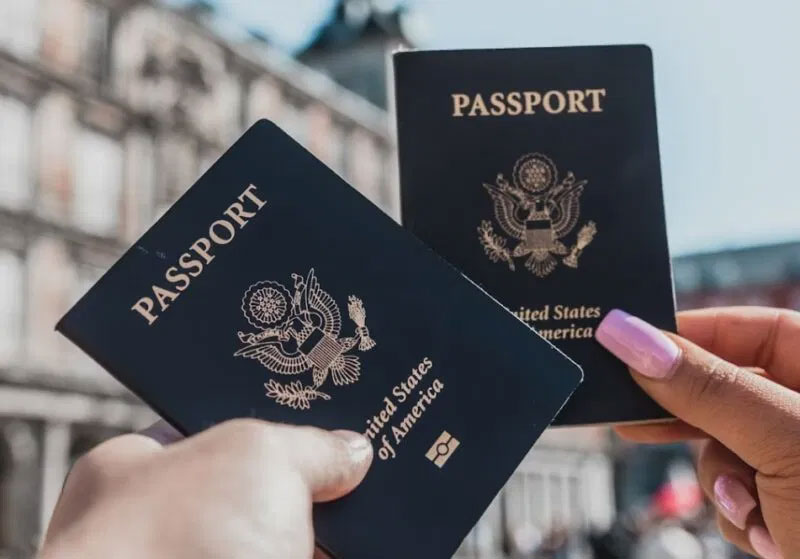
Password managers are generally more secure than regular cloud storage services, which is why you generally shouldn't back up private files to the cloud.
6. All code and technology licenses
Thanks to many cloud services, you don't have to deal with software licenses as much anymore. However, you still have Wi-Fi passwords, network names, digital licenses, backup keys, PINs, etc.
7. Security code and recovery code
Many people are turning to security codes as an alternative to traditional passwords. However, these security codes are tied to your device. If you lose your device, you must rely on a recovery code to regain access. Or, you must reset your security code using your original password.
The good news is that most passcode providers offer a way to back up your passcodes for easy transfer to a new device. Take the time to store these backups and recovery codes securely in your favorite password manager.
8. MFA Security Questions and Answers
Requiring multiple steps to log into your account may be tedious, but it makes your account more secure from password crackers. Many people wish they could remember the answers to security questions they created 10 years ago or the random phrase or answer they set up for multi- factor authentication challenges.
Once again, a handy password manager comes to the rescue. Whenever you save a new account, add in all the other details.
9. Travel schedule
No one needs to know all the details of your travel plans except you. Keep your flight numbers, where you're staying, reservation numbers, and more safe in a password manager.
Make this a special note or set up a password entry for the travel website you use to plan everything. Then add in all the relevant details.
FAQ
What should you know about 1. Credit card number and details?
You probably already have your credit card login information stored in your favorite password manager. But what about your credit card number, phone number to block or cancel, interest rates, and any other relevant data? You can even use your credit card number to autofill when you shop online.
What should you know about 2. Bank information?
Just like your credit card, include your bank information alongside your password. For example, your login information is not the same as your member ID that you use when you go to the bank in person or call support. So include this information alongside your password.
What should you know about 3. Contacts?
Your phone has a handy feature for storing contacts. However, consider storing your contacts in a password manager. This will be a great backup if you lose access to your phone or the cloud service where they are backed up. Also, if you have any contacts you don't want others to see, they will be stored securely in your.
What should you know about 4. Private notes?
While storing passwords in an unencrypted note-taking app is a bad idea, storing private notes in a password manager is a great idea. Some password apps don't support notes, so you'll need to make sure the app you choose allows you to add notes.
Related Articles
 Review the Cyclonis Password Manager Password Manager6 minutes read
 8 Underused Features of Password Managers8 minutes read
 How to Safely Backup Your Password Manager9 minutes read
 Fake Password Manager Highlights Download Security Risks5 minutes read
 Is the Password Manager on the Browser Secure Enough?9 minutes read
 4 Mistakes to Avoid When Setting Up a Password Manager: What You Need to Know6 minutes read
Reader Comments 0
Sign in with email or Google to join the discussion.