Table of Contents
People have tried more VPNs than they can remember, and all they can say is: If a VPN doesn't secure your data, hide your IP, and mask your location, then it's failing at its job.
People have tried more VPNs than they can remember, and all they can say is this: If a VPN doesn't secure your data, hide your IP, and mask your location, it's failing at its job. Of course, there's a lot more to VPNs, but if they don't do these basics, they're completely defeated.
You can find plenty of VPN extensions for your browser available in the Chrome Web Store and Firefox Add-ons. While they may seem like great options, you should be careful when using them, as many are simply proxies with good branding—but that doesn't protect your privacy. There are other options, like VPNs built directly into your browser, but in either case, you should skip them if you're serious about your privacy and data security.
Real and fake VPNs
Browser VPNs don't work like real VPNs
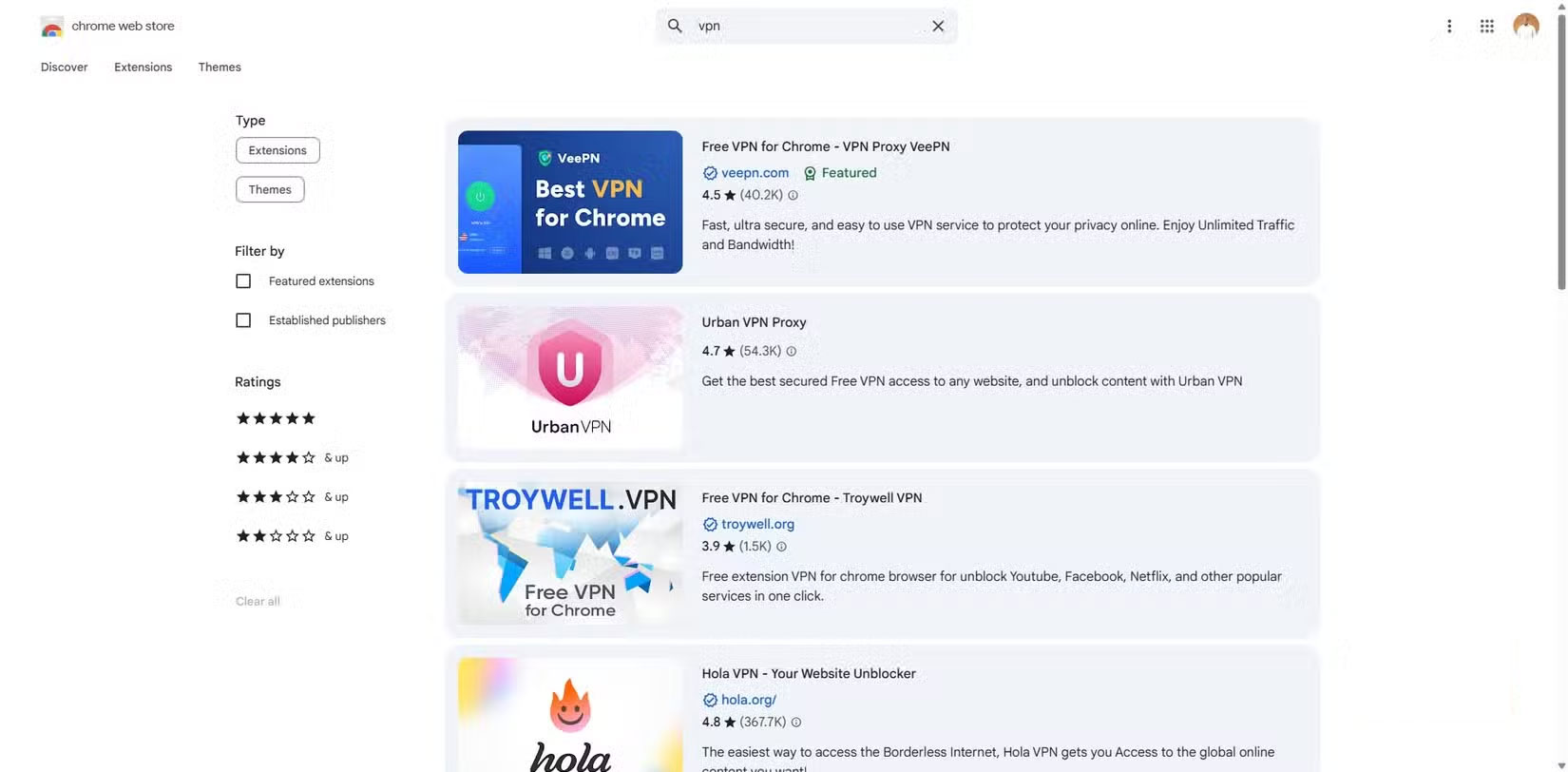
When considering a VPN, there are four basic things it should do: Encrypt your internet traffic, hide your location by hiding your IP address, keep your browsing private by preventing DNS leaks, and provide a kill switch to block traffic if the VPN connection fails.
With that said, browser VPNs often fall short of providing the necessary level of protection. First, they typically only encrypt your browser traffic, leaving every other app you use exposed. This is dangerous because it creates a false sense of security. Every other app on your computer is still sending unencrypted data, making it vulnerable to interception.
You may find that a significant portion of your online footprint is still visible to your ISP and others, as browser VPNs don't protect DNS queries made outside the browser. For example, if you're running desktop apps like Spotify, Zoom, or Asana, their connections bypass the browser VPN. Your ISP and others can still see data transmitted outside the browser and the domains you connect to.
Privacy concerns
Proceed to collect logs and earn money
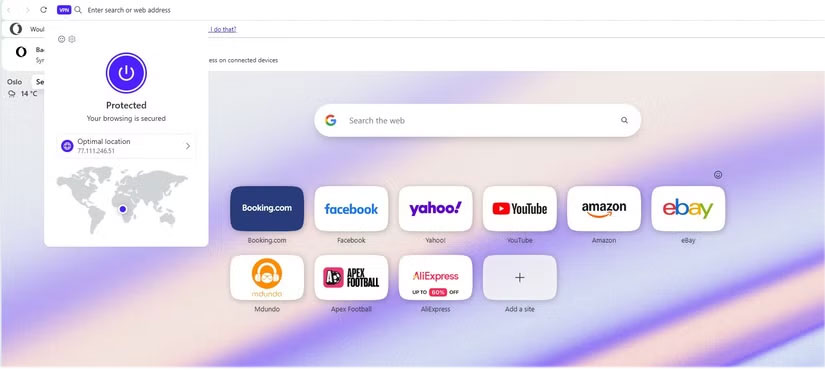
If what your browser VPN doesn't protect you from was the only problem, that would be forgivable. But there's a bigger problem with what they actively collect. Many of these VPNs claim no-logs, free service, and military-grade encryption, but their privacy policies tell a different story. And that makes sense because when a service is free, you're often the product.
According to The Best VPN report, many browser VPNs, including Hola VPN, Hotspot Shield, Betternet, TouchVPN, HexaTech, and VPN in Touch, log your browsing history, IP address, timestamps, and bandwidth.
That said, there is a larger concern that a browser's privacy policy can still affect you even if its VPN has a no-logs policy. For example, Opera's built-in VPN's no-logs policy is backed by an independent audit by Deloitte. However, Opera's privacy policy discloses that it collects information such as IP address, browser details, general location, pages visited, and uses it for advertising, analytics, and marketing purposes, including interest-based advertising and cross-device tracking. So while the VPN may not log activity, the browser itself is still collecting information that could affect your overall privacy.
Reduced performance
You will find slow speeds and limited server choices.
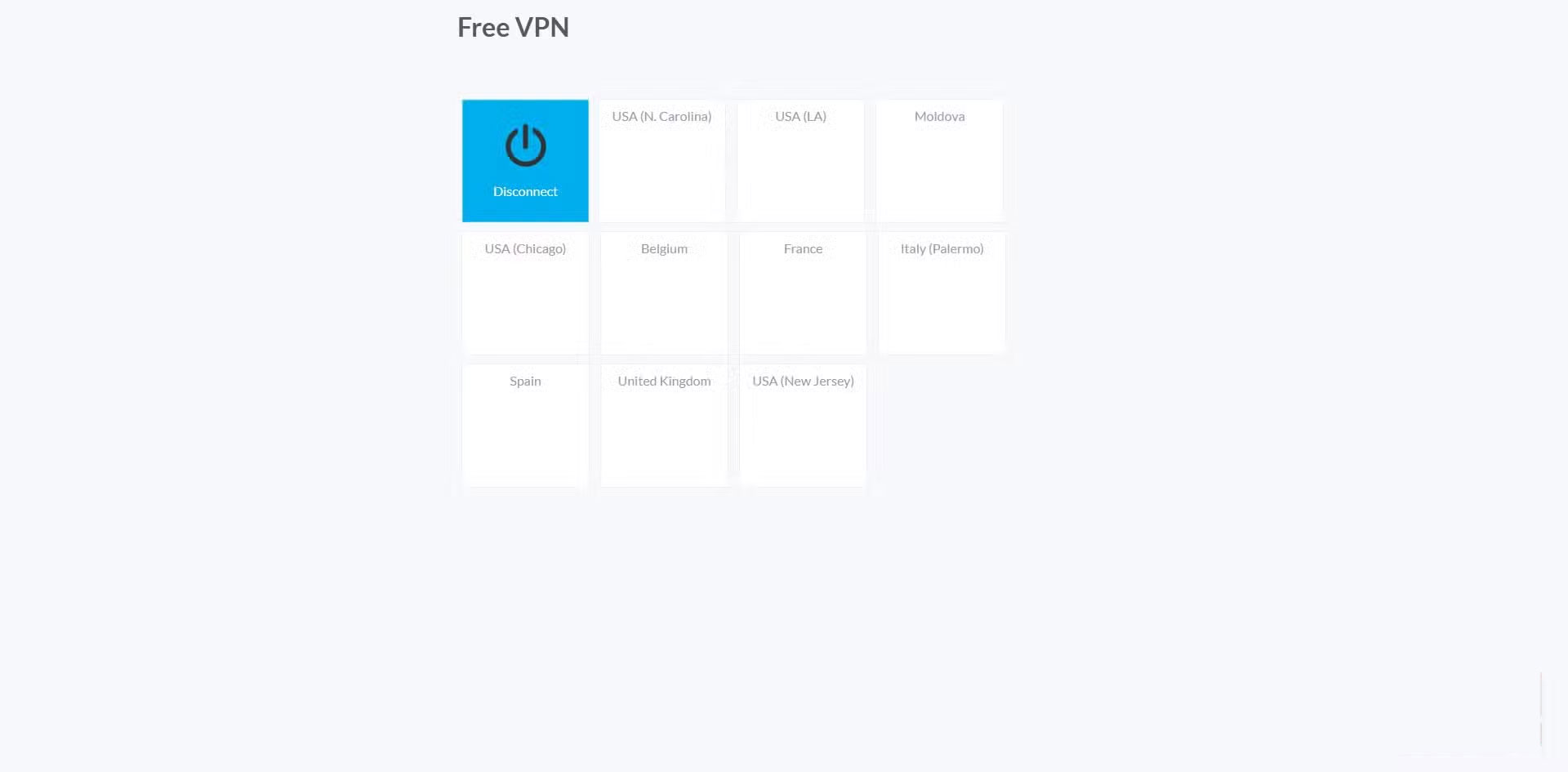
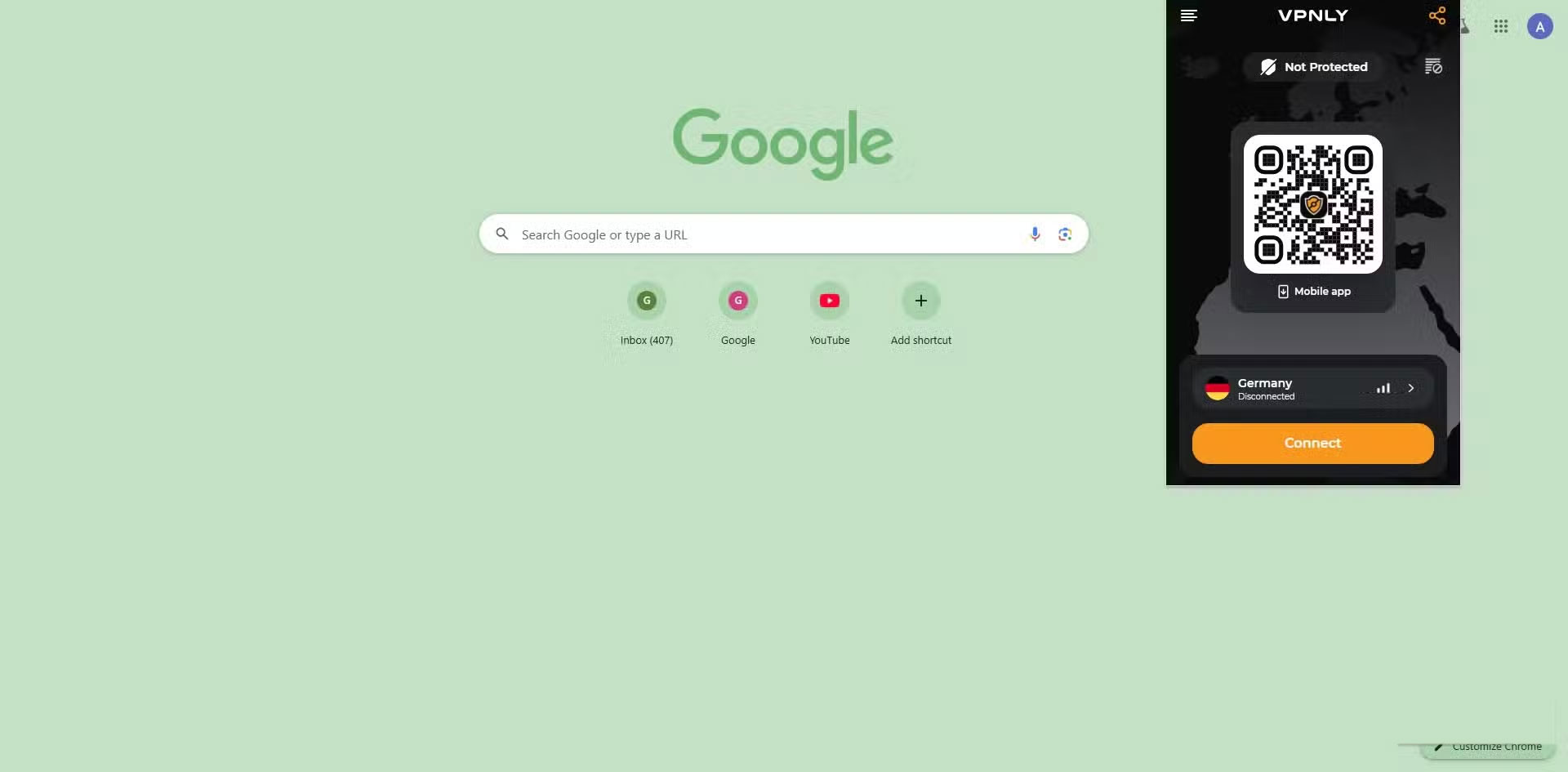
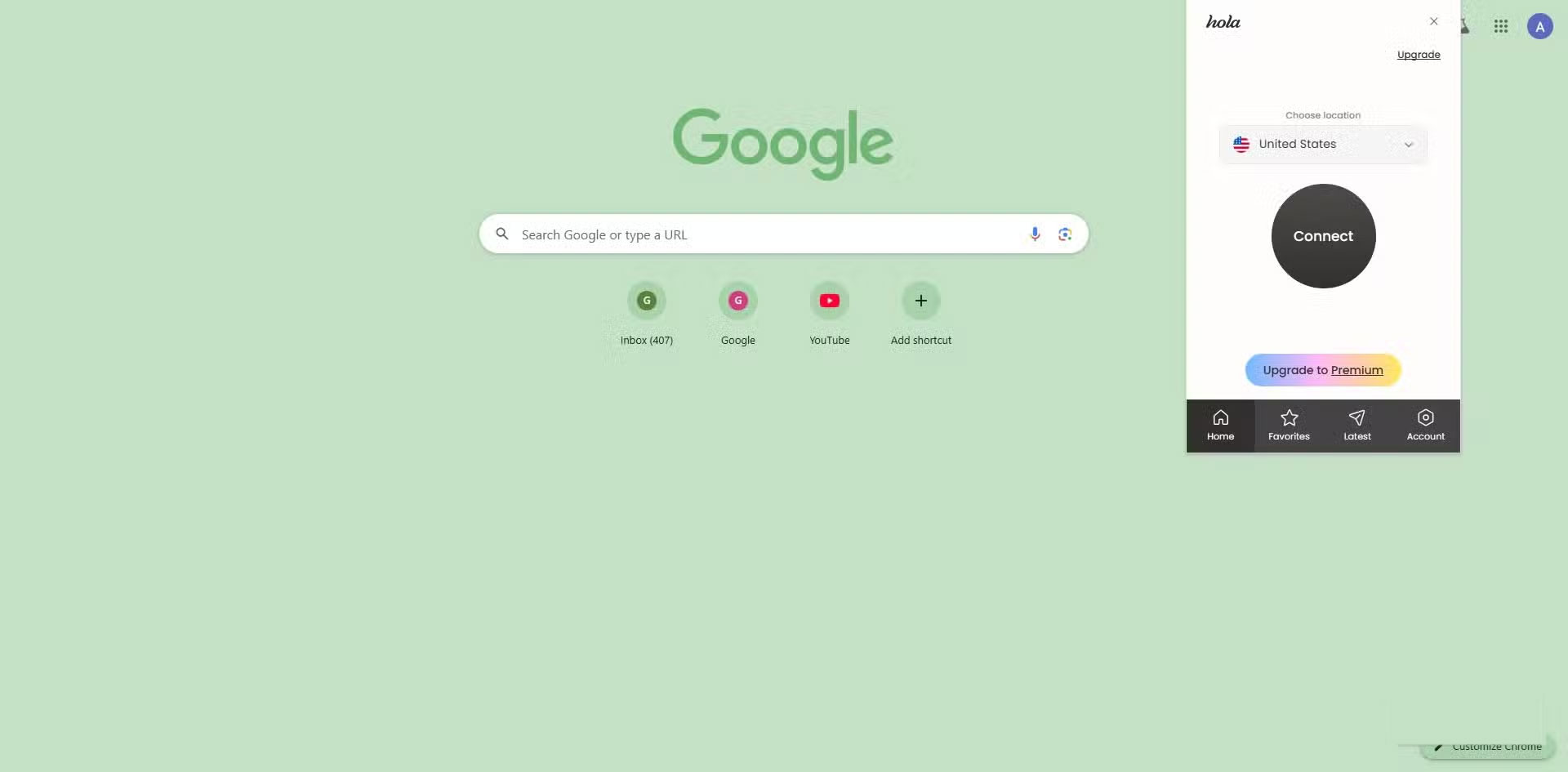
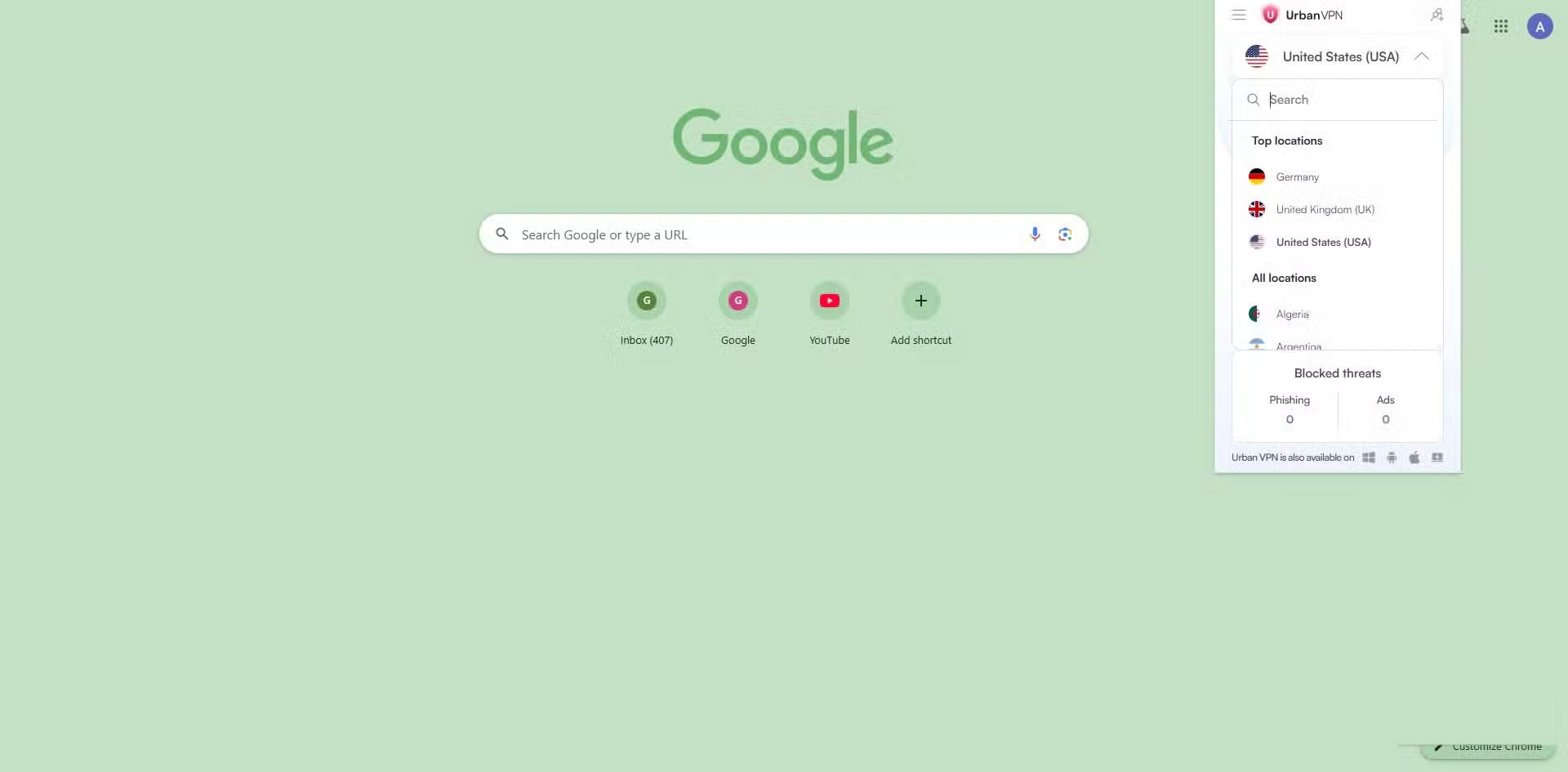
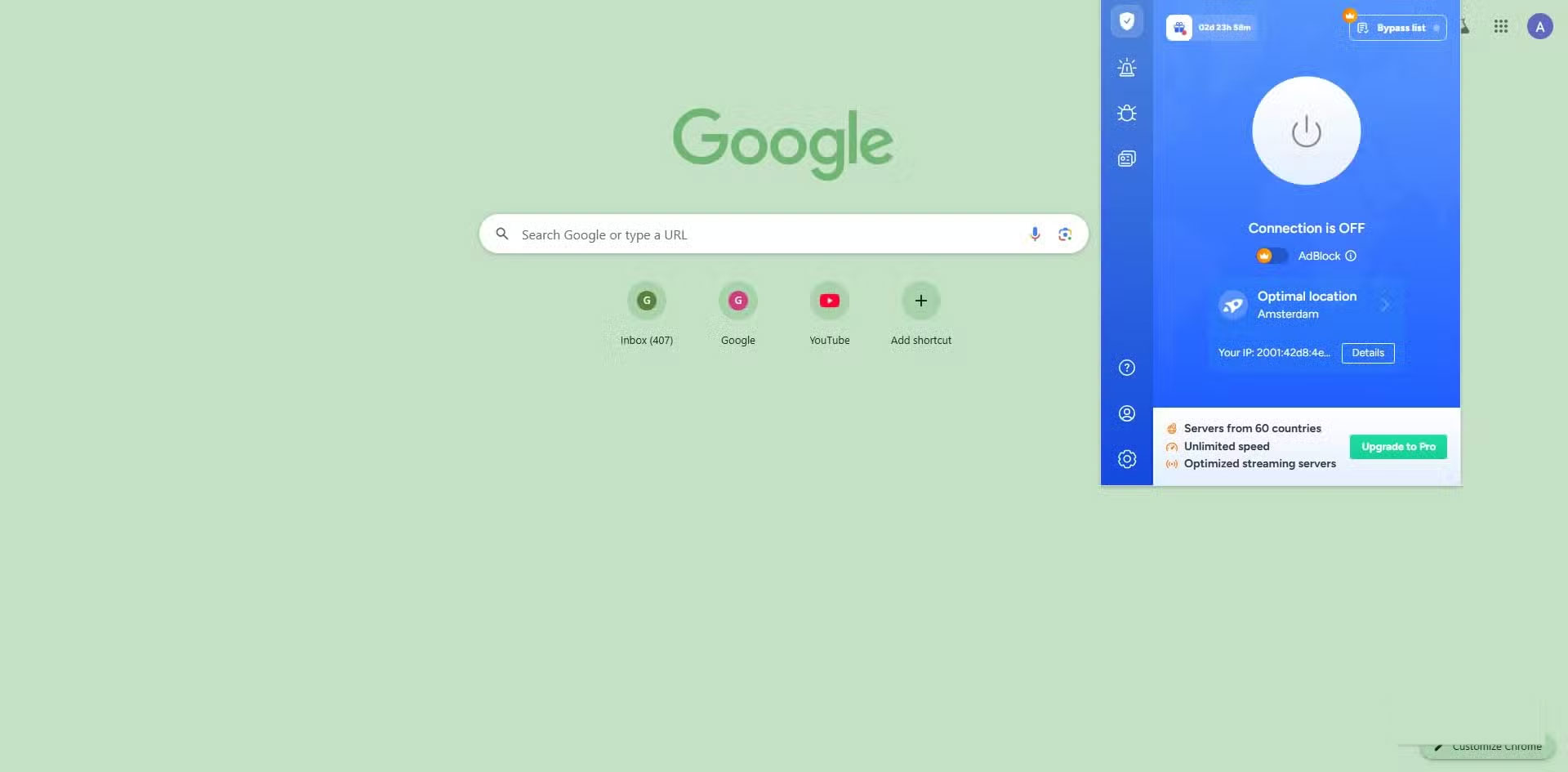
If you've used enough browser VPNs, you'll know that even without concerns about data handling and logs, performance often suffers.
Browser VPNs can slow down simple tasks, like loading Gmail or streaming YouTube, because they often offer a limited number of shared servers with thousands of users competing for bandwidth.
Tip : Browser VPNs often reuse the same IP address for thousands of users, and streaming platforms like Netflix, Disney+, or BBC iPlayer often flag and block those IPs.
Believe in better options
Whole-device VPN, DNS-level protection, and self-hosted solutions all work
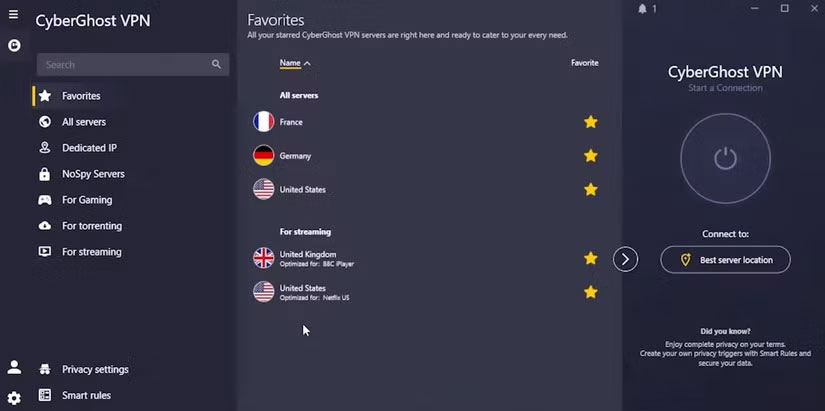
A full-device VPN is a better alternative. Of course, don't trust every VPN. We recommend Mullvad and IVPN. Both are open-source options that offer a true no-logs policy and don't require any form of personally identifiable information to get started. Of course, these options don't just protect your browser traffic, they protect your entire computer.
DNS-level protection is another layer of protection to consider. You can use tools like NextDNS or AdGuard that work behind the scenes to filter queries at the system level. They're great options for blocking trackers, malicious domains, and unwanted ads even before you establish a connection on your device.
A self-hosted VPN server is the optimal solution. It requires you to set up a WireGuard or OpenVPN server on a VPS or home server, so it's not an easy process, but it's the best option for complete transparency and control.
FAQ
Why Not Use a Browser VPN: Explained?
In practical terms, people have tried more VPNs than they can remember, and all they can say is: If a VPN doesn't secure your data, hide your IP, and mask your location, then it's failing at its job.
What factors are most important?
The article highlights that real and fake VPNs Browser VPNs don't work like real VPNs When considering a VPN, there are four basic things it should do: Encrypt your internet traffic , hide your location by hiding your IP address, keep your.
What is the main takeaway?
The main takeaway is that privacy concerns Proceed to collect logs and earn money If what your browser VPN doesn't protect you from was the only problem, that would be forgivable.
Related Articles
 How to Create Wifi Hotspot on UC Browser Web Browser5 minutes read
 Experience the Yandex Browser of Russia6 minutes read
 Zero Browser Download and Experience - Secure Browser on iOS, Free2 minutes read
 How to Surf the Web Without a Browser?: Surf the Web Without Browser12 minutes read
 20 Small Tips with Edge Browser You Should Know (Part 1)6 minutes read
 6 Free Incognito Web Browsers That Are Completely Private7 minutes read
Reader Comments 0
Sign in with email or Google to join the discussion.