Table of Contents
This guide answers "Why Use Bitwarden Instead of Google Password Manager?" with a clear explanation, practical context, and the details that matter most.
- How to block websites from showing notifications on browsers
- How to transfer browser data to Edge with just one click
- 5 ways to open Microsoft Edge browser in incognito mode
6. Secure notes, identities and cards
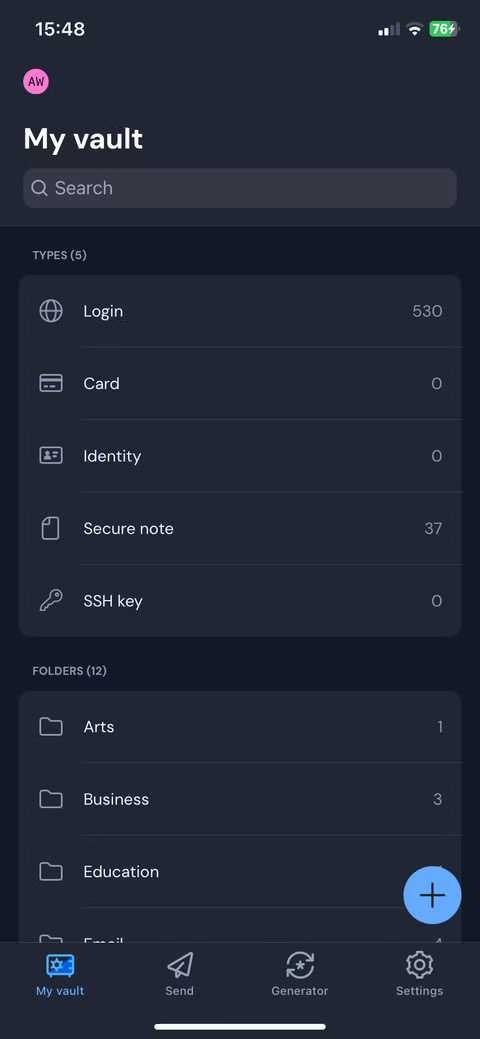
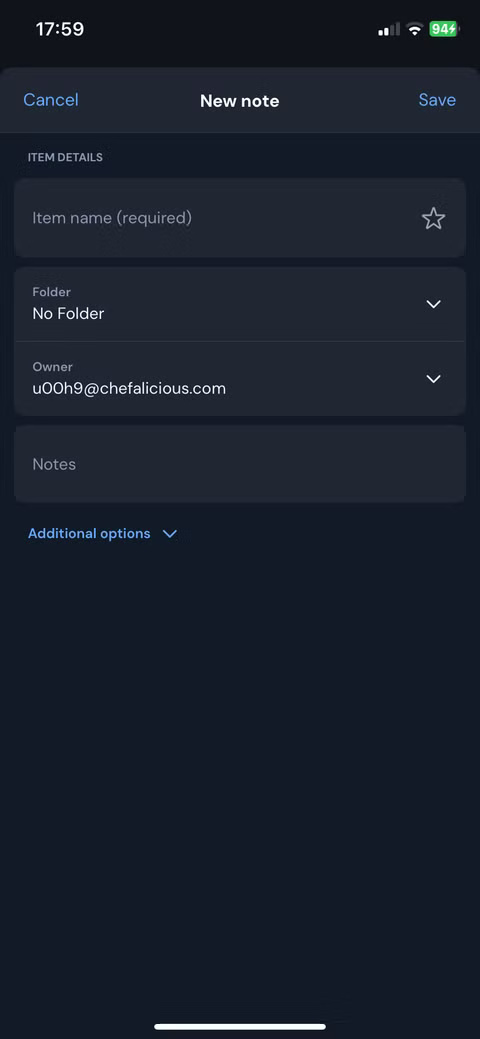
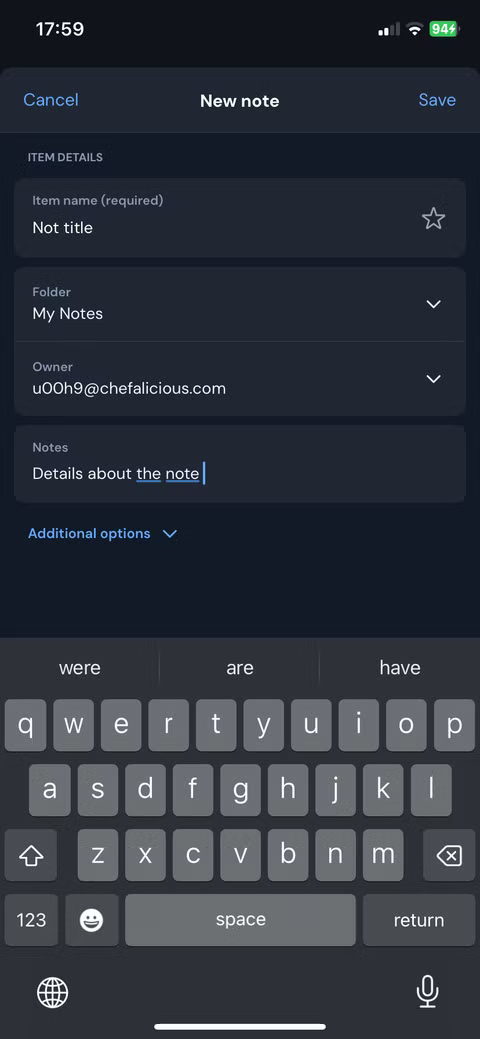
Google Password Manager is primarily designed to store logins. However, Bitwarden does more than just store passwords. In addition to storing logins, you can also store secure notes, identities, and cards, making it a one-stop shop for all your sensitive data.
Secure Notes are handy for storing sensitive information that doesn't fit into regular username-password fields. For example, you can store software license keys, recovery codes, safe combinations, Wi-Fi passwords, and more.
5. Share securely
Another powerful feature that makes the switch from Google Password Manager to Bitwarden an easy choice for many is secure sharing. With Google, if you want to share a password with someone, the only way is to copy the credentials and share them via text or email, which is not secure.
Bitwarden makes sharing credentials secure and seamless, providing an ideal way to share passwords with family and friends. It doesn't just stop at credentials - you can also securely share any information you want, including sensitive messages and documents.
4. Strong Credential Management
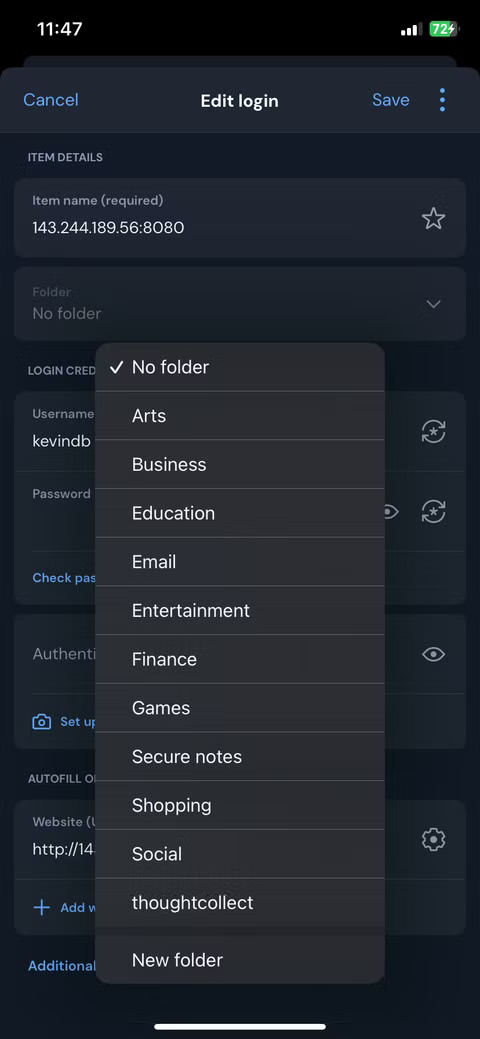
If you've been using a password manager for a while, you've probably stored hundreds of credentials. With Google, managing stored credentials is a mess because there are no built-in organizational features. Unlike Google Password Manager, Bitwarden stands out in how it structures and organizes its users' vaults.
The interface provides categories for various types of saved data, including logins, cards, identities, secure notes, and SSH keys. You can also create folders for different areas of your life to better organize your credentials.
3. Support credential and passkey generator
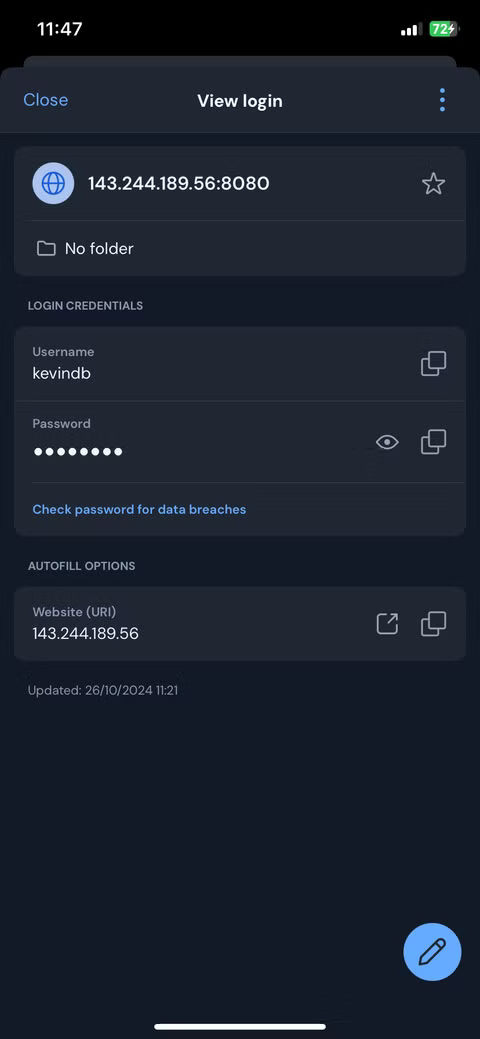
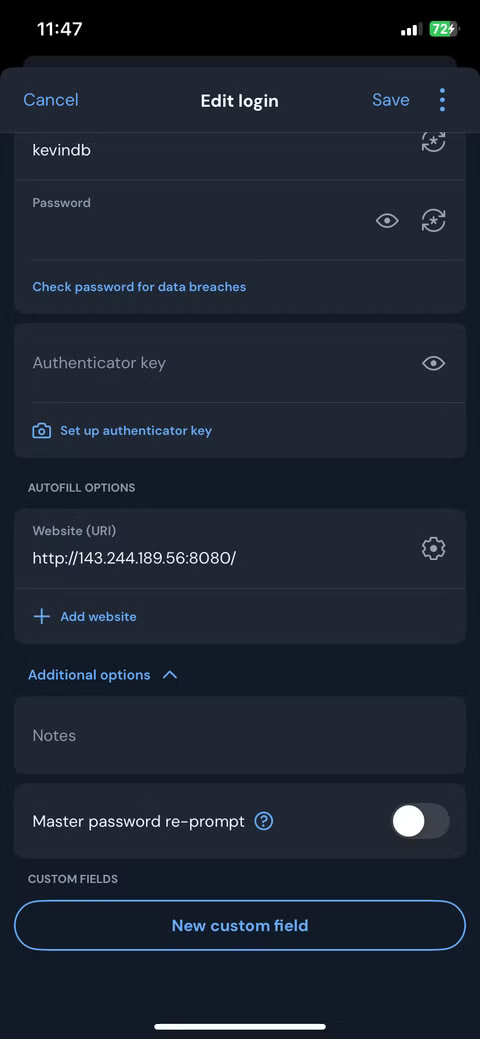
While Google's password manager offers a password generator, it lacks the additional customization features that Bitwarden offers. In Bitwarden, you can decide how long your generated passwords should be and whether they should include special symbols, numbers, and uppercase or lowercase letters. If you prefer passphrases, Bitwarden also offers a customizable passphrase generator.
It doesn't stop there. Bitwarden can also help you create secure and private usernames, which is extremely useful since many people have trouble coming up with new usernames. It also supports passkeys, which allows you to store and manage passwordless logins based on cryptographic keys instead of traditional passwords.
2. Excellent cross-platform support
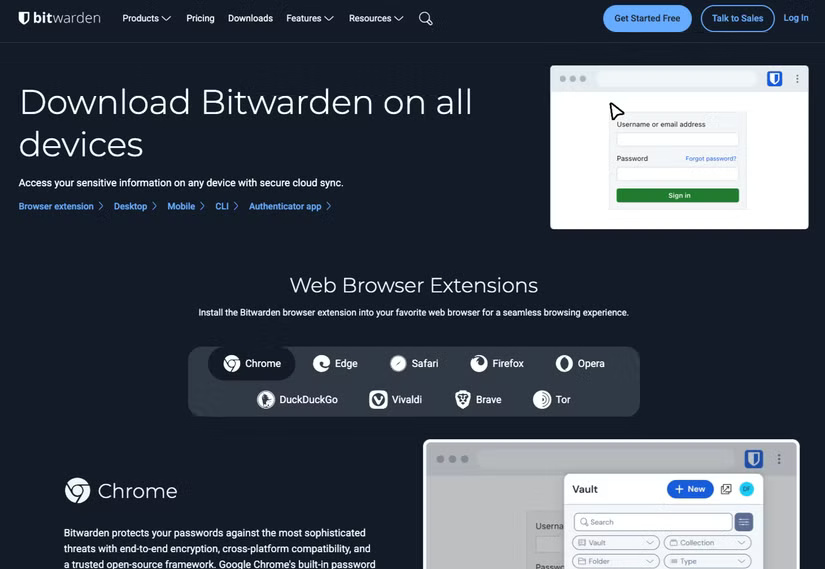
Another factor that makes people switch is that Bitwarden supports multiple platforms. Google's tool works best if you're completely locked into the Chrome browser and Google ecosystem, but people who frequently switch between devices and operating systems need something more flexible. Bitwarden delivers.
Whether you're using a macOS, Windows, Linux, iOS, or Android device, Bitwarden has an app that works seamlessly across all platforms. Bitwarden also offers extensions for Chromium-based browsers, including Chrome, Edge, Opera, and Brave. If you prefer a non-Chromium browser, Bitwarden has extensions for Safari, Firefox, DuckDuckGo, and Tor.
1. Strong security with open source transparency
While Google's password manager is convenient, it is unfortunately a closed system, unlike Bitwarden. One of the main reasons people switch from Google Password Manager to Bitwarden is the strong security backed by open-source transparency. Yes, Google promises strong security for the credentials stored in its password manager, but the problem is that its closed-source nature forces users to blindly trust that everything is safe.
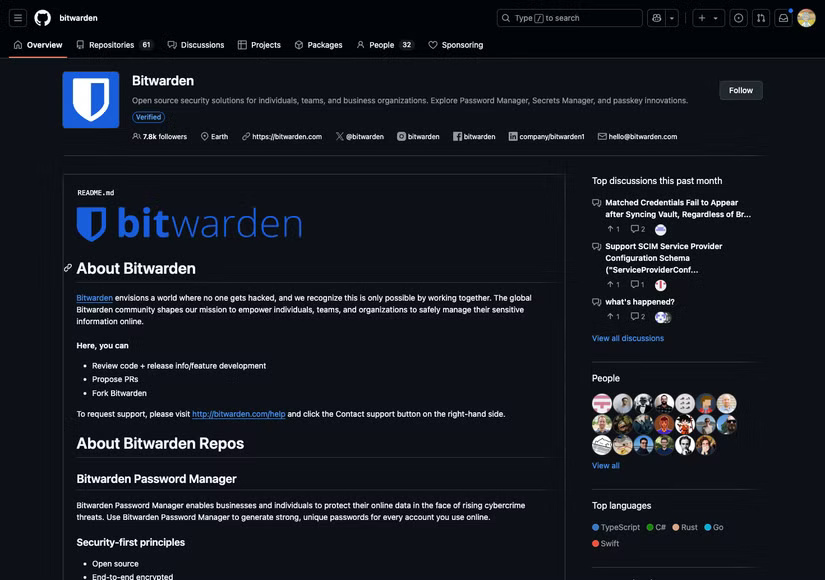
Bitwarden takes a different approach because it is an open source project with the entire codebase publicly available for scrutiny. Independent security researchers and auditors can examine the code, identify potential bugs, and verify that Bitwarden is performing exactly as promised. This level of transparency fosters greater trust, as security through ambiguity is insufficient in today's threat landscape.
In addition to its open-source transparency, Bitwarden has several security features that make it superior to Google's password manager. It uses end-to-end encryption to ensure that all data is encrypted locally on your device before it is stored. It is also a zero-knowledge password manager, meaning the company cannot see your passwords.
FAQ
What should you know about 6. Secure notes, identities and cards?
Google Password Manager is primarily designed to store logins. However, Bitwarden does more than just store passwords. In addition to storing logins, you can also store secure notes, identities, and cards, making it a one-stop shop for all your sensitive data.
What should you know about 5. Share securely?
Another powerful feature that makes the switch from Google Password Manager to Bitwarden an easy choice for many is secure sharing. With Google, if you want to share a password with someone, the only way is to copy the credentials and share them via text or email, which is not secure.
What should you know about 4. Strong Credential Management?
If you've been using a password manager for a while, you've probably stored hundreds of credentials. With Google, managing stored credentials is a mess because there are no built-in organizational features. Unlike Google Password Manager, Bitwarden stands out in how it structures and organizes its users' vaults.
What should you know about 3. Support credential and passkey generator?
While Google's password manager offers a password generator, it lacks the additional customization features that Bitwarden offers. In Bitwarden, you can decide how long your generated passwords should be and whether they should include special symbols, numbers, and uppercase or lowercase letters. If you prefer passphrases.
Related Articles
 Bitwarden Password Manager - Microsoft Edge's Latest Extension2 minutes read
 Why Bitwarden Is the Favorite Free Password Manager?8 minutes read
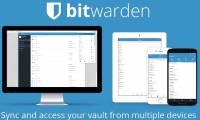 How to Manage Passwords Using the Bitwarden Utility6 minutes read
 8 Best Linux Password Managers: Explained10 minutes read
 Google Launches Its Own Password Management App on Android3 minutes read
 minutes read
Reader Comments 0
Sign in with email or Google to join the discussion.