Table of Contents
Samsung DeX can be enough for some email, browsing, and document tasks, but replacing a laptop depends on the apps and equipment your work requires. A desktop-style interface does not turn Android applications into Windows or macOS software.
Test the applications you depend on
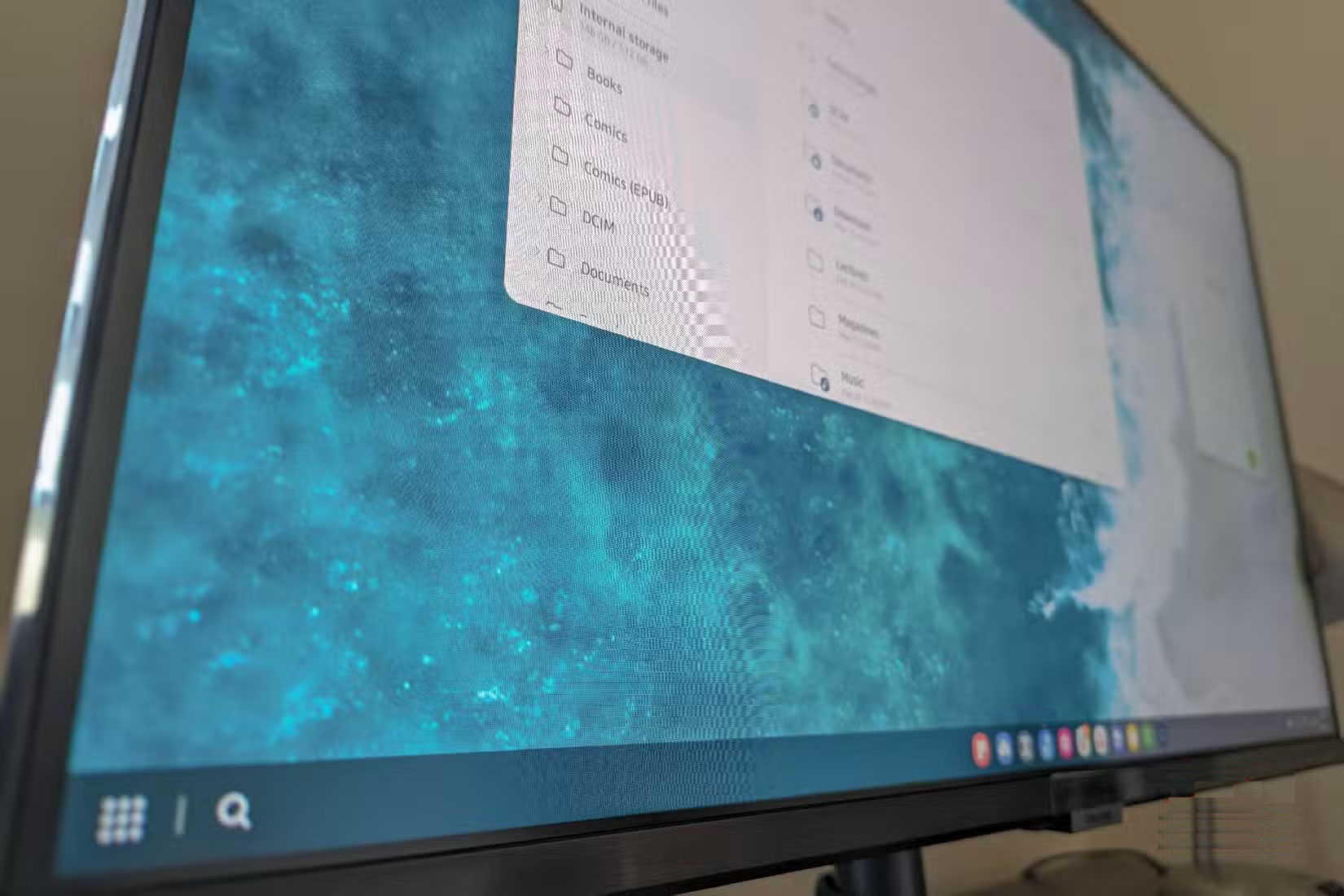
Open the actual websites, documents, and services you use for work. Check browser features, downloads, file uploads, keyboard shortcuts, text selection, and right-click menus. A page that opens successfully may still lack a feature you need to finish a task.
Browser extension support differs between Android browsers and versions. If your workflow depends on a particular extension, confirm it works in that browser rather than assuming the desktop version’s add-ons will be available.
Check the display and window layout
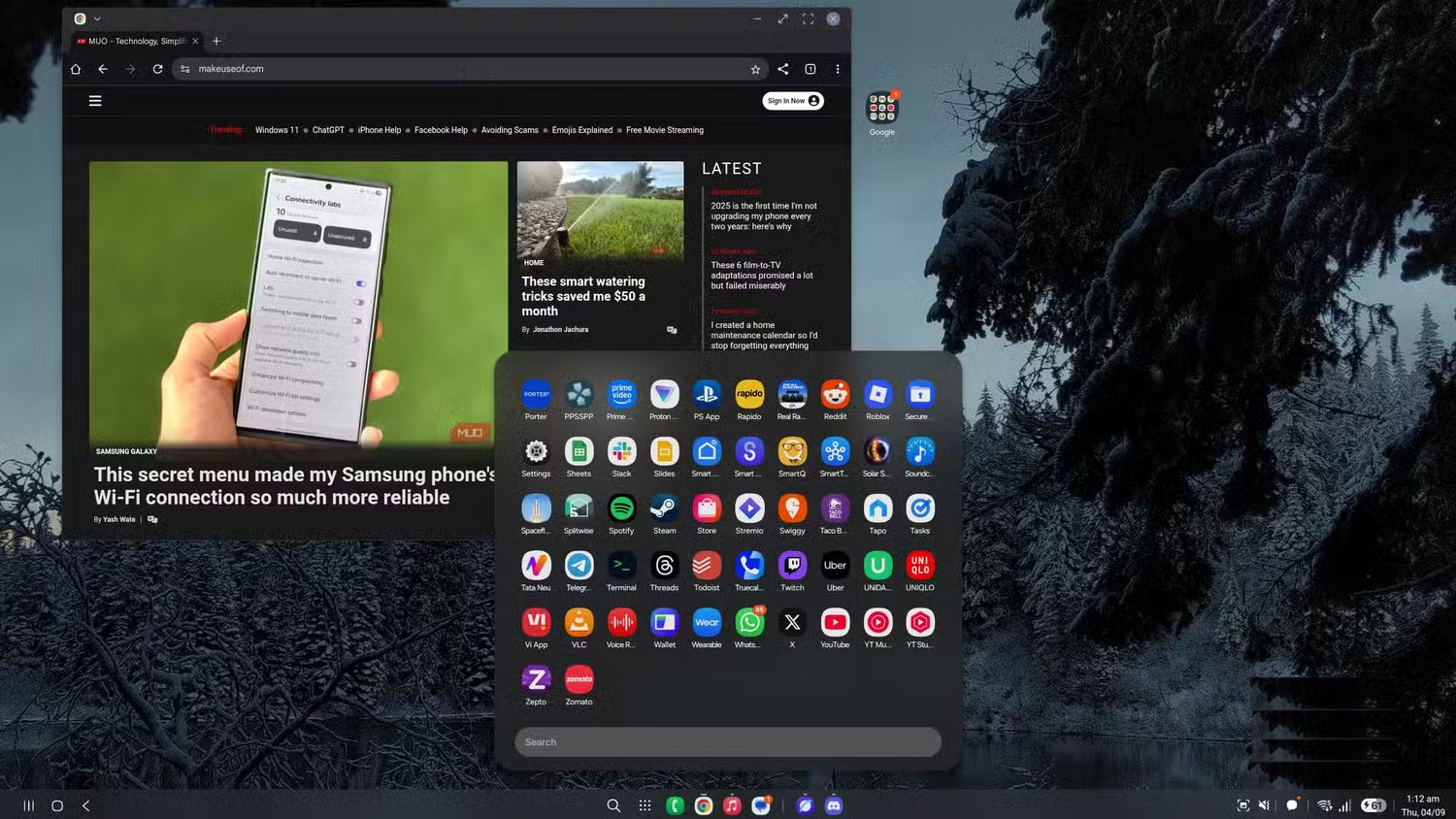
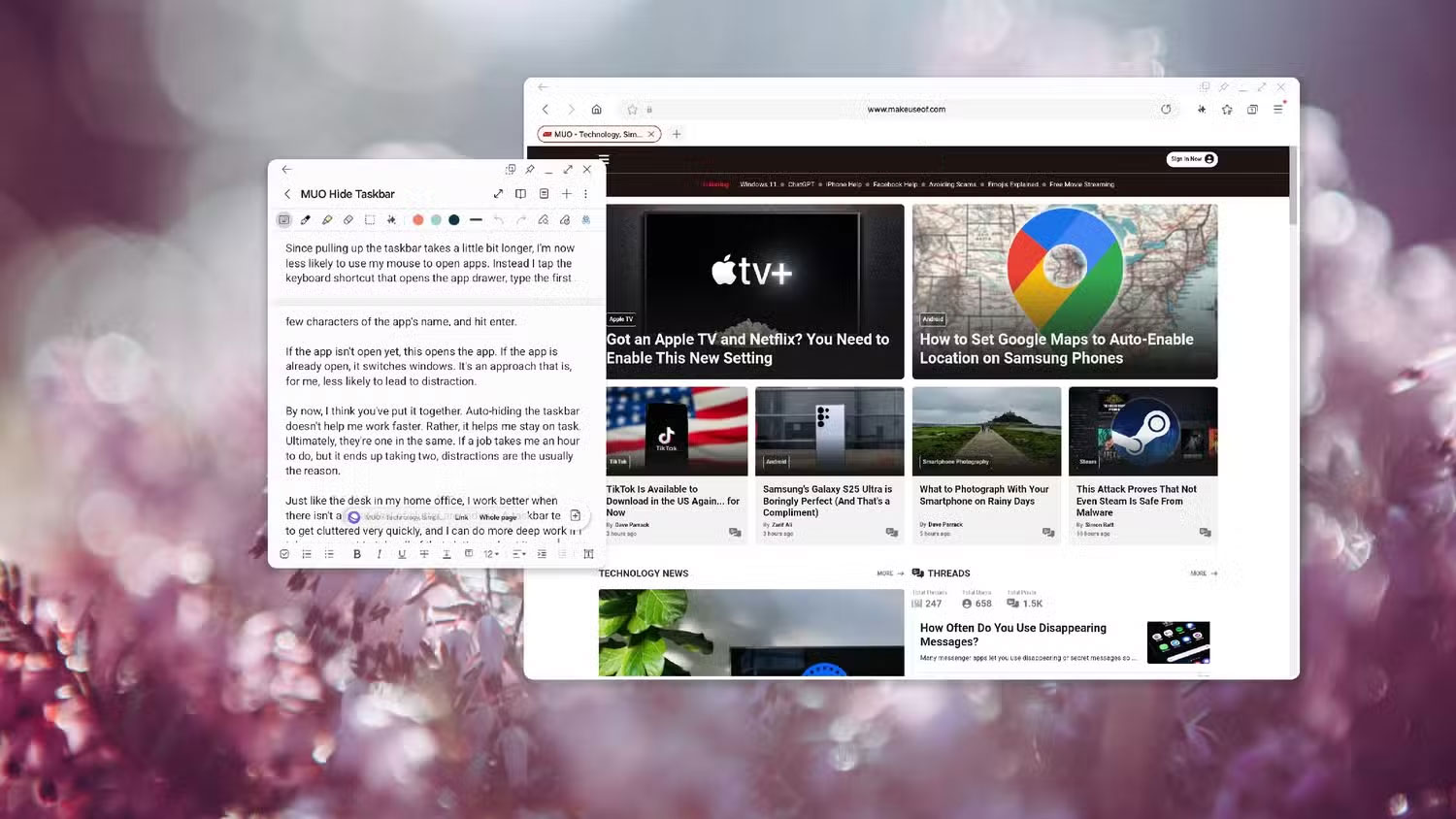
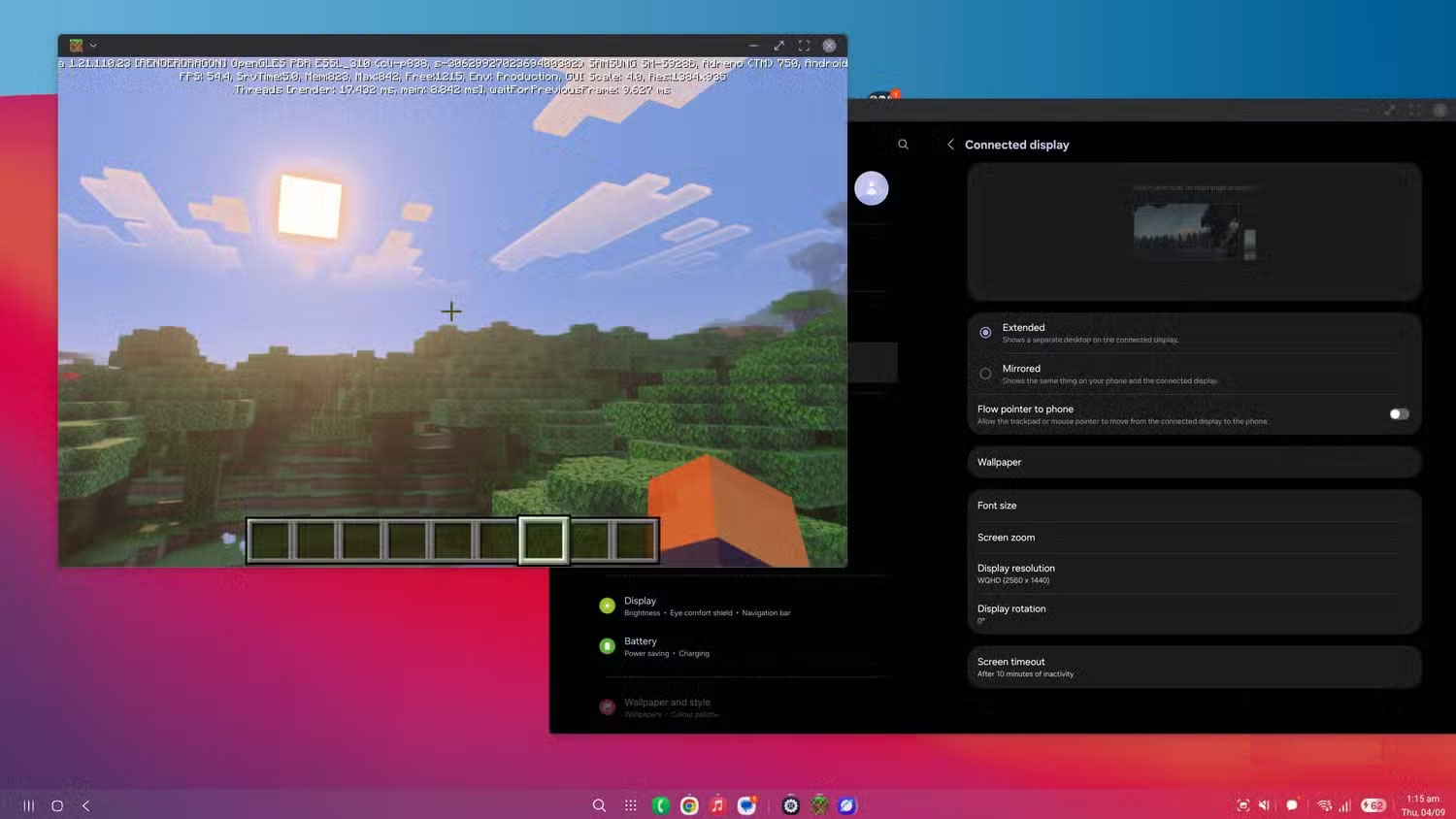
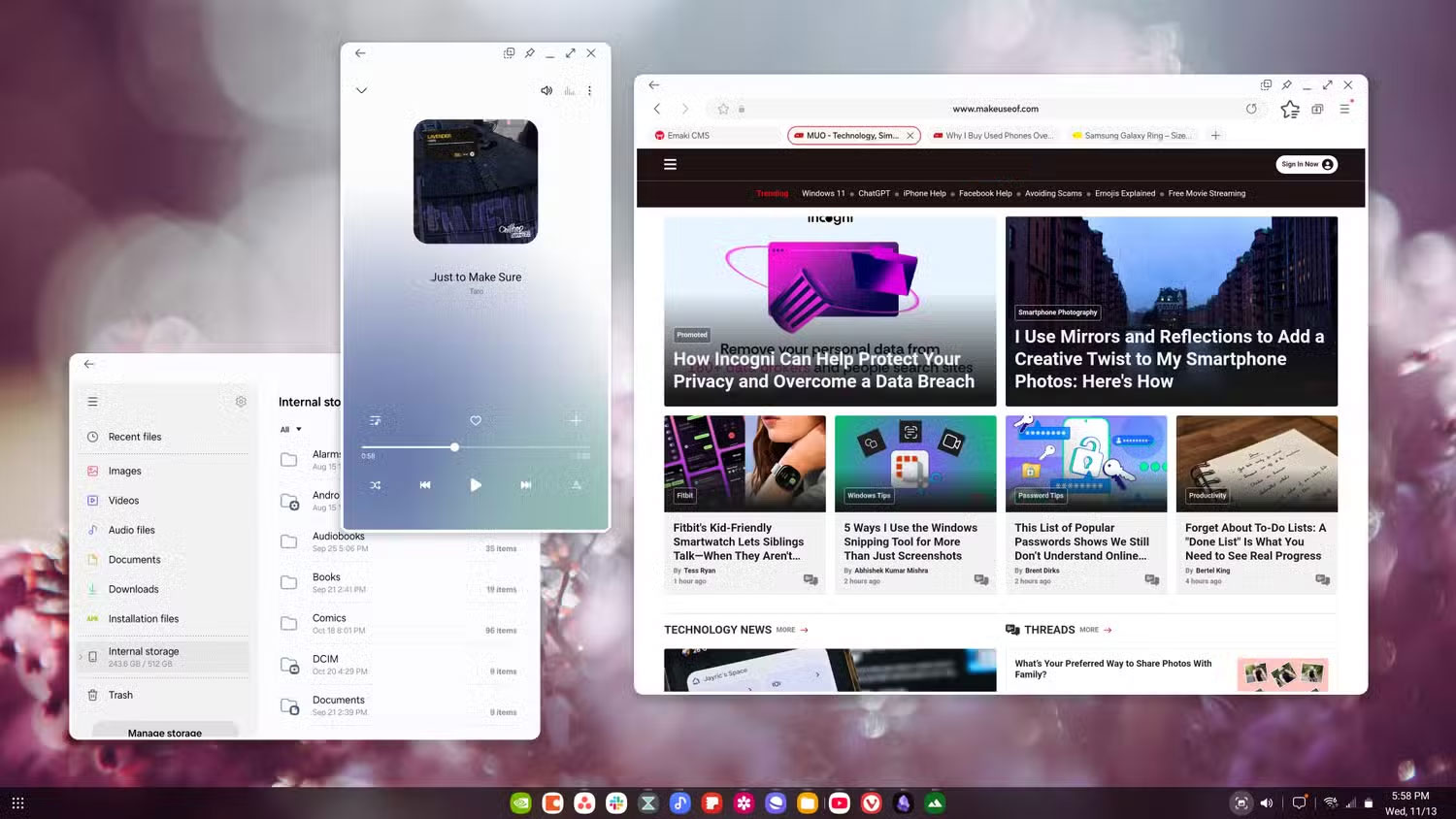
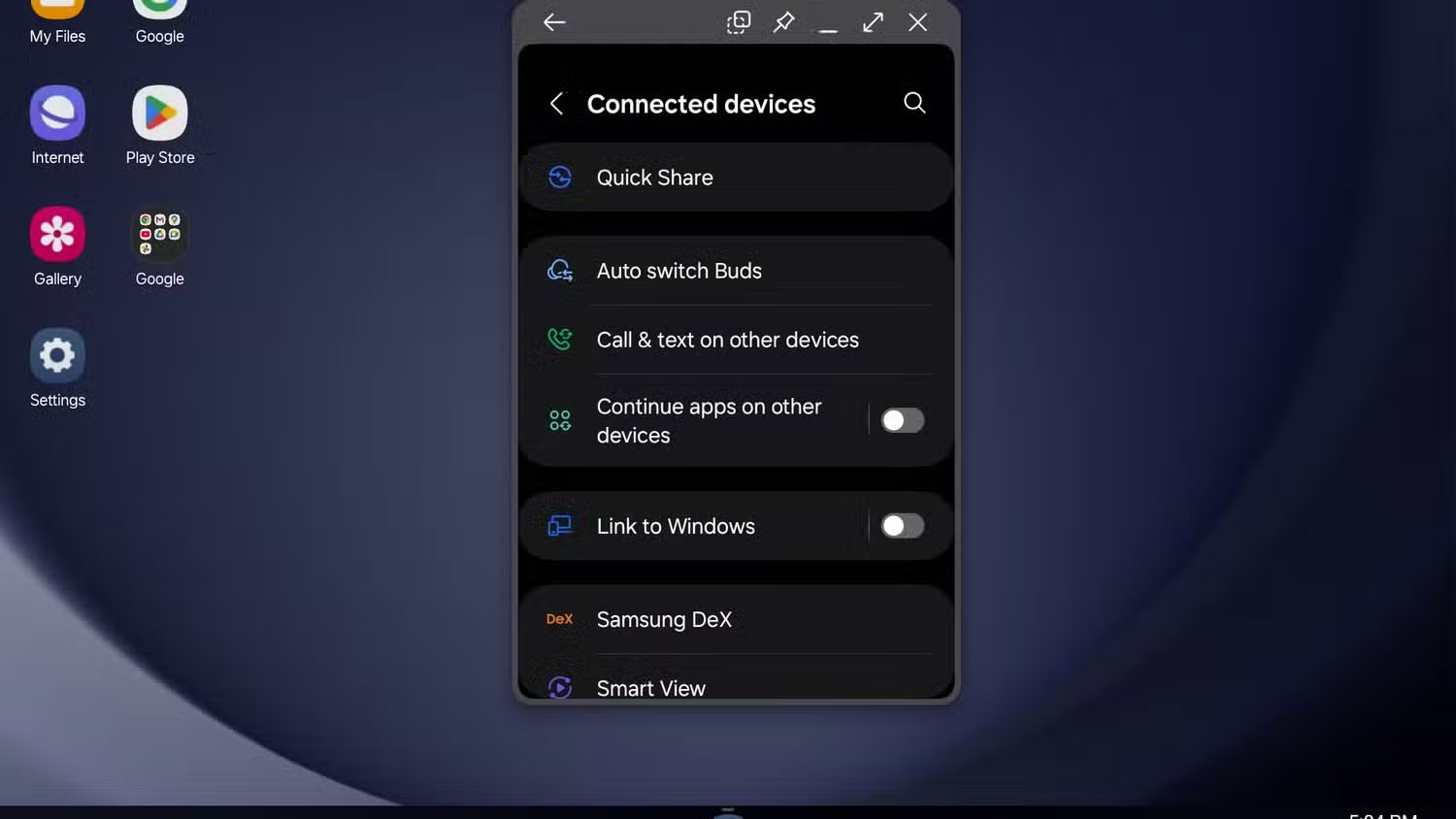
Connect the monitor, adapter, and input devices you intend to use. Test readability, resolution, resizing, and moving between windows. Support varies by Galaxy model and software version.
Older blanket claims that DeX has no desktop workspaces are no longer reliable. Samsung documents workspace support on eligible configurations in its workspace guide. Check the instructions for your device instead of relying on a screenshot from a different release.
Distinguish minimized apps from lost work
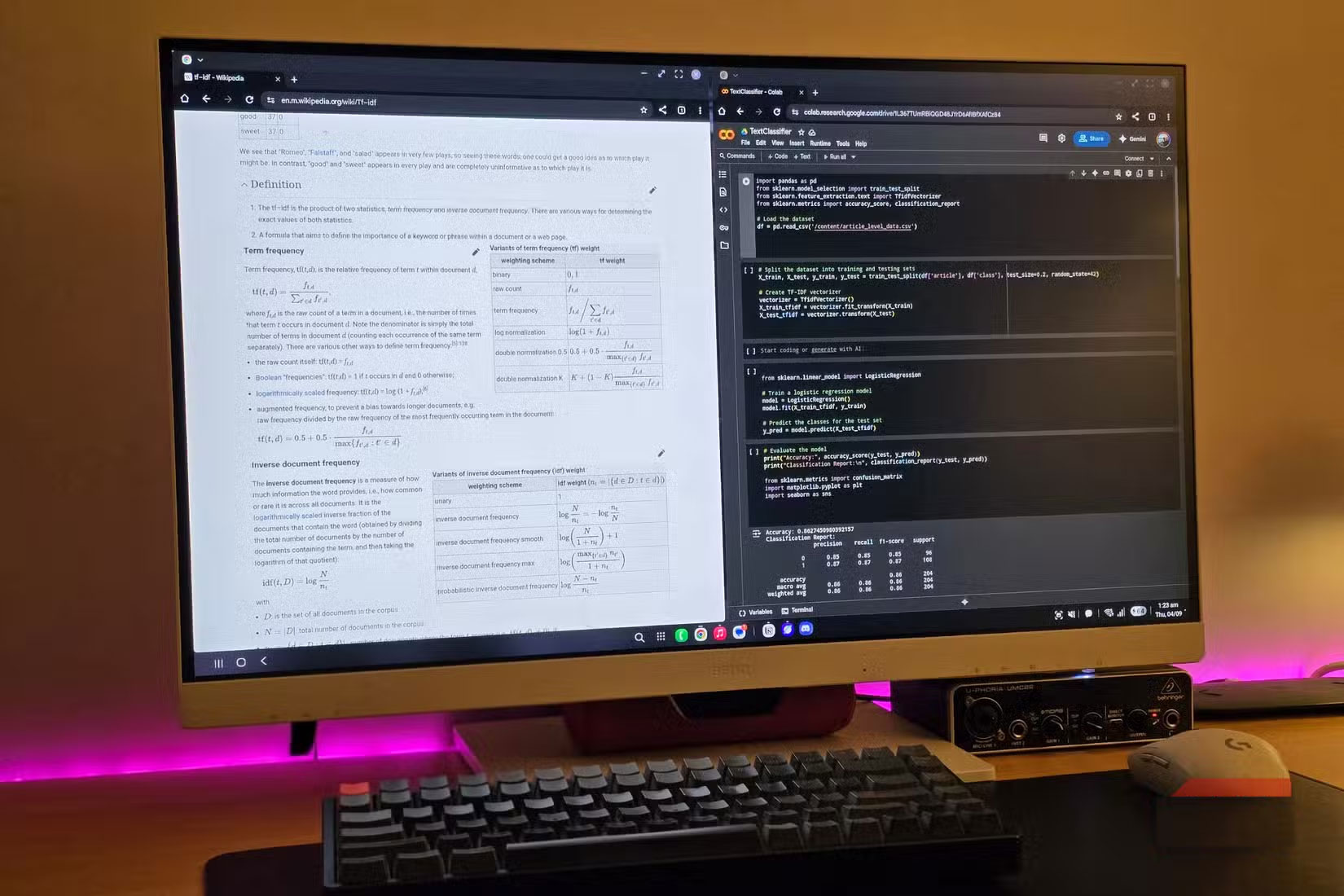
A window disappearing from view does not necessarily mean the application has crashed. Samsung’s DeX FAQ describes automatic minimization when the open-window limit is exceeded in the relevant desktop mode.
Test a realistic session: a video call, browser tabs, a document, and any other essential app. Check whether returning to an app preserves your draft and whether charging and sustained use affect responsiveness. Save work before entering or leaving DeX; Samsung’s app guide notes that transitions can close applications.
Count the equipment you need to carry
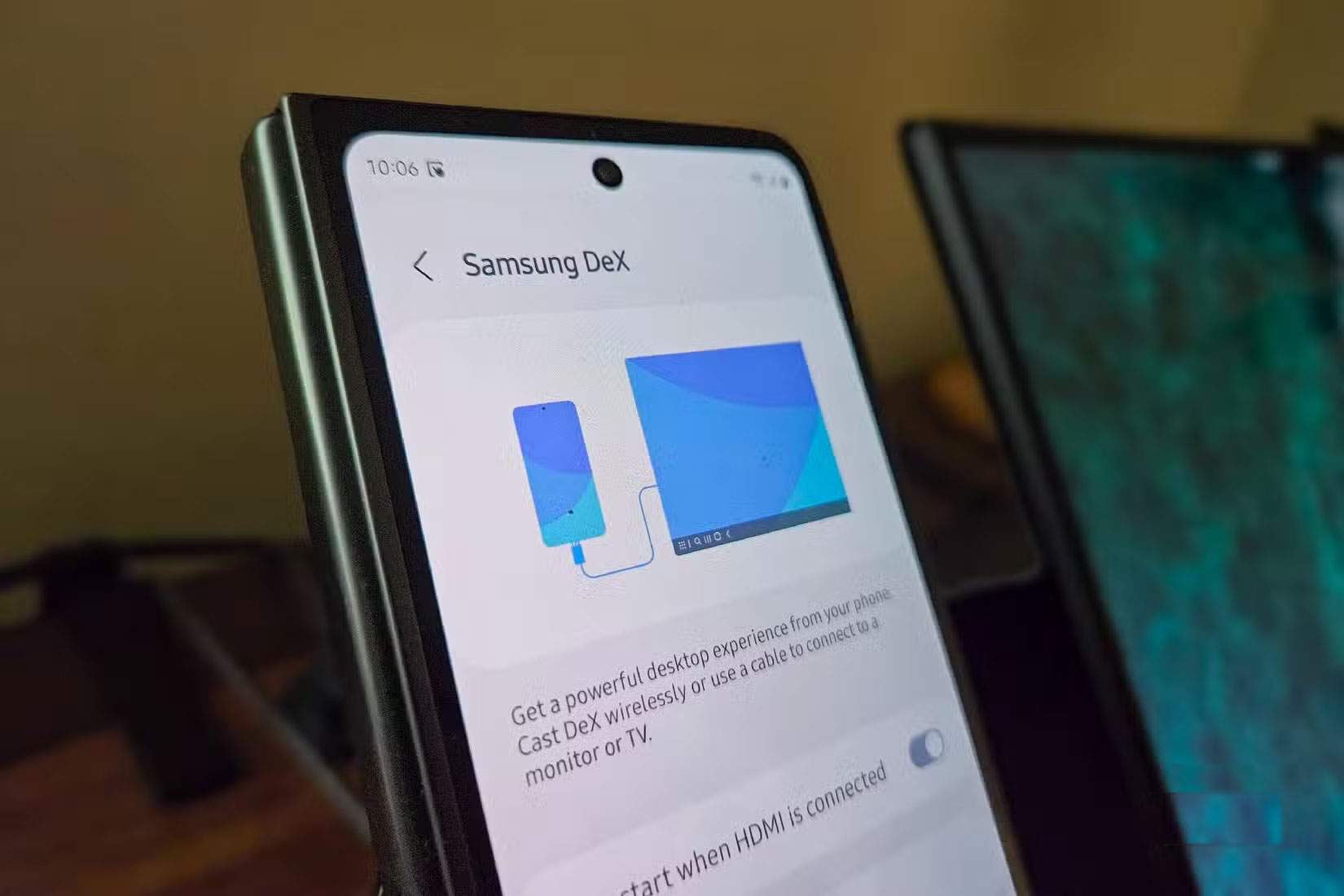
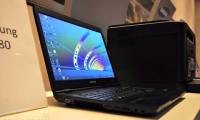
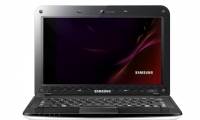
A phone is compact, but a mobile DeX setup may also require a display, keyboard, pointing device, adapter, cables, and power. A laptop-style accessory can package some of these, but it still depends on Android app compatibility.
Compare the complete kit’s cost, weight, setup time, and battery needs with a laptop. Do not assume an older accessory preorder claim is still current.
Run a full-workday trial before switching
- List essential tasks and the software needed for each.
- Complete representative tasks entirely in DeX, including saving and reopening files.
- Check meetings, printing, external storage, and offline work if relevant.
- Keep a recovery copy of important files using backup basics.
DeX can be a useful travel or backup workstation even when it does not replace your main computer. Decide from completed tasks on your own setup rather than a universal claim that it is either a disaster or a full desktop substitute.



Reader Comments 0
Sign in with email or Google to join the discussion.