Table of Contents
Set a central air conditioner’s thermostat fan to Auto for everyday cooling. The blower generally runs when the system calls for cooling and stops after the cycle. With the fan set to On, it keeps circulating air even when the compressor is off.

Why Auto is a good default
A fan that runs only as needed usually uses less electricity than one running continuously. In humid weather, stopping the blower also gives water on the cooling coil time to drain. If the blower keeps running, some moisture can evaporate back into the house. See the U.S. Department of Energy HVAC guide for the energy and moisture trade-offs.
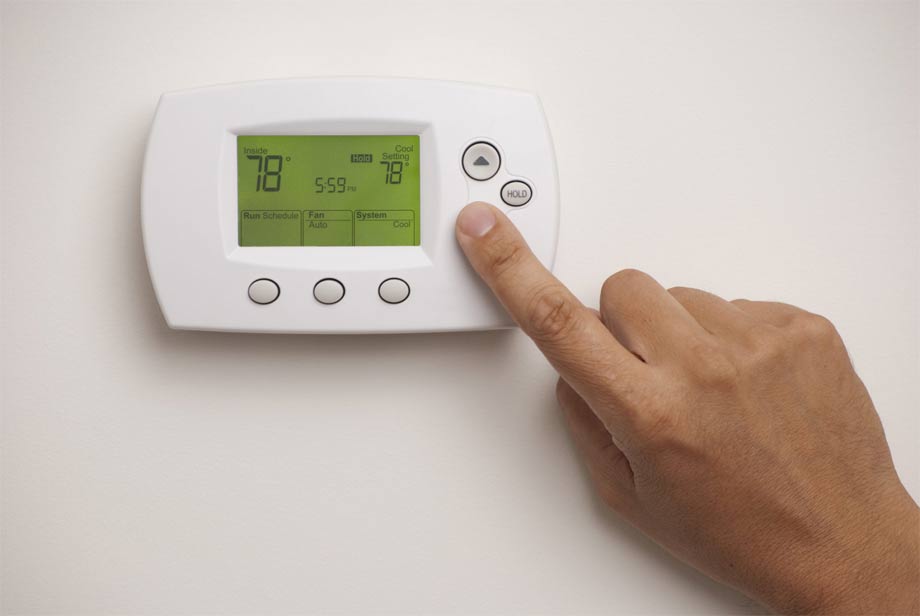
When to try On or Circulate
Try continuous circulation for a short period if air feels stagnant or temperatures vary between rooms. It can help mix air, and it moves more air through the system’s filter. Results depend on the ducts, filter and blower. If the thermostat has Circulate, it may run the fan at intervals between cycles. Check the thermostat manual for how often.
If the house feels more humid after switching to On, switch back to Auto and see whether it improves. If one room stays much warmer, check for blocked supply or return grilles and have airflow checked if the problem persists.
Check which Auto setting you are changing
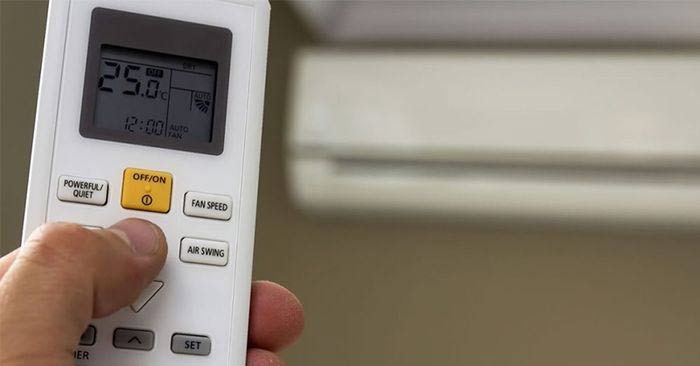
These instructions refer to the fan setting on a central thermostat. On a wall-mounted split AC, Auto may instead select an operating mode or fan speed. See the unit’s manual or an example such as the LG remote guide before applying the same advice.
Related Articles
 It is reasonable to turn off the air conditioner before going out
 Should fans be turned on when using air conditioning?
 4 ways to turn on the air conditioner before going home
 Why should you turn off the air conditioner during a storm?
 How many useful features have you overlooked on air conditioning?
 How to use air conditioner control, Aqua air conditioner accurately, save electricity
Reader Comments 0
Sign in with email or Google to join the discussion.