Table of Contents
This updated guide explores tips to level up fast on lineage2m with practical details, clear explanations, and useful takeaways. Lineage 2M is the latest installment in the popular MMORPG series, bringing players back to the worlds of Aden, Gludio, and many other familiar lands, but with dramatically improved storylines, graphics, and gameplay mechanics.
With many different races and classes, as well as many mechanics that players need to learn to quickly gain power. Luckily, we have covered most of the basics in our Lineage 2M beginner's guide, and this time, we will share some useful tips and tricks for leveling up quickly and related tips.
Summary of the Article
- This article provides useful tips to help you play Lineage 2M more effectively. From choosing the PC version to keep your computer from overheating, using auto quest to reduce hand fatigue, to AFK tips to still level up with auto hunt.
- There is a way to buy Archers and store items to avoid overload. For those who are struggling to know where to start or want to play leisurely but still strong.
- Concise, easy-to-understand instructions, standard for Vietnamese gamers. Suitable for both newbies and hardcore players looking to optimize their playing time. Light machine, light effort, still level up steadily.
Redeem Code for Rewards

The game code will provide many rewards, including currency, equipment, and valuable items just by entering the redemption code. And if you take the time to update the code at the latest Lineage2M Code page and how to redeem the code, you will not miss any game codes from the game publisher.
Play on PC If Possible

Mobile games are convenient, but to "grind" effectively, it is best to play on PC. NCSoft provides the Purple platform, allowing you to play Lineage 2M on your computer with a large screen, stable performance and beautiful graphics. You can control it with a mouse and keyboard, just like traditional MMORPG games on PC. Or you can play Lineage2M on PC with LDPlayer, Bluestacks to run multiple accounts at the same time and your device has a strong configuration.
Take Advantage of the Auto - task Feature
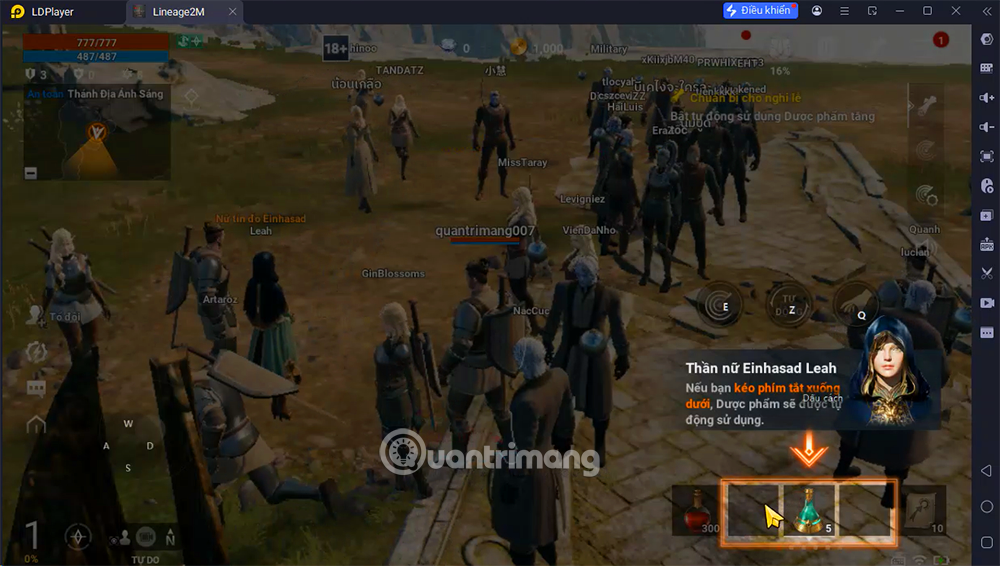
Lineage 2M has an auto-quest feature that will automatically move your character to the quest objective and try to complete it if possible. This feature is very useful, especially when you are playing on PC, you can enable auto-quest, minimize the game to the background and let your character do the work. Just check back in the game every now and then to ensure everything is running smoothly.
When You Have to AFK, Turn on Auto
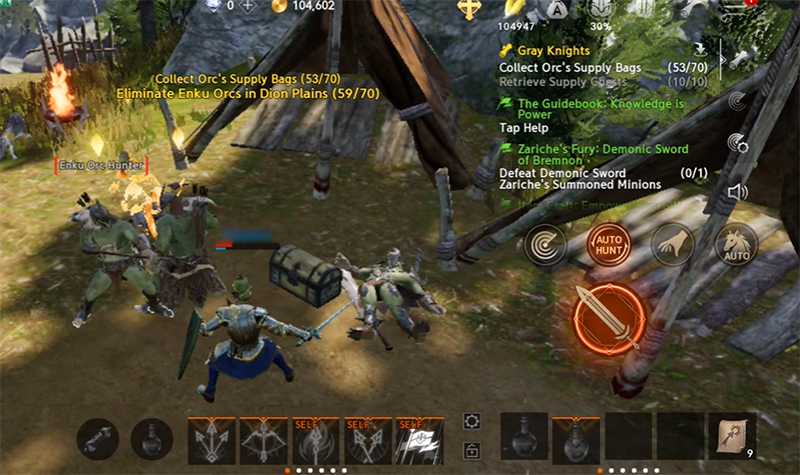
When you encounter content that is too difficult for your current level, you can let your character fight automatically to "grind" experience. Lineage 2M has an auto hunt feature, which allows your character to automatically attack and kill nearby enemies until you turn it off. You can place your character in a hunting area appropriate to their level and let them "grind" while you are busy with other things.
How to Get Arrows for Character

One of the most frequently asked questions about Lineage 2M is: 'How do I get a name for my character?' You can buy names in any town by talking to the 'General Merchant' NPC. Still, do not buy too many if you're low level, as these items have weight and can overload you if you exceed the weight limit. We recommend leaving town with around 10,000 arrows, which should be enough to keep you grinding and questing for a few hours.
Store Excess Items
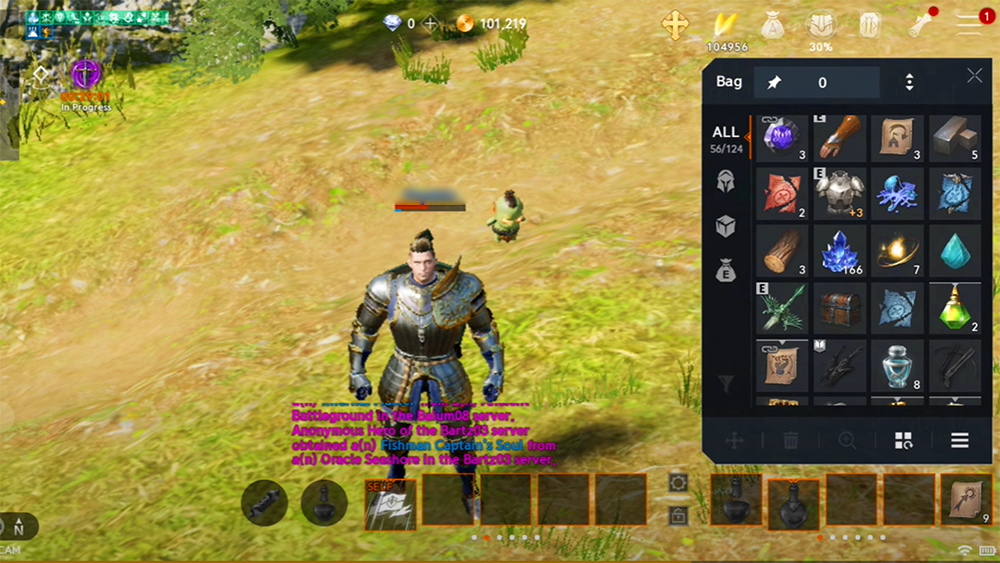
When you pick up many equipment and items that you cannot use yet, but do not want to throw away, you can open the "Stash Keeper" NPC in any city or town. These NPCs will let you deposit any item into their storage for free, helping you reduce the weight in your inventory. Still, when you withdraw the item, you will have to pay a small fee of 1,000 Adena per item.
Lineage 2M is a long-term "grinding" game, so knowing the tips will help you save many time and effort. From prioritizing playing the PC version smoothly, to taking advantage of auto quest, auto hunt when AFK, all help you level up quickly, without falling behind. Especially, do not forget to store extra items, control the weight of your luggage so that farming is not interrupted. Hopefully this article will help you who are new to the world of Aden feel less confused, and farming is not too hard if you know how to optimize everything properly.
FAQ
What is the main takeaway about Tips to Level Up Fast on Lineage2M?
The key is to understand the core idea, compare the available options, and apply the practical guidance that matches your situation.
What should beginners know about Tips to Level Up Fast on Lineage2M?
Start with the essential steps and terminology. Avoid changing advanced settings until you understand how they affect performance, privacy, cost, or compatibility.
How can I use this information in practice?
Follow the relevant section in order, test one change at a time, and confirm the result before moving to the next step or recommendation.
Related Articles
 Lineage2M: How to Choose the Right Character for You8 minutes read
 How to Download Lineage2M PC6 minutes read
 Latest Lineage2M Code and How to Redeem Code5 minutes read
 Dying Light 2 Stay Human: Quick Level Up Tips Gamers Need to Know4 minutes read
 Pokemon Master Level Up: Guide to Level up Pokemon Master Quickly5 minutes read
 The 25-year Study Shows That Rising Sea Levels Are Rising4 minutes read
Reader Comments 0
Sign in with email or Google to join the discussion.