Table of Contents
Your Kindle is dead after 12 years of loyalty, but instead of replacing it, try exploring a better option: A multi-device, e-reader-free ecosystem that's more flexible, more comfortable, and won't break the bank.
Your Kindle is dead after 12 years of loyalty, but instead of replacing it, try exploring a better option: A multi-device "e-reader-free" ecosystem that's more flexible, more comfortable, and won't break the bank.
Method: 1 inbox, 2 surfaces and multiple outputs
Follow a simple set of rules. Inbox collects everything you want to read. Surfaces determine where you read: skim on iPhone, dive deeper on iPad or laptop. Output captures what's important, so reading translates into knowledge you can find later.
Inbox: Collect everything
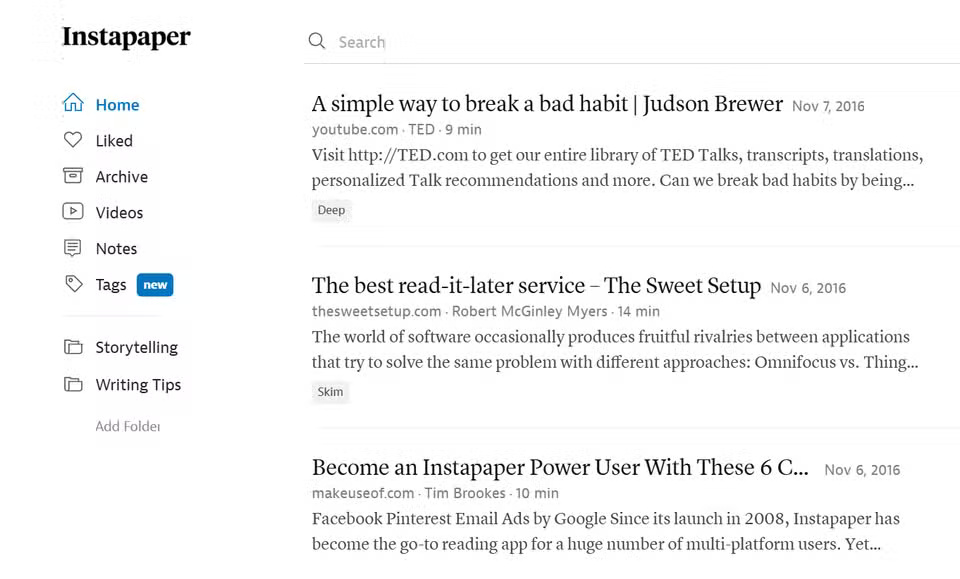
The article uses Instapaper as its sole inbox for reading books on the web. It's a minimalist Pocket alternative for read-later. On your phone and laptop, install the Instapaper share extension or bookmarklet. Anything that looks interesting gets saved there. Tag short articles as Skim, long reads as Deep, and work research as Project.
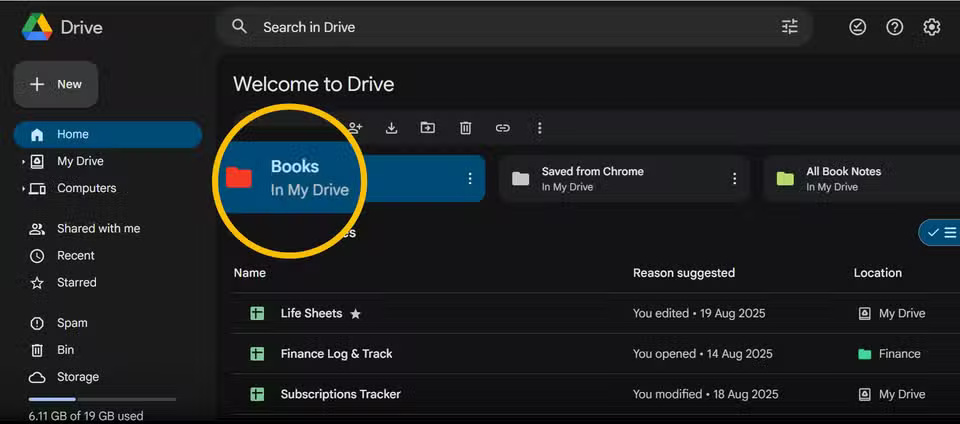
Upload ePubs and PDFs to a specific Google Drive folder called 'Books.' It's easy to convert and transfer them to Apple Books or the Kindle app from there. Plus, storing them in the cloud makes them accessible from any device, anywhere.
Surfaces: The right screen for every moment
Read short sessions on your iPhone. A few tweaks will set up a quieter environment.
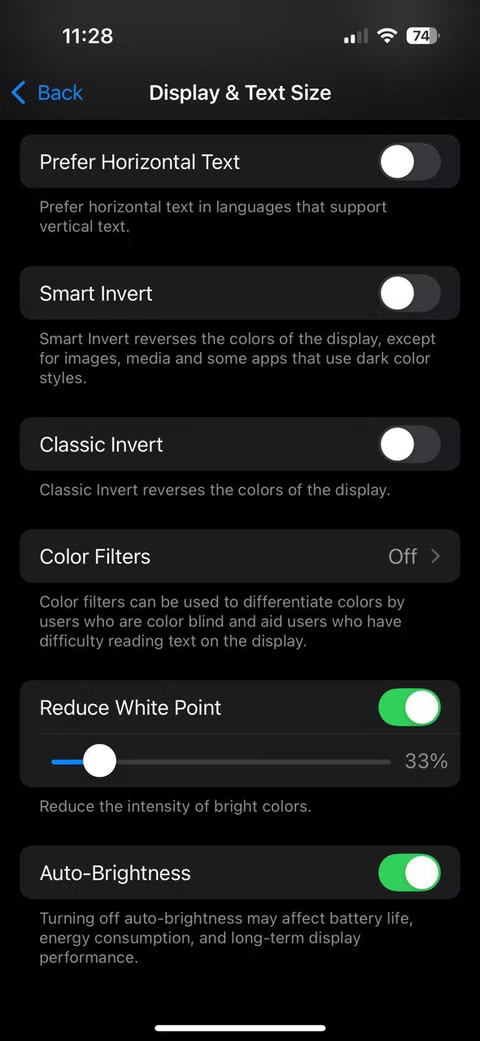
- Settings > Accessibility > Display & Text Size > Reduce White Point (about 30 - 33%).
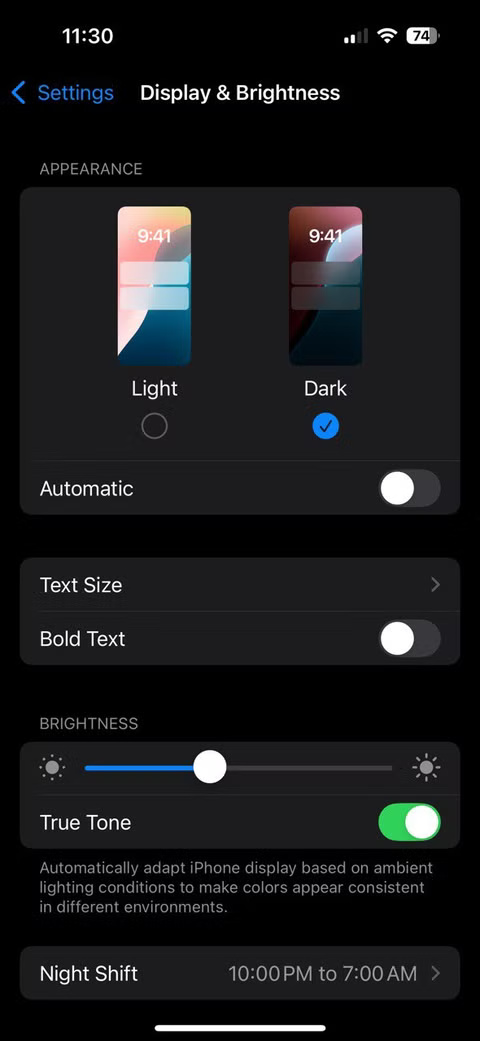
- Settings > Display & Brightness > Turn on True Tone .
- Safari Reader View For clear typography. Also, select Hide Distracting Items .
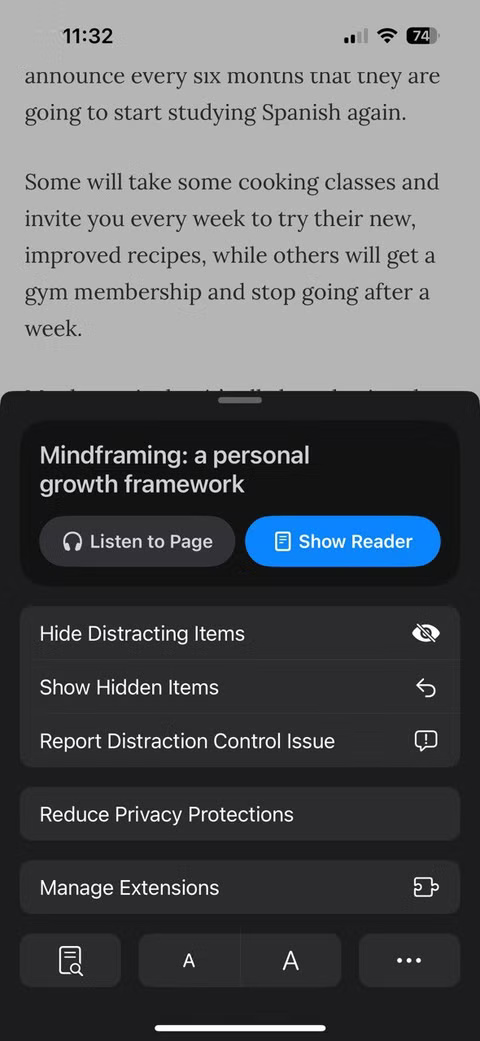
You can create a 'Reading Mode' shortcut that does four things: Turn on Do Not Disturb , set the brightness to low, open Instapaper , and switch to Reader View If you're coming from Safari. Activate it with Back Tap ( Settings > Accessibility > Touch > Back Tap > Double Tap ).
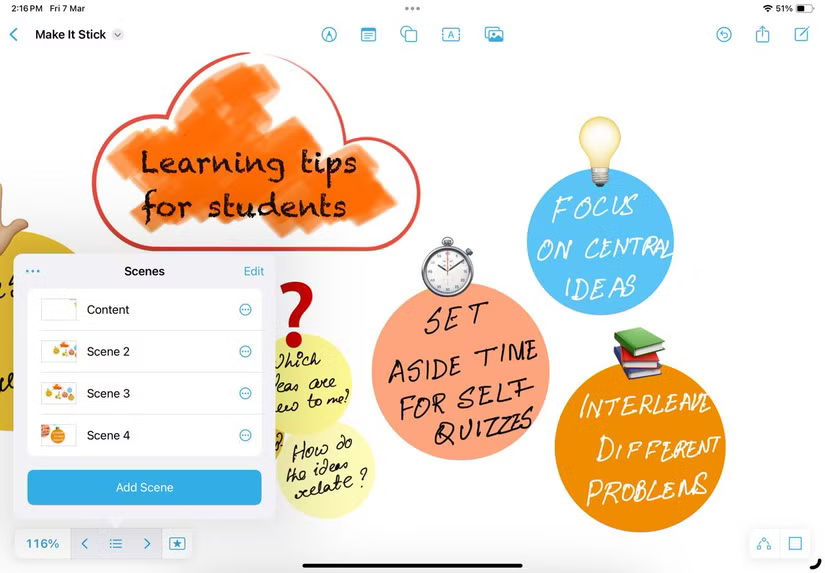
On iPad, do focused book sessions. Lock the screen orientation, set Auto-Lock To 10 minutes. Read long articles in Safari or Instapaper. Open books and longer PDFs in Apple Books or the Kindle app for iPadOS. If You should write on a PDF, connect it to the Notes app and mark it up with Apple Pencil. For books that require longer focus, many people like the clear visual note-taking on Freeform.
Next: Highlight today, remember tomorrow
There's no point in reading a lot if you don't take anything away. Both the Apple Books app and Kindle allow you to take notes with highlights. Sometimes you'll find me mulling over any knowledge and jotting down quick notes in Apple Notes. Writing down your ideas on the fly is a great use of the Apple Pencil. But you don't have to have a Pencil. Both the Kindle and Books apps have a place for notes with Highlights. You can quickly type out your thoughts with keywords, like a digital annotation.
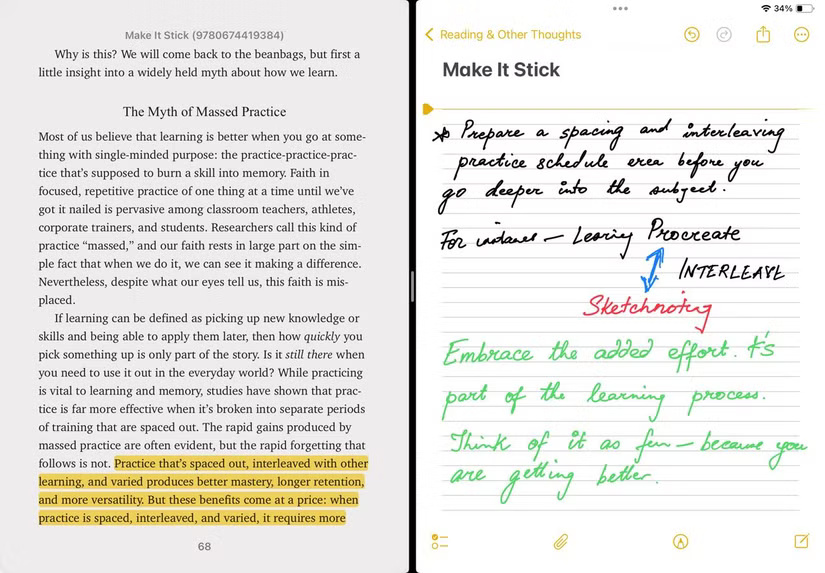
Note : If you like automation, Readwise can pull highlights from multiple places and organize them for later reading. But subscriptions aren't cheap. People use Apple Notes because it's free and the default app on the iPhone.
Optional: Listen on the go . If your eyes get tired or you're doing housework, switch to audio mode. On iOS, turn on Spoken Content ( Settings > Accessibility > Spoken Content > Speak Screen ). Swiping down with two fingers from the top will read the article aloud as you follow along.
You can enable text-to-speech on any device to enhance your listening experience on the go.
Optional: Read via browser. On your laptop, create a "Reading" browser profile without any extensions. The iPad is the place to do longer reading sessions.
Tip : ChatGPT can be a great companion for reading. For example, it helps create workbooks from self-help books you've read.
Design a reading habit
Even a well-designed reading system will not be effective without consistent reading habits.
Start each day with 25 minutes of reading on your iPad while drinking tea. It's intentional reading time with a specific book chosen the night before. It gives you a more invigorating feeling than mindlessly scrolling through social media. This morning routine helps you mentally prepare for the day.
Weekend afternoons are the time for some serious reading on your iPad or laptop. Use the Pomodoro technique: 25 minutes of focused reading, followed by a 10-minute break. The larger screens on both devices make it easy to take notes, look up reference material, or even split the screen with YouTube for visual support.
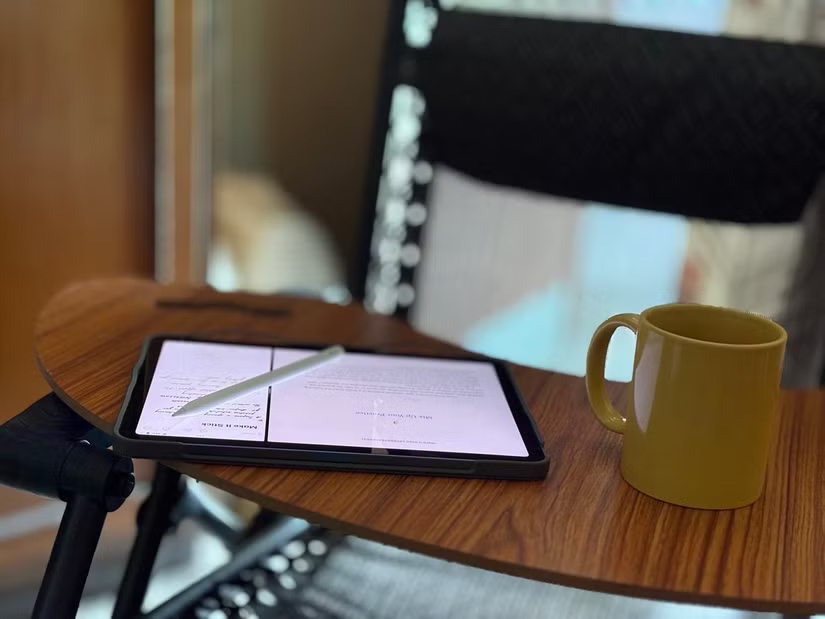
In the evening, return to your tablet and set it on the couch. Create a 'sunset reading' setup: Warm lighting, soft background music through wireless headphones, and often a novel or memoir that doesn't require intense concentration.
The tablet's weight distribution makes it comfortable to read at an angle. You can prop it up in bed, easily adjust the brightness with gestures, and the larger screen means less page-turning, which helps you immerse yourself in the story.
FAQ
What should you know about the perfect reading setup without an e-reader?
In practical terms, your Kindle is dead after 12 years of loyalty, but instead of replacing it, try exploring a better option: A multi-device, e-reader-free ecosystem that's more flexible, more comfortable, and won't break the bank.
Why does the perfect reading setup without an e-reader matter?
The article highlights that on your laptop, create a "Reading" browser profile without any extensions.
What is the main takeaway?
The main takeaway is that design a reading habit Even a well-designed reading system will not be effective without consistent reading habits.
Related Articles
 Top Top PDF Reading Software 2023 for Free on PC, Laptop: Top Picks and Buying21 minutes read
 5 Best Ebook Reader Apps for iPhone6 minutes read
 Top 5 Great Android Reading Apps 20185 minutes read
 How to Activate and Use the New 'Reader Mode' Feature, Which4 minutes read
 How to Turn an Old iPad into an E-Reader: Step-by-Step Guide7 minutes read
 Top Android E-reader Apps of 202613 minutes read
Reader Comments 0
Sign in with email or Google to join the discussion.