How to Install an M.2 SSD in a Desktop PC
Install an M.2 NVMe or SATA SSD in a desktop PC with the right compatibility checks, standoff placement, heatsink setup, BIOS verification, and Windows initialization steps.
Fix Windows problems, troubleshoot devices, understand AI, secure your accounts and get more from your technology with tested step-by-step guides.
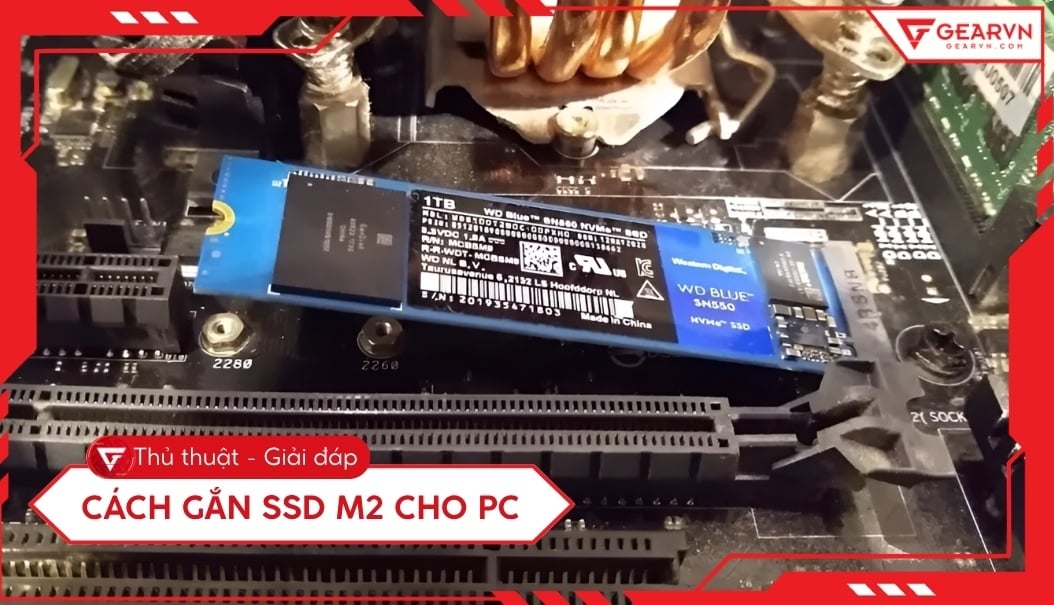
Install an M.2 NVMe or SATA SSD in a desktop PC with the right compatibility checks, standoff placement, heatsink setup, BIOS verification, and Windows initialization steps.

Choose an SSD capacity by estimating Windows, app, game, and project-file needs, allowing room for updates and growth, and checking the drive format your computer supports.

Choose the right way to prevent keyboard input on an Acer laptop: lock Windows for privacy, shut down for cleaning, block selected gaming keys, or troubleshoot a faulty keyboard.
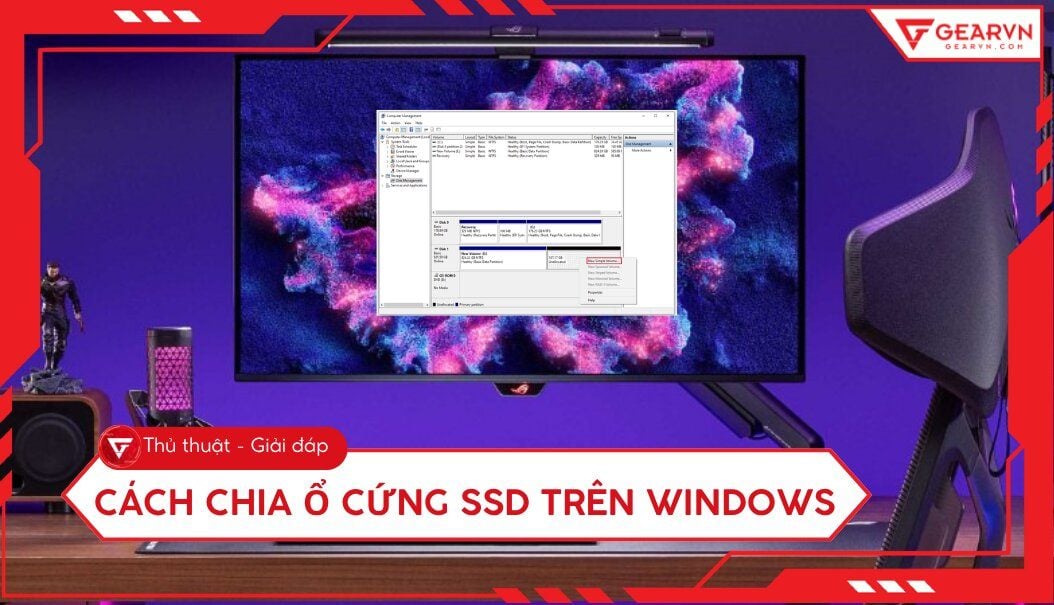
Shrink an existing Windows volume and create a new SSD partition with Disk Management, while avoiding the common mistakes that can delete data or leave the system drive too small.
Compare 2026 flagship laptop processors by workload, power class, graphics, software compatibility, and real laptop performance instead of relying on one misleading benchmark score.
An SSD can transform a laptop that still uses a hard drive, but it cannot fix every slowdown. Check compatibility, choose SATA or NVMe, and plan the Windows migration safely.

Open-fit earbuds rest at the ear opening, while in-ear headphones use tips to form a seal. Compare fit, isolation, bass response, comfort, stability, and safety.

Bluetooth 5.0 added important Low Energy radio features, but the label alone does not guarantee better sound, lower latency, longer range, multipoint, or longer battery life.
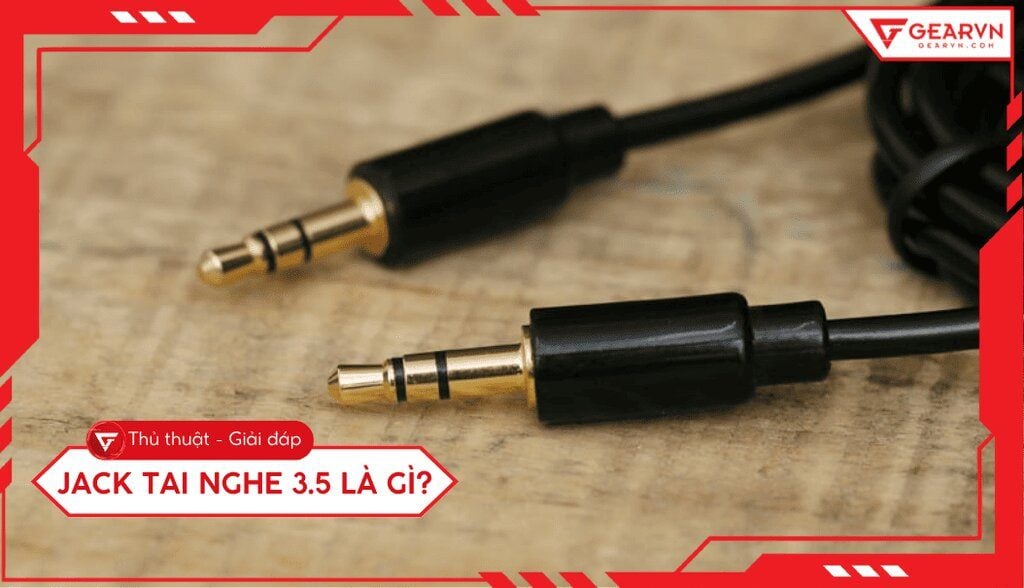
Identify 3.5mm TS, TRS, and TRRS plugs, understand stereo and microphone wiring, solve combo-jack compatibility problems, and choose the right adapter.

Understand what headphone sensitivity measures, why dB/mW and dB/V cannot be compared directly, how impedance changes amplifier requirements, and when an external amp helps.
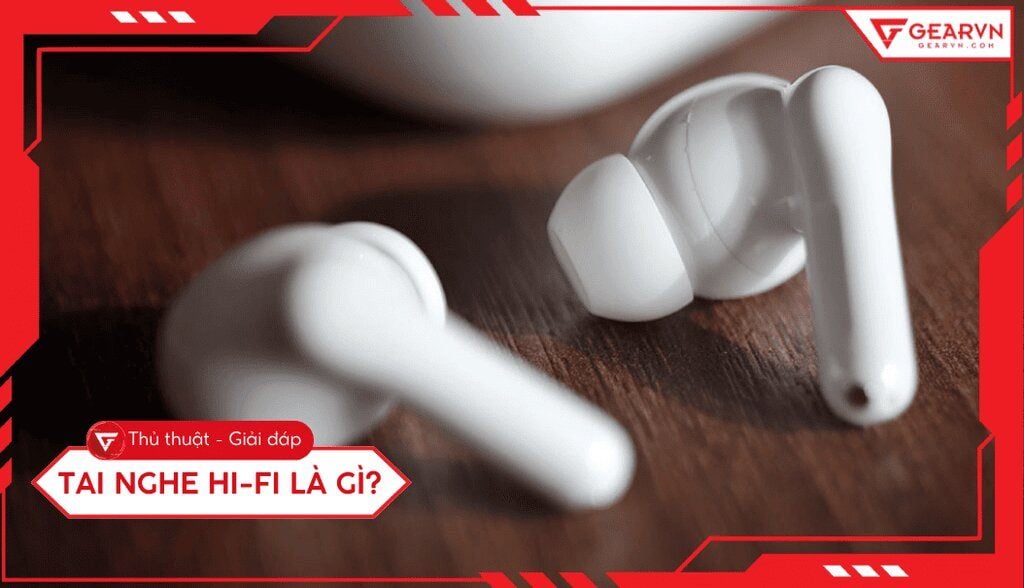
Hi-Fi is a goal of accurate, low-distortion reproduction rather than one universal headphone standard. Learn what matters in the headphones, source, DAC, amplifier, and fit.

Learn what a headphone's ohm rating means, why impedance varies with frequency, how sensitivity affects loudness, and when a phone, laptop, or amplifier has enough power.

A headset combines headphones or earphones with a microphone. Compare boom, inline, and built-in mics, wired and wireless connections, comfort, call quality, and gaming features.

Understand over-ear, on-ear, open-back, closed-back, wired, and wireless headphones, and learn which specifications and comfort factors actually matter before buying.
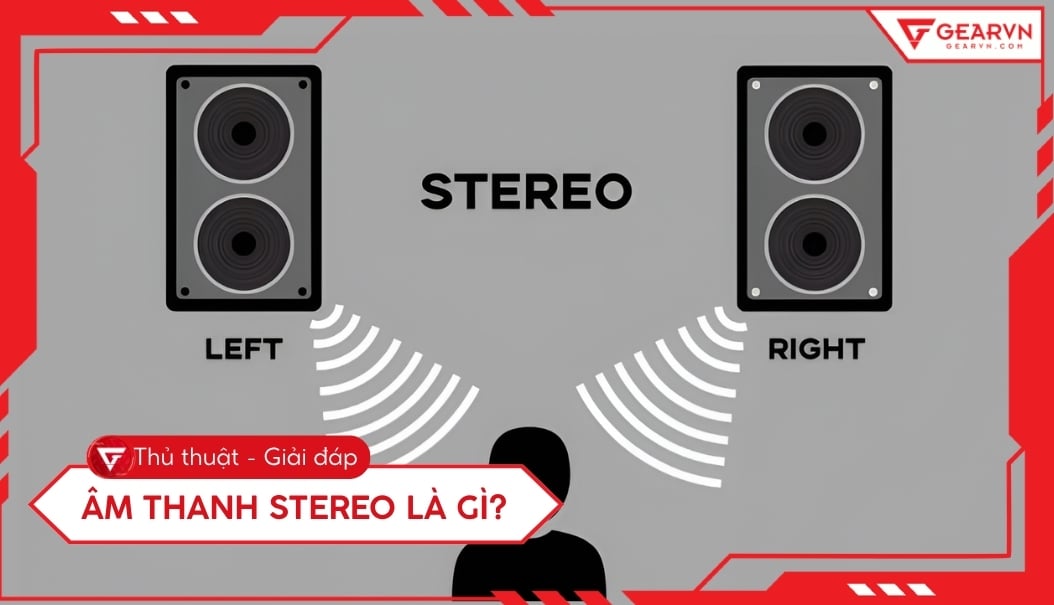
Stereo carries separate left and right channels, while mono carries one channel. Learn how each behaves on speakers and headphones, how 2.1 differs from surround, and when to enable mono in Windows.
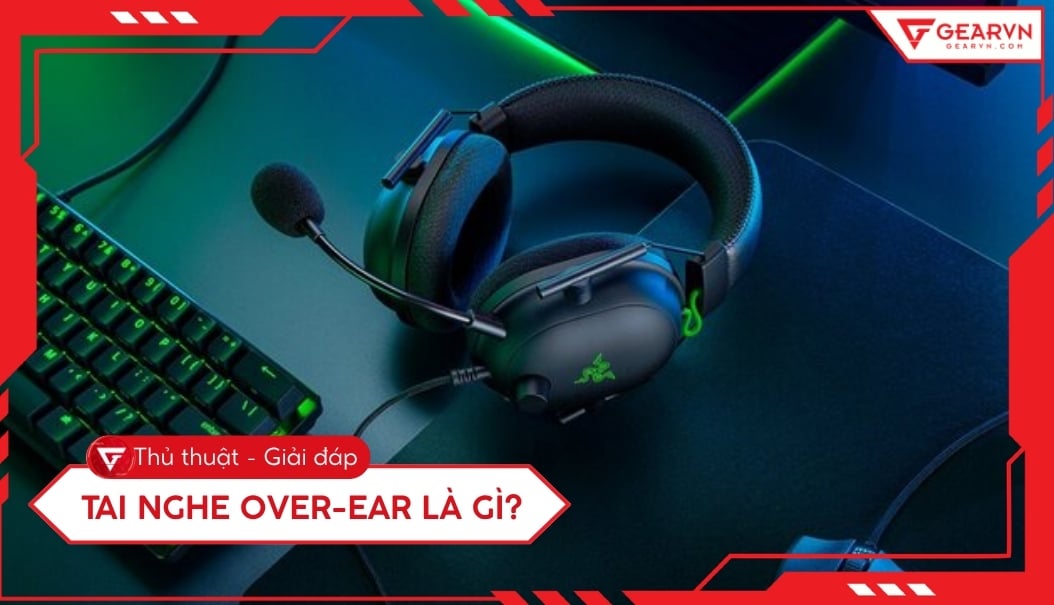
Compare where each headphone style sits, how fit affects comfort and isolation, and which design is practical for home listening, travel, glasses, exercise, calls, and gaming.
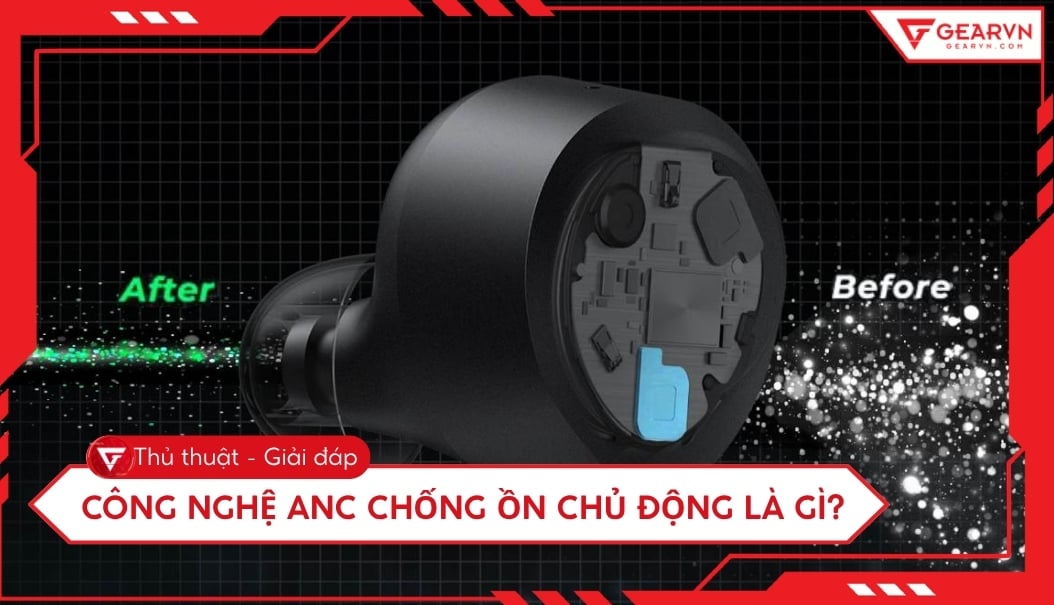
ANC headphones use microphones and signal processing to reduce outside sound. Learn which noises they handle well, how feedforward, feedback, hybrid, and adaptive systems differ, and what ANC cannot do.
Hi-Res Audio usually means digital audio above CD's 16-bit/44.1kHz format. Learn what sample rate and bit depth do, how lossless differs, and which playback upgrades are actually useful.
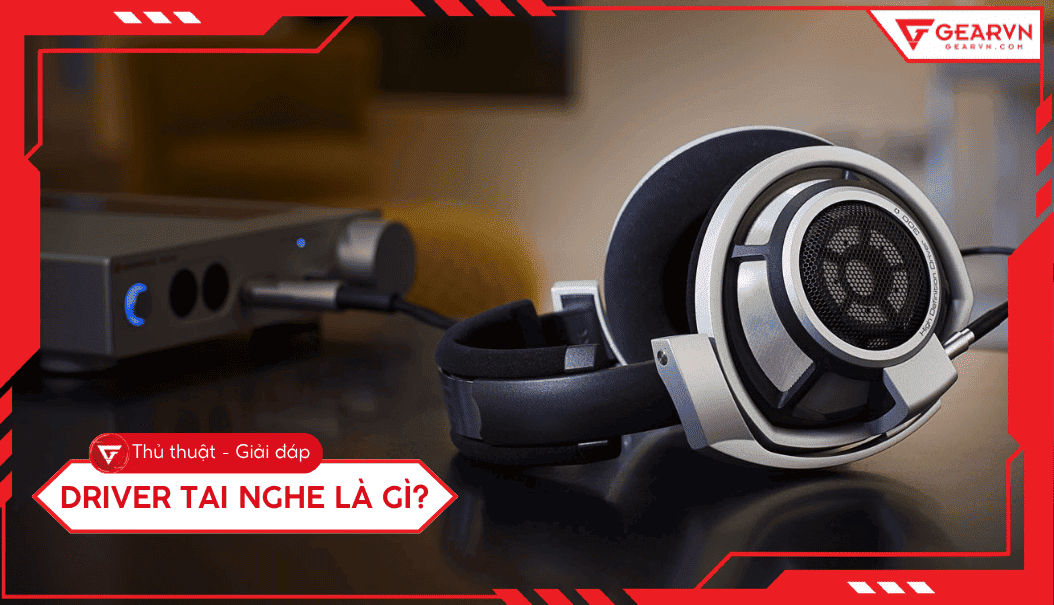
Learn how headphone drivers turn electrical signals into sound and compare dynamic, balanced-armature, planar-magnetic, electrostatic, hybrid, and bone-conduction designs without the usual size myths.
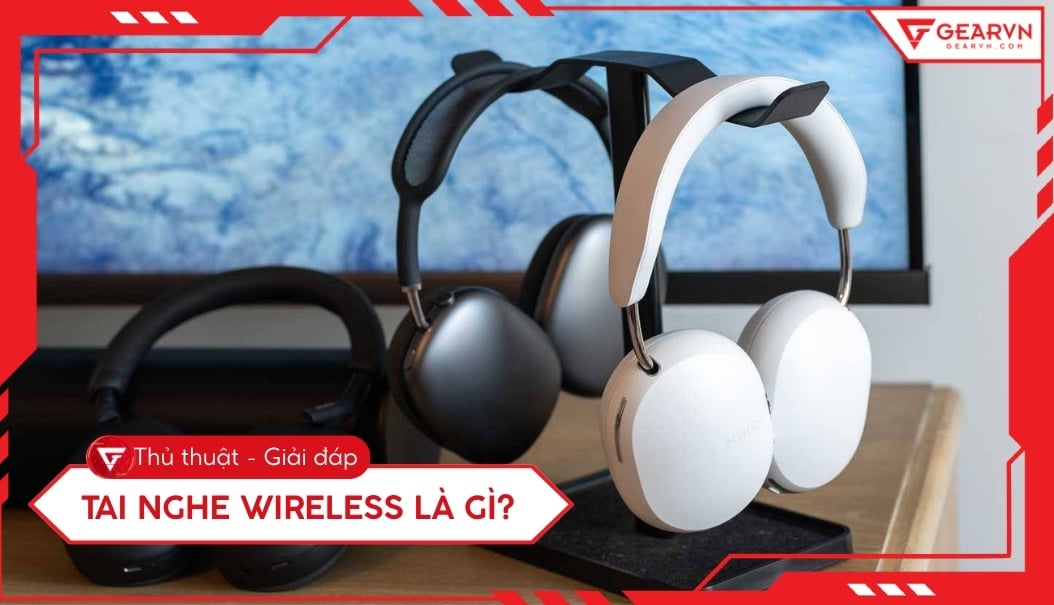
Wireless describes any headphone without a cable to the source; true wireless specifically means two separate earbuds with no cable between them. Compare Bluetooth, USB receivers, fit, latency, batteries, calls, and PC support.