Table of Contents
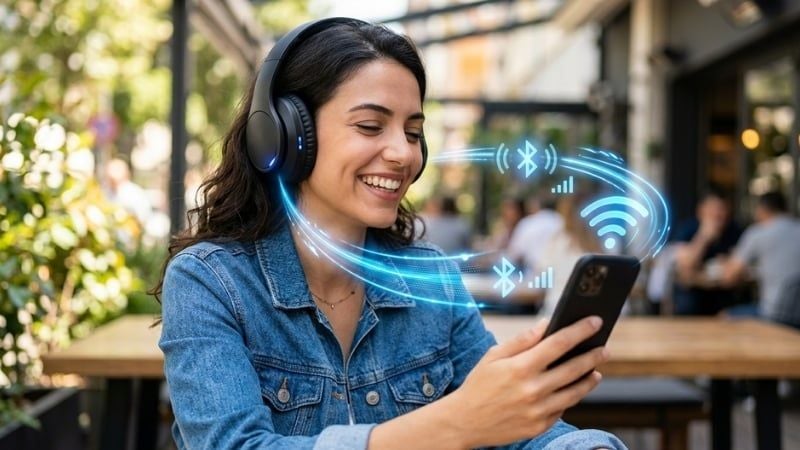
Bluetooth 5.0 headphones use a radio that supports version 5.0 of the Bluetooth Core Specification, but that number is not an audio-quality rating. Claims such as “twice the speed,” “four times the range,” and “eight times the broadcast capacity” describe optional Bluetooth Low Energy radio and advertising features introduced with version 5.0. Most Bluetooth 5.0 music headphones still stream through Bluetooth Classic Audio, so those figures do not automatically make music faster, clearer, or lower-latency.
What Bluetooth 5.0 added
The 5.0 core specification introduced optional Low Energy features including a 2M PHY for a higher raw BLE data rate, a coded PHY that trades speed for longer range and robustness, and extended advertising with a larger payload. The Bluetooth SIG explains these changes in its Bluetooth 5 advertising overview.
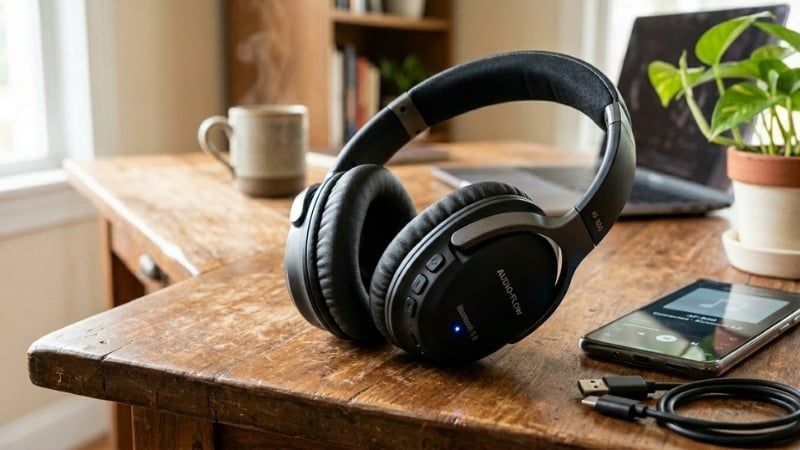
A product can claim Bluetooth 5.0 without implementing every optional feature, and the connected phone or computer must support the same feature before it can be used. The capabilities may help pairing, control data, device finding, or accessory functions while the actual music stream continues over the older Classic Audio path.
Does Bluetooth 5.0 reduce headphone latency?
Not by itself. End-to-end delay depends on the audio codec, buffering, operating system, application, radio conditions, and headphone firmware. The BLE 2M raw rate is not a switch that makes an A2DP music stream twice as fast.
Video apps can often compensate by delaying the picture to match the audio. Interactive games cannot hide latency as easily. For gaming, look for measured latency with the exact phone, PC, console, codec, and headphone mode. A manufacturer-specific “game mode,” a compatible low-latency codec, a 2.4GHz USB dongle, or a wired connection may matter far more than Bluetooth 5.0 on the box.
Does it increase headphone range?
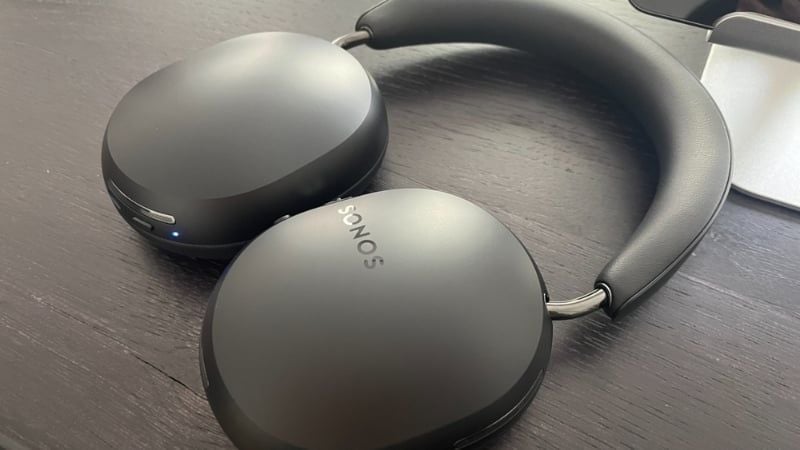
Bluetooth 5.0's long-range mode is a Low Energy coded PHY, not a guarantee that high-rate stereo audio will play hundreds of meters away. Headphone range is affected by transmit power, antennas, body position, walls, 2.4GHz interference, and the source device. Indoor audio range may still be limited to one room or a nearby room.
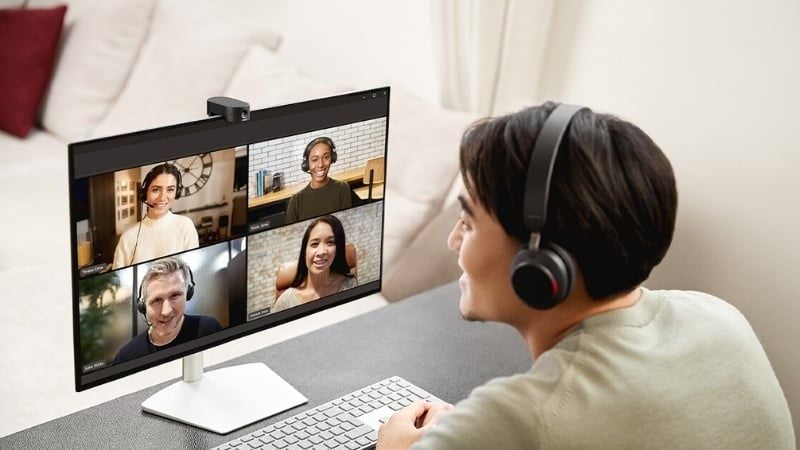
Use the maker's tested range only as a best-case reference. Real-world reviews of the exact model are more useful than a theoretical Bluetooth maximum.
Does Bluetooth 5.0 improve battery life?
Bluetooth Low Energy can make control and sensor functions efficient, but Classic Audio streaming, amplifiers, active noise cancellation, microphones, processing, and battery size all contribute to runtime. There is no defensible rule that a Bluetooth 5.0 headphone uses a fixed multiple less power than a 4.2 model.
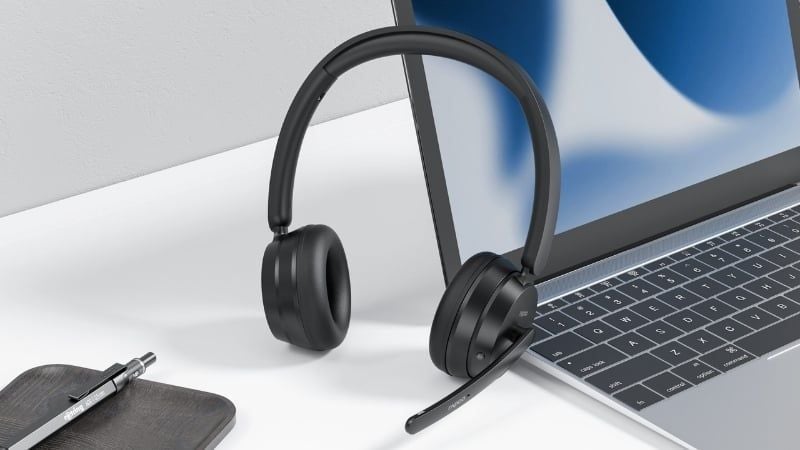
Compare independent battery tests with the same volume, codec, ANC setting, and call use. Battery age and temperature also affect results.
Bluetooth version is separate from audio quality
Wireless sound depends on the source file, codec negotiated by both devices, implementation quality, acoustic tuning, fit, and driver performance. Bluetooth 5.0 does not itself add a “Hi-Fi” codec, and the 255-byte advertising payload is unrelated to the bitrate of a continuous music stream.
Common Classic Audio codecs include SBC and optional alternatives chosen by the platform and headphone maker. If the source does not support the headphone's preferred codec, the connection falls back to another mutually supported option. Codec marketing should still be weighed against tuning and fit; a technically advanced codec cannot rescue a poor acoustic design.
Multipoint is not guaranteed
Multipoint—the ability to maintain connections with two or more source devices—is a product feature, not a universal Bluetooth 5.0 capability. Some headphones support two simultaneous connections, some require manual switching, and some suspend a higher-quality codec when multipoint is enabled.

Check the manual for the exact behavior: how many devices remain connected, which one takes priority for calls, whether audio switches automatically, and how to recover when both sources play.
Bluetooth 5.0 versus LE Audio
LE Audio is a newer audio architecture that streams through the Low Energy radio and uses the LC3 codec. It depends on LE Isochronous Channels introduced in Bluetooth Core 5.2, so a Bluetooth 5.0 label does not mean the headphones support LE Audio, LC3, or Auracast. The Bluetooth SIG's LE Audio specification overview documents these components.
Even a product marked Bluetooth 5.2, 5.3, or later may omit LE Audio. Look for an explicit LE Audio, LC3, or Auracast claim and confirm compatibility on both the source and headphones.
Backward compatibility
Bluetooth headphones normally connect to older phones and computers through supported Classic profiles, but the Bluetooth version alone cannot guarantee compatibility. The two devices negotiate common profiles and codecs. New optional features are unavailable when either side lacks them, while basic audio may still work.

On a Windows PC, driver quality and the Bluetooth adapter also matter. Game consoles may not support standard Bluetooth audio at all or may require an official adapter.
What to check before buying
- Fit and form: open-fit earbuds and sealed in-ear models behave differently; use the earbuds versus in-ear guide to choose.
- Measured latency: especially for gaming, music production, or live monitoring.
- Supported codecs: verify both the source device and headphones.
- Battery tests: compare realistic playback and call runtime with ANC settings stated.
- Multipoint behavior: consult the manual rather than assuming it from the Bluetooth version.
- Microphone quality: recordings in noisy and windy conditions reveal more than the number of microphones.
- Repair and support: check replacement tips or pads, battery service, firmware updates, and warranty.
If existing headphones fit well, sound good, and remain reliable, Bluetooth 5.0 alone is not a reason to replace them. Upgrade for a specific improvement—better fit, ANC, microphone, verified latency, multipoint, battery life, or explicit LE Audio support—and confirm that the playback device can use it. The wireless earbud comparison illustrates the broader feature set to evaluate beyond a version number.
Related Articles
 Bluetooth and Wireless Headphones Comparison? What's the Difference?6 minutes read
 The Best Bluetooth Headphones of 20235 minutes read
 5 Best Bluetooth Headphones Of 20265 minutes read
 Top 10 Cheap Bluetooth Headsets 2023: What to Know19 minutes read
 The 'Bluetooth 4.2' Technology Standard Was Released3 minutes read
 What Are Bluetooth Headphones?7 minutes read
Reader Comments 0
Sign in with email or Google to join the discussion.