Table of Contents
A headset is a pair of headphones or earphones with a microphone intended for two-way communication. “Headphones” emphasizes listening and may or may not include a microphone in modern product listings, while “earphones” describes a compact in-ear or earbud form factor. These categories overlap: true wireless earbuds with call microphones are also a type of headset in the broad technical sense.
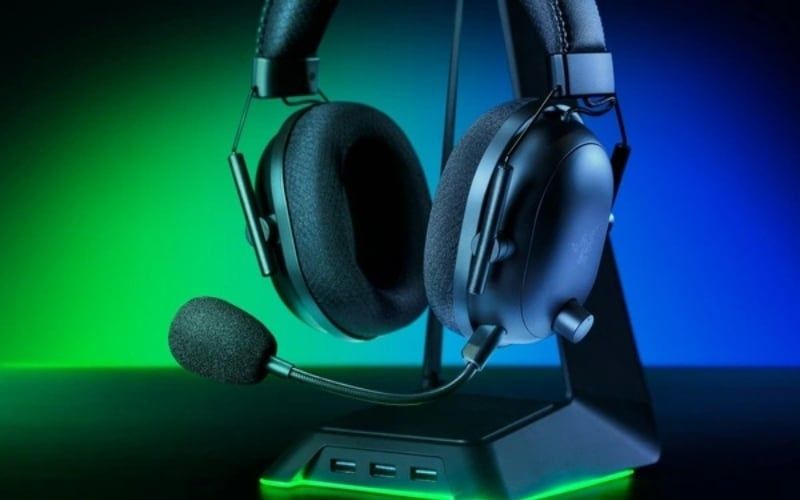
What makes a product a headset?
The defining feature is a microphone integrated into the listening device or its cable. The microphone may be obvious or almost invisible, and it may connect through the same analog plug, a USB cable, Bluetooth, or a proprietary wireless receiver.
Common microphone designs
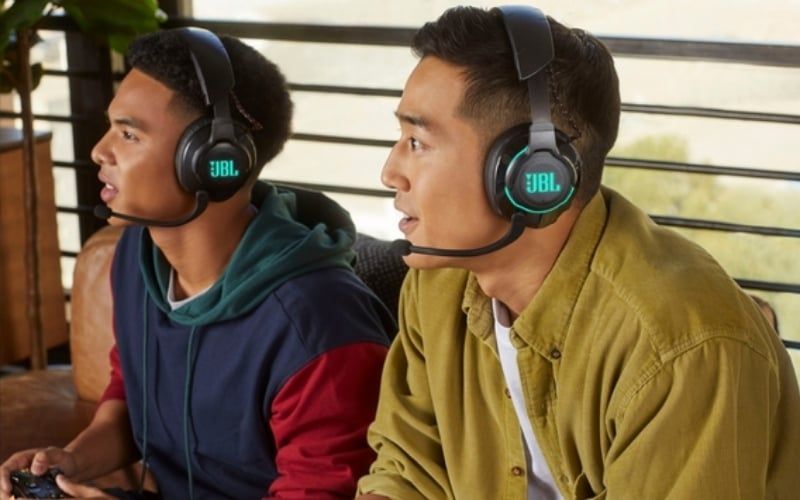
- Boom microphone: positions the capsule near the mouth for a strong voice-to-background ratio. It may be fixed, flexible, retractable, detachable, or flip-to-mute.
- Inline microphone: sits on the cable. It is compact but can rub against clothing and remains farther from the mouth.
- Built-in microphone array: hides microphones in an ear cup or earbud. Beamforming and noise processing may help, but performance in wind or a noisy room varies widely.
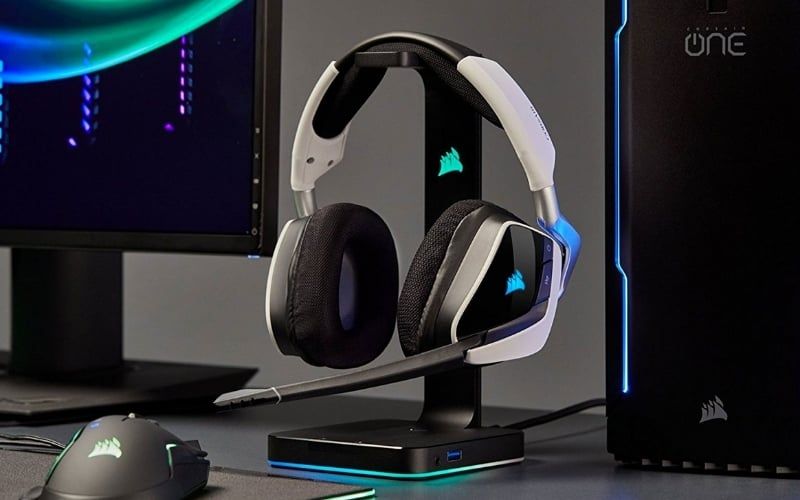
A well-positioned boom often improves voice clarity before software processing is applied.
Headset, headphones, and earphones compared
| Criteria | Headset | Headphones | Earphones or earbuds |
|---|---|---|---|
| Microphone | Yes; designed for communication | Optional in modern consumer products | Optional; common in wired remotes and wireless buds |
| Physical design | Over-ear, on-ear, or in-ear | Usually over-ear or on-ear in strict usage | Open-fit earbud or sealed in-ear design |
| Primary buying concern | Both listening and voice quality | Listening quality, fit, and use case | Portability, fit, and listening or call features |
| Isolation | Depends on cup/tip design and ANC | Depends on open/closed construction and ANC | Depends on whether the design seals the ear canal |
| Typical use | Meetings, calls, gaming, support work | Music, production, games, films, general use | Portable listening, calls, exercise, commuting |
The presence of a headband does not make a device a headset, and an integrated mic does not guarantee poor music quality. Evaluate the exact product.
Advantages of an integrated headset
- One device handles listening and speaking.
- A boom can keep voice level consistent as the head moves.
- Hardware mute, sidetone, chat-mix, or call controls may be built in.
- Business models may support call platforms, replaceable cushions, and all-day use.
- Gaming models may provide a low-latency receiver and console compatibility.
Potential drawbacks
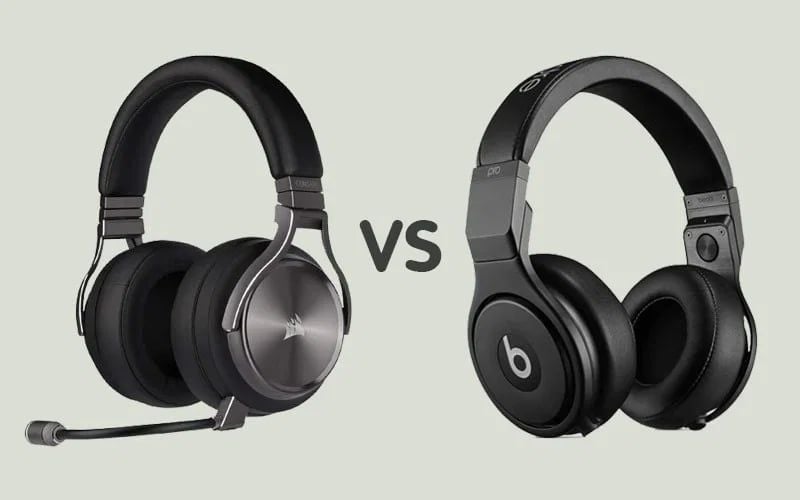
A headset can be heavier or less portable than earbuds, and a non-removable boom may be inconvenient away from the desk. Some products spend more of the budget on lighting, wireless hardware, or software than on drivers and pads. None of those tradeoffs applies to every headset.
A separate headphone and desk microphone can deliver better results in a fixed setup, but it uses more space and requires careful mic placement to avoid keyboard and room noise.
Choose the connection for the device
3.5mm analog
A four-contact TRRS plug can carry stereo audio and a microphone through a laptop or controller combo jack. A desktop with separate headphone and mic sockets needs a compatible headset splitter. The TS, TRS, and TRRS guide explains the wiring.
USB-A or USB-C
A USB headset contains its own audio interface. It may provide software EQ, microphone processing, sidetone, surround rendering, or firmware updates. Confirm operating-system and console support; a physical USB-C connector does not guarantee that every phone or console accepts the device.
2.4GHz receiver
A dedicated USB receiver can offer lower and more consistent latency than a typical Bluetooth audio path, but performance is product-specific. Check measured latency, range, interference handling, and whether the receiver works on each intended platform.
Bluetooth
Bluetooth is convenient for phones and laptops and may support multipoint. Core version numbers such as 5.3 do not guarantee low latency, multipoint, or a particular codec. The Bluetooth headphone guide explains what to verify.

How to judge microphone quality
Specifications such as frequency range and microphone count are not enough. Listen to sample recordings made with the current firmware in:
- a quiet room;
- normal keyboard and fan noise;
- speech while turning the head;
- a call using the target app, whose compression may change the result;
- wind, if the headset will be used outdoors.
Microphone “noise cancellation” can reduce steady noise but may also clip consonants, make speech robotic, or fail against nearby voices. A directional boom close to the mouth and sensible input gain often provide a cleaner starting signal.
Comfort matters more than a weight cutoff
There is no universal rule that a headset must weigh under 300g. Distribution, clamp force, headband shape, ear-cup depth, pad opening, heat, glasses, and cable pull all affect comfort. Try the headset for the length of a normal session and buy from a seller with a workable return policy.
- Leather-like pads often isolate well but can feel warm.
- Fabric or velour can breathe better but may leak more sound and alter bass.
- Replaceable pads and headband parts improve service life.
- A lighter product can still hurt if the clamp or pad shape is wrong.
Gaming features to evaluate
Virtual surround is software processing, not a guaranteed advantage over good stereo. Positional accuracy depends on the game's audio engine, the headset's frequency response and channel matching, and the listener. Test stereo and spatial modes rather than assuming more channels are better.
Also check receiver latency, microphone monitoring, chat/game balance, hardware mute feedback, console support, and whether key features disappear without the manufacturer's desktop software.

Which type fits each situation?
- Frequent calls: favor consistent mic pickup, sidetone, mute controls, comfort, and platform certification where required.
- Competitive games: prioritize verified latency, stable fit, clear voice chat, and accurate tuning.
- Music plus occasional calls: a good headphone with a detachable boom cable or separate mic can be flexible.
- Travel: consider compact earbuds or a folding Bluetooth headset with strong call samples. Compare open-fit and sealed designs in the earbuds versus in-ear guide.
If a headset causes pain, stop and readjust it; changing pad material will not solve every fit problem. Persistent discomfort means the headband or cup geometry may simply be wrong for the user.
Related Articles
 What Are Headphones?9 minutes read
 Top 14 Best Wireless Headphones 201814 minutes read
 5 Features That Make Sony MDR-XB610 Headphones Mesmerizing5 minutes read
 Top Best Headphones for Gamers 201813 minutes read
 10 Models of Sports Headphones Worth Buying 201918 minutes read
 Compare Sennheiser HD180 with HD201: Where Is the Headset for You?6 minutes read
Reader Comments 0
Sign in with email or Google to join the discussion.