Table of Contents
Headphone sensitivity estimates how much sound pressure a headphone produces from a specified electrical input. It helps predict whether a phone, laptop, audio interface, or amplifier can drive the headphones loudly enough. It does not measure sound quality, detail, bass, gaming accuracy, or durability.
What the sensitivity number means
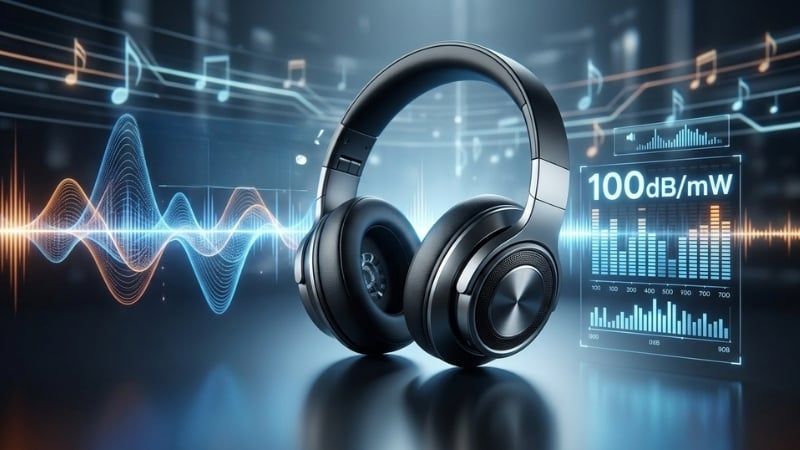
A common specification is dB SPL at 1mW, often shortened to dB/mW. If a headphone is rated 100dB SPL/mW, the maker measured or estimated about 100dB sound pressure level from a 1-milliwatt test signal under stated conditions.
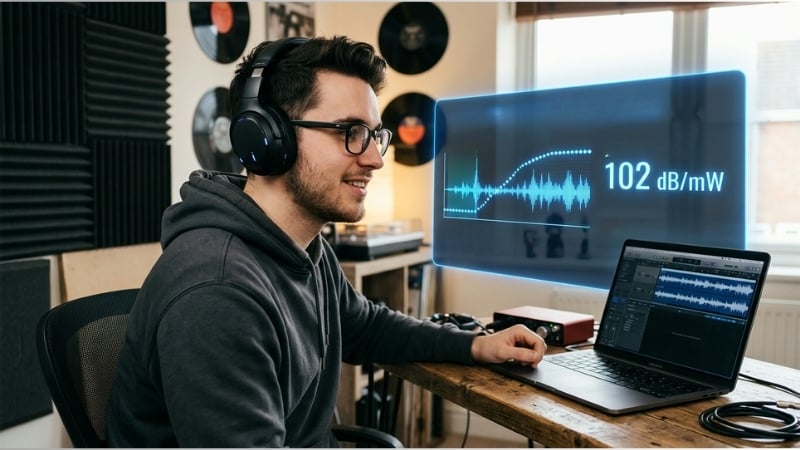
The number is logarithmic. A 3dB increase requires roughly twice the electrical power when comparing the same headphone and test method. Doubling perceived loudness is not the same as doubling power, and individual perception varies.
dB/mW and dB/V are different
Manufacturers also specify dB SPL at 1 volt, written as dB/V. A value quoted per volt can look much larger than a value quoted per milliwatt even when the headphones are equally efficient. Do not compare the raw numbers unless the units match.
Impedance connects the two ratings. For a nominal resistance-like impedance R, 1 volt corresponds to approximately 1000/R milliwatts. The approximate conversion is:
dB SPL/V = dB SPL/mW + 10 × log10(1000/R)
This is useful for planning, but real headphone impedance varies with frequency and manufacturer measurements may use different fixtures, frequencies, and tolerances.

Why measurement conditions matter
Sensitivity figures from two brands may not be directly comparable. One may report at 1kHz while another gives an average; one may use dB/mW and another dB/V; in-ear headphones may be measured on a coupler with a particular seal. Frequency response and fit affect the real sound pressure at the eardrum.
Use sensitivity to estimate drive requirements, then confirm with trustworthy measurements or reviews of the exact model. It should not be used to rank headphones by sound.
Impedance and sensitivity work together
Impedance, measured in ohms (Ω), describes the opposition the headphone presents to an alternating audio signal. A source needs enough voltage for high-impedance headphones and enough current for low-impedance loads. Sensitivity determines how much acoustic output results.
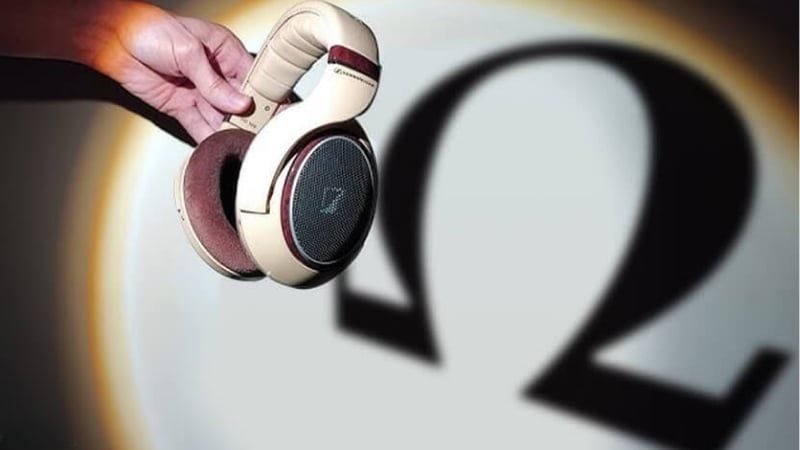
A high-impedance headphone is not automatically difficult to drive if its voltage sensitivity is high. A low-impedance planar headphone can demand substantial current if its sensitivity is low. The common shortcut “high ohms always need an amp” misses this interaction.
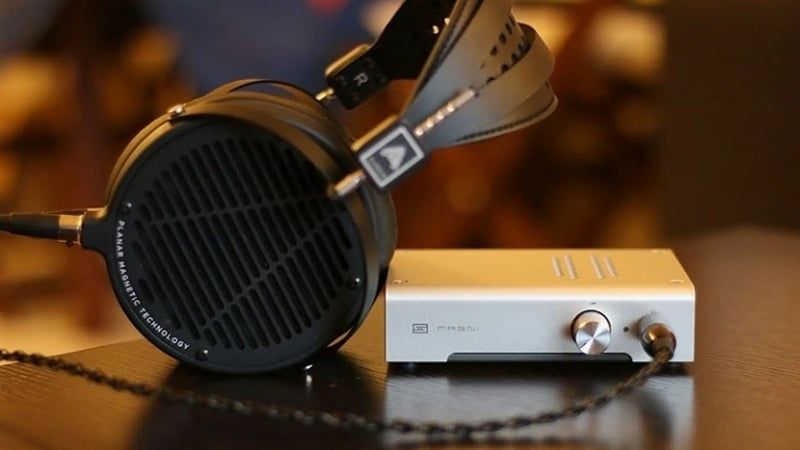
What happens when the source is inadequate?
- The headphones cannot reach the desired level, especially on quiet recordings.
- Dynamic peaks sound compressed or distorted as the amplifier reaches its voltage or current limit.
- Bass control or frequency response may change when the source has a high output impedance relative to the headphones.
“Muffled” sound is not a universal symptom; a source may simply be too quiet. Conversely, a powerful amplifier does not improve a headphone that is already driven cleanly to the required level.
When very sensitive headphones reveal source noise
High-sensitivity in-ear monitors can expose amplifier hiss, digital-volume steps, or channel imbalance at very low settings. This does not mean high sensitivity is bad. It means the source's noise floor and gain are a poor match. A low-gain output, quieter dongle, or suitable attenuator may help.
Higher sensitivity also does not guarantee meaningful battery savings for the whole phone or laptop; the headphone output may be only a small part of total system power.
Do not choose by arbitrary sensitivity bands
Labels such as “over 100dB for students,” “90–100dB for gaming,” or “under 90dB for professionals” are not technically sound. The units may differ, and sensitivity does not determine tuning or use case.
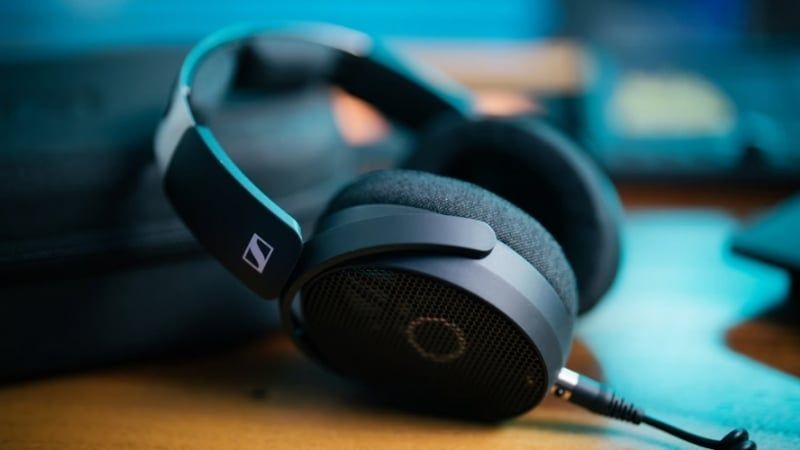
Low-sensitivity headphones are not inherently cleaner, more detailed, or more linear. High-sensitivity headphones do not inherently distort more. Those qualities depend on driver behavior, acoustics, construction, fit, and playback chain.
How to determine whether you need an amplifier
- Find the headphone's sensitivity with its exact unit and nominal impedance.
- Find the source's maximum output voltage or power into a similar load. Many laptop and phone makers do not publish it, so reliable measured reviews can help.
- Use a headphone-power calculator to estimate peak level, allowing headroom for quiet recordings and equalization cuts or boosts.
- If the existing device already reaches a comfortable level without hiss or distortion, an external amplifier is unlikely to change the headphone's basic sound.

A DAC converts digital audio to analog. An amplifier supplies voltage and current. They are often packaged together, including inside a USB-C dongle. The guide to 3.5mm audio connections and adapters explains how the source stage changes between analog and USB connections.
Gaming and professional use
For FPS games, positional information depends on the game's audio engine, headphone frequency response, channel balance, fit, and sometimes equalization—not on a target sensitivity range. Choose a model the source can drive comfortably, then assess imaging and tuning in the actual game.

Studio users should also consider isolation, consistency, comfort, replaceable parts, calibration data, and the interface's output. A low sensitivity rating does not make a headphone “professional.”
Sensitivity and safe listening
A sensitive headphone can become loud with a small volume-control movement, while a less sensitive model may encourage the user to turn the source up. Neither is safe or unsafe by specification alone; actual sound level and exposure time matter.
The World Health Organization's safe-listening guidance recommends keeping volume down, limiting time around loud sound, taking listening breaks, using well-fitting noise-reducing headphones so there is less need to raise volume, and monitoring exposure when supported. Persistent ringing or hearing difficulty warrants professional evaluation.
Buying checklist
- Compare sensitivity only when the units and test basis are clear.
- Use impedance and sensitivity together to estimate source requirements.
- Check measured frequency response, distortion, fit, and comfort for sound quality.
- For sensitive in-ear models, look for a low-noise source and usable low-gain volume range.
- For Bluetooth headphones, the internal amplifier drives the transducers, so analog sensitivity is usually not a practical source-matching specification; see the Bluetooth headphone guide instead.
Related Articles
 8 Brands You Can Trust When Buying Headphones8 minutes read
 What Is Headphone Impedance?8 minutes read
 Top 10 Best Wired Headphone Headsets10 minutes read
 5 Tips to Choose the Right Cheap Headphones6 minutes read
 6 Things to Check Before Buying New Headphones7 minutes read
 Distinguishing the Most Popular Types of Headphones6 minutes read
Reader Comments 0
Sign in with email or Google to join the discussion.