Table of Contents
Wireless headphones receive audio without a cable to the phone, computer, or other source. They can be over-ear, on-ear, neckband, or in-ear and may use Bluetooth, a dedicated USB receiver, or another radio system. True wireless stereo (TWS) is a specific in-ear or open-fit design with no cable between the left and right earpieces, normally stored and recharged in a case.
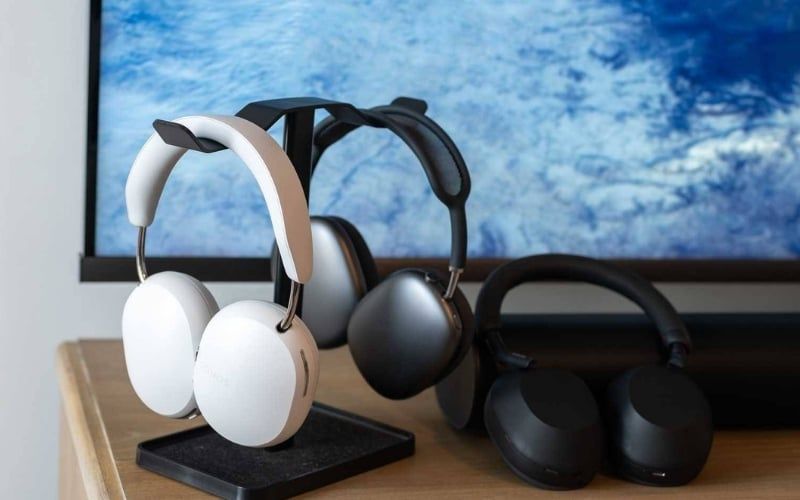
Wireless is a connection category, not one shape
An over-ear Bluetooth model, a gaming headset with a 2.4GHz receiver, a TV headphone with an RF base station, and neckband earbuds are all wireless. Some can also operate through a detachable analog or USB cable when the battery is low; others require power even in wired mode.
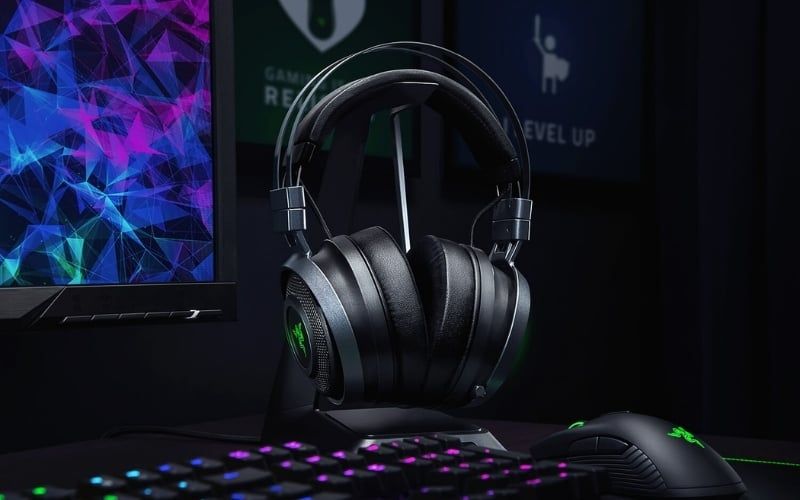
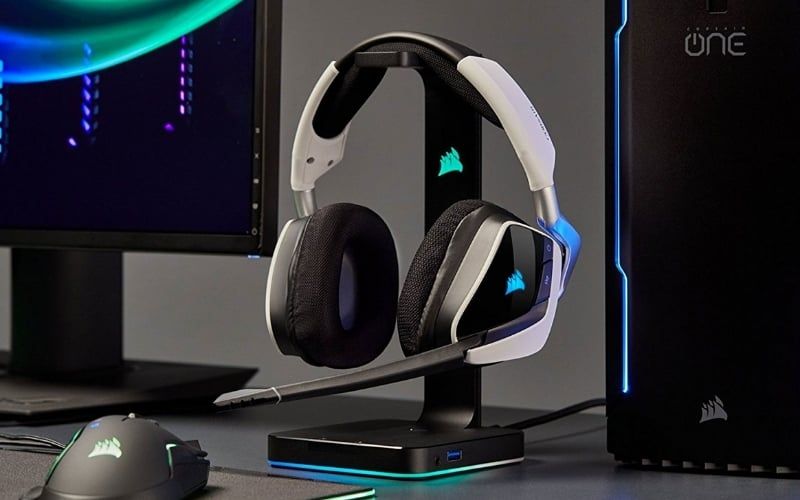
A dedicated receiver is common for PC and console gaming because the maker controls both ends of the link and can optimize latency, microphone bandwidth, and controls. “2.4GHz” alone does not guarantee performance—Bluetooth also uses the 2.4GHz band.
What makes earbuds true wireless?
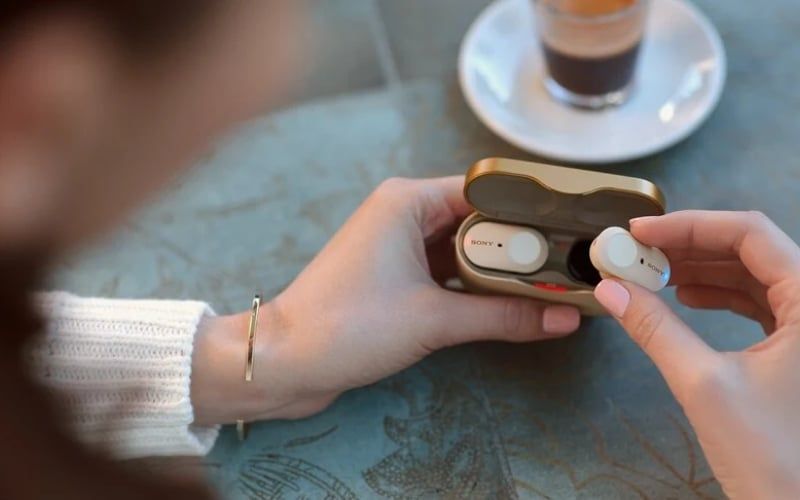
TWS earbuds contain separate batteries, radios, drivers, microphones, and controls in each earpiece. The case protects them, recharges them, and often initiates pairing. Modern products may send audio independently to both buds or relay part of the connection between them, depending on design.
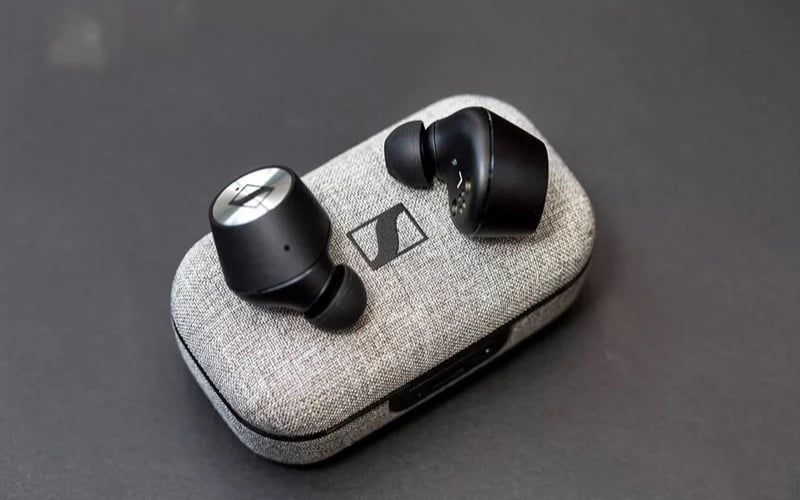
True wireless describes the absence of the interconnecting cable, not the fit. Some TWS products use silicone tips to seal the canal; others are open-fit earbuds. The earbuds versus in-ear guide explains the acoustic difference.
Wireless headphones and TWS compared
| Criterion | Over-ear, on-ear, or neckband wireless | True wireless earbuds |
|---|---|---|
| Design | Ear cups joined by headband, or buds joined by a neck cable/band | Two separate earpieces with a charging case |
| Connection | Bluetooth, dedicated receiver, RF base station, or more than one method | Usually Bluetooth; a few gaming models add a receiver |
| Latency | Depends on protocol, codec, buffering, and product | Depends on protocol, codec, buffering, and product |
| Battery | Larger enclosure often allows longer continuous use, but results vary | Shorter per-charge earbud runtime; case provides additional recharges |
| Portability | Neckbands pack small; headband models take more space | Very compact but easy to misplace |
| Repairability | Pads and cables may be replaceable; battery service varies | Tiny sealed batteries are often difficult to service |
Bluetooth versus a dedicated receiver
Bluetooth
Bluetooth works with many phones, tablets, and laptops without a separate dongle. Features may include multipoint, app control, ANC, and location finding. Audio quality, call mode, codec, and latency depend on support at both ends.
A Bluetooth core version such as 5.3 does not promise multipoint, LC3, LE Audio, low latency, or better sound. Read what Bluetooth version numbers actually mean.
USB wireless receiver
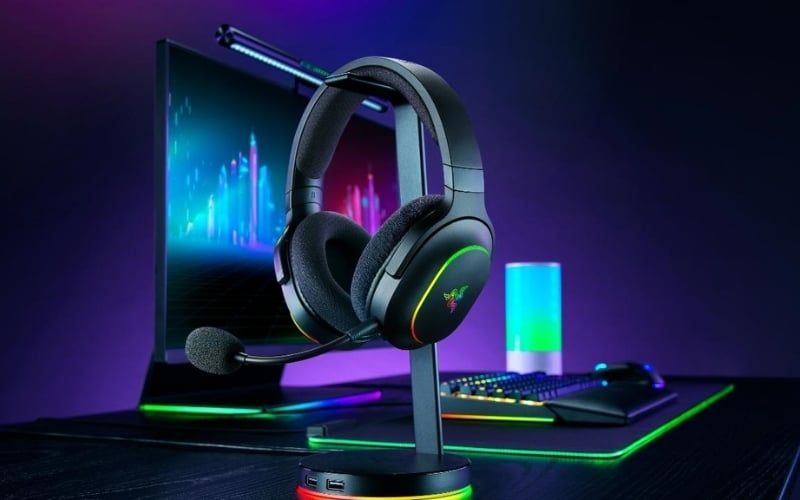
A receiver can provide predictable low latency and a better bidirectional audio path for games and calls. It occupies a USB port, can be lost, and may support only listed computers or consoles. USB-C shape alone does not guarantee phone, Switch, Xbox, or PlayStation compatibility.
Latency should be measured, not guessed
Wireless delay comes from encoding, packet buffering, radio transmission, decoding, and device software. “Almost zero” is inaccurate. A good dedicated receiver can be fast enough for competitive games, while a poorly designed one can still lag. Bluetooth video playback may look synchronized because the app delays video; games cannot hide the delay in the same way.
LE Audio can reduce latency in supported implementations, but both devices must explicitly support the required profiles and features. Do not assume it from a Bluetooth 5.2-or-later label.
Battery claims need context
Over-ear headphones often have room for a larger battery, while TWS buds recharge from a case. Published figures vary with volume, codec, ANC, calls, spatial processing, temperature, and whether the result includes case recharges.
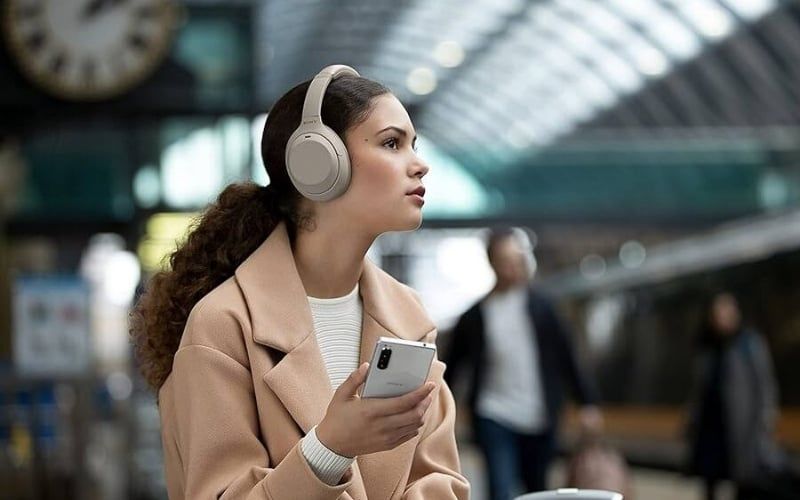
Compare continuous earbud runtime separately from total runtime with the case. Lithium-ion capacity declines with use and age. Replaceable batteries, charging contacts, case availability, and battery-service policy matter for long-term value.
Isolation and sound depend on fit
Over-ear does not automatically mean strong isolation, wide soundstage, or deep bass. Open-back wireless headphones isolate little, while a well-sealed in-ear TWS model may isolate strongly. Driver size also does not determine quality.
ANC is a separate electronic feature. If cancellation matters, compare performance against low-frequency rumble, voices, wind, and sudden sounds using the ANC technology guide.
Microphone and call behavior
TWS microphones sit far from the mouth and depend heavily on beamforming and noise processing. Over-ear headsets may use a boom near the mouth, but a hidden mic array can face the same challenges as earbuds. Listen to current-firmware samples in wind, traffic, and a quiet room.
Some Bluetooth devices reduce playback quality when the microphone is active because they switch to a bidirectional call profile. Dedicated gaming receivers may preserve wider playback and microphone bandwidth, but verify the exact model.
Which should you choose?
Choose TWS earbuds when:
- pocket size and fast charging in a case matter;
- the earbud fit remains comfortable and secure;
- you accept shorter continuous runtime and small parts that are easy to lose;
- phone calls and music are more important than the lowest possible game latency.
Choose over-ear or on-ear wireless when:
- you need longer uninterrupted sessions;
- larger controls, a boom mic, or a dedicated receiver matter;
- you prefer pads around or on the ears instead of canal tips;
- packed size is less important.
Choose a neckband when:
- you want compact buds that can hang safely around the neck;
- you prefer physical controls and a larger shared battery;
- you do not require two completely independent earpieces.

PC connection checklist
- For a supplied receiver, install it directly and select the headset as both output and input.
- For Bluetooth, confirm the PC has a supported adapter and current driver, then pair through Windows Settings.
- Check whether using the microphone changes playback mode or quality.
- Disable unused duplicate outputs only after identifying them; do not remove system drivers casually.
- Test range, latency, call quality, mute behavior, and reconnection before the return period ends.
The best wireless choice is the product whose fit, measured latency, call quality, continuous battery life, platform support, and service options match the use—not whichever has the newest version number or the word “gaming.”
Related Articles
 The Difference Between Wireless and True Wireless Headphones8 minutes read
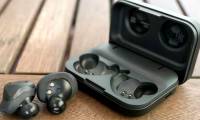 The Best True Wireless Headphones on the Market - When Convenience25 minutes read
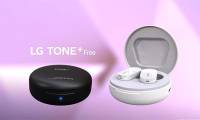 This Is a Unique 'Disinfecting Headset' That Has Just Been4 minutes read
 How to Use True Wireless Headphones from a to Z6 minutes read
 Galaxy Buds +,+, the Most True True Wireless Headset for Gamers4 minutes read
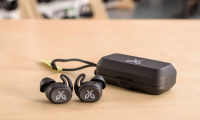 Top 10 Top Cheap True Wireless Headphones of 2023: Best Options Compared19 minutes read
Reader Comments 0
Sign in with email or Google to join the discussion.