Table of Contents
Stereo audio contains two distinct channels—left and right—while mono contains one. A stereo recording can place or move sounds between the two sides and create a horizontal image. A mono signal can be played through one speaker or copied to many speakers, but every output receives the same channel.
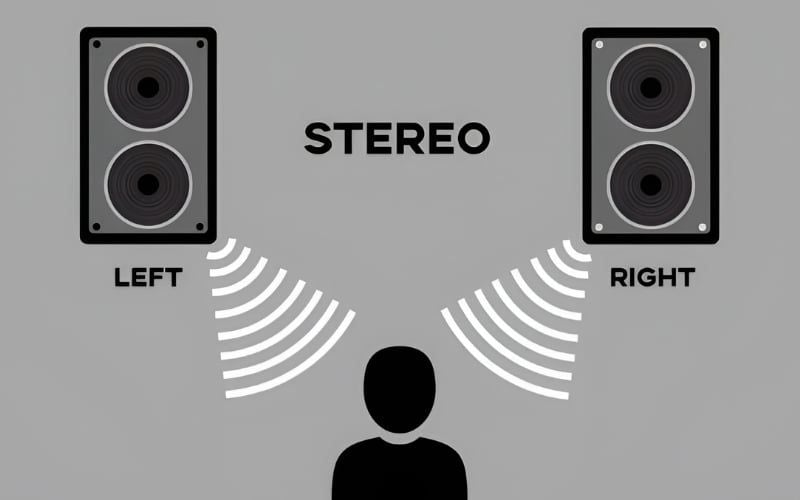
How stereo creates an image
Engineers create stereo information through microphone placement, panning, differences in level and timing between channels, and ambience captured in the recording. The listener's brain uses those differences to perceive a position across the space between the speakers or ears.

A proper loudspeaker image requires the listener and two speakers to form a roughly symmetrical arrangement, with similar distance and level from each side. Room reflections, speaker placement, and a reversed channel can shift or blur the image.
Stereo does not automatically add depth, fidelity, or realism. A poor stereo mix can sound narrow or confusing, while a well-recorded mono performance can have excellent tone and natural reverberation.
What mono means
A mono recording has one channel. When played over two speakers or both sides of a headphone, that same channel is normally sent to each side, producing a centered image for a symmetrically positioned listener.
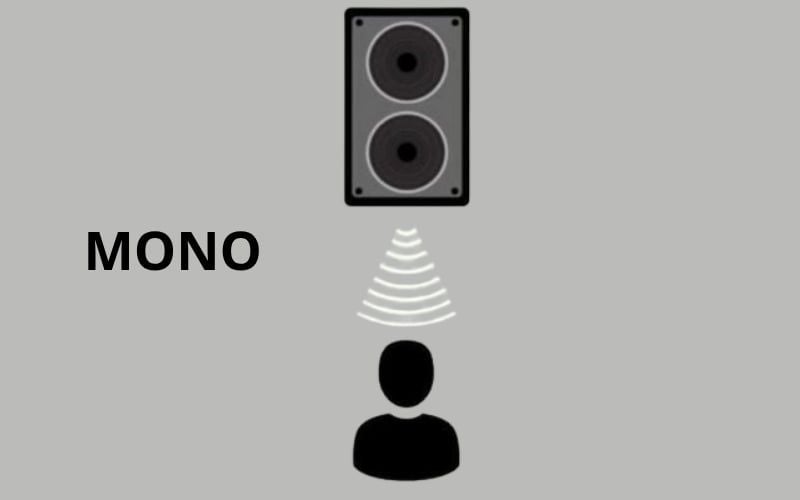
Mono remains useful for speech, public-address coverage, single-microphone recording, accessibility, phone communication, and any situation where every listener must hear the same content regardless of position.
Stereo and mono compared
| Criterion | Stereo | Mono |
|---|---|---|
| Channel count | Two: left and right | One |
| Playback on two speakers | Each speaker receives its own channel | Both normally receive the same channel |
| Horizontal positioning | Can place sounds between or beyond the speakers through level, time, and phase cues | No independent left/right information |
| Setup | Speaker geometry and listener position affect imaging | Coverage is simpler, though speaker placement still affects tone and level |
| Common uses | Music, film, games, and general consumer playback | Speech, PA systems, accessibility, compatibility, and some artistic recordings |
| Sound quality | Depends on recording and playback system | Depends on recording and playback system |
2.0, 2.1, 5.1, and 7.1 are not the same category
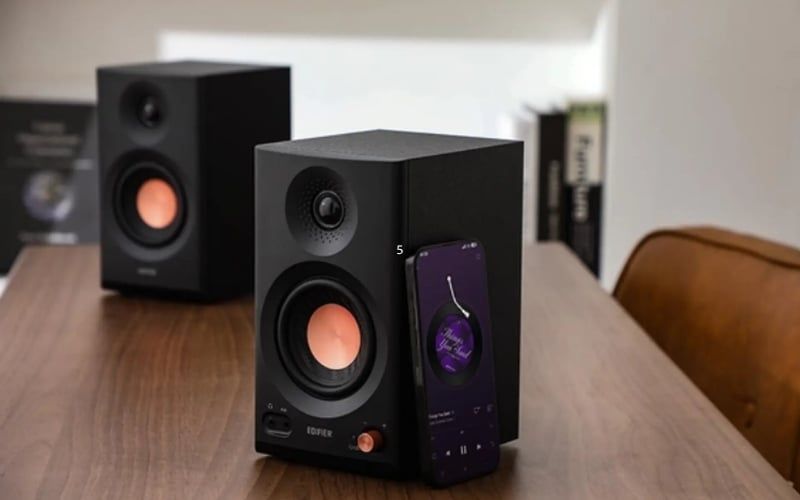
2.0 stereo
A 2.0 system has left and right full-range or near-full-range speakers with no separate subwoofer. Bass capability depends on speaker size, enclosure, placement, and room—not the absence of a subwoofer alone.
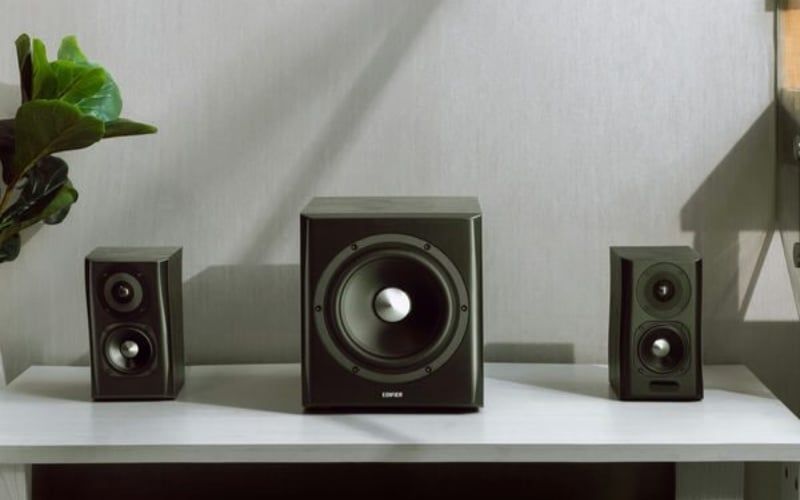
2.1 stereo with a subwoofer
A 2.1 system keeps two main channels and redirects low frequencies to a subwoofer. The “.1” is a low-frequency effects or bass channel designation, not a third full-range positional channel. Proper crossover, phase, and level adjustment matter more than choosing 2.1 merely for “more bass.”
5.1 and 7.1 surround
These are multichannel surround formats, not variations of stereo. They add center, surround, and low-frequency channels to place sounds around the listener. Content, player, connection, decoder, and speaker layout must all support the format.
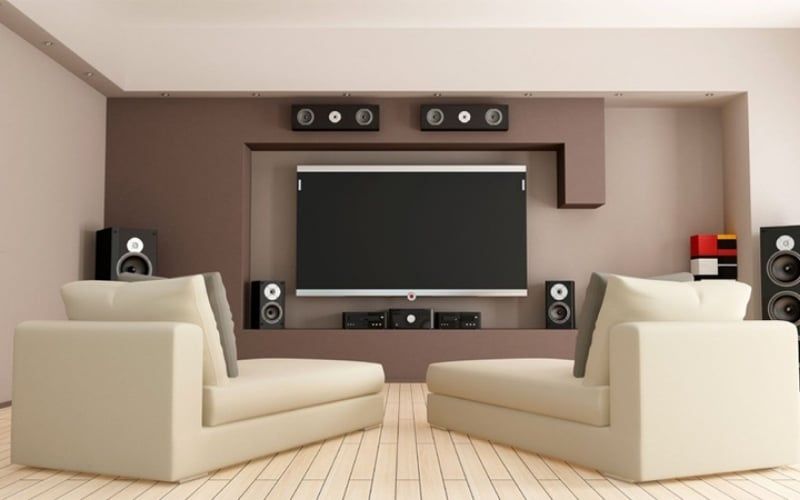
Headphones still have two physical playback channels, but binaural mixing or head-related transfer function processing can simulate directions around and above the listener. A virtual “7.1 headset” does not contain seven full-size speakers around the head, and more processing is not always more accurate.
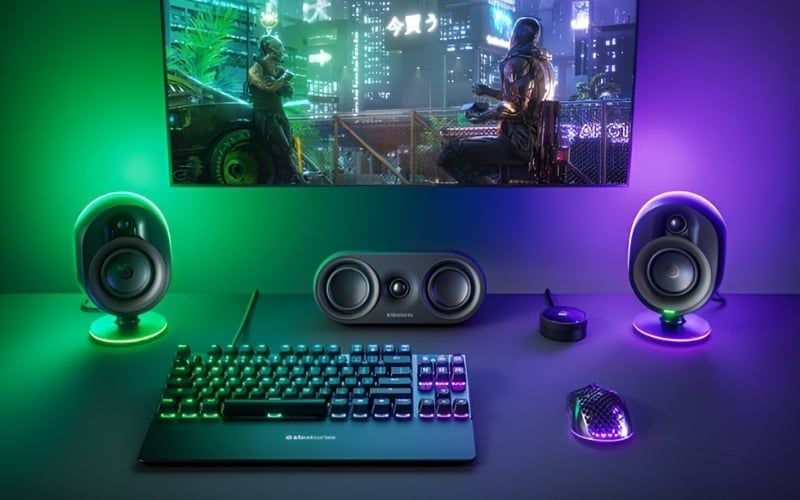
Stereo in games
Games can encode direction as ordinary stereo, provide a binaural headphone mode, or output multichannel surround for an external renderer. For headphones, choose the game's headphone or spatial-audio setting and avoid stacking several surround effects unless the game or platform instructs you to do so.
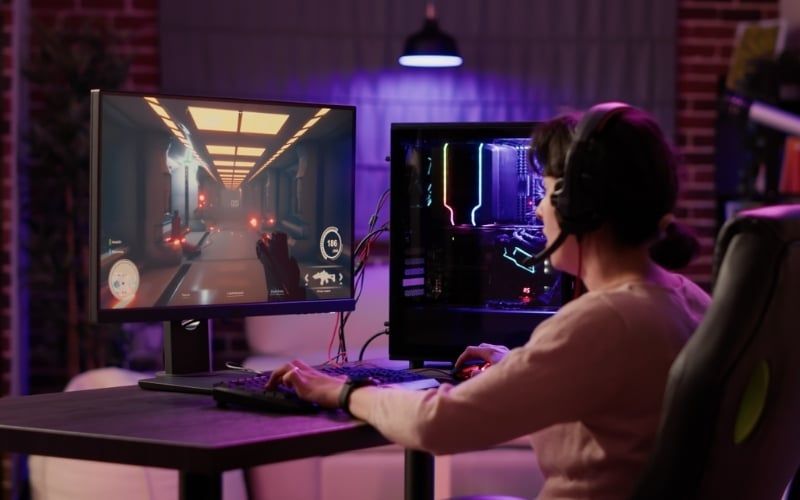
Accurate cues depend on the game mix, channel balance, frequency response, listener-specific anatomy, and processing. Standard stereo can be excellent for competitive play; virtual surround can help some listeners in some games. Test both rather than treating either as universally superior.
Stereo in music and film
Most modern music is mixed for two-channel playback, placing the main vocal near the center and other elements across the stage. Film and television may be distributed in stereo and surround versions. Downmixing a surround track to stereo should use the player's designed mix matrix so dialogue and effects are not lost.
Channel count is separate from fidelity. The high-fidelity headphone guide explains the recording, transducer, DAC, amplifier, and fit factors that affect reproduction quality.
When mono audio is useful
- You listen with one ear and need content from both stereo channels.
- A single speaker must carry all dialogue and music information.
- You are checking whether a mix loses sounds when its channels are summed.
- A public system needs consistent content across a wide area.
Do not enable mono as a repair for a failing headphone cable. It may make information audible on the working side, but the hardware fault still needs diagnosis and could worsen.
Enable mono audio in Windows
Windows 11
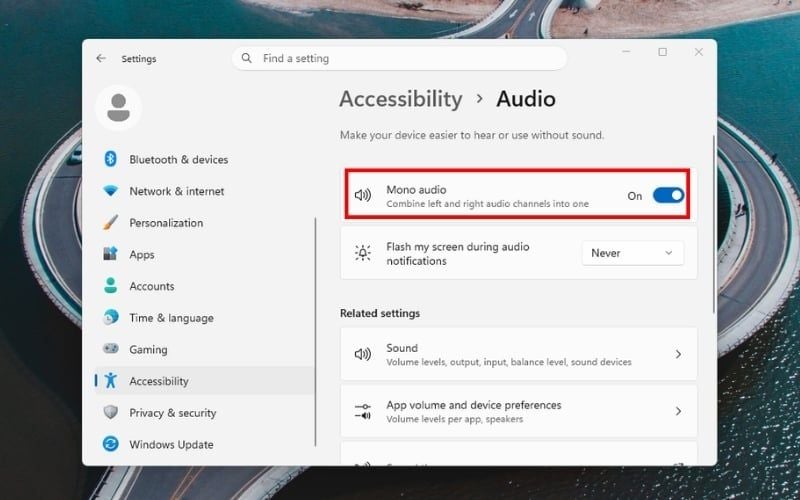
- Open Settings.
- Select Accessibility > Audio.
- Turn Mono audio on.
Windows 10
- Open Settings.
- Select Ease of Access > Audio.
- Turn on Mono audio.
The setting sums left and right content so both playback sides carry the combined information. If the mix contains phase-inverted elements, summing can reduce or cancel them; that is a property of the source mix, not a Windows failure.
Check channel assignment safely
- Use the operating system or audio-interface speaker test to play left and right separately.
- Confirm the physical left speaker or ear cup plays the left test.
- Check the balance control is centered.
- If one side is silent, reseat the plug, inspect adapters, test another source, and try known-good headphones.

Streaming test videos can be encoded or played incorrectly, so a built-in channel test is a better first check. For hardware selection, use the headphone type and buying guide and choose the form factor, isolation, connection, and microphone features for the actual use.
Related Articles
 What Is Stereo? Features, Uses, and Key Details5 minutes read
 How to Convert to Mono Audio on Android Phones4 minutes read
 How to Enable / Disable Mono Audio on Windows 103 minutes read
 How to Turn on Mono Sound for Airpods on Iphone // Ipad3 minutes read
 How to Connect and Use the Hi-Fi Stereo Amplifier7 minutes read
 Microsoft Upgrades Windows 11 with Bluetooth LE Audio: Crisp Sound4 minutes read
Reader Comments 0
Sign in with email or Google to join the discussion.