How to Back Up and Restore n8n Workflows Safely
Export individual n8n workflows as JSON, back up self-hosted instances in bulk, protect credentials and encryption keys, and test restoration.
Fix Windows problems, troubleshoot devices, understand AI, secure your accounts and get more from your technology with tested step-by-step guides.
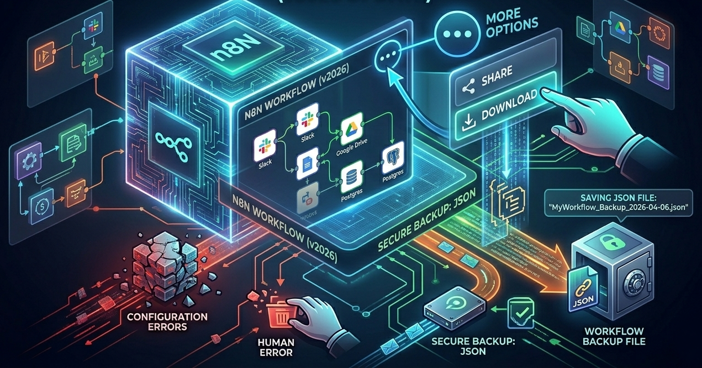
Export individual n8n workflows as JSON, back up self-hosted instances in bulk, protect credentials and encryption keys, and test restoration.
Use Eduaide.AI to generate a Jeopardy-style classroom question set, then review difficulty, scoring, curriculum alignment, and export options.
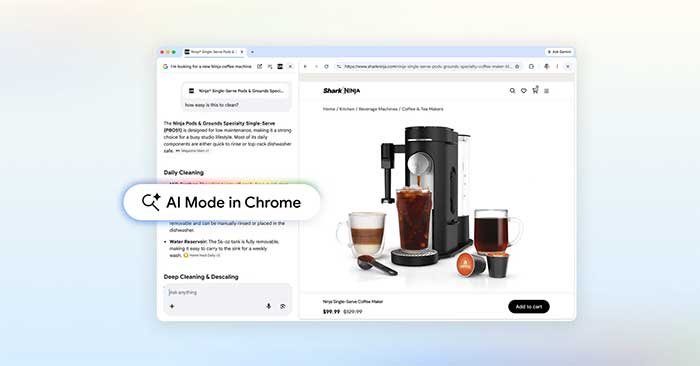
Use Chrome's AI Mode beside web pages, add context from multiple tabs, images, and PDF files, and review privacy and accuracy before relying on answers.

Understand tokens, context limits, app memory, and the reasons long AI conversations lose instructions—plus practical ways to keep work on track.
Create a multiple-choice quiz from a topic, web page, image, or file in Brisk Teaching, then review the questions and export them to Google Forms or another supported format.
Set up three bounded Claude Code automations for documentation drift, pull-request review, and alert triage, with safe triggers, permissions, test runs, and monitoring.
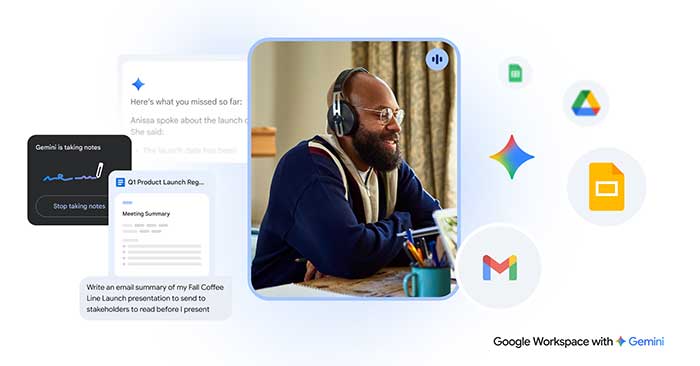
Use Gemini in Gmail, Docs, Sheets, Slides, Meet, and Gemini Notebook for focused workplace tasks, with practical prompts and a review process for reliable results.
Upload a PDF to Humata, ask focused questions, follow citations back to the source pages, and verify AI-generated summaries before using them.
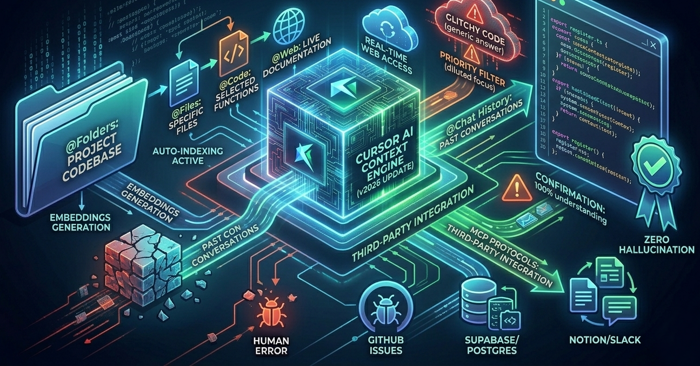
Improve Cursor's answers by opening the full project, attaching focused files or diffs, using project rules, checking indexing, and limiting MCP access.
Delegate multi-step work across Outlook, Teams, Word, Excel, PowerPoint, OneDrive, and SharePoint while reviewing each proposed action in Copilot Cowork.
Use Copilot Cowork to gather recent emails, Teams conversations, and files into a cited meeting brief, draft an agenda, and propose preparation time.
Generate a level-appropriate text with target vocabulary in Twee, turn it into practice activities, review the language, and assign the finished lesson by link or QR code.
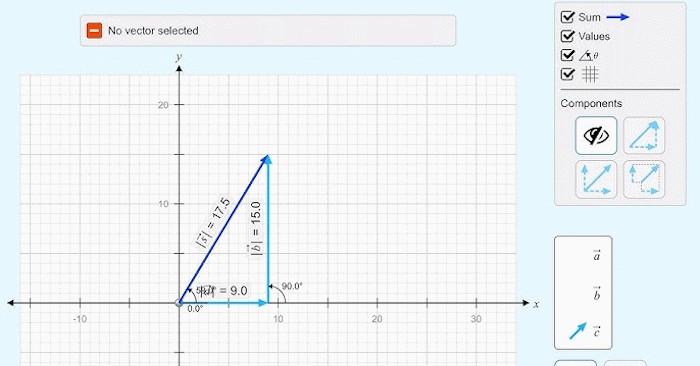
Use PhET's free Vector Addition simulation to plot 1D and 2D vectors, display components, magnitude, and angle, and check vector-sum calculations.
Import a supported YouTube video into Humata, ask focused questions about its transcript, and verify summaries against the video, timestamps, and on-screen evidence.
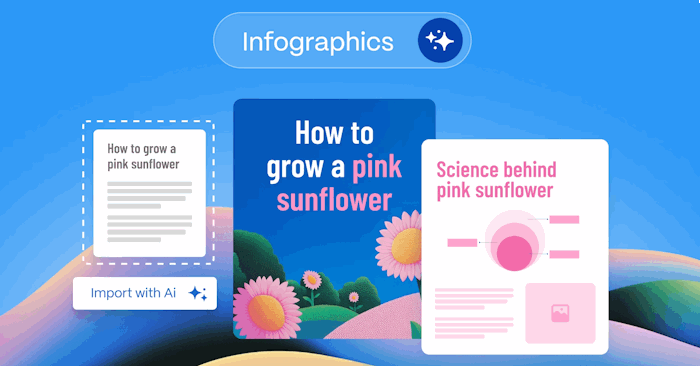
Turn a structured brief into an infographic in Gamma, choose a layout and visual style, verify the information, refine the design, and export the result.
Train-to-Test scaling jointly considers model size, pretraining data, and repeated inference samples, revealing when a smaller, more-trained model can minimize end-to-end compute.
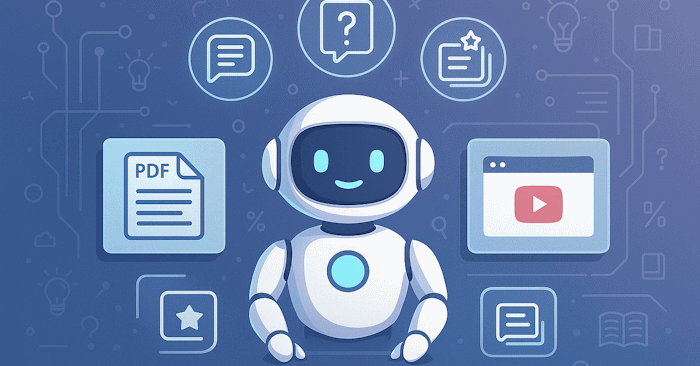
Use Gemini Canvas to draft teaching slides from a PDF test, then verify every question, formula, diagram, answer, and export before presenting it.
AI can make practice faster, but durable learning still builds the judgment needed to solve problems independently and detect unreliable answers.
Recover SQL Server administrator access safely with Windows Authentication or single-user mode, then reset or disable the sa login without editing master.mdf.
Install SQL Server 2025 on a supported Ubuntu release, configure the service, add sqlcmd, test a database, and limit remote network access.