Table of Contents
There is no single “most powerful” laptop processor for every task. In 2026, AMD and Intel HX chips lead many high-power Windows workloads; Apple M5 Pro and M5 Max target demanding macOS work; AMD Ryzen AI Max combines many CPU cores with unusually capable integrated graphics; and Qualcomm Snapdragon X2 Elite emphasizes Arm-based Windows performance and efficiency. The cooling system and power limits of the laptop can change the result as much as the chip name.
Updated August 2026: the comparison below includes shipping processor families verified against manufacturer specifications. It deliberately avoids combining unverified community scores into a false top-100 order.
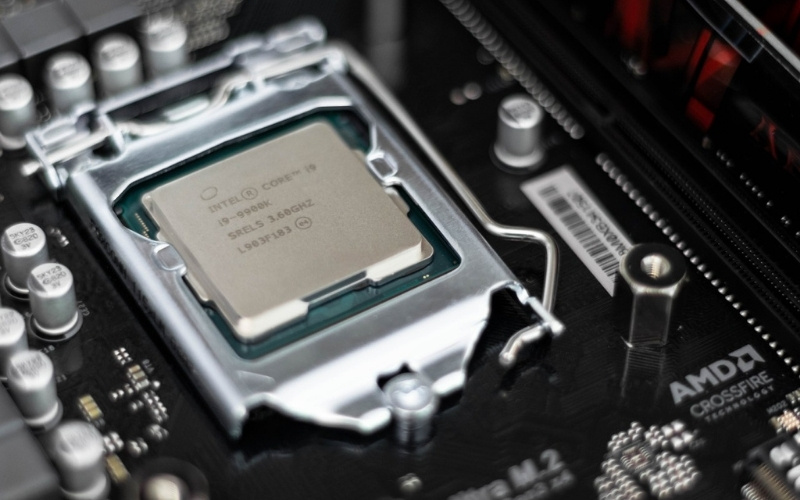
Flagship laptop processor groups
| Processor or family | CPU configuration | Best considered for | Important limitation |
|---|---|---|---|
| Apple M5 Max | Up to 18 CPU cores | macOS development, video, 3D, and local AI workflows needing high unified-memory bandwidth | Available only in MacBook Pro; Windows software and games may not be available |
| Apple M5 Pro | 15- or 18-core options | High-end macOS creative and development work with less GPU demand than M5 Max | Memory and storage must be chosen at purchase |
| AMD Ryzen 9 9955HX3D | 16 cores / 32 threads | Top-tier gaming laptops, especially CPU-sensitive games | Desktop-replacement power and cooling; normally paired with a discrete GPU |
| AMD Ryzen 9 9955HX | 16 cores / 32 threads | Heavy multithreaded x86 workloads in large laptops | Battery life and sustained speed vary greatly with laptop power limits |
| AMD Ryzen AI Max+ 395 | 16 cores / 32 threads | Mobile workstations needing strong integrated graphics and a large shared-memory pool | Performance depends strongly on configured power and memory |
| Intel Core Ultra 9 285HX | 24 cores (8 performance + 16 efficient) | High-power gaming, rendering, compiling, and creator laptops | Needs substantial cooling; the GPU often determines gaming performance |
| Intel Core Ultra X9 388H | 16 cores (4 performance + 8 efficient + 4 low-power efficient) | Premium Windows laptops balancing CPU, integrated graphics, NPU, and mobility | Not the same power class as an HX desktop replacement |
| Snapdragon X2 Elite Extreme | Up to 18 CPU cores | Premium thin Windows-on-Arm laptops, native Arm apps, and NPU-heavy features | Check every essential app, driver, peripheral, anti-cheat system, and VPN for Arm compatibility |
These specifications are documented by Apple, Intel, AMD, and Qualcomm. Core counts alone do not establish a performance order because the architectures, power targets, operating systems, and core types differ.
Why a universal CPU ranking is misleading
Cinebench, Geekbench, Blender, code compilation, office automation, and game benchmarks exercise different parts of a processor. Even two laptops using the same chip can produce different results because of:
- long-term CPU power limits and firmware settings;
- fan profiles, heatsink capacity, chassis size, and room temperature;
- memory capacity, speed, channel configuration, and whether memory is shared with the GPU;
- the discrete GPU and its own power allocation;
- operating-system scheduler, application version, and native versus emulated code;
- battery versus AC operation.
A responsible comparison uses the same benchmark version, workload, power mode, and test conditions on retail laptops. Treat a one-run synthetic score as a clue, not a buying decision.
Apple M5 Pro and M5 Max
Apple's 2026 MacBook Pro configurations offer M5 Pro with 15 or 18 CPU cores and M5 Max with an 18-core CPU plus larger GPU and unified-memory options. They are particularly relevant to Final Cut Pro, Logic Pro, Xcode, and other optimized macOS workflows. High memory bandwidth and dedicated media engines can matter more than a generic CPU score for video or local-model work.
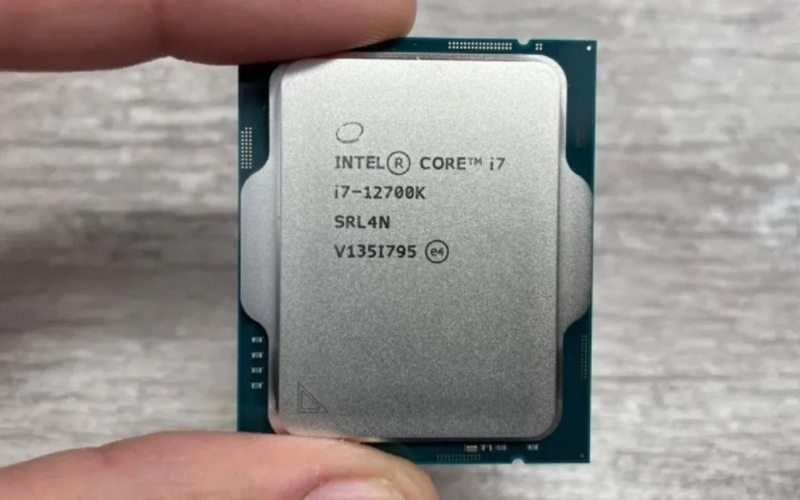
Choose between M5, M5 Pro, and M5 Max by application, memory, GPU, and media-engine needs—not the family name alone.
The tradeoff is platform fit. Apple silicon runs macOS and Arm-native software; some Windows-only applications, specialist hardware drivers, and games are unavailable or require a workaround. Memory and internal storage are not later user-upgrades, so size them at purchase.
AMD high-performance laptop chips
The Ryzen 9 9955HX3D is a 16-core, 32-thread Zen 5 processor with 3D V-Cache intended for high-end gaming laptops. The non-3D Ryzen 9 9955HX uses the same core and thread count with less L3 cache and can be attractive for compute-heavy work depending on the laptop and price.
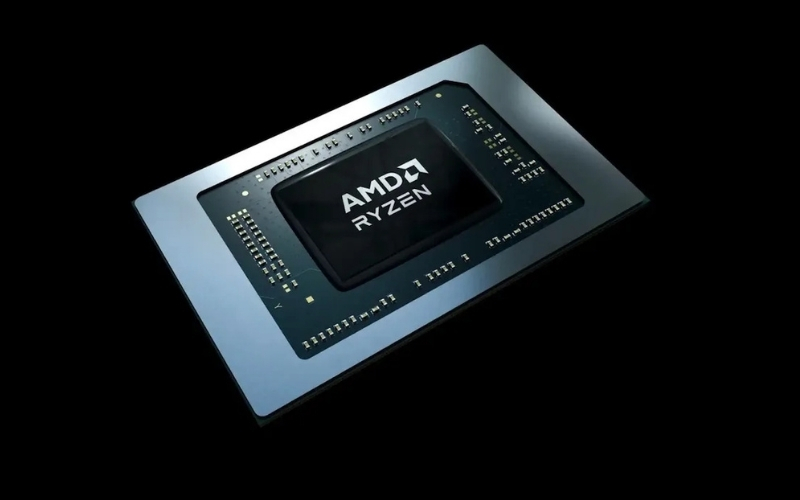
For gaming, compare the complete laptop at the same GPU power—not only the CPU.
Ryzen AI Max is a different design goal. The Ryzen AI Max+ 395 combines 16 CPU cores with Radeon 8060S integrated graphics and shared memory, making it useful in compact workstations where a large discrete GPU is undesirable. It is not automatically faster than an HX-plus-discrete-GPU system in every task.
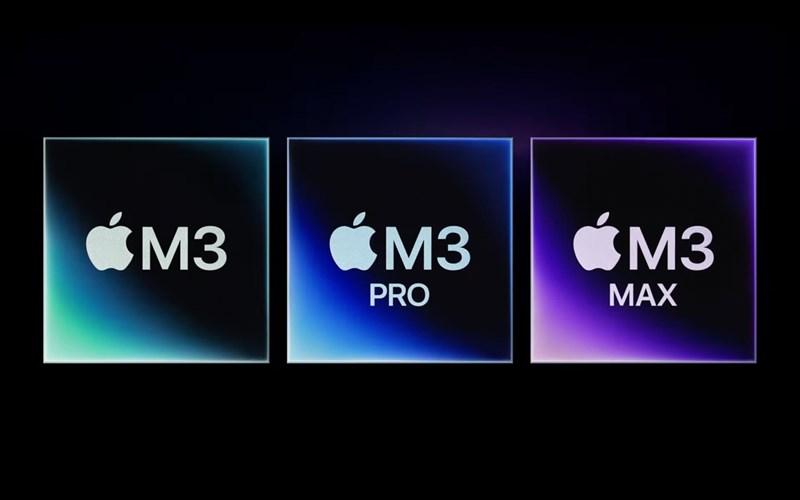
Intel Core Ultra laptop chips
Core Ultra 200HX processors such as the Core Ultra 9 285HX belong in large performance laptops. They provide many CPU cores and are commonly paired with a discrete GPU. Core Ultra Series 3 H and X models such as the Core Ultra X9 388H target a different balance, combining performance, integrated graphics, an NPU, and lower-power operation in more portable designs.
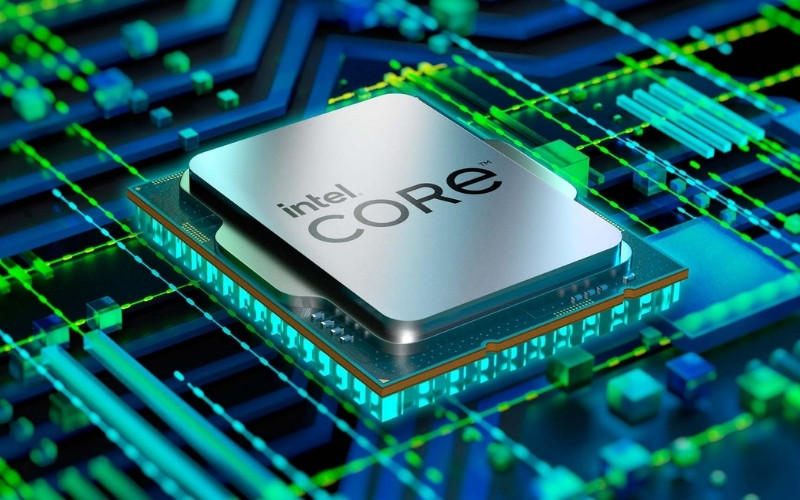
Do not assume “Ultra 9” or a larger model number guarantees a faster laptop. Compare the suffix, core configuration, tested power profile, GPU, and cooling. The overview of Intel desktop and laptop chip lines provides additional naming context, although exact suffix meanings should always be checked for the current generation.
Snapdragon X2 Elite and Windows on Arm
Snapdragon X2 Elite and X2 Elite Extreme are premium Windows-on-Arm platforms with up to 18 Oryon CPU cores and an 80-TOPS Hexagon NPU according to Qualcomm. Native Arm applications can deliver excellent responsiveness and efficiency in thin laptops.
The compatibility audit is essential. Windows can emulate many x86 and x64 applications, but an app launching successfully does not guarantee that every plugin, kernel driver, game anti-cheat component, capture device, printer, or corporate security tool will work. Verify the exact workflow before buying.
How to read laptop CPU names
Intel
Intel currently sells several naming generations at once. In a name such as Core Ultra 9 285HX, the brand tier and numeric SKU identify its position within that product family, while HX signals a high-performance mobile class. In Core Ultra X9 388H, X9 is part of the Series 3 tier and H identifies the mobile performance category. Meanings can change between generations, so use Intel's specification database for the exact model.
AMD
AMD also uses multiple naming schemes. HX generally appears on the highest-power gaming and workstation parts, HS on performance-oriented portable laptops, and U on lower-power systems. “AI Max” identifies a platform with a large integrated GPU and NPU, not merely a faster version of every conventional Ryzen chip.

Apple
Within the same M-series generation, Pro and Max generally scale CPU, GPU, memory, and media capabilities, but configurations still vary. An older Max can outperform a newer base chip in GPU- or bandwidth-heavy work, so compare the actual CPU/GPU core option and memory capacity.
Pick the processor for the workload
- Gaming: start with the required GPU and its laptop power limit, then compare CPUs in the same game at the target resolution. Ryzen 9 9955HX3D and Intel HX systems are high-end candidates, not automatic winners in every chassis.
- Video and 3D: test the exact application, codec, renderer, and GPU path. Media engines and software optimization may outweigh general CPU scores.
- Programming: measure the actual compiler, container, virtual-machine, and memory needs. Platform compatibility can matter more than a small benchmark lead.
- Office and study: a flagship chip is rarely necessary. Favor display quality, keyboard, battery life, noise, webcam, memory, and support.
- Local AI: check whether the model runs on the NPU, integrated GPU, discrete GPU, or CPU, plus the required memory. Learn the roles of these processors in the CPU, GPU, and NPU comparison.
Before buying
Read independent reviews of the exact laptop configuration, not just the processor. Compare sustained performance after several minutes, fan noise, surface temperature, battery tests, memory and storage upgradability, port selection, application compatibility, and warranty support. The fastest benchmark result is poor value if the laptop cannot run the required software or maintain its speed comfortably.
Related Articles
 Top 100 Most Powerful Phone Chips In 20266 minutes read
 Top 100 Most Powerful Phone Chips in 2024: Features, Uses, and6 minutes read
 Bxh Afc: Latest Afc Cup Rankings2 minutes read
 Buy a Laptop for $$ 6005 minutes read
 Snapdragon 865 Pitted A13 Bionic: 'One More Pain' for the3 minutes read
 Are All Intel Core i7 Chips Powerful?7 minutes read
Reader Comments 0
Sign in with email or Google to join the discussion.