Effective Ways to Fix the Problem of a Laptop Not Having Bluetooth
Explore effective ways to fix the Problem of a laptop Not Having Bluetooth, including key concepts, practical steps, useful tips, and common questions.
Fix Windows problems, troubleshoot devices, understand AI, secure your accounts and get more from your technology with tested step-by-step guides.
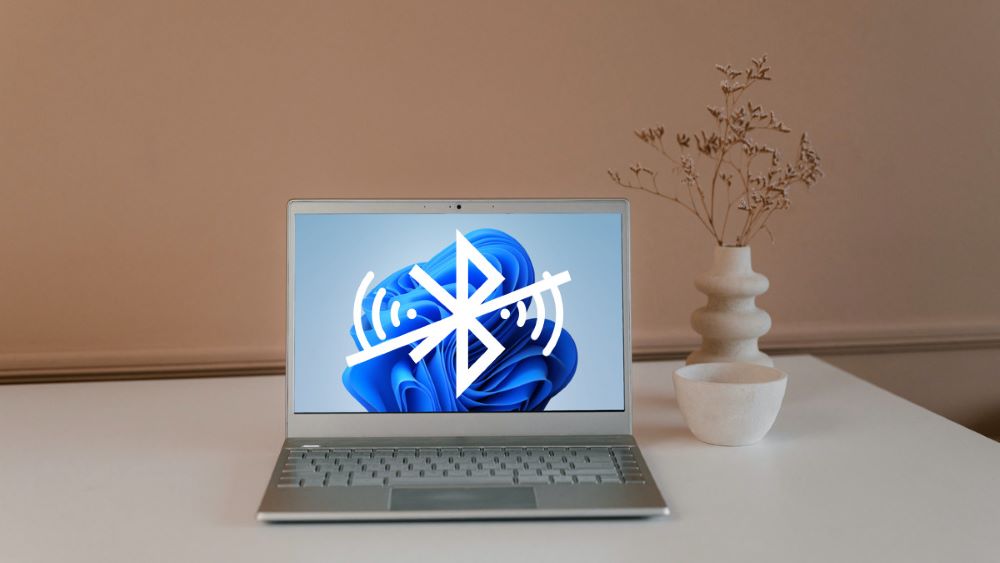
Explore effective ways to fix the Problem of a laptop Not Having Bluetooth, including key concepts, practical steps, useful tips, and common questions.

Separate layout, Num Lock, accessibility, driver, debris, liquid, and hardware faults, then restore input without damaging fragile keys or losing data.

Enable Bluetooth, pair headphones or input devices, understand TV profile limits, and fix missing devices on Windows 11, Windows 10, or a smart TV.
Open CMD, navigate safely, run file, network, process, power, and system diagnostics, and recognize commands that can overwrite or delete data.
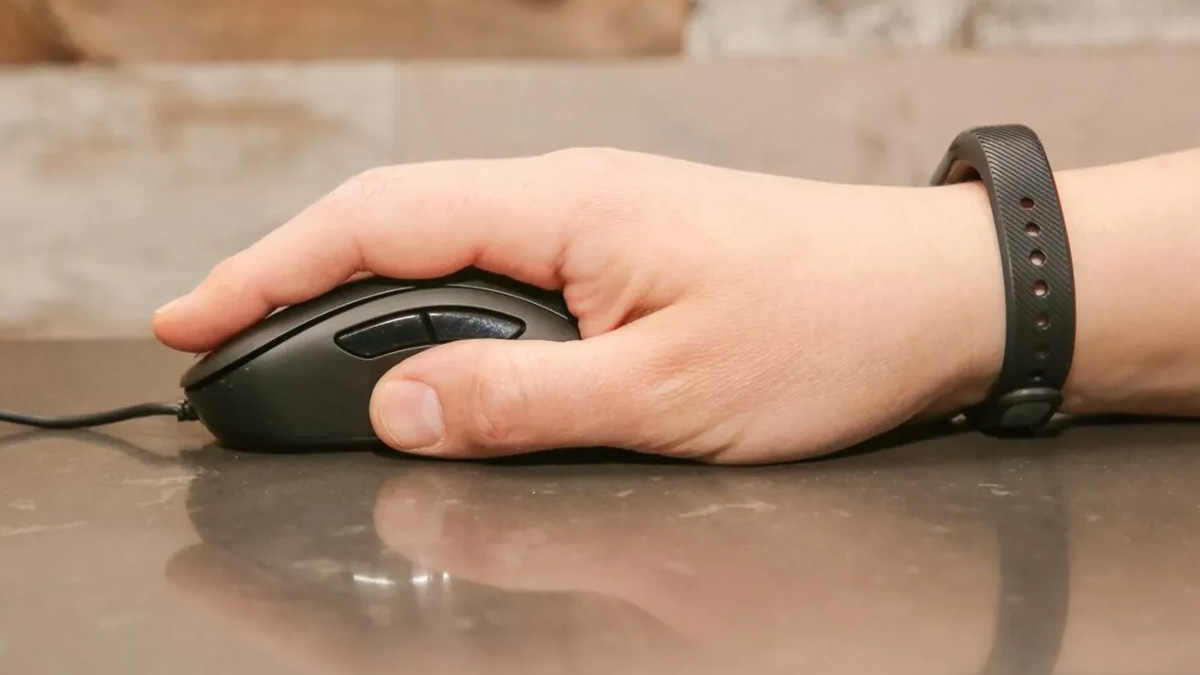
Check whether the PC or mouse is frozen, then isolate power, receiver, Bluetooth, USB, sensor, surface, driver, and hardware problems.

Identify the exact wireless adapter, use Windows Update or the laptop maker's official package, and avoid mismatched third-party driver utilities.
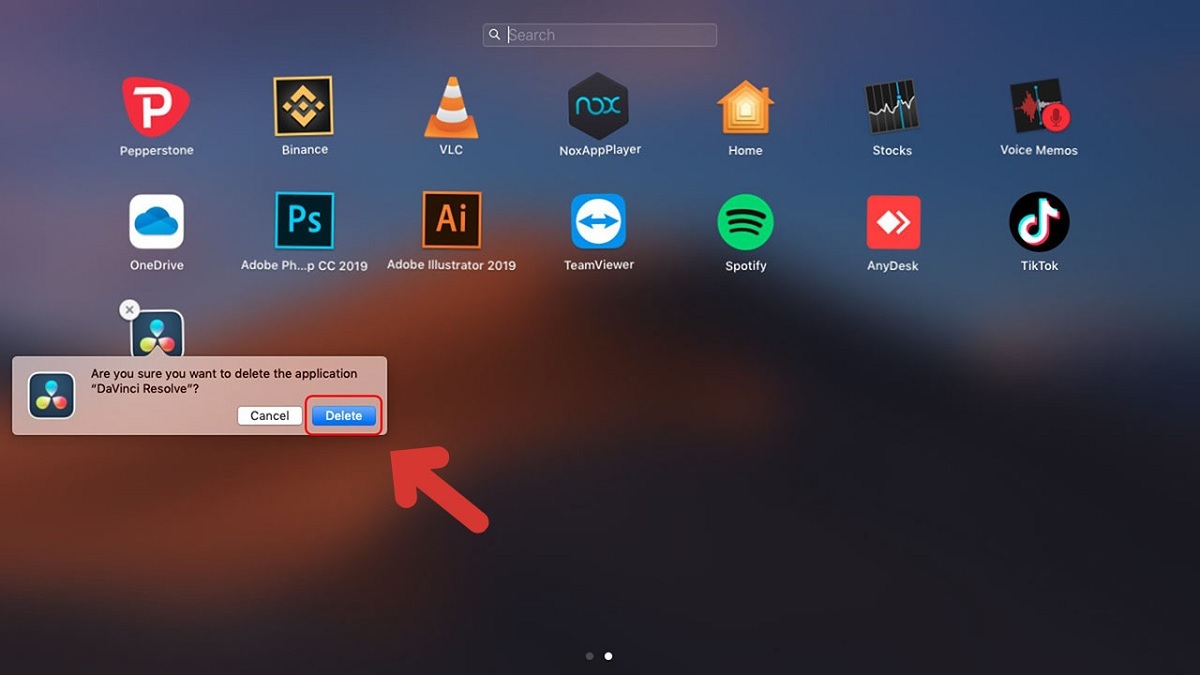
Remove ordinary Mac apps through Finder, use official uninstallers for system components, protect app data, and handle leftovers without dangerous Terminal commands.
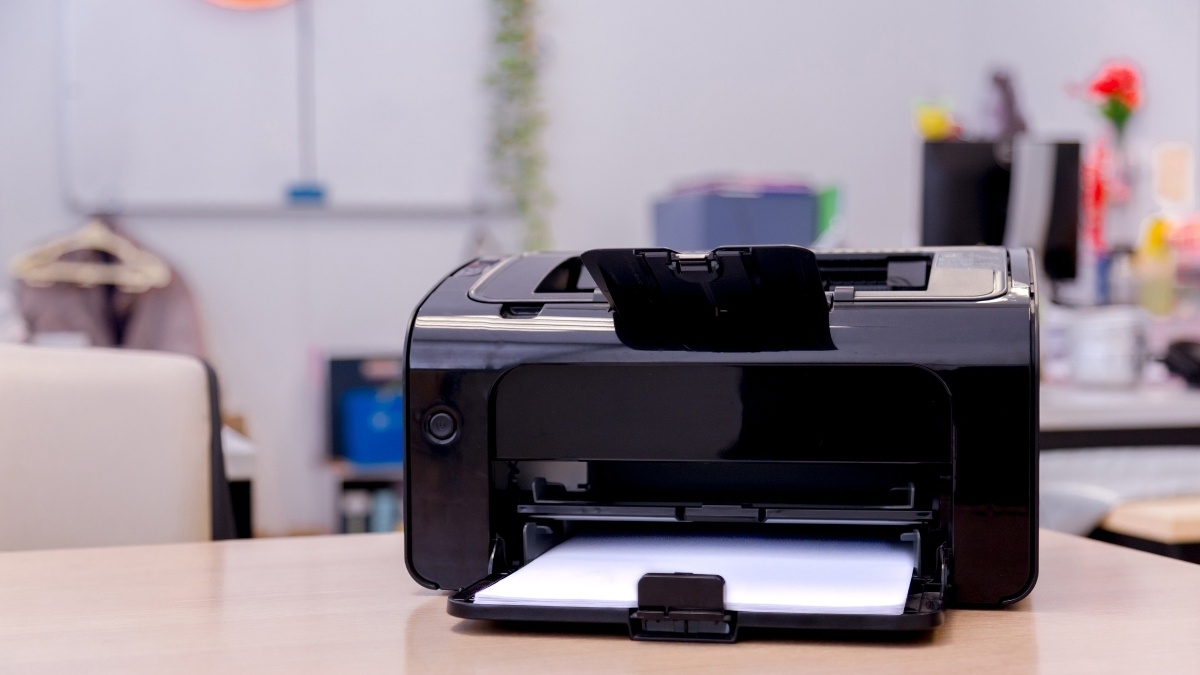
Remove one document or an entire queue, safely restart the Windows Print Spooler for stuck jobs, and stop printing without deleting the source file.
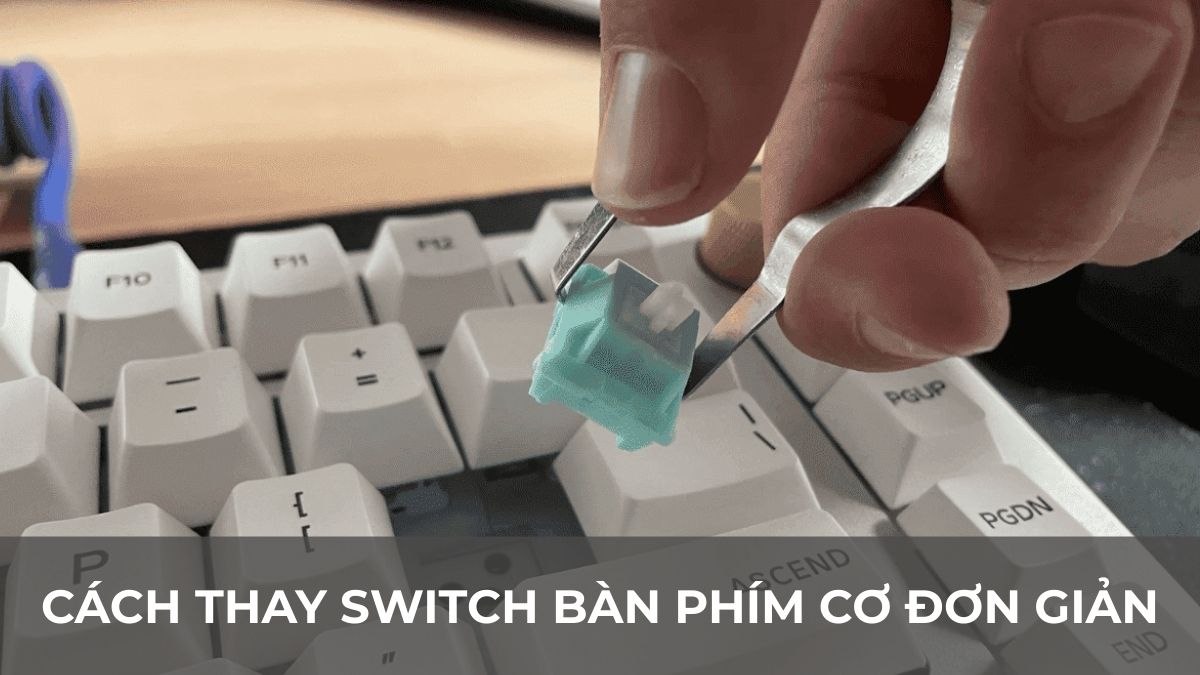
Confirm switch and socket compatibility, remove and install switches without bending pins, test each key, and recognize when soldering or repair is required.

Launch the Windows OSK, touch keyboard, macOS Accessibility Keyboard, or Keyboard Viewer, then adjust input and understand its security limits.

Put Bose headphones or earbuds into the correct pairing mode, connect on iPhone, Android, Windows, or Mac, and fix missing or silent audio.
Open single-part, multipart, and password-protected RAR archives with trusted local tools, then fix corruption, storage, permission, and filename errors.

Find the correct backlight key on Windows laptops or MacBooks, adjust brightness and timeout, and fix missing, dim, or uneven keyboard lighting.
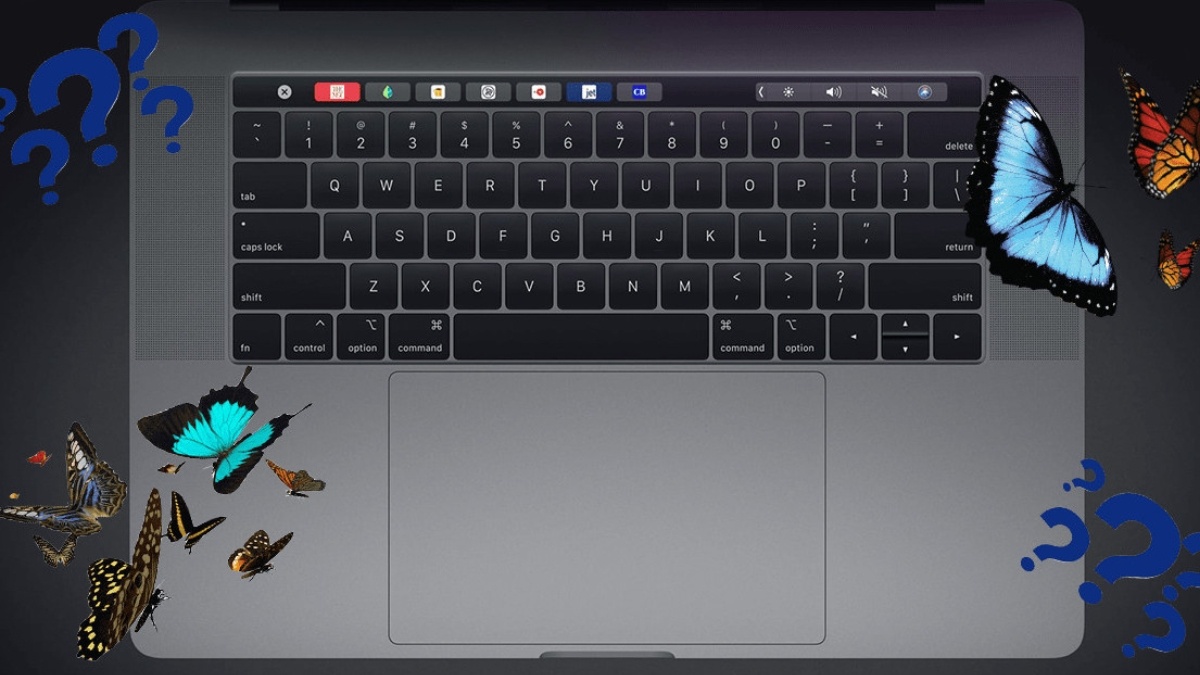
Understand the low-profile mechanism, affected MacBook families, common failure symptoms, Apple's service response, and the risks of buying one used.
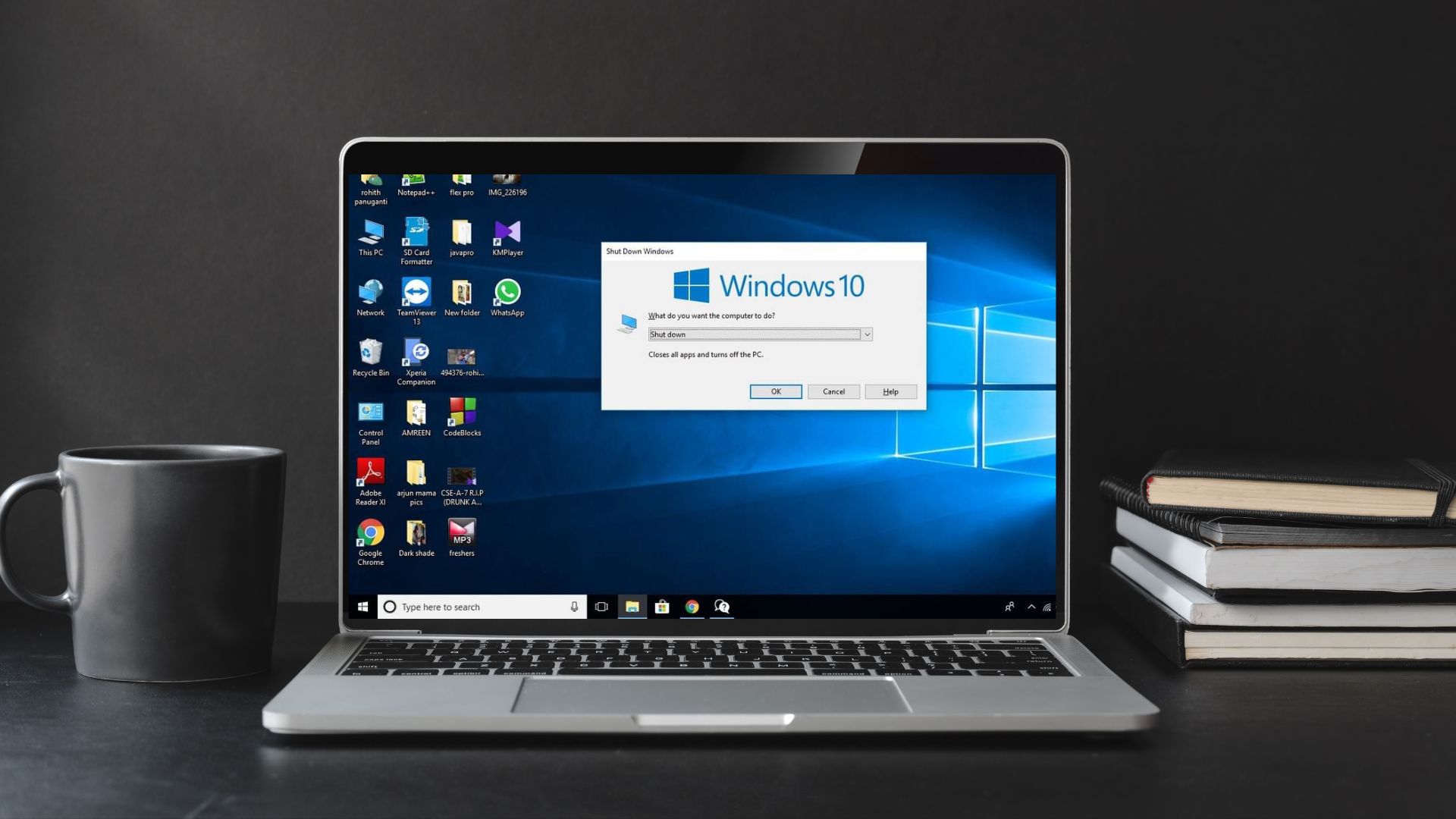
Use Ctrl+Alt+Delete, Alt+F4, the Power User menu, or a safe shutdown command, and avoid forced power-offs that can lose unsaved data.
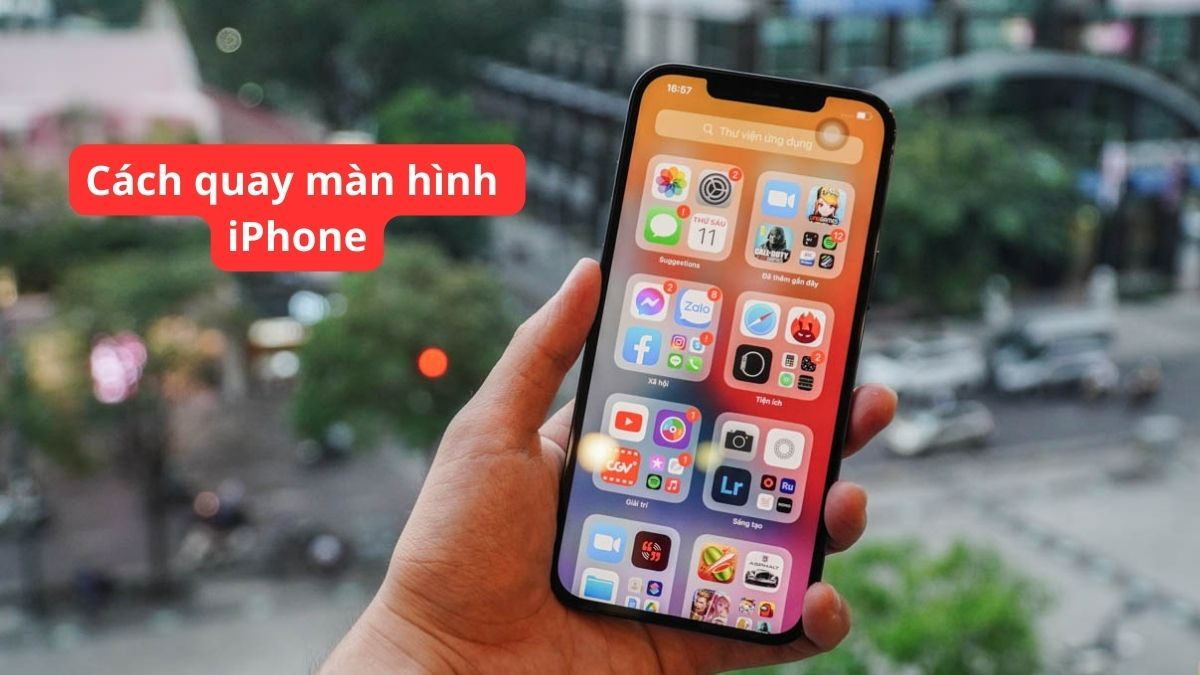
Add Screen Recording to Control Center, capture app or microphone audio, find the saved video, and fix missing controls or silent recordings.
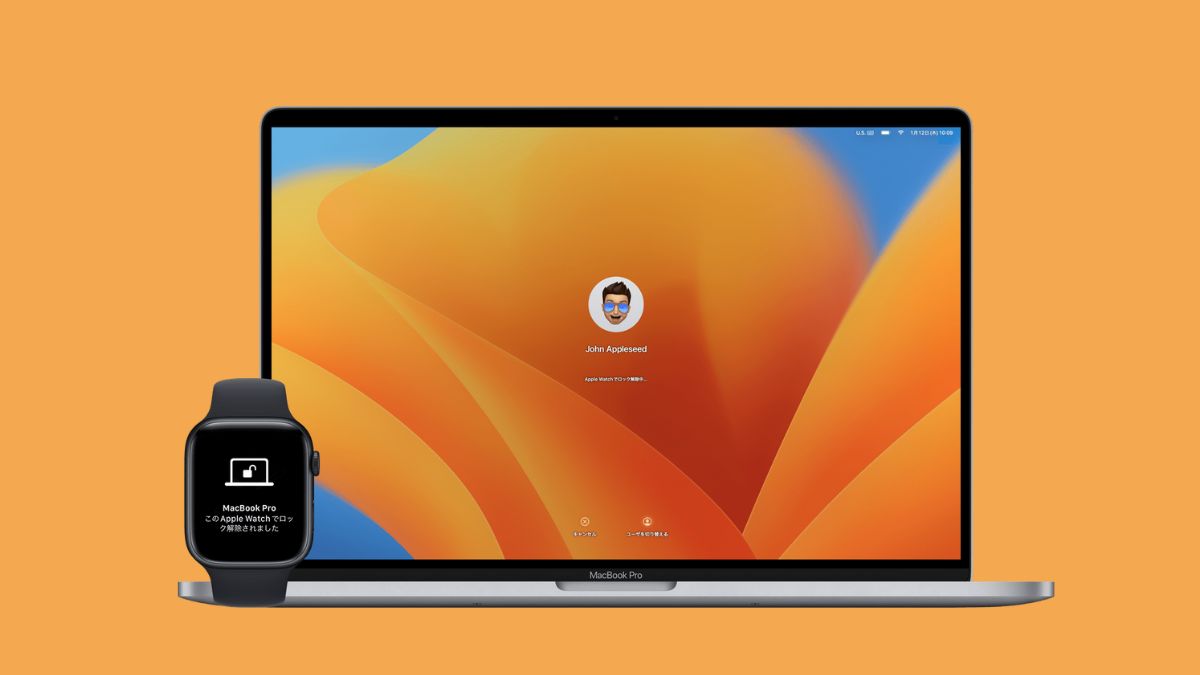
Set a personal or built-in wallpaper, match it to screen resolution and aspect ratio, configure multiple monitors, and fix black or blurry backgrounds.
Arrange two to four apps with Windows Snap layouts or macOS Split View and tiling, use keyboard shortcuts, and fix windows that will not snap.

Distinguish normal warmth from dangerous heat, reduce workload, restore airflow, check fans and batteries, and know when internal service is required.

Learn what safe mode is, how it works, why it matters, and the key features or considerations to understand before using it.