What Is UEFI? Advantages and Differences from Legacy BIOS
Understand UEFI boot, GPT disks, Secure Boot, and legacy BIOS limits, then check the active mode and avoid changes that could make Windows unbootable.
Fix Windows problems, troubleshoot devices, understand AI, secure your accounts and get more from your technology with tested step-by-step guides.
Understand UEFI boot, GPT disks, Secure Boot, and legacy BIOS limits, then check the active mode and avoid changes that could make Windows unbootable.
Learn what BIOS in a computer is, how it works, why it matters, and the key features or considerations to understand before using it.
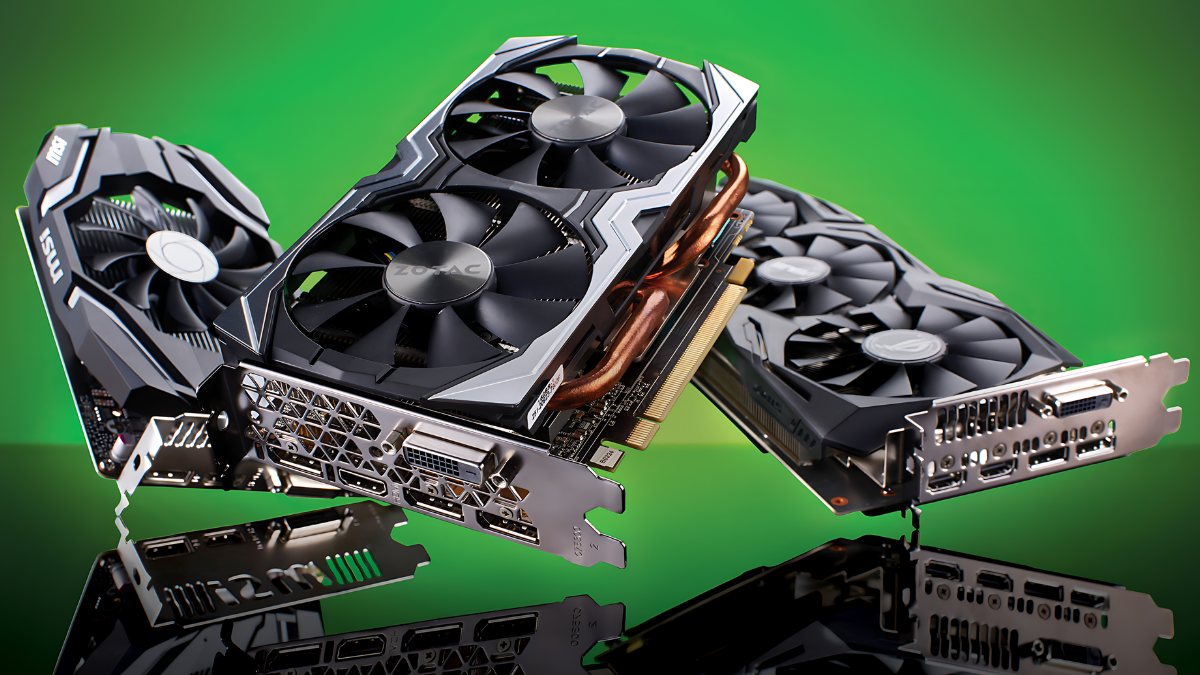
Understand what VGA can mean, compare integrated and dedicated graphics, check the GPU in Windows, and choose a compatible graphics card for your PC.
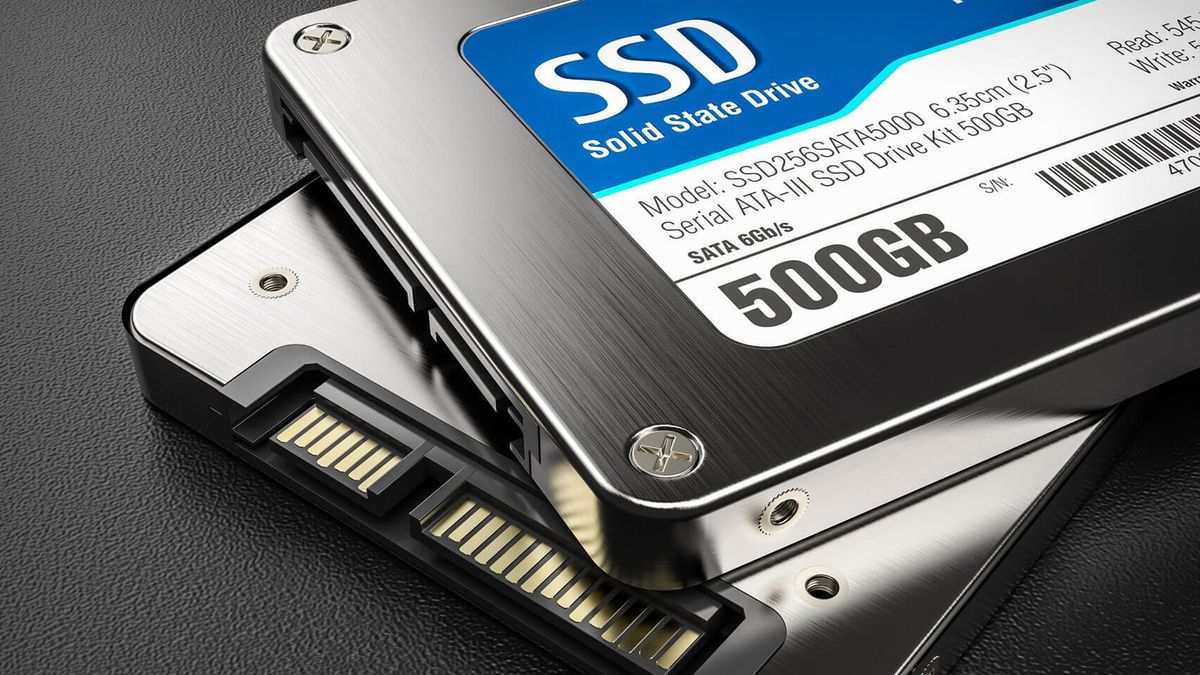
An SSD stores data in flash memory, offering faster access, lower noise, and better shock resistance than a hard disk. This guide covers SSD types, interfaces, trade-offs, and how to check your drive.
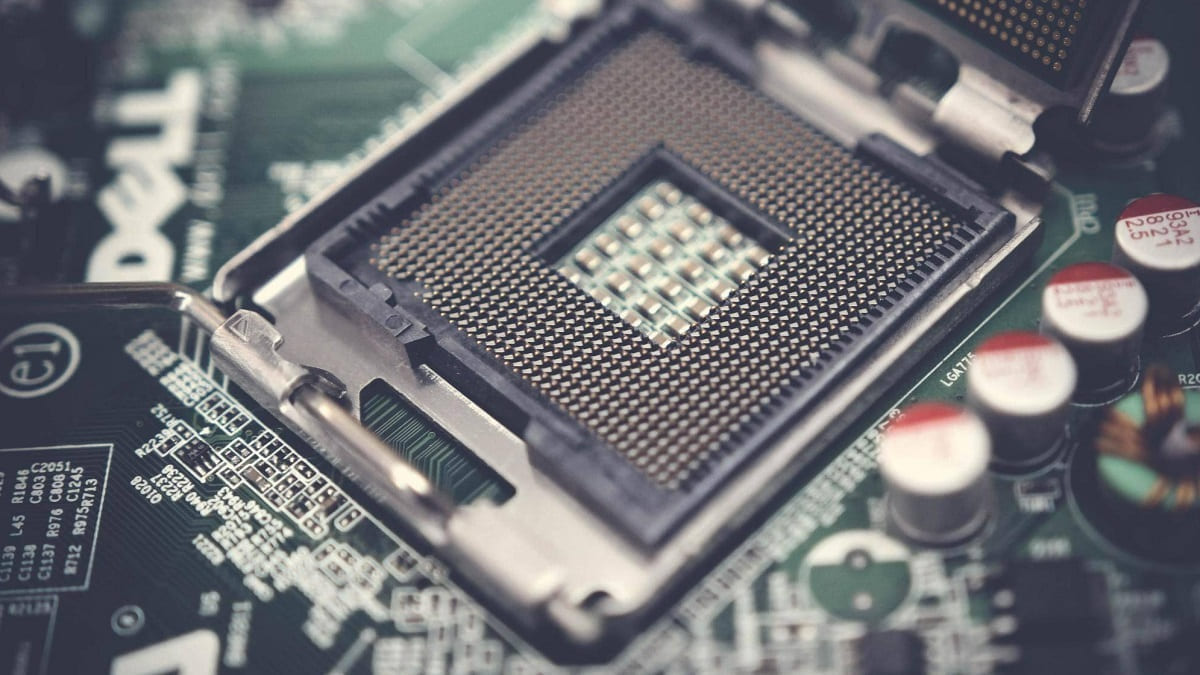
A CPU executes program instructions, performs calculations, and coordinates data flow between memory, storage, and connected hardware. Its design, core count, cache, and clock behavior all affect performance.

In today's technological age, tablets have become an indispensable device in our lives.
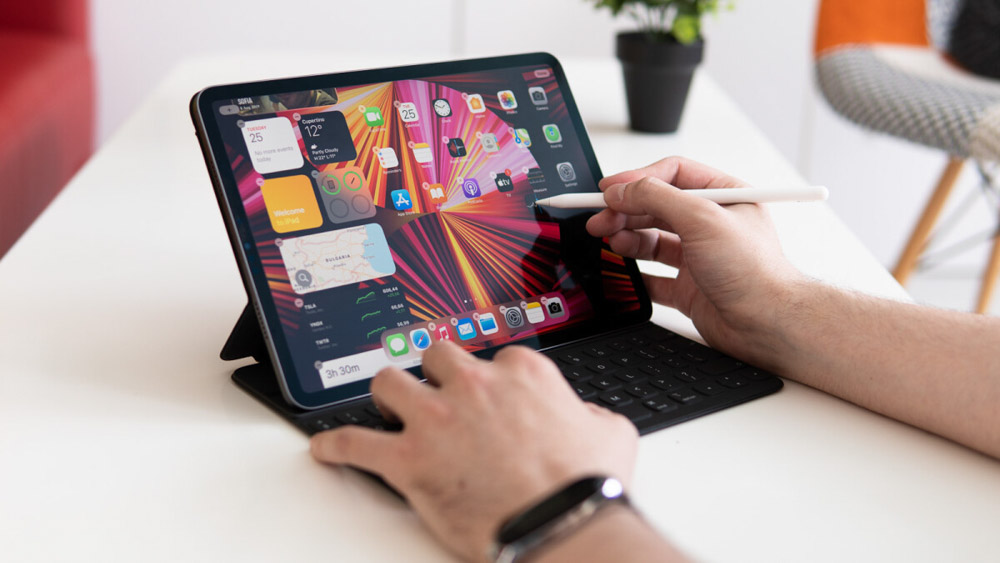
To begin, make sure your tablet is updated to the latest operating system version.
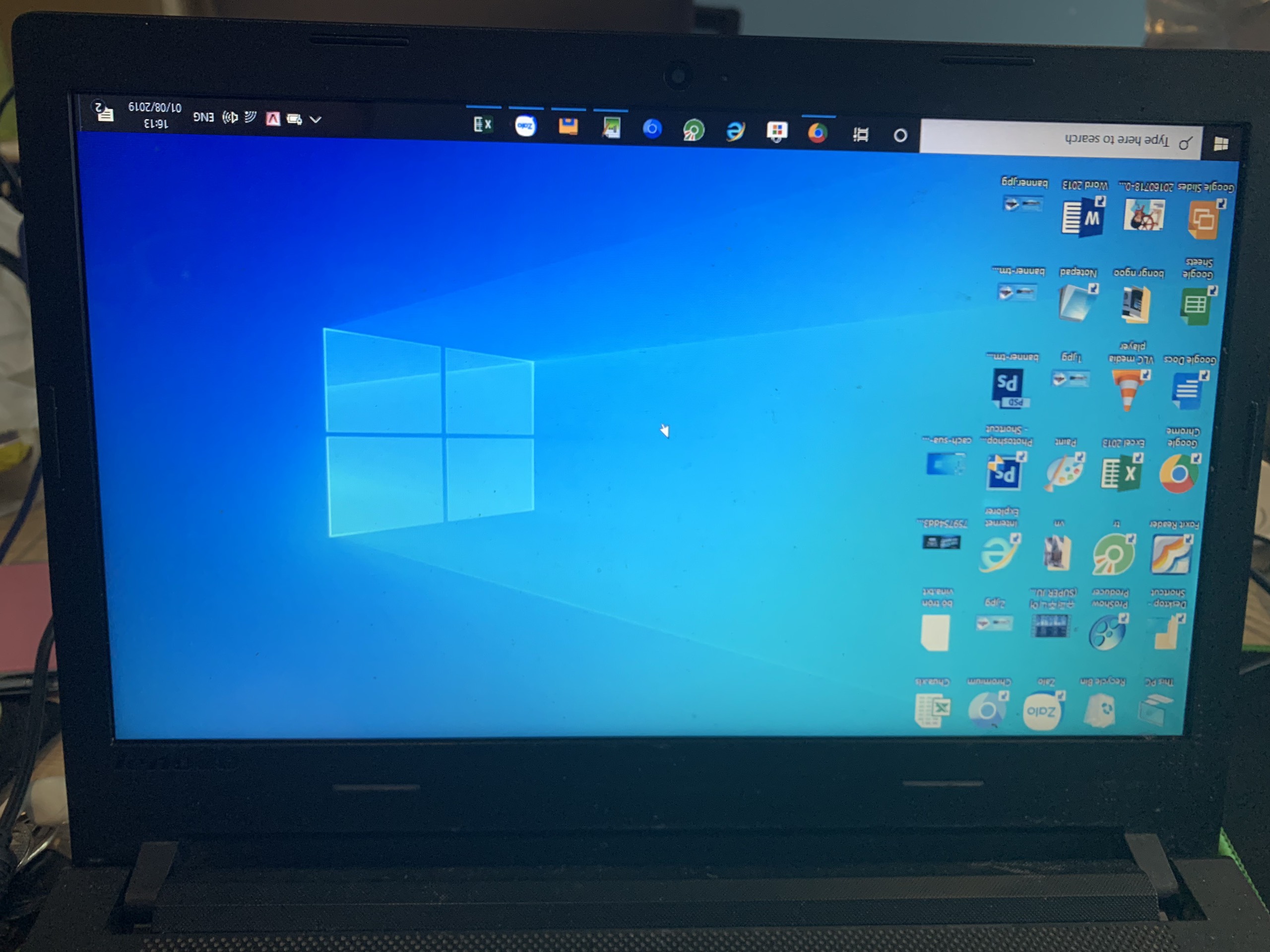
When working, having your computer screen upside down can cause many inconveniences and difficulties.
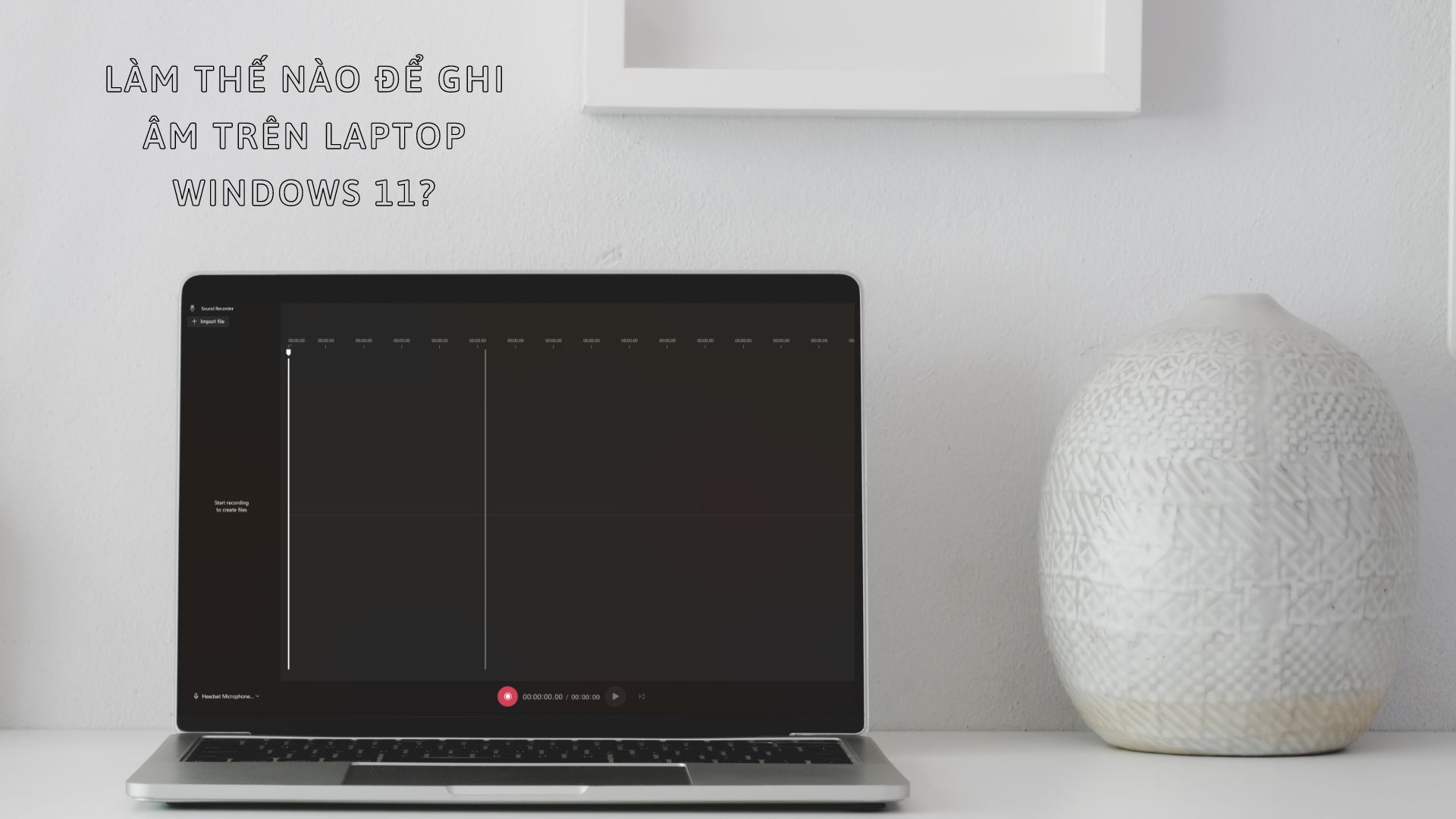
Not everyone is familiar with recording audio on a laptop , especially after upgrading to Windows 11, right?
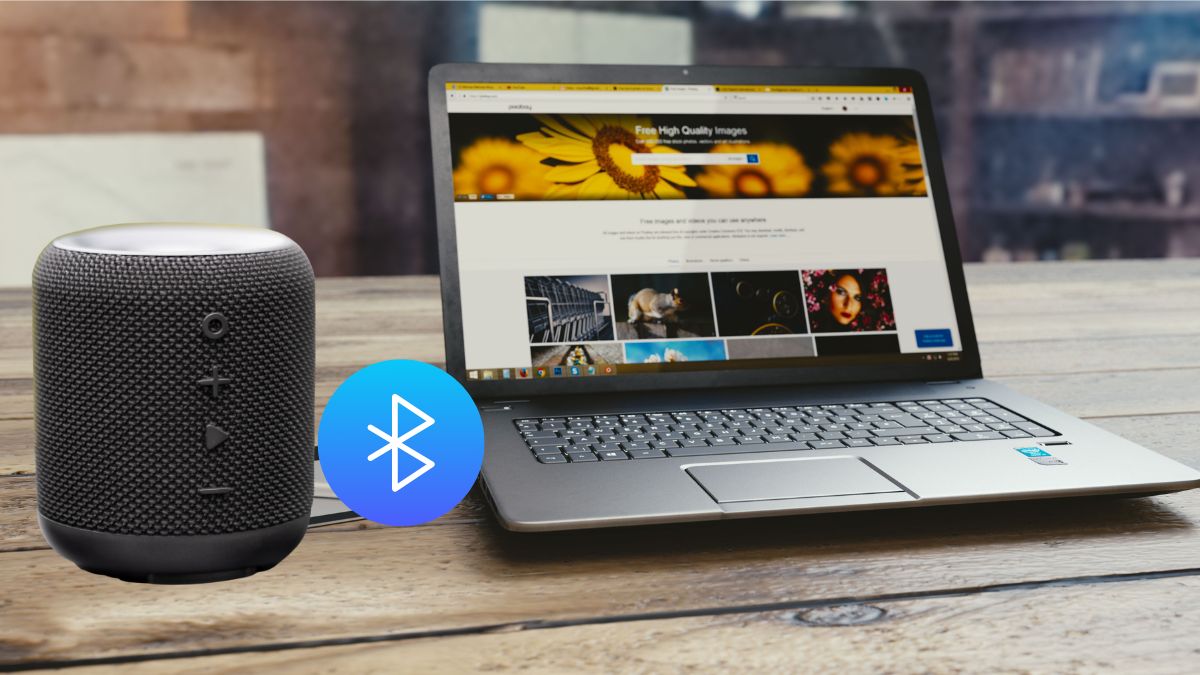
Connect a Bluetooth speaker to Windows 7, 8, or 10, or pair it with a Mac. The guide also covers missing Bluetooth hardware, driver faults, and common connection failures.
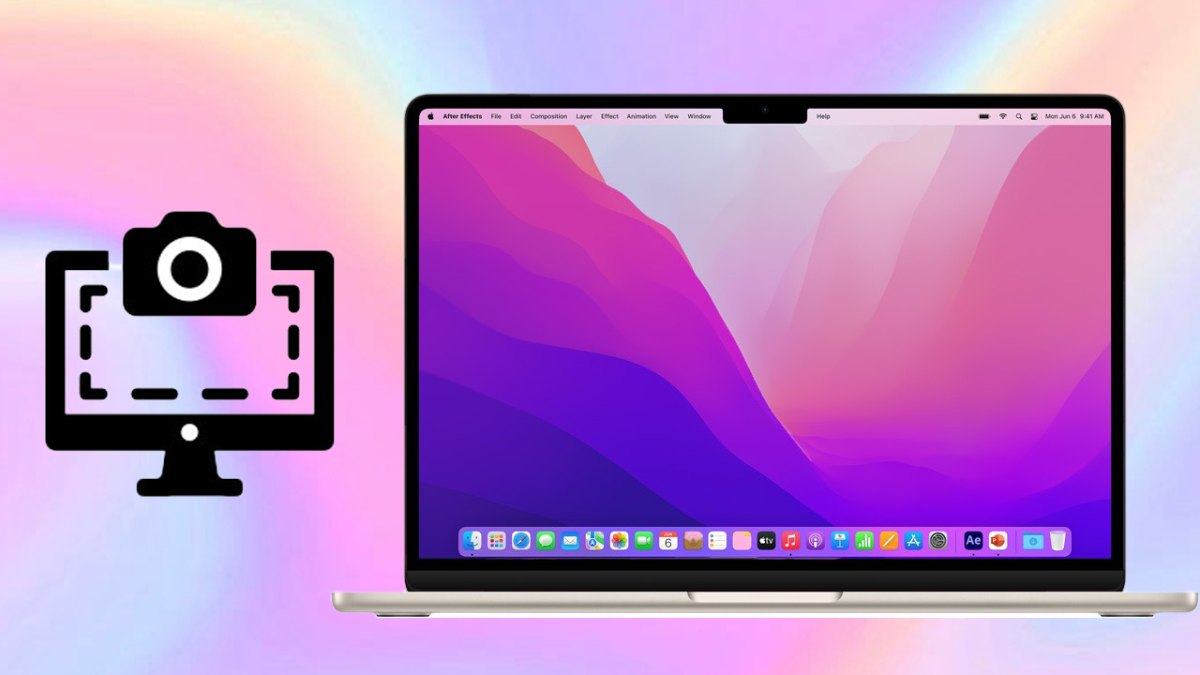
Use Mac keyboard shortcuts to capture the full screen, a selected area, or one window; save screenshots as files or copy them to the clipboard, and fix common capture problems.
Improve a slow Windows computer by reducing startup and background apps, freeing storage, adjusting visual and power settings, managing heat, and upgrading RAM or storage when needed.

Connect a laptop or desktop to a TV with HDMI, VGA, USB media playback, Wi-Fi Direct, wireless display, DLNA, Smart View, Bluetooth, or Chromecast, then troubleshoot common display problems.
Use keyboard shortcuts to shut down Windows 7, 8, 10, or 11, open the security screen, lock the PC, or handle an unresponsive system while reducing the risk of lost work.
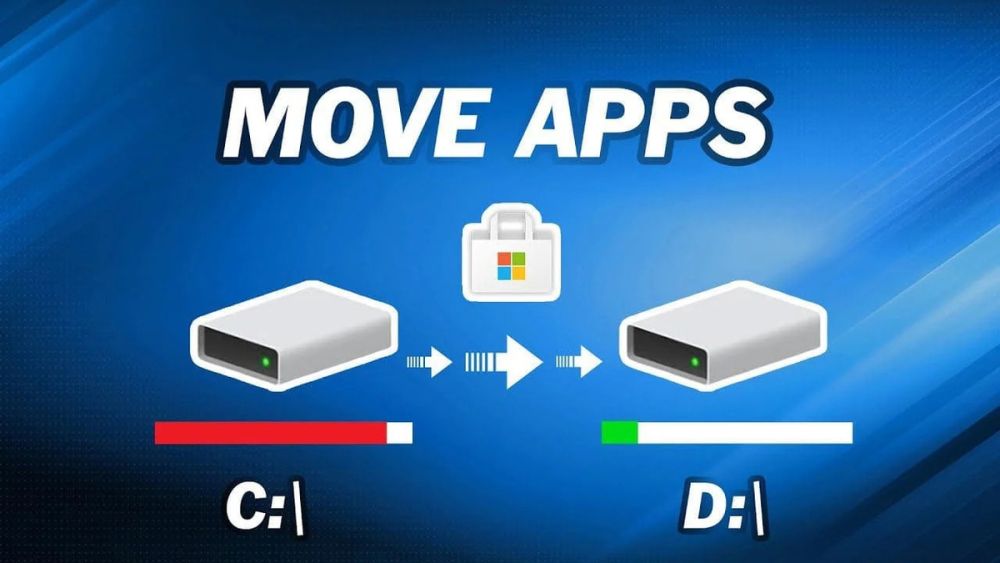
Free space on the Windows system drive by moving personal folders and files to another drive. Learn what can be moved, which system files must stay, and how to change folder locations safely.
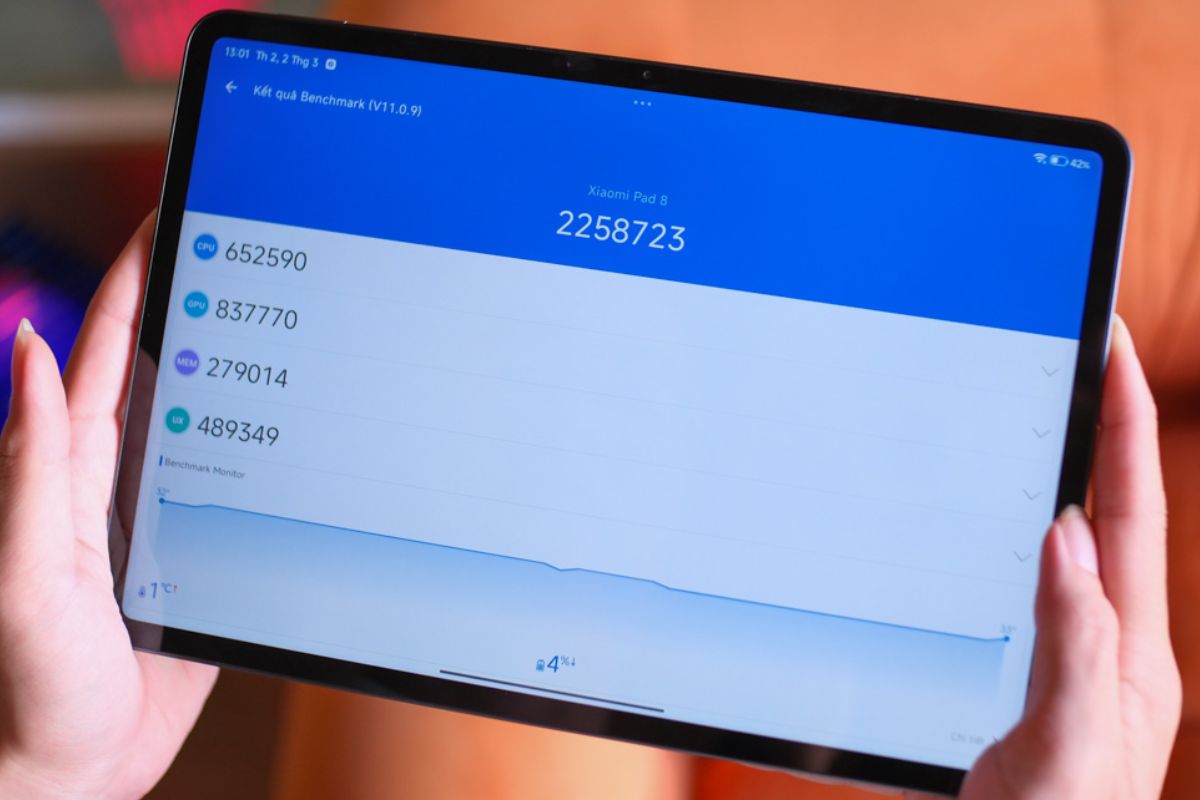
A recorded AnTuTu v11.0.9 run for the Xiaomi Pad 8 reports 2,258,723 points. See the CPU, GPU, memory, and UX breakdown, plus the limits of using one benchmark to judge performance.
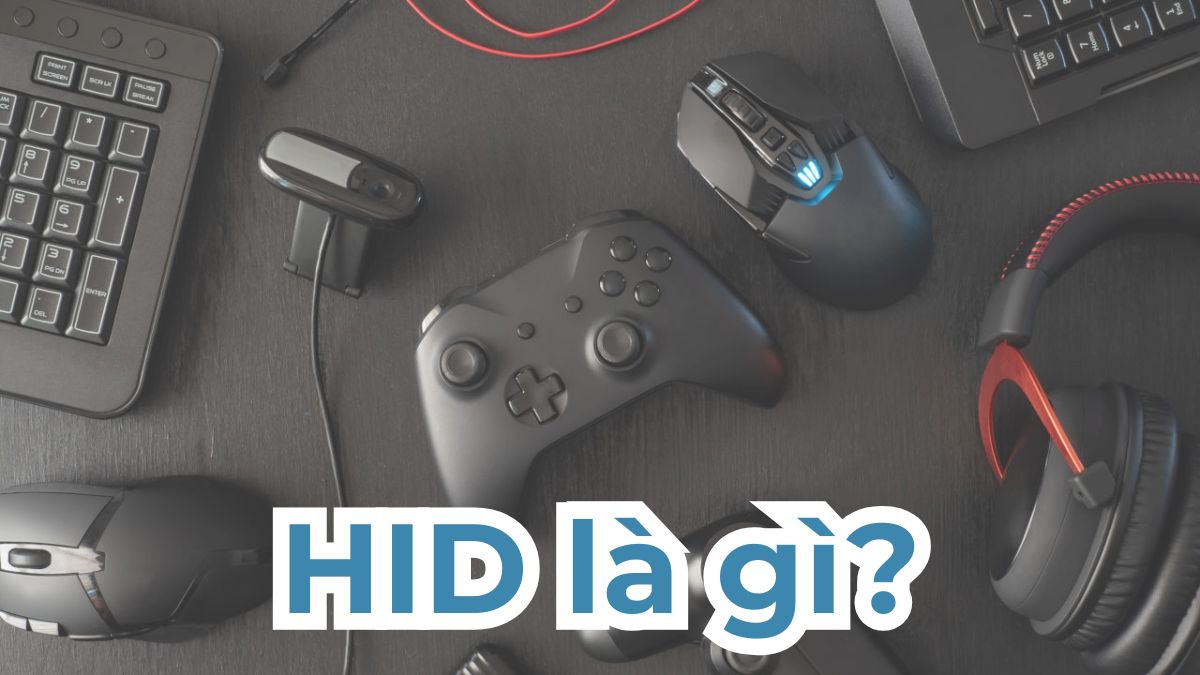
HID stands for Human Interface Device, a standard for keyboards, mice, game controllers, pens, and other input hardware. Learn how HID works, where it is used, and its practical limits.
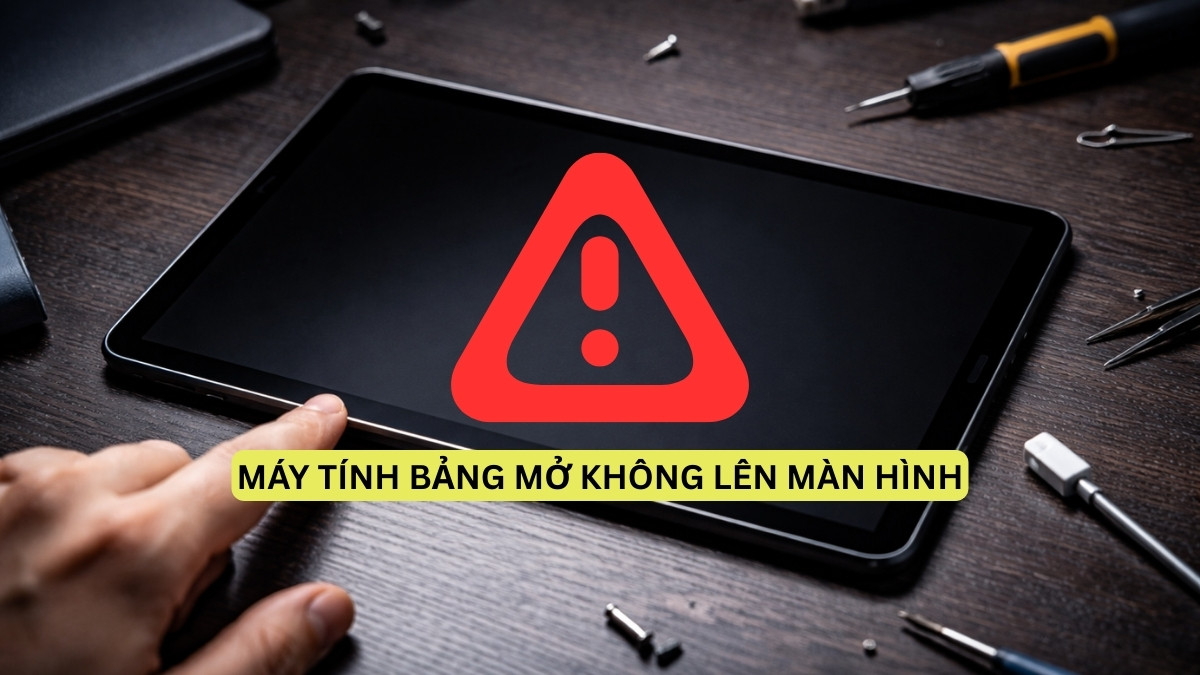
Troubleshoot a tablet with a blank screen by checking the charger and power source, allowing time to charge, and trying the correct forced restart. Factory reset is a last resort because it can erase data.

Connect a phone and Samsung tablet with Samsung Flow, Bluetooth, Quick Share, a USB cable, or Multi Control. The guide explains what each method does and how to fix common connection problems.
Reset a Huawei tablet from Settings or recovery mode after backing up important files. The steps explain preparation, account and battery checks, data-loss risks, and what to do after the reset.