Table of Contents
Apple's butterfly keyboard was an ultra-low-profile key mechanism used in several MacBook families from 2015 through 2019. It helped make thinner laptops and reduced key wobble, but some units developed repeating, missing, or sticky keystrokes. Apple returned its notebooks to a scissor-switch “Magic Keyboard” design.
How the mechanism differs
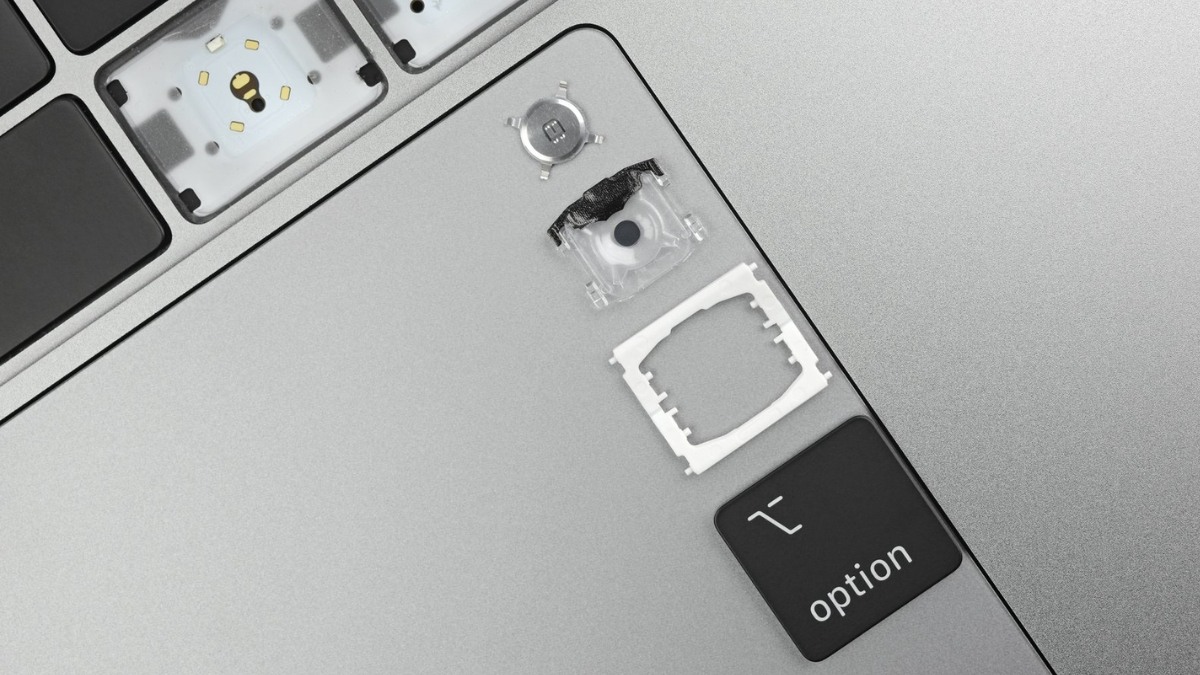
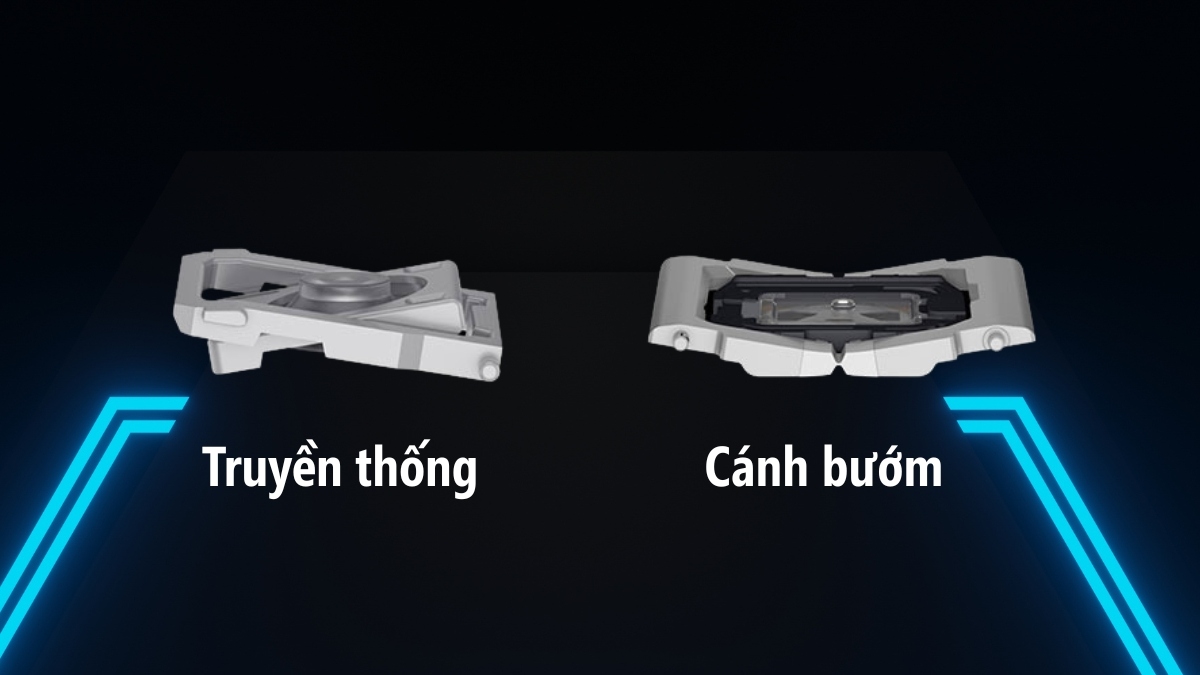
A butterfly switch uses a wide hinged assembly beneath each keycap that opens and closes like wings. Compared with the scissor mechanisms Apple had used previously, it allowed less key travel and a thinner stack. The broad support could make a key feel stable across its surface, but the shallow travel also divided typing preferences.
Why it became controversial
- Some keys repeated characters, failed to register, or felt sticky.
- Small contamination or mechanism wear could affect the shallow assembly.
- The keyboard was integrated into the top case, making ordinary individual-key repair difficult.
- Design revisions and protective membranes did not eliminate user concern across the product line.
Not every butterfly keyboard fails, and a bad key can also come from liquid, impact, software, or a damaged top-case cable. The mechanism's service history nevertheless affects used-Mac risk.
Which MacBooks used it?
- 12-inch MacBook models introduced from 2015 through 2017
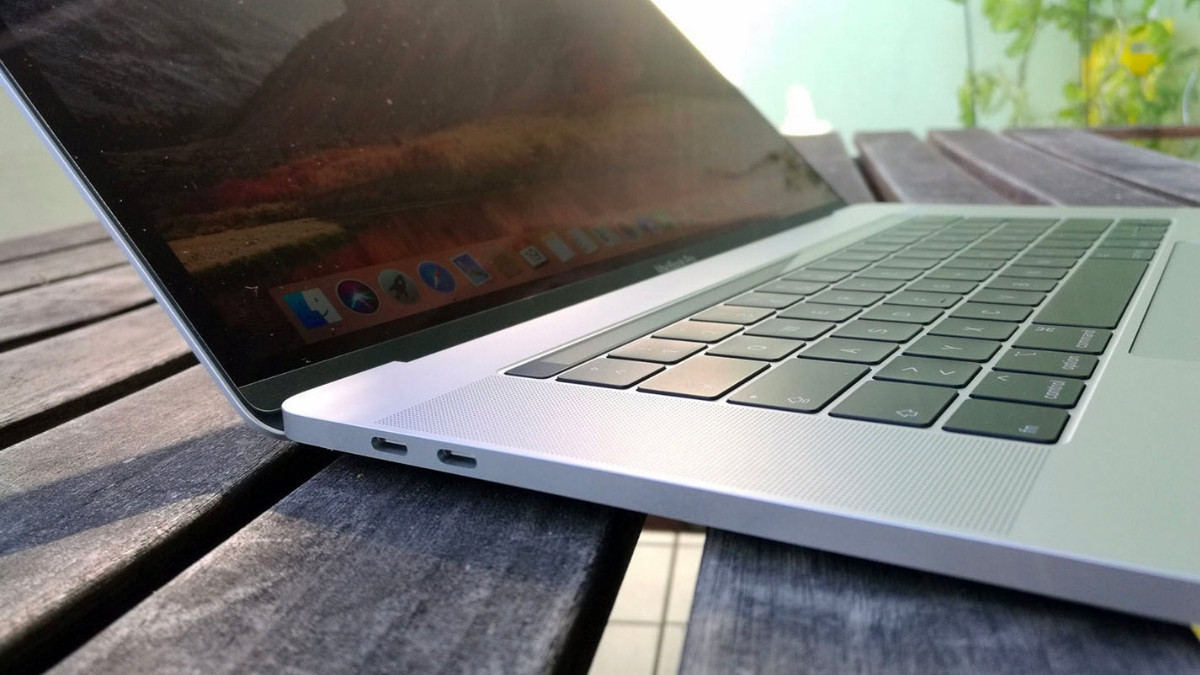
- MacBook Pro generations introduced from 2016 through portions of 2019
- Retina MacBook Air models introduced in 2018 and 2019
Model year, screen size, and purchase date are not enough for every configuration. Choose Apple menu > About This Mac, note the model and serial number, and verify it against Apple's specifications.
When Apple changed course
The 16-inch MacBook Pro introduced in November 2019 used a redesigned scissor mechanism with 1 mm of travel, which Apple called Magic Keyboard. The MacBook Air and 13-inch MacBook Pro moved away from butterfly keyboards in 2020. Current MacBook designs do not use the butterfly mechanism.
Apple's service response
Apple operated a Keyboard Service Program for specified models with a limited coverage period tied to original retail sale. Do not assume a used Mac remains eligible now; many time-limited periods have ended. Check the serial number and current coverage directly with Apple or an authorized service provider before purchase or repair.
What to do when a key repeats or sticks
- Back up the Mac and test the key in multiple apps and at the login screen.
- Check keyboard layout, Slow Keys, and Key Repeat settings.
- Follow Apple's model-specific cleaning guidance; do not pry off a butterfly keycap.
- Use an external keyboard temporarily.
- Arrange inspection if the problem persists, especially after liquid or impact.
Keycap and mechanism parts are fragile. DIY removal can turn one bad key into a top-case replacement.
Should you buy a used butterfly-keyboard Mac?
Only at a price that reflects its age, unsupported or approaching-unsupported software life, battery condition, and possible keyboard repair. Test every key repeatedly, including modifiers, Space, Return, arrows, and backlight. Review service history, warranty, activation lock, storage health, ports, and charger.
A later scissor-keyboard Mac is usually the lower-risk choice when reliability matters. Compare the exact model using how to identify a MacBook model and inspect it with this used MacBook checklist.
Related Articles
 Why Is Apple's Butterfly Keyboard So Bad?5 minutes read
 What Is the Difference Between the Scissor Keyboard and the4 minutes read
 Beautiful Butterfly: The Most Beautiful Butterflies in the World4 minutes read
 The New Butterfly Was First Found in Israel After 109 Years3 minutes read
 Top 8 Most Stable and Quality Removable Keyboards for Macbooks in 2023 Explained19 minutes read
 Revealing Apple's Latest Invention: the Keyboard Is Made of Glass and Can Be Bent5 minutes read
Reader Comments 0
Sign in with email or Google to join the discussion.