Table of Contents
You can uninstall many optional Windows apps without affecting the operating system, but there is no reason to remove an app you still use. The five apps below are sensible candidates only when their functions are already covered by a browser, another program, or a different device.
Removing them mainly reduces clutter and frees a modest amount of storage. It is unlikely to make a modern PC dramatically faster. Before uninstalling anything, check whether it stores purchases, offline data, or account information that you still need.
Before you uninstall a built-in Windows app
- Open the app once and confirm that you do not rely on its data or features.
- For mail and calendar apps, export any locally stored information before removal.
- For media apps, confirm how you will access previous purchases.
- Remember that app availability and names vary by Windows version and region.
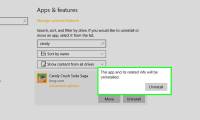
To remove an app, open Settings > Apps > Installed apps, select the three-dot menu beside it, and choose Uninstall. You can also right-click a removable app in the Start menu. See these ways to uninstall applications in Windows 11 for step-by-step instructions.
1. Windows Mail and Calendar
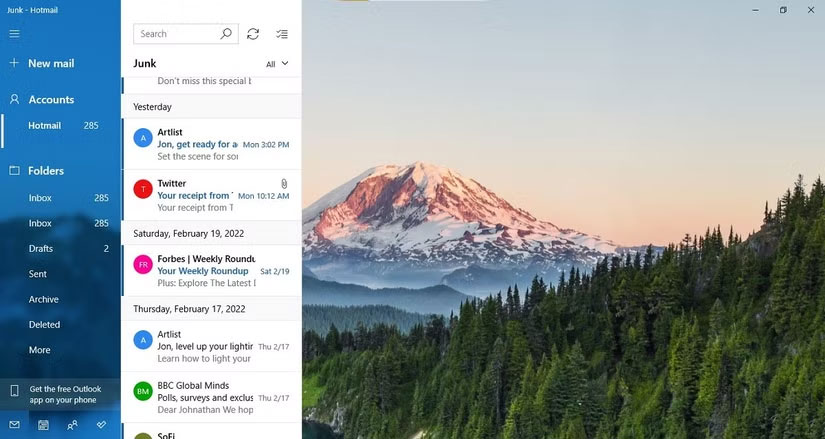
Microsoft ended support for the old Windows Mail, Calendar, and People apps on December 31, 2024 and moved users toward the new Outlook for Windows. If the old apps remain on your PC, they are no longer a practical choice for normal mail and calendar use.
Uninstall them if: your accounts and data have already been moved to Outlook, a webmail service, or another mail client.
Keep them temporarily if: you still need to export locally stored email, calendar events, or contacts. Complete that migration before removing the apps.
New Outlook is not the only replacement. Thunderbird and other desktop clients can manage multiple accounts; this list of free desktop email clients explains several alternatives.
2. Windows Maps
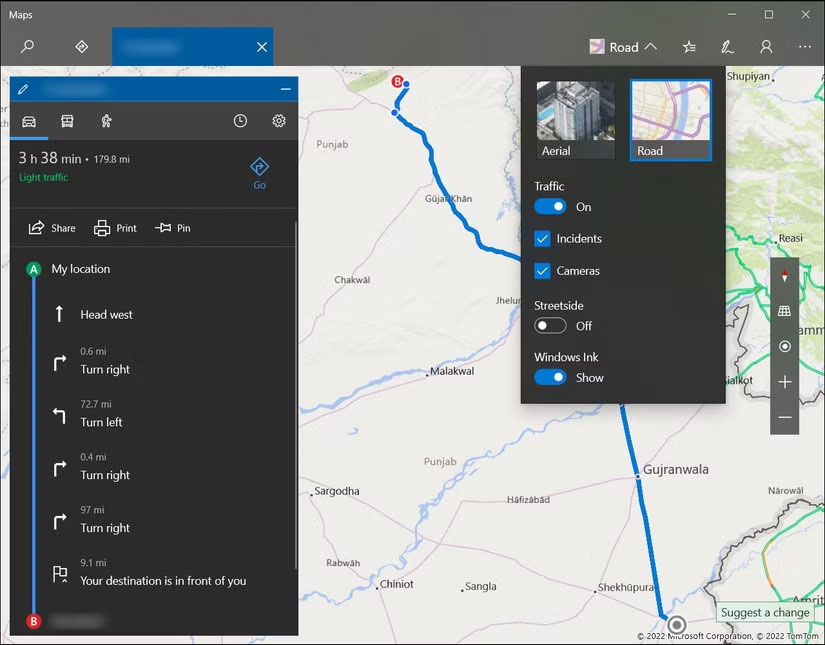
The Maps app provides directions and, on supported versions, downloaded maps for offline use. A browser-based mapping service is often more convenient when you are always online, so keeping a separate Windows app may be unnecessary.
Uninstall it if: you use maps only in a browser or on your phone and have no downloaded offline maps.
Keep it if: you depend on its offline map data or have a workflow that opens map links in the app. Check and remove downloaded map data separately if your goal is to reclaim storage.
3. Movies & TV
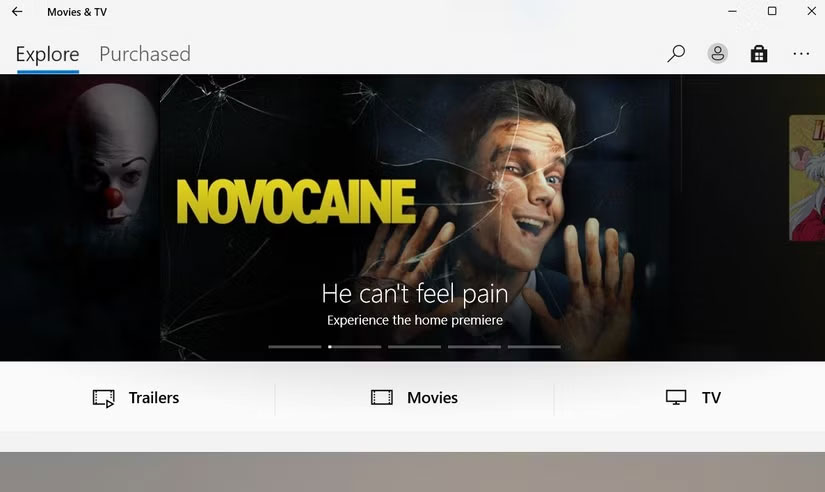
Movies & TV can play local video files and access eligible Microsoft media purchases. If VLC, Media Player, or a streaming service handles all your video needs, the extra app may add little value.
Uninstall it if: you do not own Microsoft video purchases, do not use its downloads, and already have a preferred video player.
Keep it if: you previously bought or downloaded movies through Microsoft. The app may still be required to access that library, so verify your purchases before removal.
4. Microsoft Copilot app
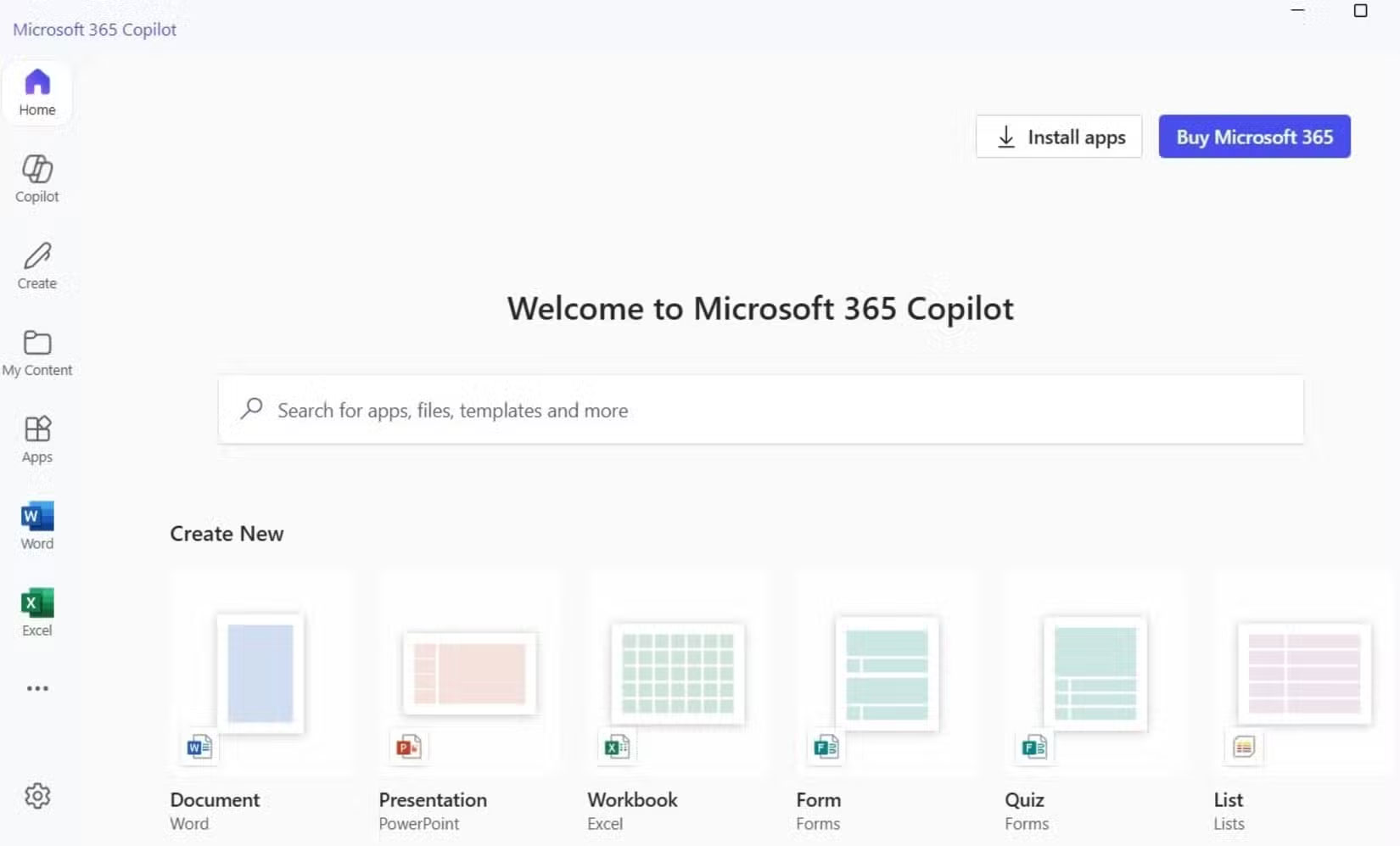
The app previously called Microsoft 365 Copilot has been renamed Microsoft Copilot on current versions. Its available features depend on the account and subscription used. It can provide Copilot chat and access to Microsoft 365 content, while Word, Excel, PowerPoint, and Outlook continue to open as their own apps or web experiences.
Uninstall it if: you do not use Copilot, prefer the web version, or open Microsoft 365 files directly in their individual applications.
Keep it if: you regularly use its chat, file creation, search, agents, or Microsoft 365 integration. Removing the hub does not uninstall Word, Excel, PowerPoint, or your documents.
5. Microsoft News
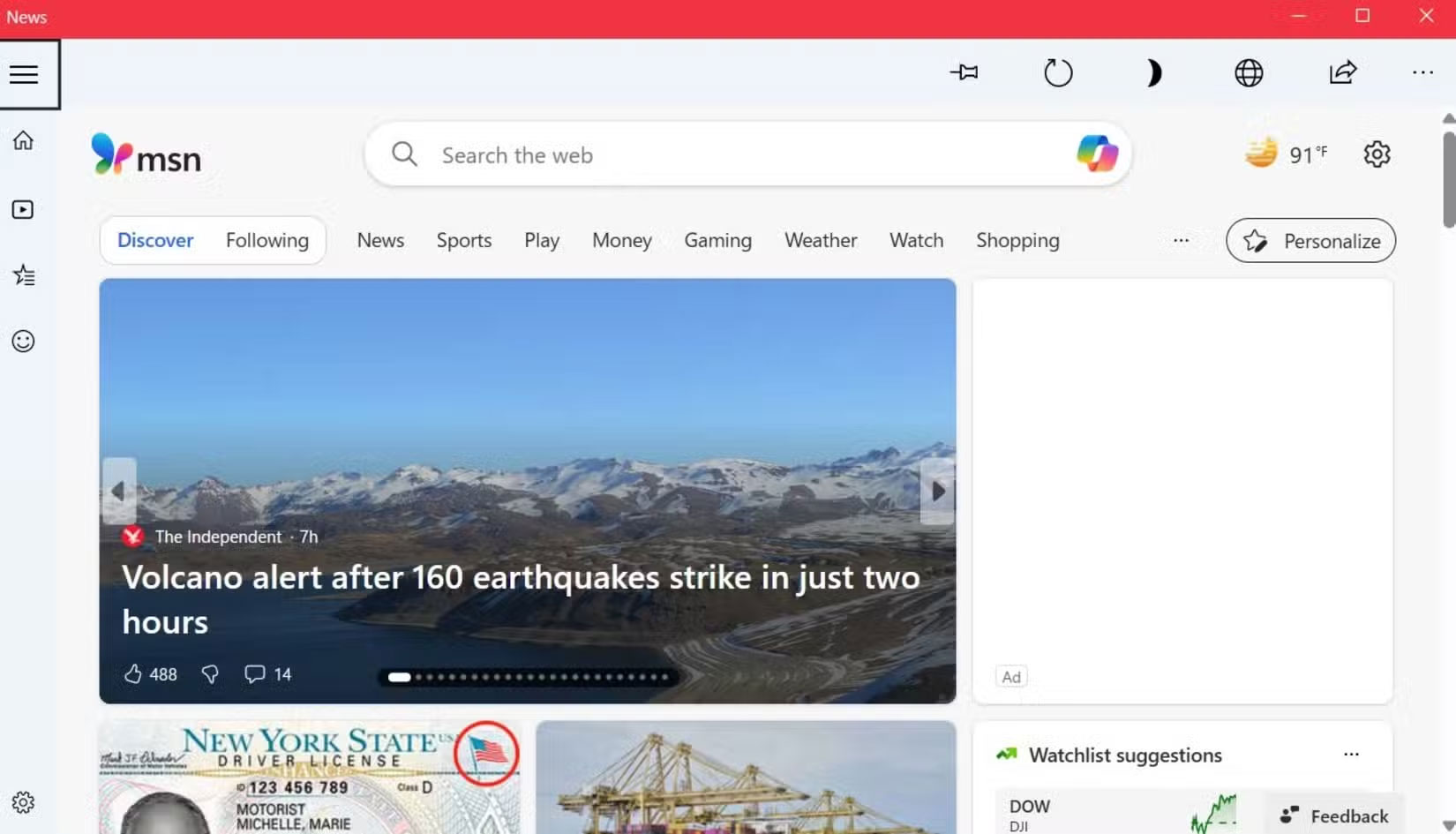
Windows can surface Microsoft Start news through several places, including Widgets and Microsoft Edge. If a separate Microsoft News or Start app appears on your PC, it may duplicate feeds you already see elsewhere.
Uninstall it if: you read news in another app or browser and want fewer duplicate feeds.
Keep it if: you prefer its personalized layout, notifications, saved interests, or accessibility features. If your real concern is the Widgets feed, change the Widgets settings instead of assuming that uninstalling the app will remove every news surface.
How to decide what else to remove
Do not treat every preinstalled app as bloatware. A safer cleanup rule is to remove only software you recognize, can reinstall, and have not used for several months. Leave drivers, security components, Microsoft Visual C++ packages, device utilities, and anything whose purpose is unclear.
If you want alternatives rather than a bare system, review these useful Windows apps that are not preinstalled. When you change your mind, most removable Microsoft apps can be installed again from Microsoft Store.
Related Articles
 Steps to Remove Installed Apps from Store on Windows 105 minutes read
 How to Uninstall Apps on Windows 114 minutes read
 How to Uninstall Apps on Windows 10 and Fix Common Errors14 minutes read
 Joker Malware: Complete Guide3 minutes read
 Instructions to Uninstall Many Applications at Once on Windows4 minutes read
 How to Uninstall Windows 10 Store Apps4 minutes read
Reader Comments 0
Sign in with email or Google to join the discussion.