Table of Contents
Stop using the affected drive before trying recovery software. New downloads, installations, browser caches, and even normal system activity can overwrite deleted data. Install the tool on another drive and save recovered files to a different physical device.
First decide whether software recovery is safe
- Accidental deletion or quick format: software may help if the storage is healthy and the data has not been overwritten.
- Clicking, grinding, repeated disconnects, burning smell, or failure to spin: power the device off. Repeated scans can worsen physical damage; use a professional recovery lab.
- SSD deletion: TRIM and garbage collection may make deleted blocks unrecoverable quickly. Do not keep booting or writing to the SSD.
- Encrypted storage: retain the password, recovery key, and original hardware where relevant. A recovery tool cannot decrypt data without the required key.
- Business, legal, or irreplaceable data: make a sector-by-sector image first or consult a specialist. Recovery attempts can change evidence.
Best starting points from this 21-tool list
| Tool | Best fit | Main limitation |
|---|---|---|
| Recuva | Simple Windows undelete from healthy NTFS/FAT media | Windows only; limited help for severe file-system damage |
| Windows File Recovery | Microsoft command-line recovery on current Windows | No graphical interface; source and destination must be different drives |
| PhotoRec / QPhotoRec | Free, open-source file carving from damaged or reformatted media | Often loses original names and folders |
| TestDisk | Lost partitions and supported boot-sector/file-system repairs | Powerful interface requires careful choices |
| Disk Drill, EaseUS, MiniTool, Stellar | Guided graphical scanning and preview on supported platforms | Free recovery allowances and paid features vary |
| Wise Data Recovery | Basic guided recovery on supported Windows or macOS versions | Platform and free-tier capabilities differ |
Check the developer’s current operating-system support, license, recovery allowance, and download URL before installing. These change more often than the recovery principles do.
1. Recuva
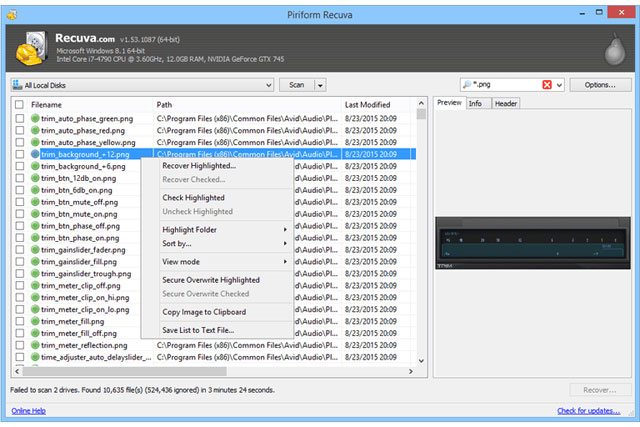
Recuva remains a straightforward Windows choice for recently deleted files on a healthy hard drive, USB drive, or memory card. Start with a normal scan, then use deep scan only if needed. Download it from the official Recuva page, not a software mirror.
2. Puran File Recovery
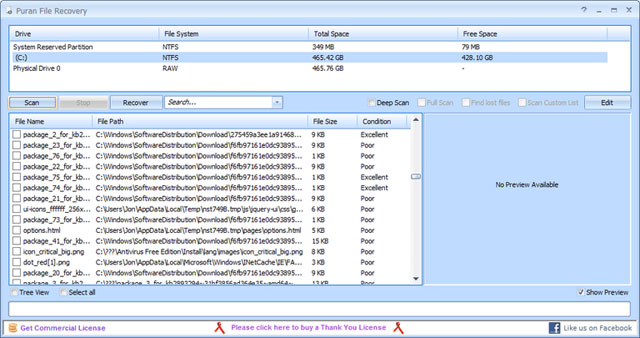
Puran provides a simple interface and portable use, but the original list already noted that it had not been updated since 2016. Treat it as a legacy option: verify the executable, compatibility, and publisher before running it on a current system.
3. Disk Drill
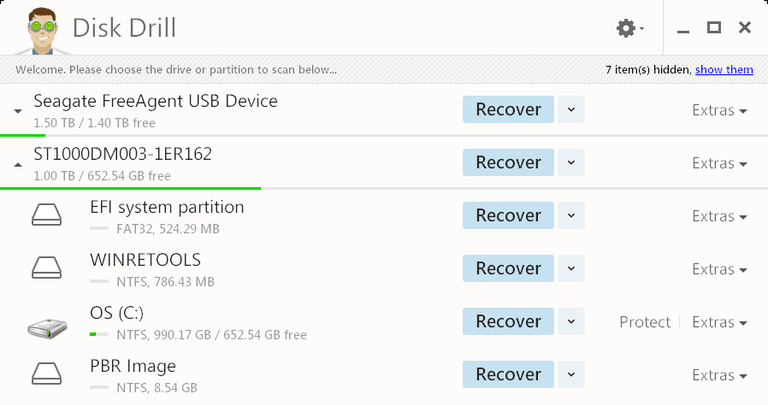
Disk Drill offers guided scans, filtering, previews, and disk-image features on Windows and macOS. It is freemium rather than unrestricted free recovery; confirm the current allowance and supported file systems before choosing it.
4. SoftPerfect File Recovery
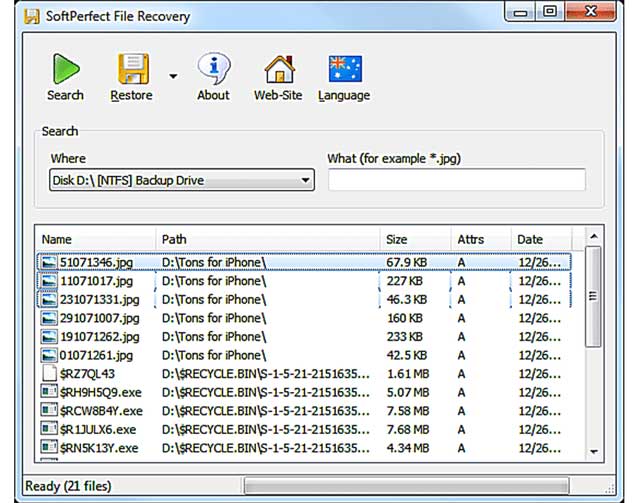
This was a small Windows undelete utility for FAT and NTFS media. Its age and limited file-system scope make it less suitable than a maintained tool on a modern PC. Do not install an old build on the affected drive.
5. EaseUS Data Recovery Wizard
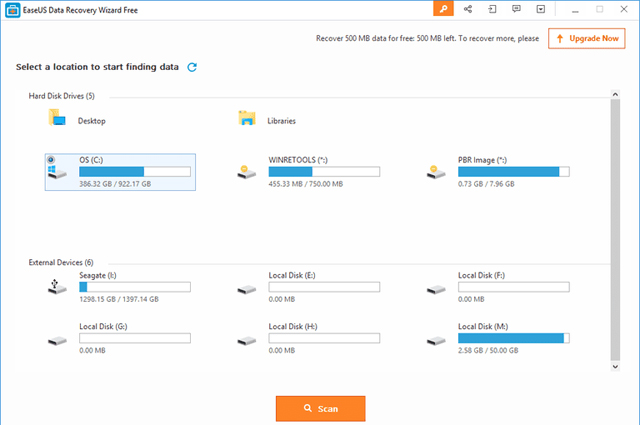
EaseUS provides a familiar graphical workflow: select a device, scan, preview, and recover to another drive. It supports Windows and macOS, but the free allowance and subscription terms should be checked on the official site at the time of use.
6. Wise Data Recovery
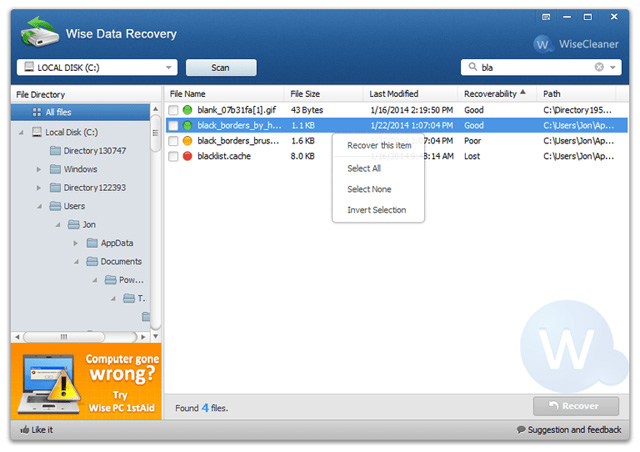
Wise is aimed at users who want a guided interface and file-type filters. Windows and macOS editions do not necessarily have identical features or limits, so do not rely on an old comparison table.
7. Restoration
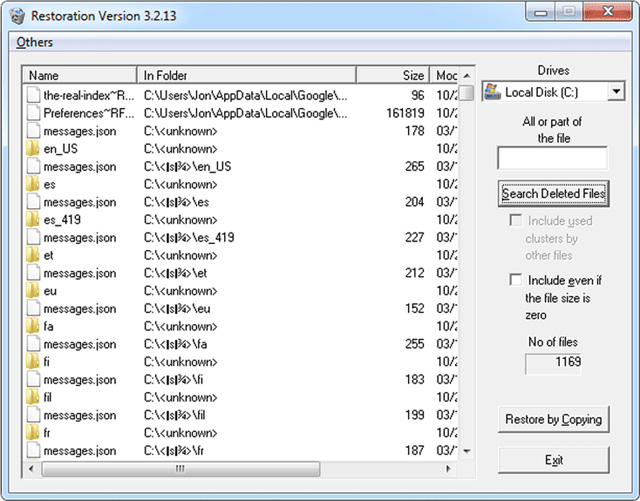
Restoration is a very old portable undelete program. Its historical Windows compatibility and limited testing on modern file systems make it a last-resort legacy choice, not a current general recommendation.
8. FreeUndelete
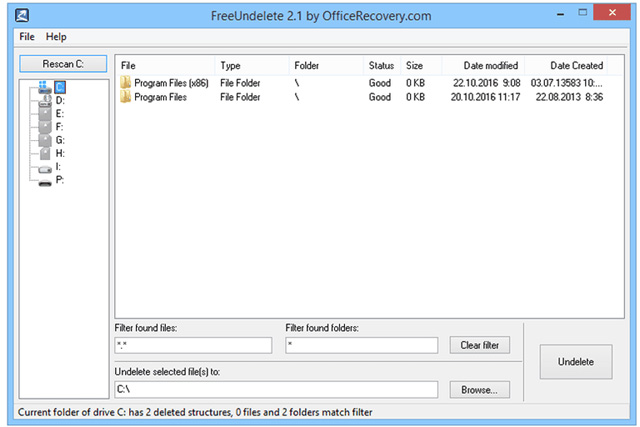
FreeUndelete was known for a folder-oriented interface and home-use licensing. Verify that an authentic, maintained build supports the current Windows version before using it; avoid third-party repackaged downloads.
9. ADRC Data Recovery Tools
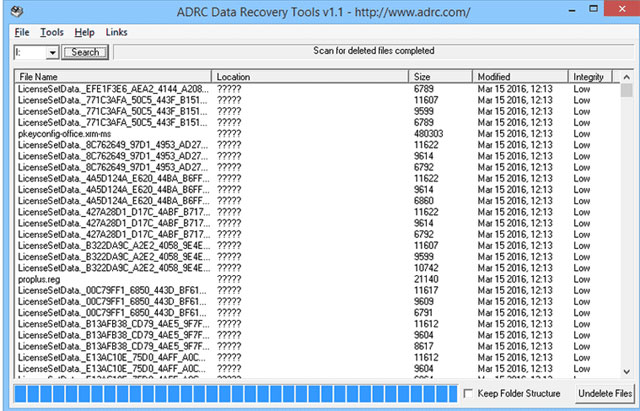
ADRC bundled undelete, disk-image, cloning, and boot-parameter tools. Those low-level functions can be useful to an expert but risky when the interface and documentation are old. Prefer a maintained imaging tool for important data.
10. CD Recovery Toolbox
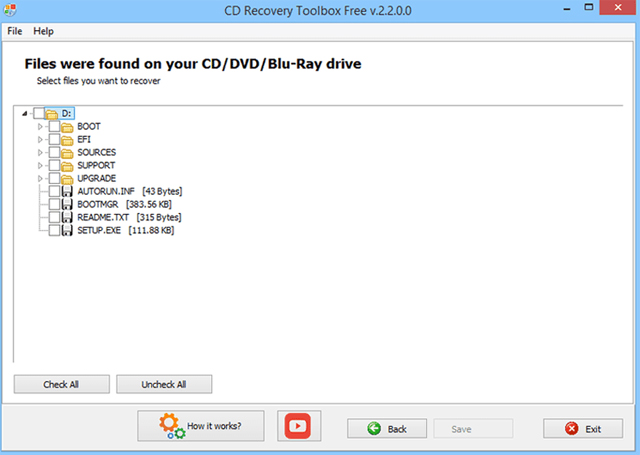
This specialized utility targets readable data from damaged optical discs. It cannot repair physically destroyed media, and repeated reading of a failing drive may not help. Create an image when possible and recover from the image.
11. UndeleteMyFiles Pro
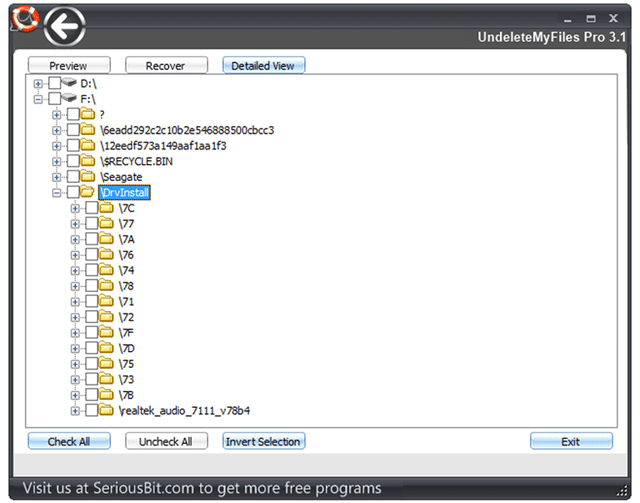
The original program combined file rescue, search, disk imaging, and secure deletion. Because its maintenance and distribution status are unclear, verify authenticity before use and do not confuse secure deletion with recovery.
12. MiniTool Power Data Recovery
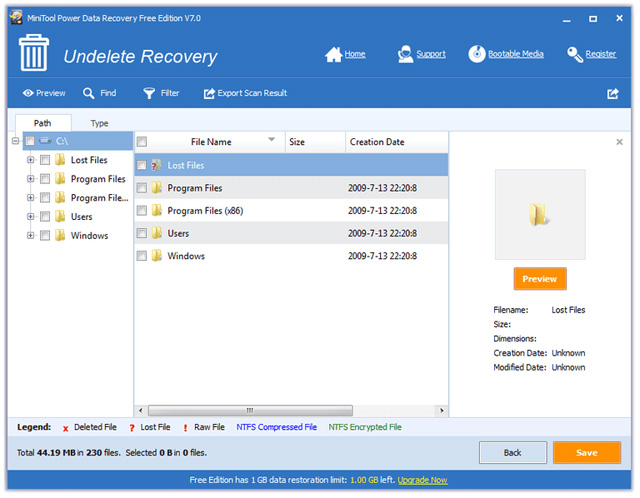
MiniTool provides a graphical scan-and-preview workflow for common storage media. It is a commercial product with a limited free edition; check current limits and avoid installing it on the source volume.
13. BPlan Data Recovery
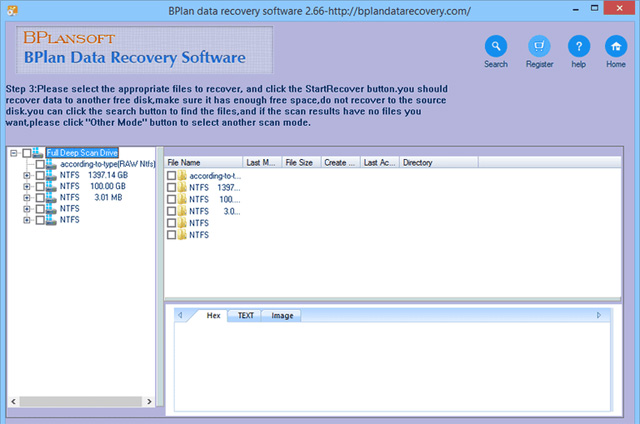
BPlan is another older Windows undelete tool from the original list. Limited maintenance information and modern compatibility make it difficult to recommend ahead of Windows File Recovery, Recuva, or PhotoRec.
14. PhotoRec and TestDisk
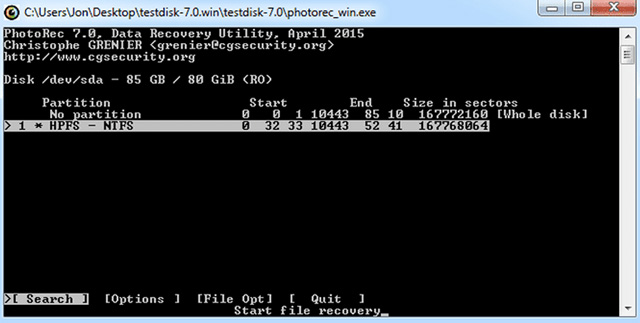
PhotoRec and TestDisk are free and open source. PhotoRec carves files by recognizable signatures and can work even when the file system is damaged, but recovered files may lose their names and directory structure. TestDisk is designed for lost partitions and certain file-system repairs. QPhotoRec supplies a graphical interface for file carving.
15. iBoysoft Data Recovery
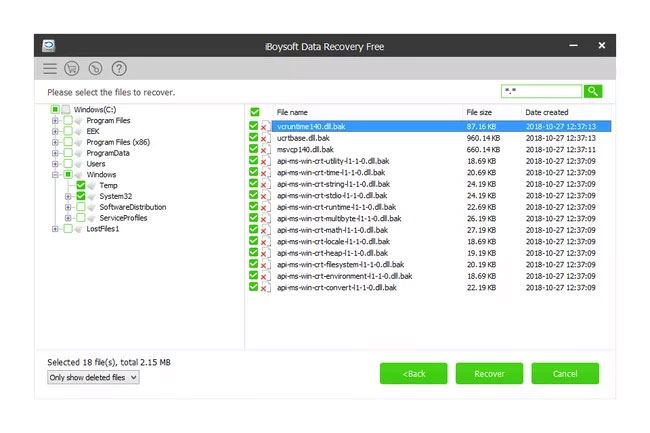
iBoysoft offers Windows and macOS recovery products with guided scanning and previews. Treat the free edition as a trial with a current recovery allowance rather than assuming the old 1GB figure still applies.
16. Glarysoft File Recovery
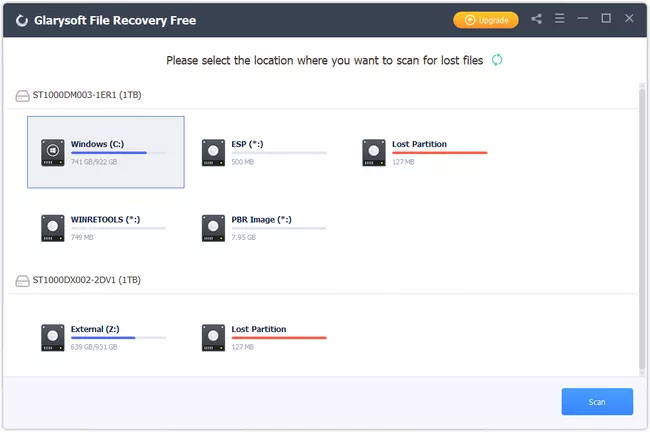
Glarysoft focuses on a simple Windows scan, filters, and recovery to a chosen folder. Read every installer screen because bundled offers can change, and obtain it only from the publisher.
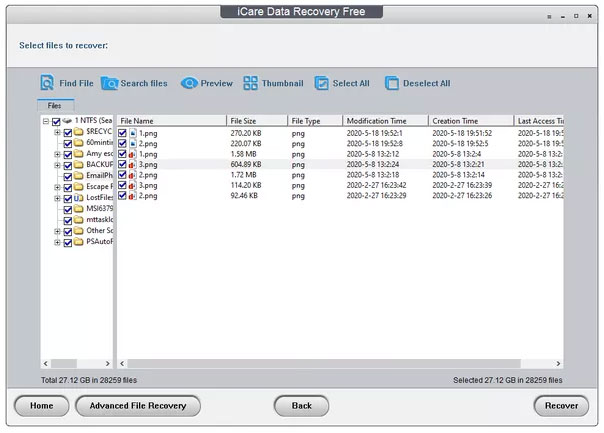
17. iCare Data Recovery
iCare provides quick and deeper scans with file previews in supported editions. Confirm current Windows compatibility, portable availability, licensing, and recovery limits instead of relying on historical claims.
18. Windows File Recovery
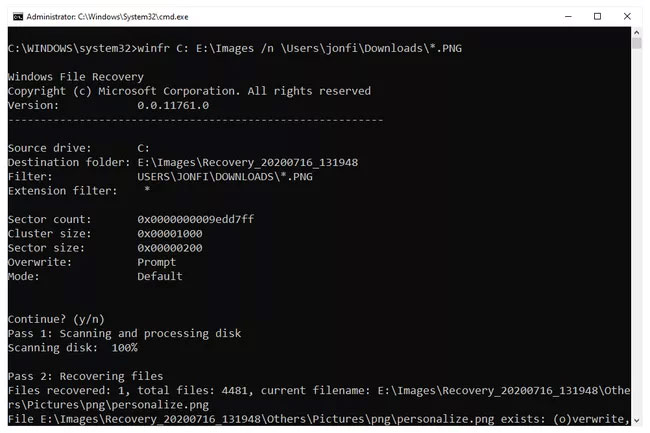
Microsoft’s Windows File Recovery uses this command form:
winfr source-drive: destination-drive: [/mode] [/switches]For example, to search drive C for PNG files under a user’s Downloads folder and write recovered data to drive E:
winfr C: E: /regular /n UsersYourNameDownloads*.pngReplace the user name and paths, and follow Microsoft’s current mode guidance. The destination cannot be the same drive as the source.
19. iBeesoft Data Recovery
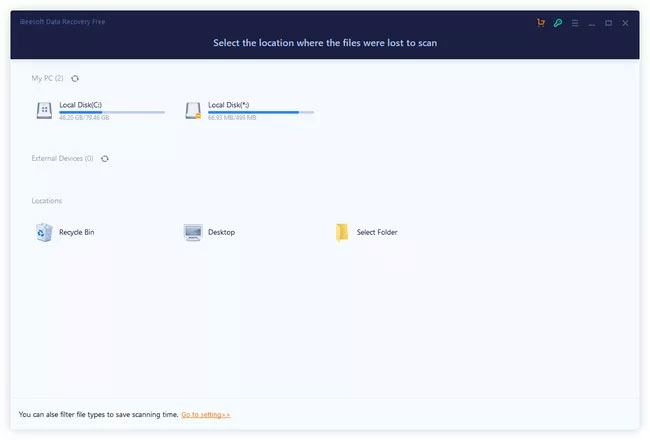
iBeesoft is a guided freemium tool with filters and previews. Current file-size and total-recovery limits may differ from the original article, so verify them before a long scan.
20. Orion File Recovery
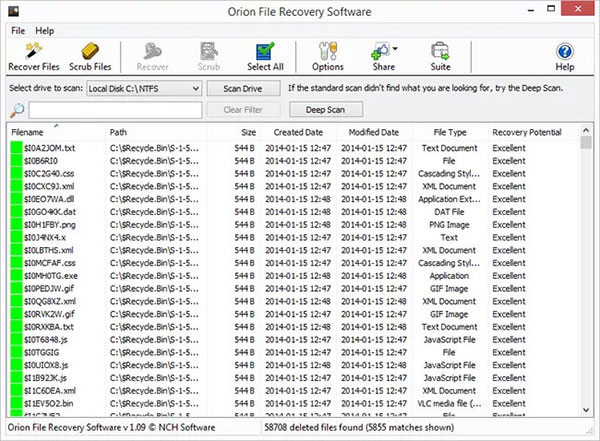
Orion uses a Windows wizard and can also securely overwrite deleted data. Do not use any secure-delete function on a drive from which you still hope to recover files, and watch for unrelated installer offers.
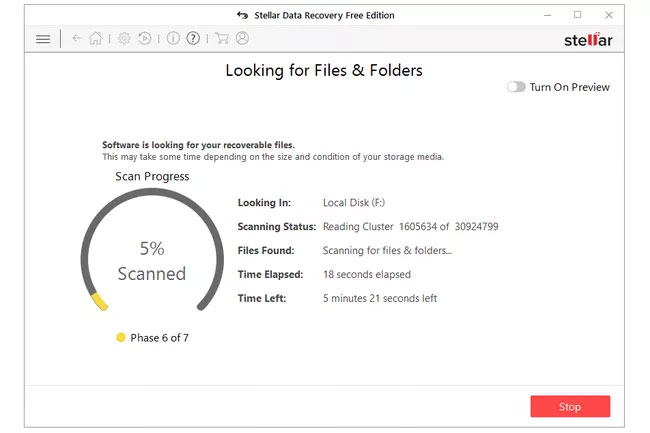
21. Stellar Data Recovery
Stellar offers guided selection, preview, and deep scanning on Windows and macOS. The free edition is capacity-limited, with tiers and features subject to change. Preview does not guarantee that a recovered file will open intact.
A safe recovery workflow
- Check Recycle Bin, cloud trash/version history, backups, and File History first.
- Stop writing to the source drive. For the system drive, shut down and recover from another computer or boot environment if the files are important.
- Connect a separate destination drive with enough free space.
- If the source is unstable, image or clone it once and scan the image.
- Try a quick metadata-based scan before a long signature scan.
- Preview several files and recover the most important ones first.
- Open and validate recovered copies; a visible filename is not proof that the content is intact.
- Keep the original media unchanged until the recovery is verified and backed up.
TipsMake’s newer data-recovery comparison can help narrow the current choices. Once the emergency is over, use a tested backup plan; Windows users can start with backup and recovery guidance.
What recovery software cannot promise
No tool can guarantee a percentage of recovered data from a particular drive. Results depend on overwriting, TRIM, encryption, physical condition, file-system metadata, and the type of scan. Marketing claims and one reviewer’s test should not be treated as a prediction for your device.
Related Articles
 Effective Data Recovery Software on Computers16 minutes read
 How to Use Recuva to Recover Deleted Data: Step-by-Step Guide4 minutes read
 5 Best Best Deleted Data Recovery Software 20205 minutes read
 Itop Data Recovery: Complete Guide5 minutes read
 Recover Deleted Data with Recuva4 minutes read
 How to Recover Deleted Files on macOS4 minutes read
Reader Comments 0
Sign in with email or Google to join the discussion.