How to Use, Enable, or Disable Firefox Screenshots
Capture a visible area or full webpage with Firefox Screenshots, add the toolbar button, restore a missing tool, or disable it through advanced settings.
Fix Windows problems, troubleshoot devices, understand AI, secure your accounts and get more from your technology with tested step-by-step guides.
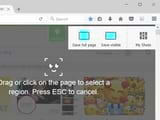
Capture a visible area or full webpage with Firefox Screenshots, add the toolbar button, restore a missing tool, or disable it through advanced settings.

Chrome cannot change bookmark favicons by itself. Use a reviewed favicon extension, reset stale icons, or label bookmarks with emoji without adding an extension.

Check whether WebGL is working in Chrome, Cốc Cốc, or Firefox, enable the settings it depends on, and diagnose GPU or driver problems safely.

Fix pages that appear shifted, cropped, too large, or off-center in Cốc Cốc by checking zoom, full-screen mode, extensions, display scaling, and browser settings.
Restart desktop Chrome with chrome://restart, create a one-click restart bookmark, restore a closed session, and understand what a restart can interrupt.

HTML5 is built into Firefox and Flash cannot be re-enabled. Learn how to fix YouTube, codec, autoplay, DRM, and legacy Flash-content playback problems.

Resolve Chrome update error 7: 0x80040905 by restarting the updater, checking network and security controls, and reinstalling with Google's official installer.
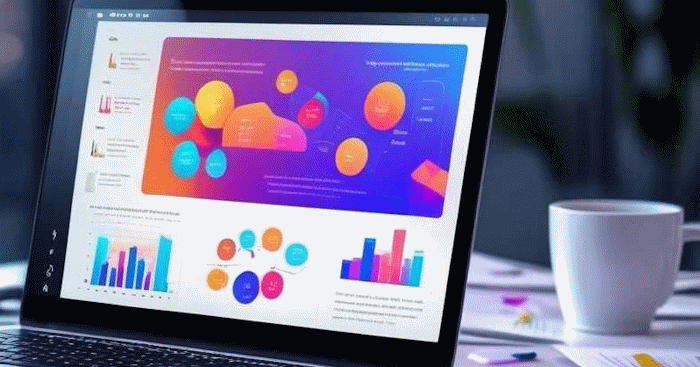
Build a Faces presentation from a prompt or source document, refine every slide, check AI-generated claims, control access, and export or publish the finished deck.
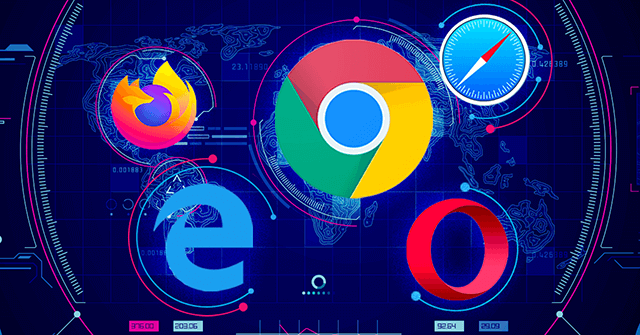
Compare 10 current browsers by privacy, compatibility, tab management, platform support, and built-in tools, then choose the best fit for your devices.
Make Windows Hello recognize you more reliably by adding another face template, improving lighting, cleaning the IR camera, and fixing camera or driver problems.
Identify the exact Windows Setup partition error, match UEFI with GPT, and use the safe graphical or DiskPart clean-install method without wiping the wrong drive.

Diagnose a Windows black screen by its timing and symptoms, then test display hardware, restart graphics or Explorer, use Safe Mode, and recover before resetting.
Use Windows display shortcuts, restart Explorer, enter Safe Mode, roll back a graphics driver or update, and test a new profile without deleting personal data.
Fix thumbnails that disappear after every restart on older Windows 10 builds, with safer checks before using the legacy Registry workaround.

Bring back the Sharing tab by checking the folder type and Server service before repairing its Windows Registry handler.
Identify whether a disk is truly new or contains data, then initialize it safely, choose GPT or MBR, and create a usable volume.
Unlock screen rotation, remove mode-detecting accessories, check sensor drivers, and use the legacy Registry fix only when appropriate.
A corrected retrospective on the 2019 Task Scheduler privilege-escalation flaw, its limits, patch status, and practical defenses.
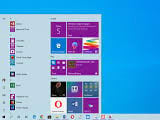
Understand the original May 2019 Update issues, why old one-off patches are obsolete, and how to recover a PC still running version 1903.
Use pause, active hours, restart scheduling, metered connections, and supported policies to reduce update disruption without disabling security.