Table of Contents
There is no single best browser for everyone. Chrome remains the safest compatibility choice, Firefox offers a strong independent engine and useful privacy defaults, Edge fits Windows-heavy workflows, Safari is tightly integrated with Apple devices, and Brave is the easiest mainstream option for built-in tracker blocking. The right choice depends on your devices, extensions, privacy needs, and whether work or school software requires a specific browser.
Quick browser comparison
| Browser | Best for | Main strengths | Trade-offs |
|---|---|---|---|
| Firefox | Privacy and an alternative engine | Total Cookie Protection, open development, strong extensions | Some sites are tested mainly in Chromium |
| Chrome | Compatibility and Google services | Broad site support, extensions, cross-device sync | Google account integration may be more data-sharing than some users want |
| Edge | Windows and Microsoft 365 | Vertical tabs, sleeping tabs, enterprise controls | Many built-in services and prompts can feel busy |
| Safari | Apple devices | Apple integration, profiles, tracking protection, efficiency | No current Windows or Android version |
| Brave | Blocking trackers by default | Shields, Chromium compatibility, vertical tabs | Rewards, Wallet, VPN, and other extras are unnecessary for some users |
| Vivaldi | Customization and many tabs | Tab Stacks, Workspaces, panels, mail and calendar | Dense interface and a learning curve |
| Opera | Many tools built in | Ad blocker, browser proxy/VPN feature, Flow, sidebar | Users should review privacy settings and which extras they enable |
| Cốc Cốc | Vietnamese users | Vietnamese-focused tools, downloads, translation, ad blocking | Smaller global ecosystem; Linux build is experimental |
| DuckDuckGo | Simple privacy defaults | Tracker blocking, private search, Fire Button | Fewer power-user customization options |
| Tor Browser | Anonymity and censorship resistance | Tor routing and anti-fingerprinting defenses | Slower, some sites challenge or block Tor, not for torrenting |
Performance varies by operating system, hardware, extensions, and the sites you use. A benchmark score on someone else's computer is less useful than testing your normal workload with the same tabs and extensions.
1. Mozilla Firefox: best general-purpose privacy balance

Platforms: Windows, macOS, Linux, Android, and iOS.
Firefox is the strongest mainstream choice for people who want a browser not based on Chromium. Enhanced Tracking Protection and Total Cookie Protection separate site cookies by default, which limits common cross-site tracking. Firefox also has a mature add-on ecosystem, profiles, password sync, picture-in-picture, reader view, and extensive configuration.
Choose it if: you value privacy defaults, extension control, or browser-engine diversity. Consider another browser if: a required web app works only in Chromium or your organization manages Chrome/Edge exclusively. Review Firefox's Total Cookie Protection explanation and our detailed Brave vs. Firefox comparison.
2. Google Chrome: best compatibility and extension ecosystem

Platforms: Windows, macOS, Linux, ChromeOS, Android, and iOS.
Chrome is a practical default when maximum website compatibility, Google Workspace integration, or a specific Chrome extension matters. Profiles and Google account sync can move bookmarks, settings, passwords, and passkeys between devices. Safety Check reviews Safe Browsing, compromised credentials, unwanted notifications, and extension risks.
Choose it if: your work depends on Chrome-tested web apps or Google services. Consider another browser if: you want fewer Google integrations or more aggressive tracker blocking out of the box. Incognito mode keeps local history out of the profile after the session; it does not make you anonymous to websites, employers, schools, or network providers. See Google's Chrome Safety Check guide.
3. Microsoft Edge: best fit for Windows productivity

Platforms: Windows, macOS, Linux, Android, and iOS.
Edge uses Chromium, so compatibility and Chrome-style extensions are strong. Its vertical tabs make large tab sets easier to scan, while sleeping tabs can pause inactive pages to reduce resource use. Microsoft account sync, Collections, split-screen features, PDF tools, and enterprise policy support suit Windows and Microsoft 365 environments.
Choose it if: you use Windows, Microsoft accounts, or many tabs. Consider another browser if: you prefer a minimal interface without shopping, news, AI, or Microsoft service prompts. Optional connected features may process page or browsing context, so read each permission before enabling it. Microsoft's vertical-tabs guide describes the current controls.
4. Safari: best for an Apple-only setup

Platforms: macOS, iPhone, iPad, and other supported Apple platforms.
Safari integrates with iCloud Keychain, passkeys, Handoff, Apple Pay, Tab Groups, and Apple device power management. Intelligent Tracking Prevention limits cross-site tracking, while profiles can separate work, personal, and school histories, cookies, extensions, Tab Groups, and favorites.
Choose it if: most of your devices are Apple products and you want native integration. Consider another browser if: you also use Windows, Linux, or Android, or depend on a Chrome-only extension. Apple's Safari overview explains the current privacy and continuity features.
5. Brave: best built-in tracker blocking
Platforms: Windows, macOS, Linux, Android, and iOS.
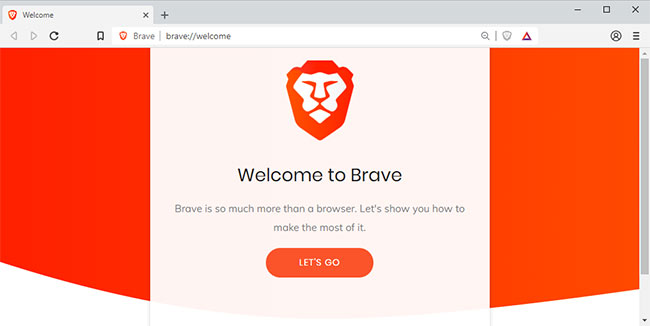
Brave is Chromium-based, but Shields blocks many ads, trackers, third-party storage, and fingerprinting attempts by default. It supports most Chrome extensions and includes vertical tabs. Protection can break a site occasionally; use the per-site Shields control rather than disabling protection everywhere.
Choose it if: you want a familiar Chromium browser with stronger blocking defaults. Consider another browser if: you dislike optional cryptocurrency, wallet, AI, or paid VPN features even when they can be hidden. Brave documents its built-in features and Shields controls.
6. Vivaldi: best for tab management and customization
Platforms: Windows, macOS, Linux, Android, and iOS.
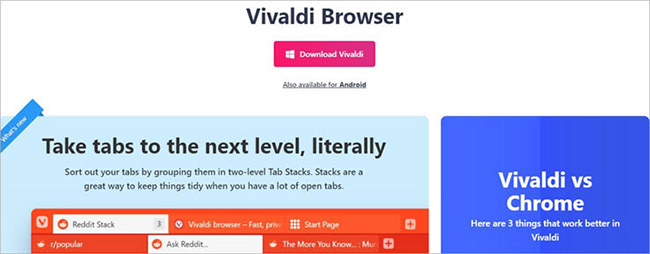
Vivaldi is built for people who want to shape the interface around their workflow. Two-level Tab Stacks, Workspaces, tiling, saved sessions, web panels, keyboard commands, mouse gestures, and extensive theme controls go well beyond the defaults in most browsers. Desktop builds also include optional mail, calendar, and feed tools.
Choose it if: you keep many research or project tabs open. Consider another browser if: you want a simple interface with minimal setup. Vivaldi's tab-management guide shows the available organization tools.
7. Opera: best all-in-one feature set
Platforms: Windows, macOS, Linux, Android, iOS, and Chromebook variants.
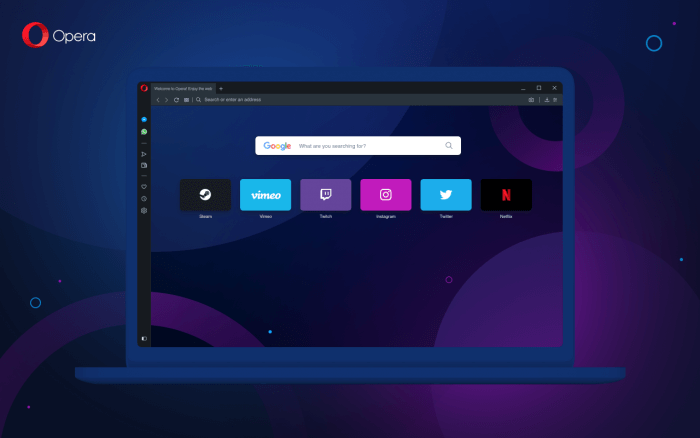
Opera bundles an ad blocker, tracker controls, sidebar services, Flow device sharing, tab organization, and a browser “VPN” feature. The free browser VPN protects Opera traffic, not necessarily every app on the device; do not assume it provides the same scope or threat model as a full-device VPN.
Choose it if: you prefer built-in tools over installing extensions. Consider another browser if: you want a stripped-down interface or a different privacy model. Review Opera's current feature list and our guide to using Opera's VPN feature.
8. Cốc Cốc: best localized option for Vietnamese users
Platforms: Windows, macOS, Android, and iOS; an experimental Linux build is also offered.
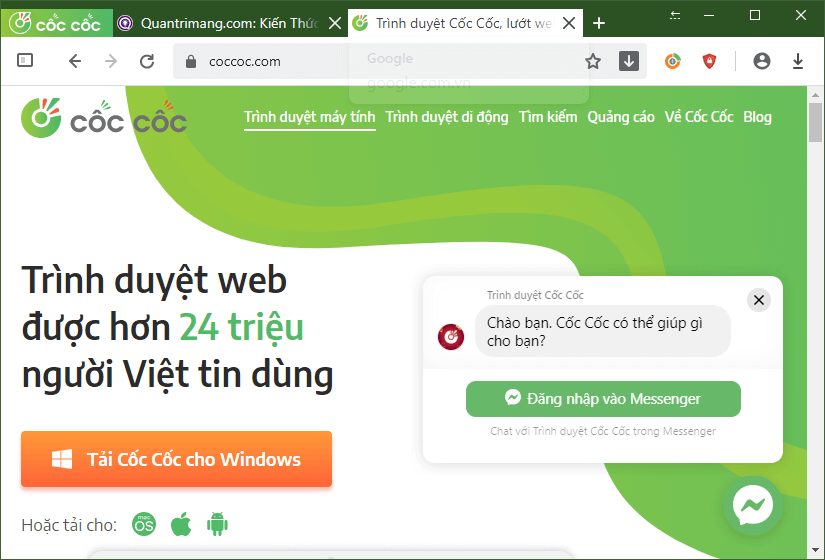
Cốc Cốc is Chromium-based and designed around Vietnamese browsing needs. Its official site lists built-in ad blocking, video downloading, picture-in-picture, translation, and sidebar tools. Because website media rights differ, use download features only for content you are permitted to save.
Choose it if: Vietnamese language support and media conveniences are priorities. Consider another browser if: you need a globally standardized enterprise deployment or a stable Linux release. Download it only from the official Cốc Cốc site.
9. DuckDuckGo: best simple privacy-first browser
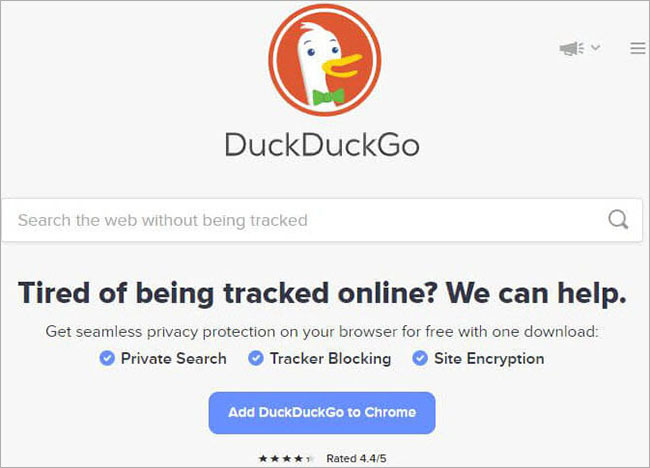
Platforms: Windows, macOS, Android, and iOS.
DuckDuckGo combines its private search engine with tracker blocking, cookie-pop-up handling, Email Protection, Duck Player, and a Fire Button for clearing local browsing data. Its defaults are approachable for users who do not want to assemble a privacy setup from extensions.
Choose it if: you want simple controls and private search by default. Consider another browser if: you require deep interface customization, a large extension collection, or enterprise management. DuckDuckGo's official browser page lists its current platform support.
10. Tor Browser: best for anonymity and censorship resistance
Platforms: Windows, macOS, Linux, and Android.
Tor Browser routes browser traffic through the Tor network and adds defenses such as letterboxing, user-agent standardization, and first-party isolation to make fingerprinting harder. It is a specialist privacy tool, not merely a faster version of private mode.
Choose it if: hiding your source IP from destination sites or reaching the web through censorship is central to your threat model. Consider another browser if: low latency, streaming performance, account-based personalization, or maximum site compatibility matters. Do not torrent through Tor, and do not add extensions—the Tor Project warns that plug-ins and add-ons can reveal information or make your browser more distinctive. Use only the official Tor Browser download.
What about Epic Privacy Browser?
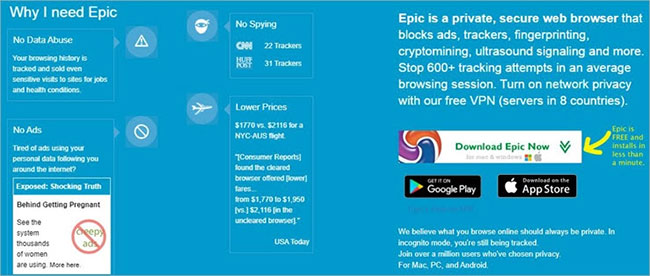
Epic remains available and advertises tracker, fingerprinting, cryptomining, and ad blocking. It is not in the main ten because its smaller ecosystem and platform-specific feature differences make it harder to recommend broadly; for example, the current iOS listing says its VPN is no longer supported. If you test Epic, download it from the official site, verify the updater works, and compare its current privacy policy and release cadence with Brave, Firefox, DuckDuckGo, and Tor.
How to choose your browser
- List non-negotiables. Include operating systems, required extensions, passkey/password-manager support, video-call apps, accessibility needs, and workplace policies.
- Install two candidates from official sources. Import only a copy of bookmarks at first; do not immediately move every password.
- Test your real workload. Use the same ten to twenty tabs, calls, documents, streaming sites, and extensions for several days.
- Review privacy settings. Check search engine, telemetry, ad personalization, sync, AI features, permissions, and secure DNS.
- Keep a fallback. A second updated browser helps when a site fails or an extension causes trouble.
Whichever browser you choose, updates matter more than branding for everyday security. Use unique passwords or passkeys, review extensions, and understand what sync sends to an account. Our comparison of built-in browser password managers can help you decide whether to use the browser vault or a separate cross-platform tool.
Related Articles
 Google Blacklisted Some Web Browsers on Linux, Blocking Access to3 minutes read
 Top 10 Best Alternative Web Browsers for Safari on iPhone6 minutes read
 5 Best Fastest and Best Browsers on Android9 minutes read
 Are Lesser Known Browsers More Secure: What You Need to Know6 minutes read
 Skype Will Be Built into Browsers4 minutes read
 How to Block a Website on All Web Browsers: Complete Guide10 minutes read
Reader Comments 0
Sign in with email or Google to join the discussion.