Table of Contents
That's when many people discovered OpenWRT, a free, Linux-based firmware built exactly to unleash that potential.
Once you get into the tech world full of gibberish, you start questioning every piece of tech around you, thinking 'I can tweak this to make it work better'. And when you realize how powerful and customizable open source software is, that thought turns into 'surely there is a better open source alternative for this'.
That's when many people discovered OpenWRT, a free, Linux-based firmware built exactly to unleash that potential.
Why do people want their routers to do more?
What is OpenWRT?

People use VPNs a lot—so much so that they even set up their own this year. At home, your VPN is always on on all your devices. But that means you're running the same VPN configuration on dozens of different devices, wasting processing power each time. That's the first thing you want to fix with a network-wide VPN.
Then there's the USB port on the back of the D-Link. You can do a lot with a router 's USB port. In theory, you could use it to turn the router into a local media server. I plugged in my 1TB WD hard drive and nothing happened. Turns out it only supports external hard drives under 16GB.
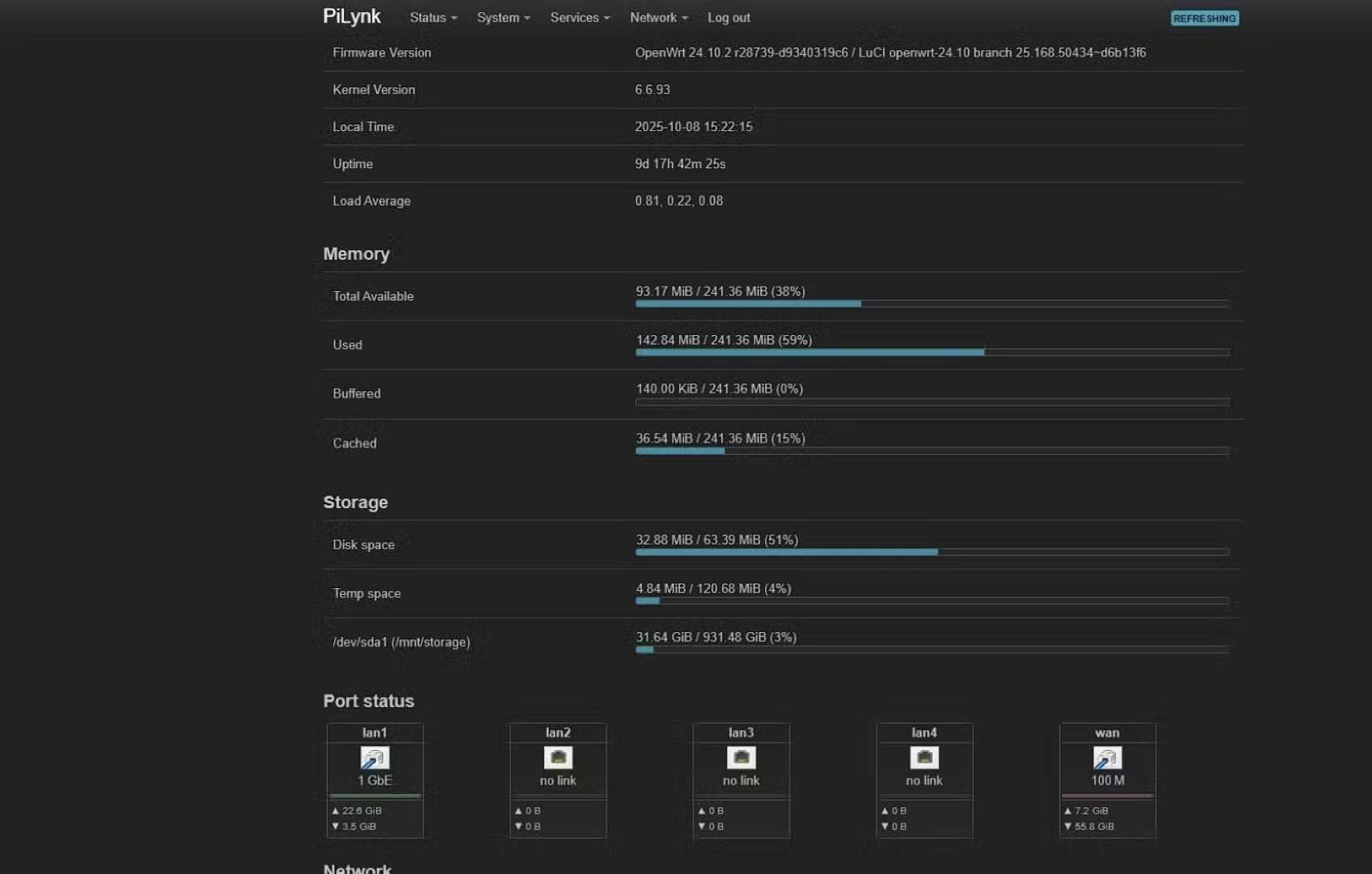
OpenWRT solves both problems. It's a free, open-source Linux router firmware that supports most modern routers and some older ones. It's a super lightweight Linux system, and you can imagine the freedom it offers. Again—you're installing Linux on your router. You have full command line access and can install or tweak anything you can imagine. VPNs and NAS are just the beginning.
OpenWRT Upgrade Journey
There have been some glitches

Breathing new life into old technology is a very exciting idea. Big tech companies hate the idea because it threatens their constant upgrade cycles. Routers in particular suffer from this—most only get firmware updates every one or two years, and rarely with groundbreaking new features. Try installing OpenWRT on an old D-Link. In this example, a D-Link 2750U purchased about six years ago (DSL modem routers are getting old). Unfortunately, it doesn't support OpenWRT.
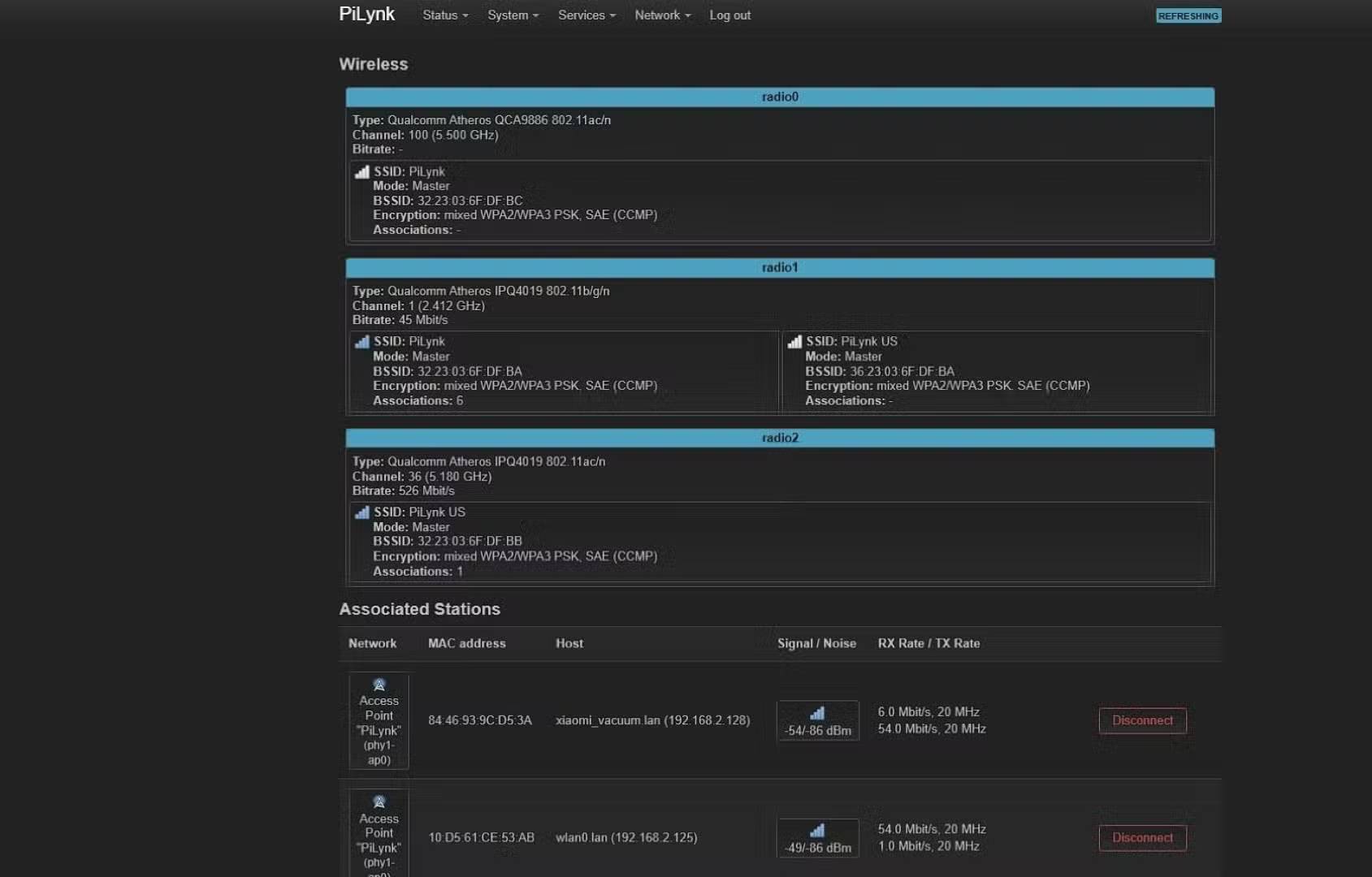
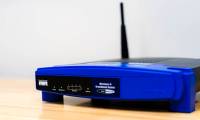
So I went on a hunt for the cheapest router that supported OpenWRT. I wanted a USB 3.0 port for my NAS, dual-band Wi-Fi, and solid performance, so I chose the Linksys EA8300. It has a quad-core Qualcomm processor, 256MB of RAM, tri-band Wi-Fi (two 5GHz bands, one 2.4GHz band), and a USB 3.0 port. Perfect.
You can save money by buying a used router.
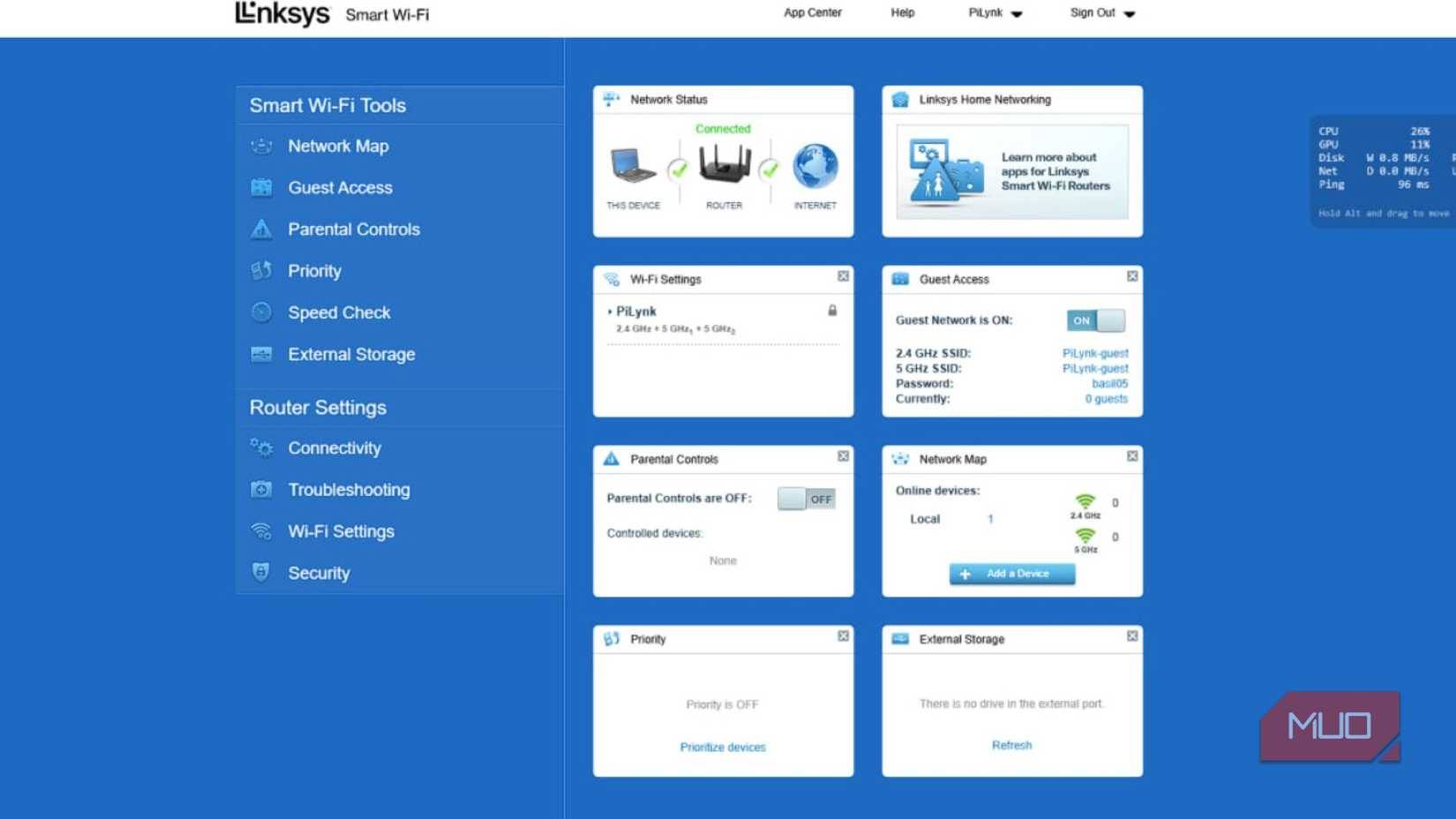
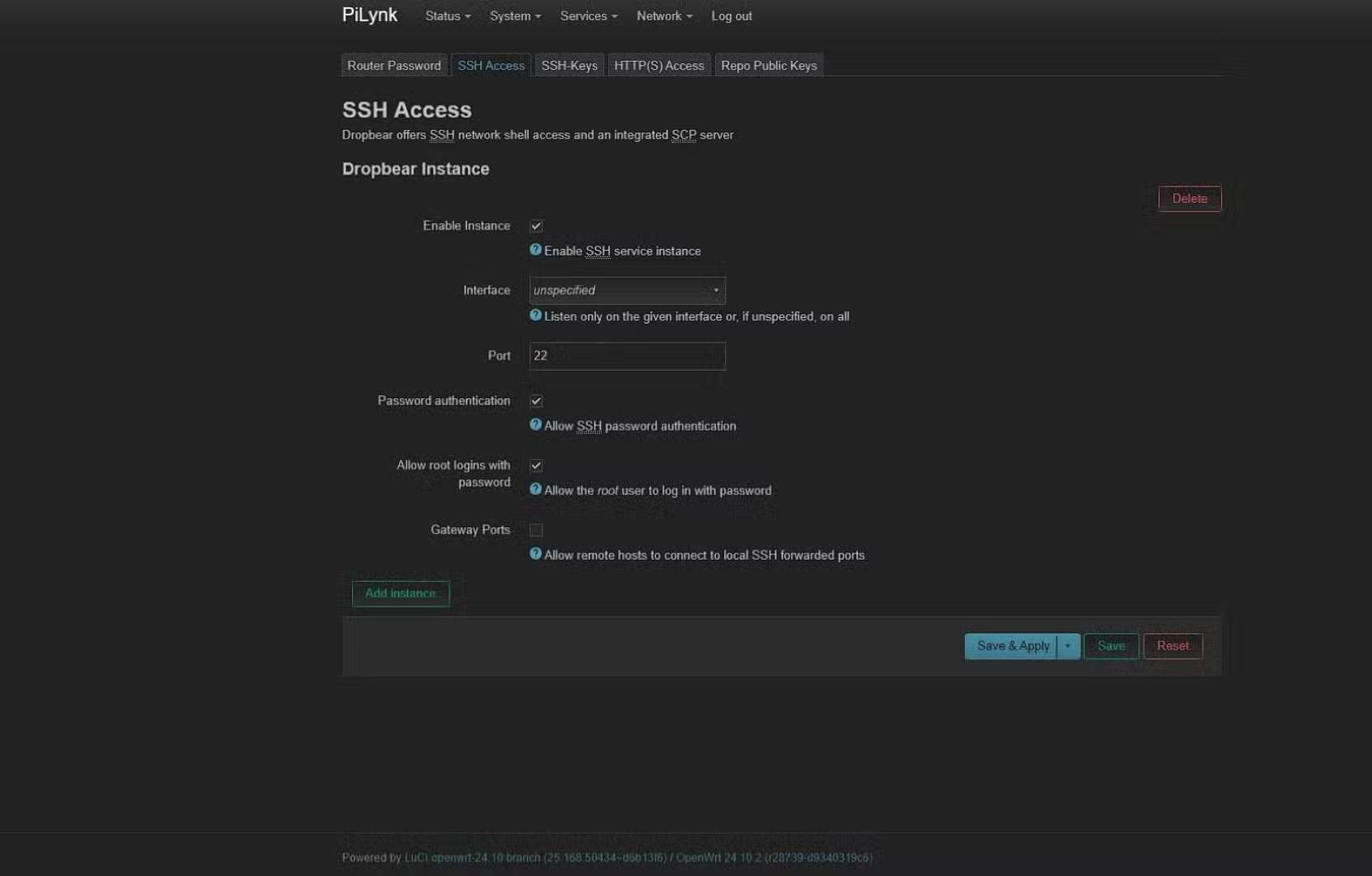
When I looked at the OEM firmware for a quick review, it didn't support VPN configurations, and its NAS features were pretty rudimentary. Go straight to the firmware update page and install OpenWRT. OpenWRT turns the router into a full-fledged Linux machine. Open a terminal on your Windows computer and type:
Ssh root@192.168.1.1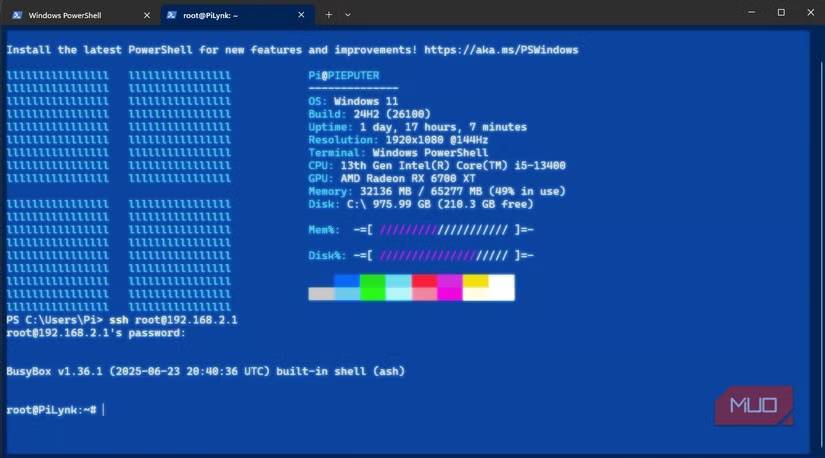
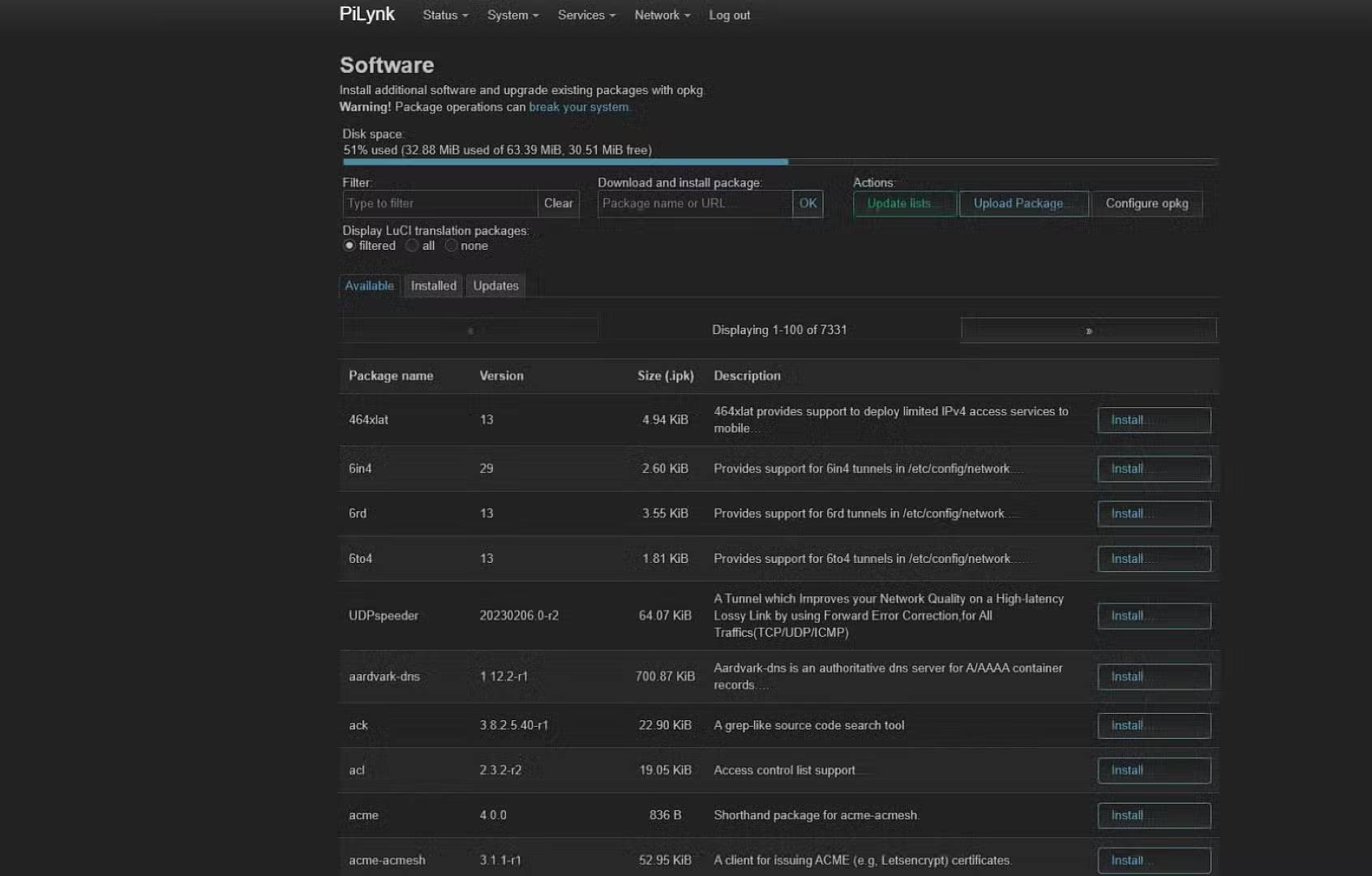
And that's it! Your router is now ready to be used as a computer. It may sound intimidating, but don't worry - OpenWRT also comes with a neat web interface (LuCI) that you can access by typing the same IP address into your browser. You can configure (almost) everything from there without ever touching a terminal.
What OpenWRT offers
Unlimited
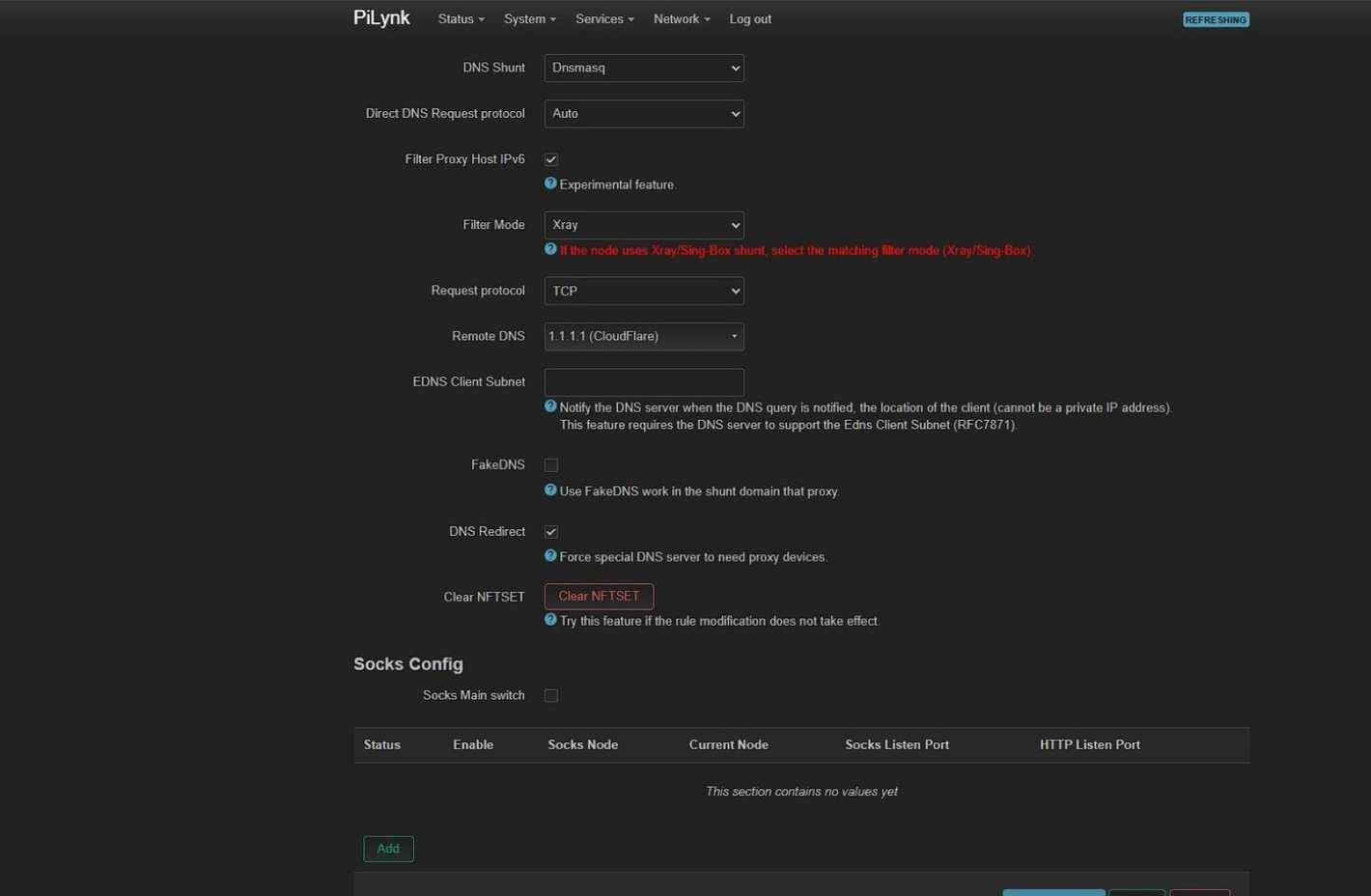
Install PassWall and Samba on your router. PassWall lets you put all network interfaces on the VPN and supports multiple VPN protocols. You can set up WireGuard VPN on one interface while leaving the others connected directly. Samba lets you use an external hard drive as a NAS, so you can access it through Kodi on your TV. You can also set up network-wide ad blocking, DNS encryption, and more. There are no limits.
But to get a router with built-in WireGuard VPN support and NAS features, you'd normally have to buy a monster like the Asus ROG Rapture GT-AXE11000, which starts at around $400. But now, thanks to OpenWRT, there's nothing the $400 Asus can do that the $30 Linksys can't—at least within the hardware limits.
So, consider this an ode to the joys of open source software. Your current router probably isn't as old and outdated as the D-Link in the example, so hopefully this will be a completely free upgrade in your case.
FAQ
What should you know about old routers can do a lot more if you install the free openwrt?
In practical terms, that's when many people discovered OpenWRT, a free, Linux-based firmware built exactly to unleash that potential.
Why does old routers can do a lot more if you install the free openwrt matter?
The article highlights that it's a free, open-source Linux router firmware that supports most modern routers and some older ones.
What is the main takeaway?
The main takeaway is that openWRT Upgrade Journey There have been some glitches Breathing new life into old technology is a very exciting idea.
Related Articles
 5 Router Features with Openwrt That Will Surprise You: Practical Guide6 minutes read
 Windows 10 Still Offers Free Upgrades, Please Install It Quickly3 minutes read
 Free Upgrade Guide to OS X Mavericks4 minutes read
 The Best Travel Router You Need to Bring in Your Trip13 minutes read
 How to Determine If You Get a Free Upgrade to Windows 105 minutes read
 2.4GHz Routers Will Be Obsolete by 2025 –– Why Should You Upgrade Now7 minutes read
Reader Comments 0
Sign in with email or Google to join the discussion.