Table of Contents
Do you really need to spend that much money on a computer that never leaves your desk? Here's why switching to a Mac Mini is a smart tech decision.
The 2019 Intel MacBook Pro served me well for five years, but many people are starting to look for a newer computer. Some look at the MacBook Pro M4 and immediately balk at the several thousand dollar price tag. Do you really need to spend that much money on a computer that never leaves your desk?
Here's why switching to the Mac Mini is a smart tech decision.
Mac Mini runs smoother and quieter than MacBook
Even a large screen overloads the MacBook
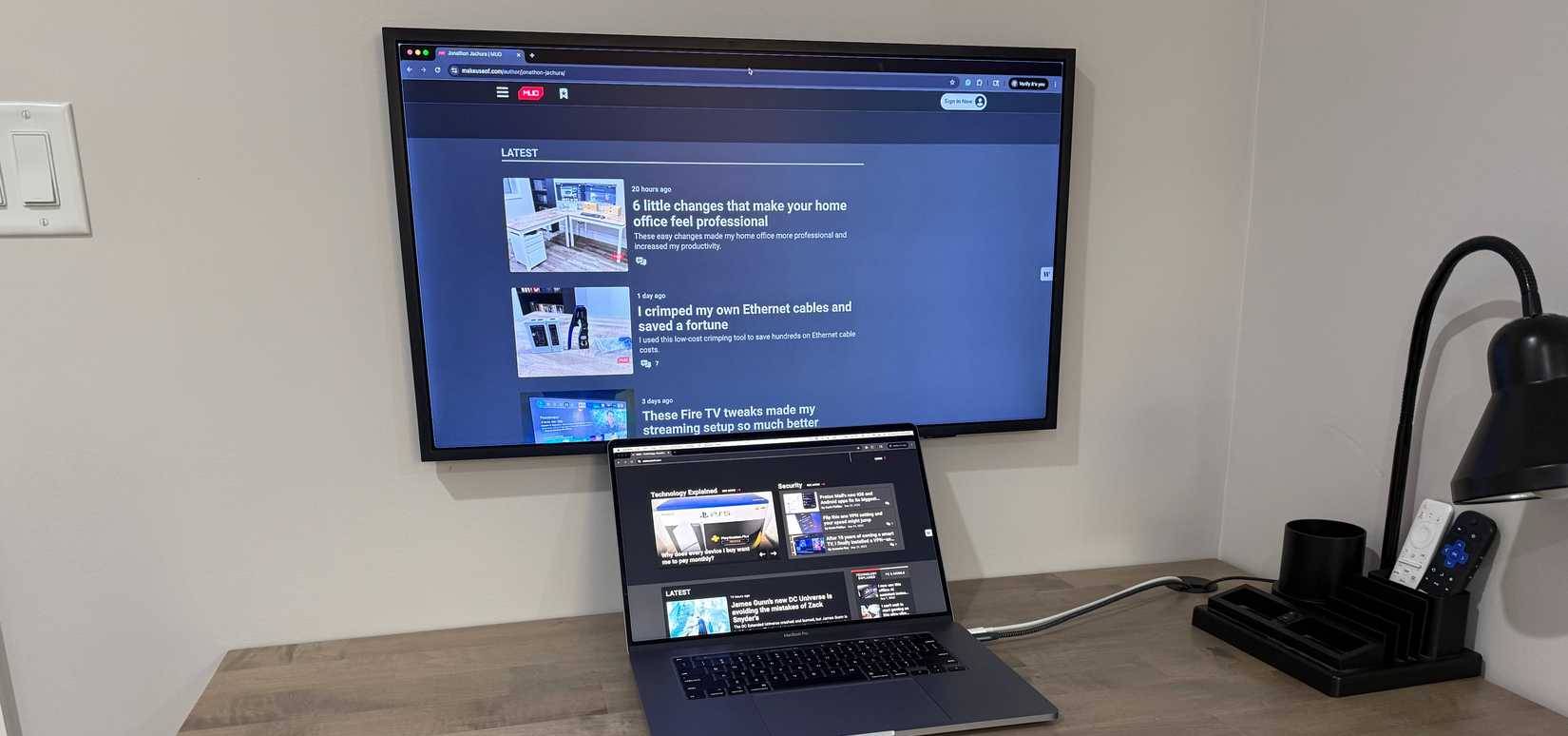
Many people used to run their Intel MacBook Pros with four external displays, but the performance issues became unbearable. Before buying the Mac Mini, they simplified it to a 55-inch Samsung Frame TV, using macOS window snapping to split it into four 27-inch quadrants.
But the problem isn't solved. Even with just one display, the MacBook Pro struggles. Fans whine constantly, video calls lag, and too many apps slow down the system. The thermal constraints of cramming so much power into such a thin laptop make it a struggle.
The Mac Mini M2 changed everything. With the same TV and window arrangement, everything suddenly felt smooth and silent. No fan noise, no throttling, no lag. The Mac Mini's improved thermal design meant performance was maintained without compromise. When I set up the M4 model with two Samsung M8 displays, the experience was even better – bigger screen, no performance issues, and complete silence.
Keep the screen arrangement the same
No more messy cursor movement
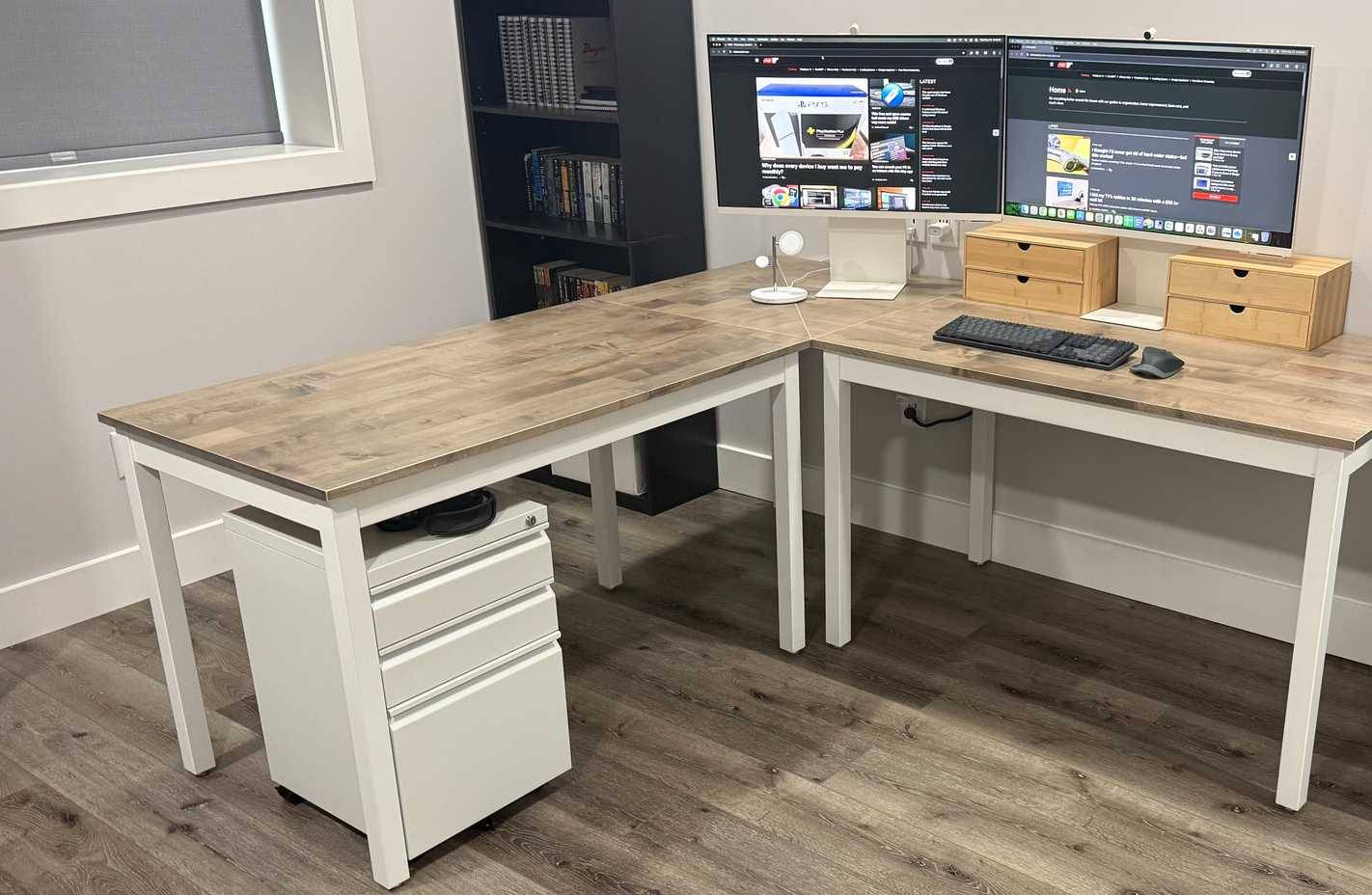
The MacBook Pro's nightmare isn't just about misaligned windows—it completely forgets where the screens actually are. If you unplug the laptop, when you plug it back in, the system automatically assumes the top-left screen is now the bottom-right, and illogically swaps the display positions.
This makes using the computer really confusing. If you move the cursor to the right and expect it to go to the right monitor, it will jump to the left monitor. Every time you reconnect, you have to open System Settings and manually drag the desktop icons back into place.
The Mac Mini solved this in the simplest way: It never disconnected from the display. The Mac Mini was connected to the display 24/7. There was no reconnection cycle, so macOS never got confused. The cursor moved exactly where you expected it to, every time. That few minutes of confusion happened several times a week with my MacBook. Now it never happens again.
Absolutely reasonable price/performance ratio
Save thousands of dollars without sacrificing power
The Mac Mini is cheaper than a fully loaded MacBook Pro, but it's actually faster for desktop work.
The problem becomes clear when you evaluate your work habits. You work almost always in the same place. You occasionally take your laptop to a local coffee shop for a change of pace, but only for a few hours. The 2019 Intel MacBook Pro still works well when working 'remotely' with an iPad as a second screen.
By choosing a Mac Mini for your permanent workspace and keeping your current MacBook for occasional mobile use, you'll get desktop-like performance where you need it while saving thousands of dollars. Plus, having separate computers in both spaces means you can move between them easily without having to lug the device around the house. Not to mention, your office will be less cluttered.
Mac Mini is the perfect match for a large display
The 55-inch TV as the main screen changed everything.
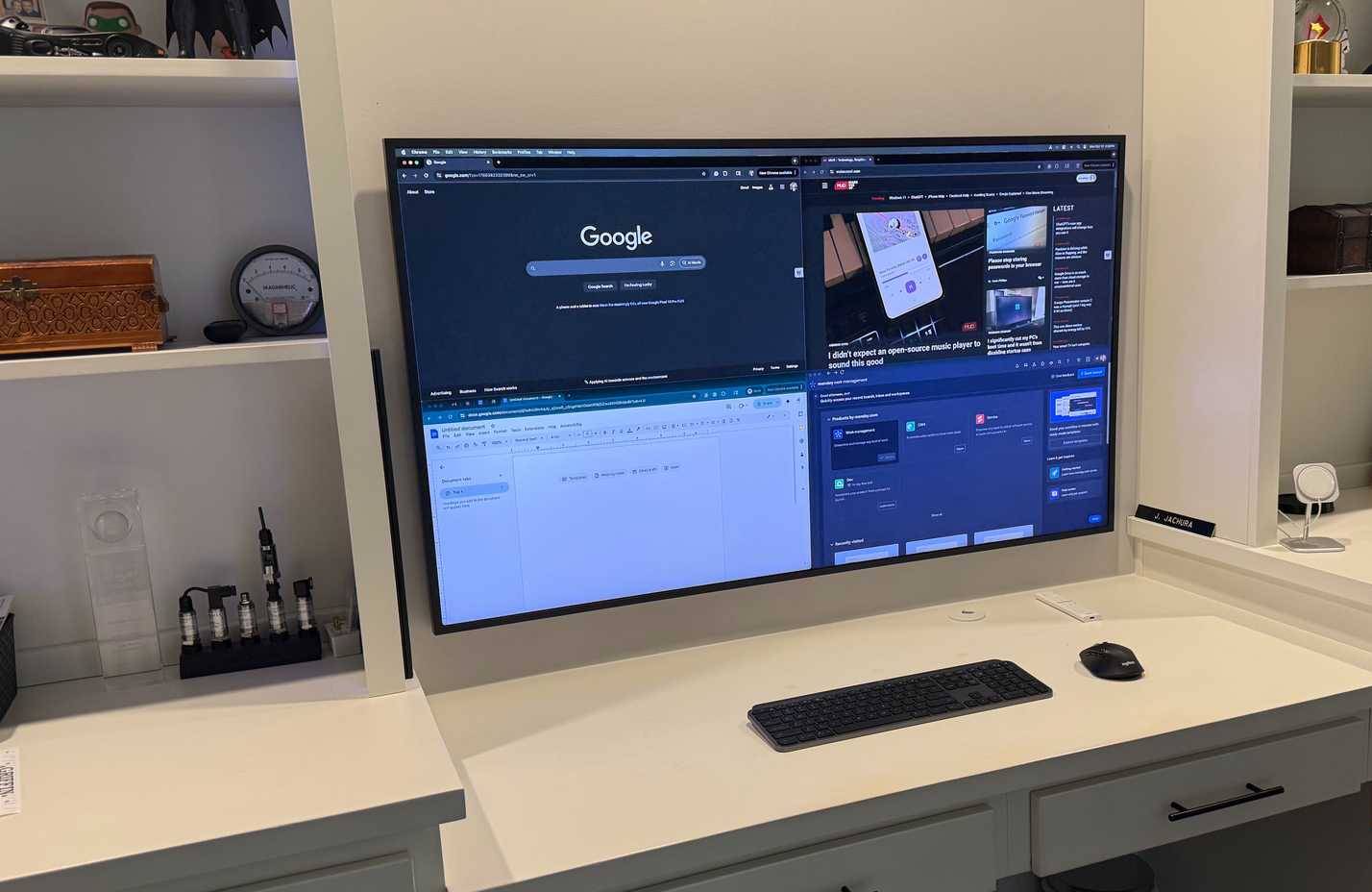
The Mac Mini's compact size makes it easy to use your 55-inch Samsung Frame TV as your sole display. You can use the macOS split screen feature to split the screen into four 27-inch quadrants, allowing you to arrange multiple screens seamlessly as if they were one screen. No borders between workspaces, no searching for a cursor—just one giant, seamless workspace.
The screen real estate will completely change the way you work. Reading documents, reviewing code, or editing articles feels completely different in this large space. Video calls become more natural—seeing your colleagues at near-life size creates a better sense of presence than a tiny laptop window.
When you're done working, the Frame TV displays your artwork instead of a big black screen on the wall. The Mac Mini itself is small enough to hide completely. Your office looks like a regular room, not a tech command center or a place where traders operate during the day. Two Samsung M8 monitors make for a more traditional setup. Either configuration is superior to any other MacBook setup.
FAQ
What should you know about the options in this guide?
In practical terms, do you really need to spend that much money on a computer that never leaves your desk? Here's why switching to a Mac Mini is a smart tech decision.
Which option is the best choice?
The best choice depends on your priorities, compatibility, budget, and the specific features discussed in the comparison.
What should you compare before deciding?
Compare core features, limitations, ease of use, compatibility, and long-term value before making a decision.
Related Articles
 The Beats Headsets Are the Best in 201917 minutes read
 The First Ad of the Couple 'Apple & Beats'3 minutes read
 Is Strange Concept of MacBook Mini Computer3 minutes read
 Apple 'Death' MacBook Plastic, OS X Lion Began to Load4 minutes read
 10 Best American Laptops Like 20095 minutes read
 Bose Sued Beats for Noise-related Violations on Headphones4 minutes read
Reader Comments 0
Sign in with email or Google to join the discussion.