Table of Contents
The day will come when we will have to cut ties with big tech companies. And the discovery of Nextcloud will change everything.
Many people have a love-hate relationship with Google Drive. It's convenient and free to a certain extent. But it's also Google —a monopoly and advertising giant—and people don't like the feeling that they're adding to the information it already has about them. The day will come when we'll have to cut ties with big tech. And the discovery of Nextcloud will change all that.
Note when setting up
Setting up Nextcloud on Linux Mint is surprisingly doable (with a few caveats)
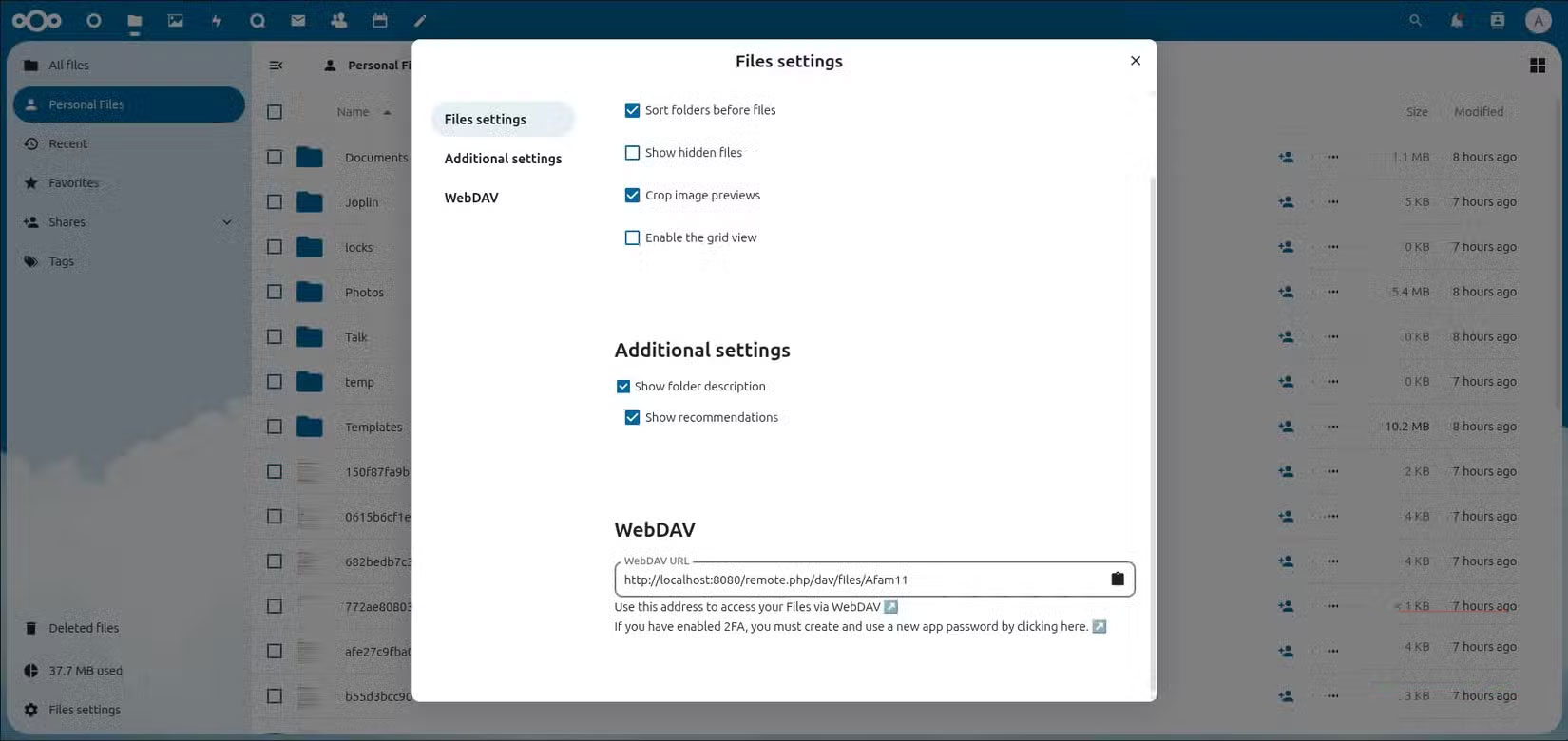
As you might expect, installing Nextcloud on Mint isn't a 'plug and play' affair. First, You should install Docker and Docker Compose, then create a Docker Compose stack for Nextcloud, MariaDB, and Redis. This ensures that all the necessary components of Nextcloud work together. Nextcloud is an application itself, but it needs a database (MariaDB) to store your data and a cache system (Redis) to speed up performance. Docker and Docker Compose create a consistent, isolated environment where all these services run. This process requires some familiarity with the command line.
The real hurdle, however, isn't installing Nextcloud, it's making sure the server is securely accessible. Setting up a Let's Encrypt SSL certificate is the first order of business when you own a cloud. On Google Drive, encryption is invisible to you and you never really have to think about it.
Running Nextcloud feels like a victory, but it also means you have to be the admin. Backups, updates, and troubleshooting are responsibilities, it's the control that really feels liberating.
Experience Nextcloud
What works and what doesn't
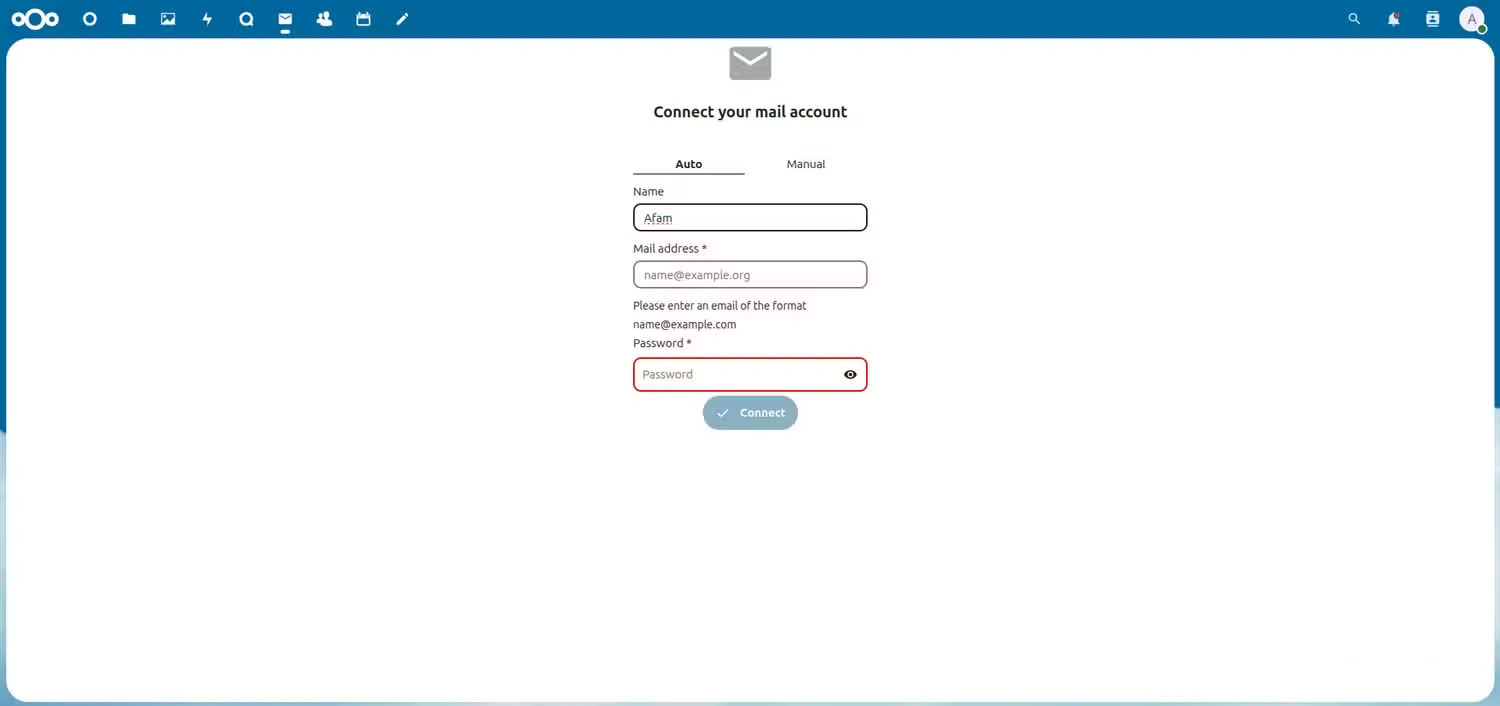
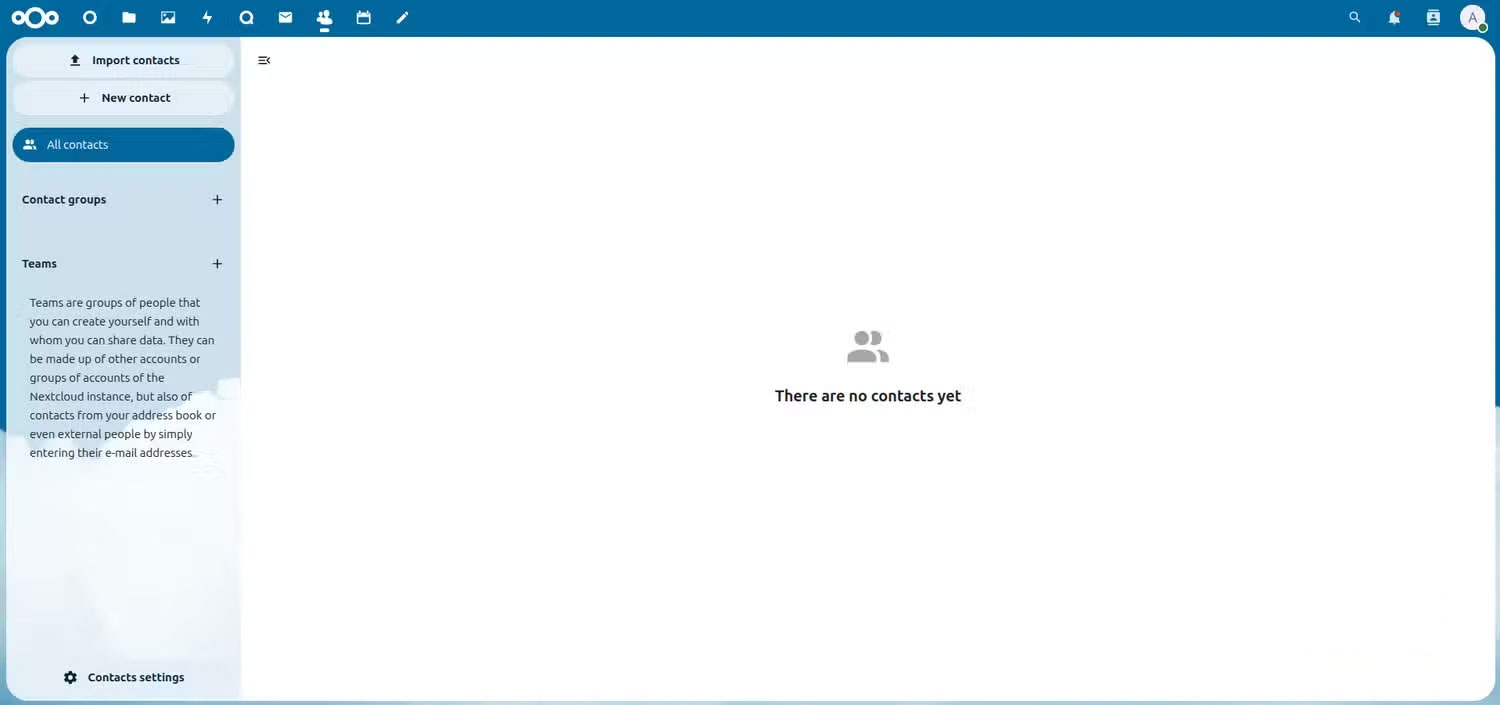
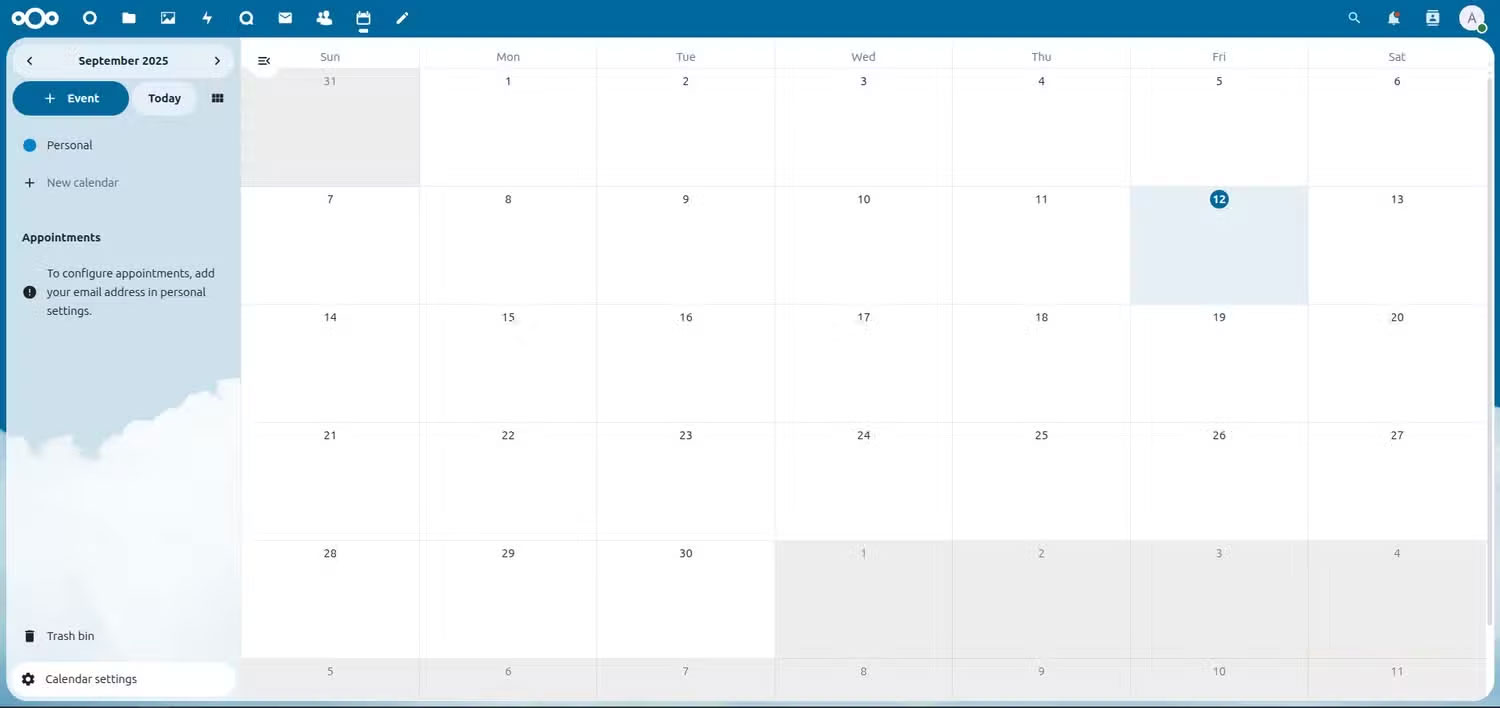
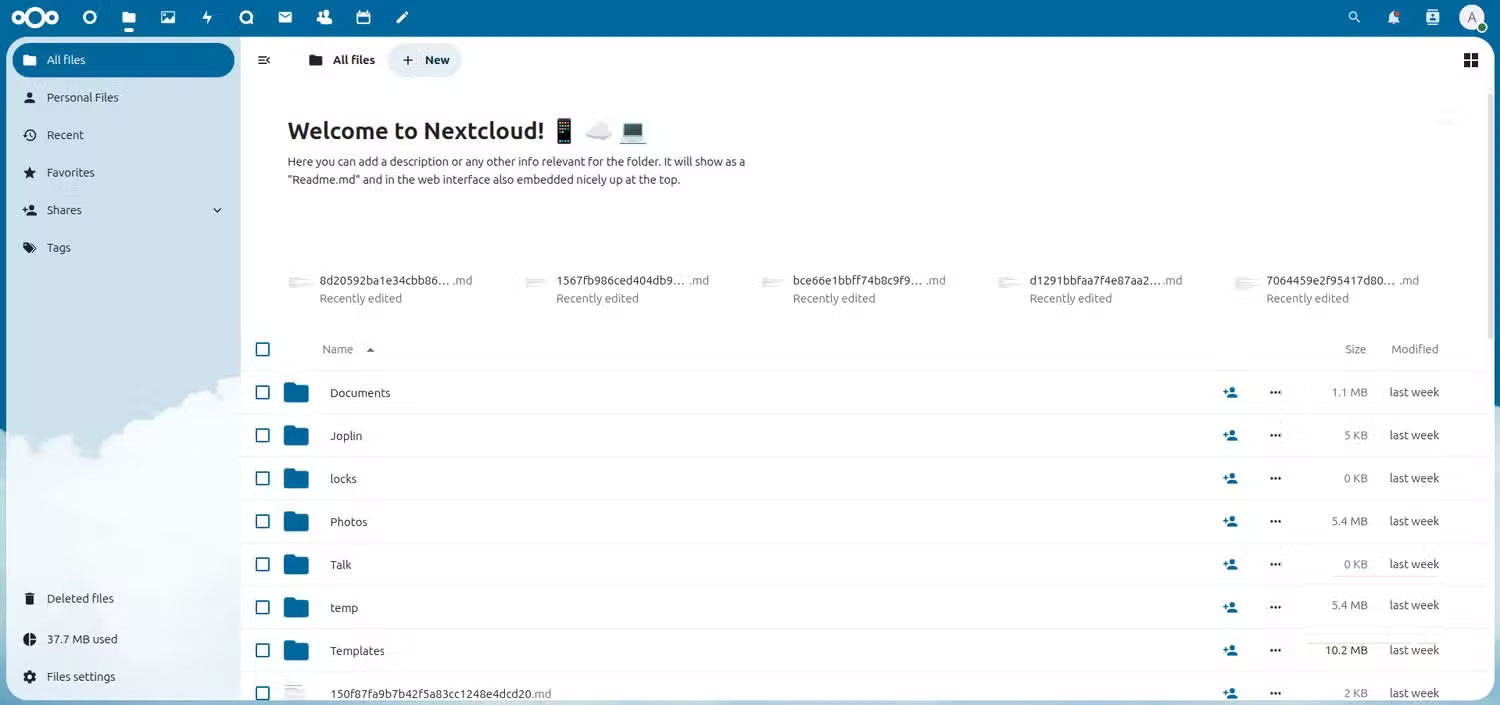
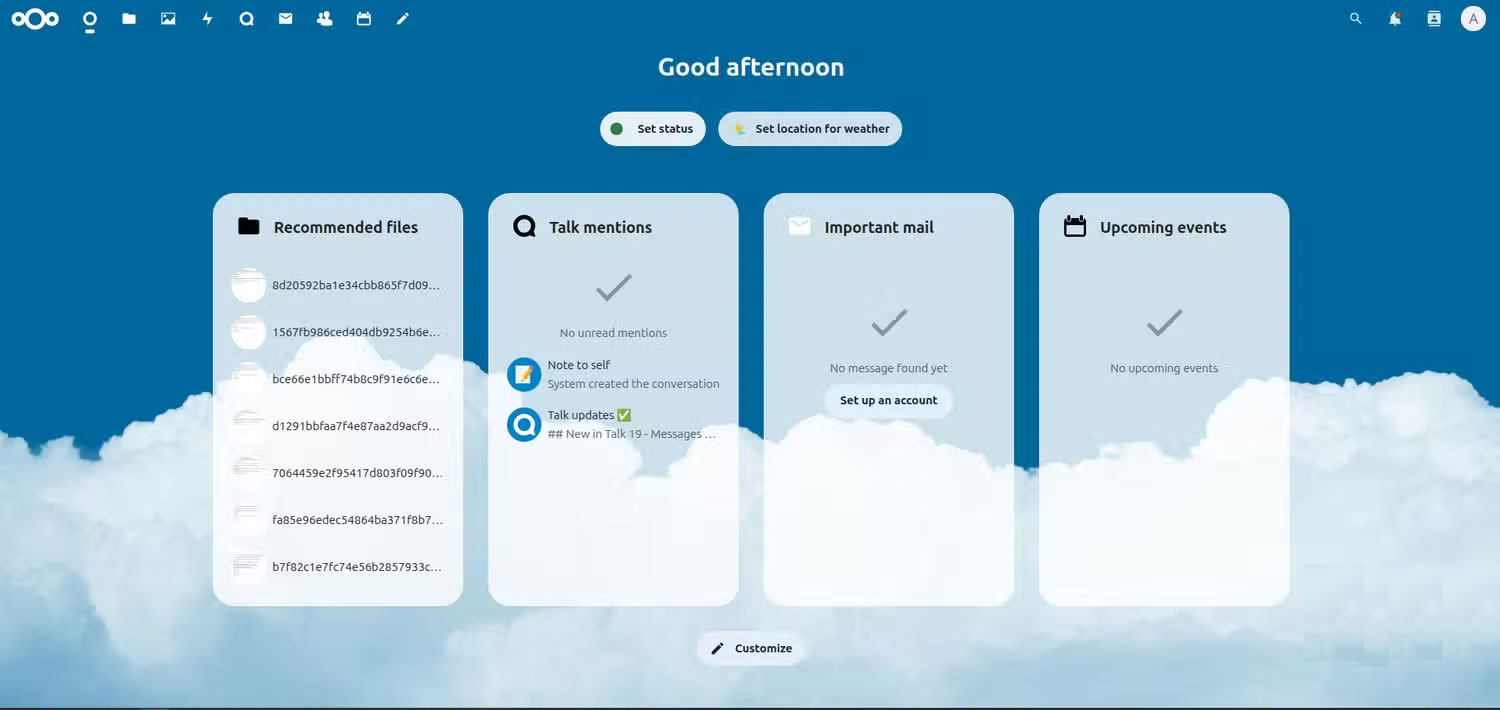
The shift from convenience to control comes when you use Nextcloud on a daily basis. File syncing is reliable, but not as stealthy as Google Drive. You'll be able to see what's being updated or paused, and you'll occasionally need to manually restart a sync. This may seem a little annoying at first, but it quickly becomes part of the ownership process.
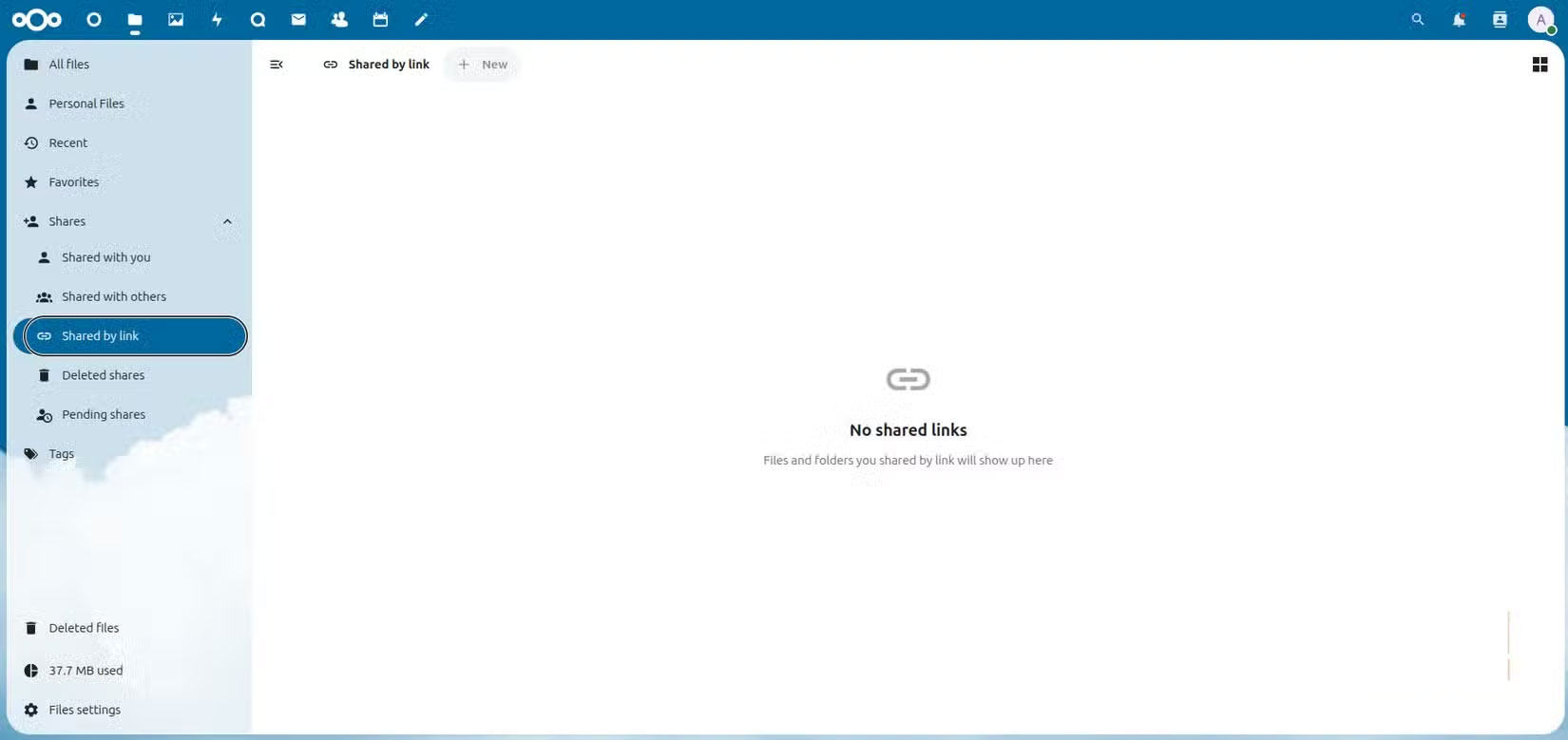
File sharing also makes a clear distinction between Google Drive and self-hosting. Google Drive lets you share files by sending a link. However, Nextcloud's sharing feature is built around security and control first. When you create a share link, it immediately prompts you for options like password protection, expiration date, permissions, and visibility. This is a level of control that's built in by default.
One of the first things you can do is host Joplin, a free note-taking app, on your Nextcloud server. Even though the server runs on Linux Mint, you can still use the Joplin mobile and Windows apps to save notes and images, making everything seamless and convenient.
Finally, the subtle freedoms are surprisingly noticeable. No ads, no AI prompts, and no pop-ups suggesting upgrades. It's a quieter, more relaxed experience with just files and choices.
Complete cloud control
You will be truly satisfied when you own your cloud
Everything you store – documents, notes, photos – is under your control. In practice, you can set storage policies, run automatic backups, and even configure storage quotas on different folders. Many people don't realize they lack this kind of control until they start self-hosting.
You have a single hub for your work and personal life, with seamless integration of your calendar, contacts, and tasks with your desktop and mobile apps. You enable only the features you want, without any upsells. You can customize at your leisure and even adjust sync intervals.
Make sure no one scans, indexes, or analyzes the sensitive documents or family photos you upload, and ultimately, this gives you real satisfaction.
This setup is not for everyone.
Now that I've replaced Google Drive with my own self-hosted cloud service, the real question is: should you? If you don't have an old computer lying around, you might want to invest in a server. In the long run, this will be cheaper than paying a monthly subscription fee. You might save money over time, but it will take more effort.
Google Drive is convenient. It integrates with so many other apps you use: Gmail, Google Maps, Photos, etc. You should only try self-hosting if you're willing to trade convenience for control. For example, you'll have to be willing to give up Google Maps for an open source option or look for other apps that fit a non-proprietary setup. But for me, it's worth it.
FAQ
What should you know about replace Google Drive with self-hosted cloud service nextcloud?
In practical terms, the day will come when we will have to cut ties with big tech companies. And the discovery of Nextcloud will change everything.
Why does replace Google Drive with self-hosted cloud service nextcloud matter?
The article highlights that on Google Drive, encryption is invisible to you and you never really have to think about it.
What is the main takeaway?
The main takeaway is that now that I've replaced Google Drive with my own self-hosted cloud service, the real question is: should you.
Related Articles
 How to Create a Private Cloud Using Nextcloud10 minutes read
 Awesome Self-Hosted Options Replace Dropbox: Self Hosted Services7 minutes read
 How to Use Nextcloud on Android to Replace Google Drive: Complete Guide6 minutes read
 Little-known Nextcloud Features That Will Make You Consider Paying For7 minutes read
 8 Reasons Why Google Drive Is an Ideal Cloud Storage Service8 minutes read
 Skydrive and Google Drive - Where Is the Best Cloud Service for6 minutes read
Reader Comments 0
Sign in with email or Google to join the discussion.