Table of Contents
Nextcloud outperforms Google Workspace in terms of usability. The added control and privacy are a plus.
Google Workspace is nearly impossible to beat. All of its tools—Docs, Drive, Meet, Calendar—are so slick that you feel like you're paying more for the monthly subscription. But once you set up Nextcloud on your own server, you start to feel like you're wasting money on many Workspace's 'premium' perks. Nextcloud gives you the same tools, and in some cases, better ones. It makes you wonder if big tech companies promise more than they can deliver.
Nextcloud beats Google Workspace in terms of usability. The added control and privacy are a plus. These features make you think twice about why you paid for them in the first place.
Nextcloud Office
This is even better than LibreOffice Online


For years, my experience with open source Office tools was limited to LibreOffice, which wasn't designed for collaboration. As a result, many people weren't sure what to expect from Nextcloud Office tools. It was a surprise to see that Nextcloud has a full suite of collaboration tools that feel familiar if you've ever used Google Docs. It lets you co-edit in real time. You can see your teammates' cursor movements and track changes as they happen.
Additionally, it handles Word, Excel, and PowerPoint formats with incredible accuracy. There are.docx files that look formatted wrong in Google Docs but display perfectly in Nextcloud. This cross-compatibility is very useful when exchanging files with Microsoft Word users.
Email experience
Nextcloud Mail turns email into a powerful workspace
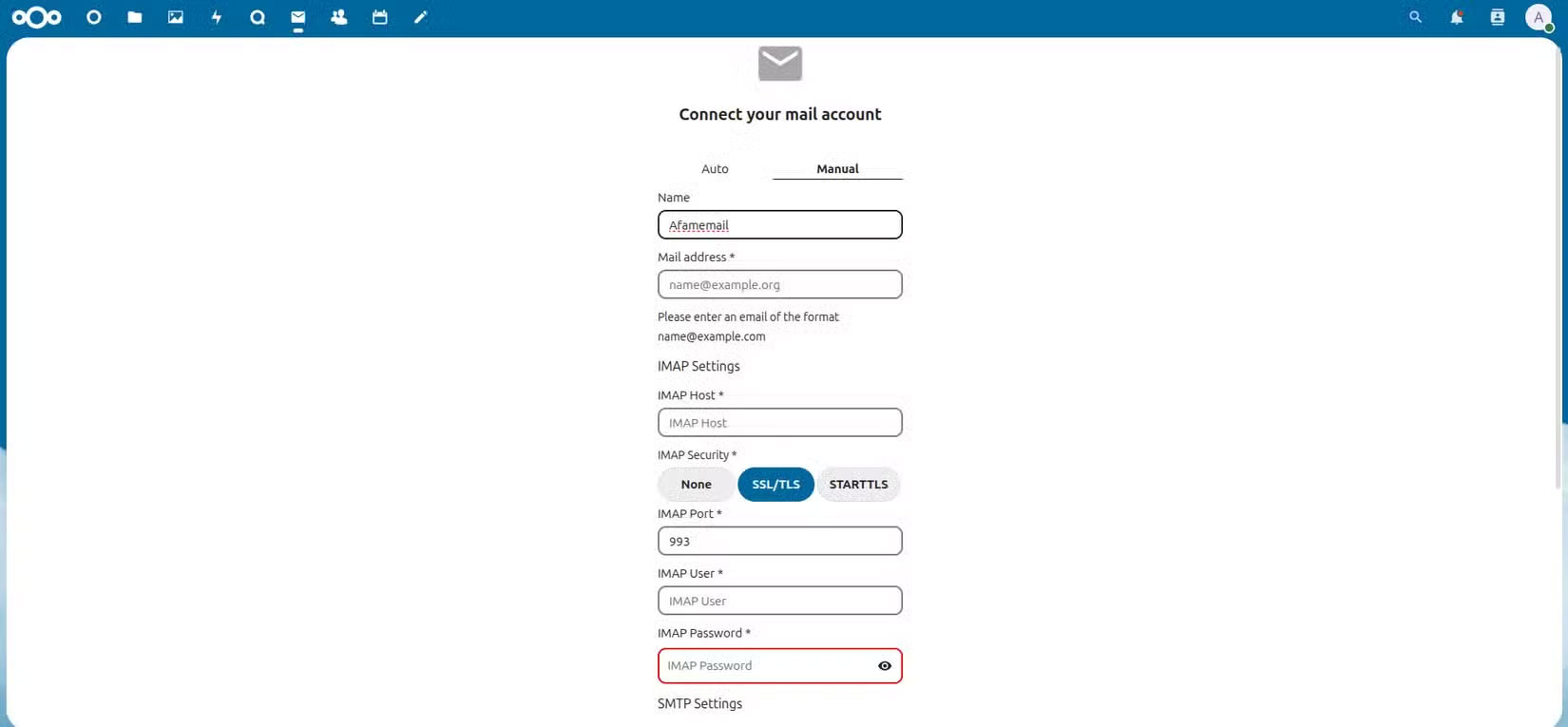
On Gmail, email feels fragmented. You open multiple tabs to access connected services. Email attachments are in Drive, events are in Calendar, and video calls are pushed to Meet. Nextcloud takes a different approach that feels more cohesive. For emails that require documents, you can pull the document from your Nextcloud files instead of downloading or re-uploading anything. It feels more natural than Google's process.
It also handles multiple account management very well. Having two inboxes side by side is convenient, and of course, there are no ads upselling paid plans. Basic Gmail is free, but Workspace's business model is clear; you pay to remove distractions. Nextcloud Mail, meanwhile, focuses on increasing email productivity.
Chat (Integrated Video Chat)
Unlimited time version of Google Meet
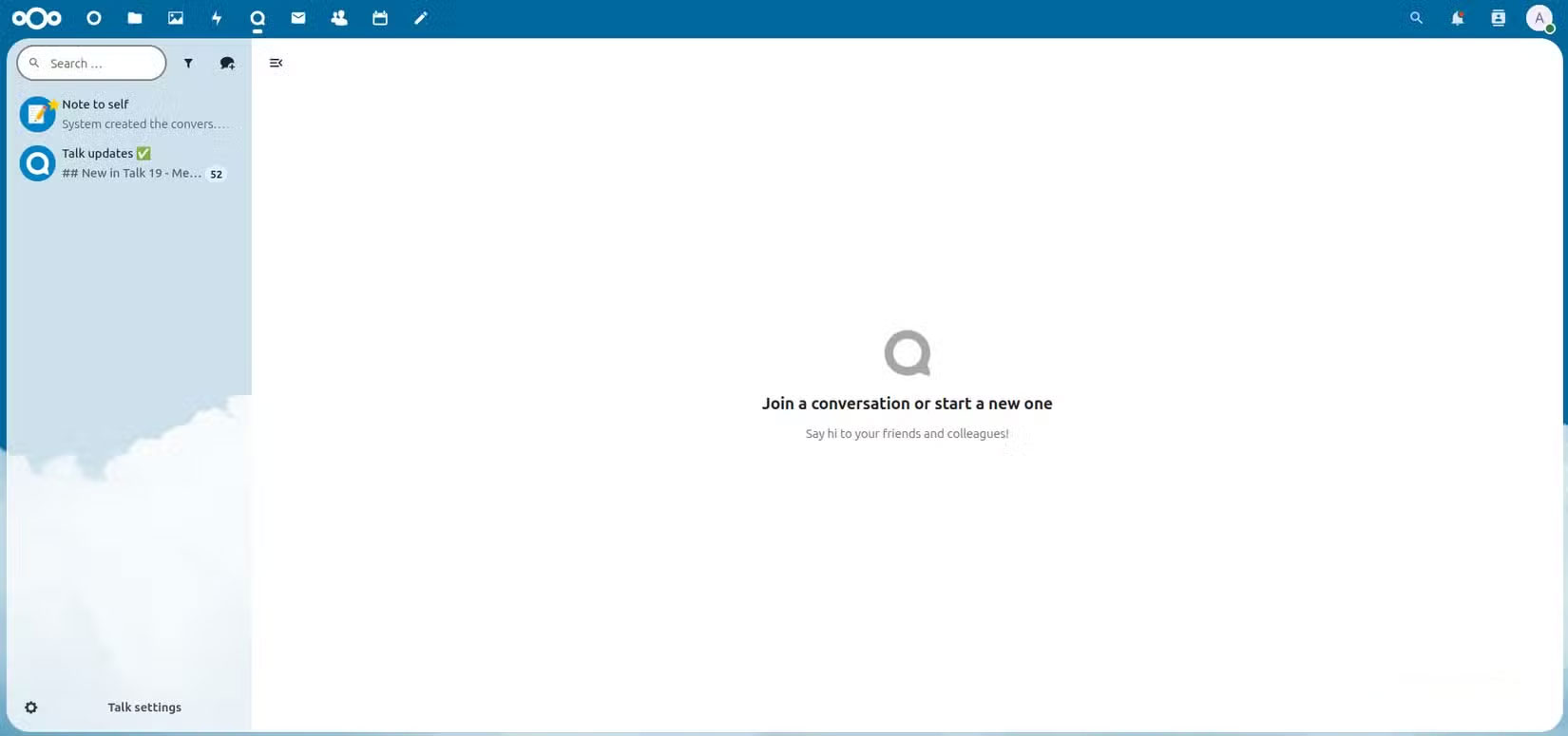
If you host Google Meet meetings with 3 or more participants, you get up to 60 minutes of calling time on the free plan. Nextcloud Talk doesn't have these limitations, making it great for long conferences, classes, or customer calls.
It also includes the extras you'd expect: Group chat, screen sharing, and SIP gateway support for connecting to traditional phone systems.
Dashboard experience
The interface becomes a personal command center
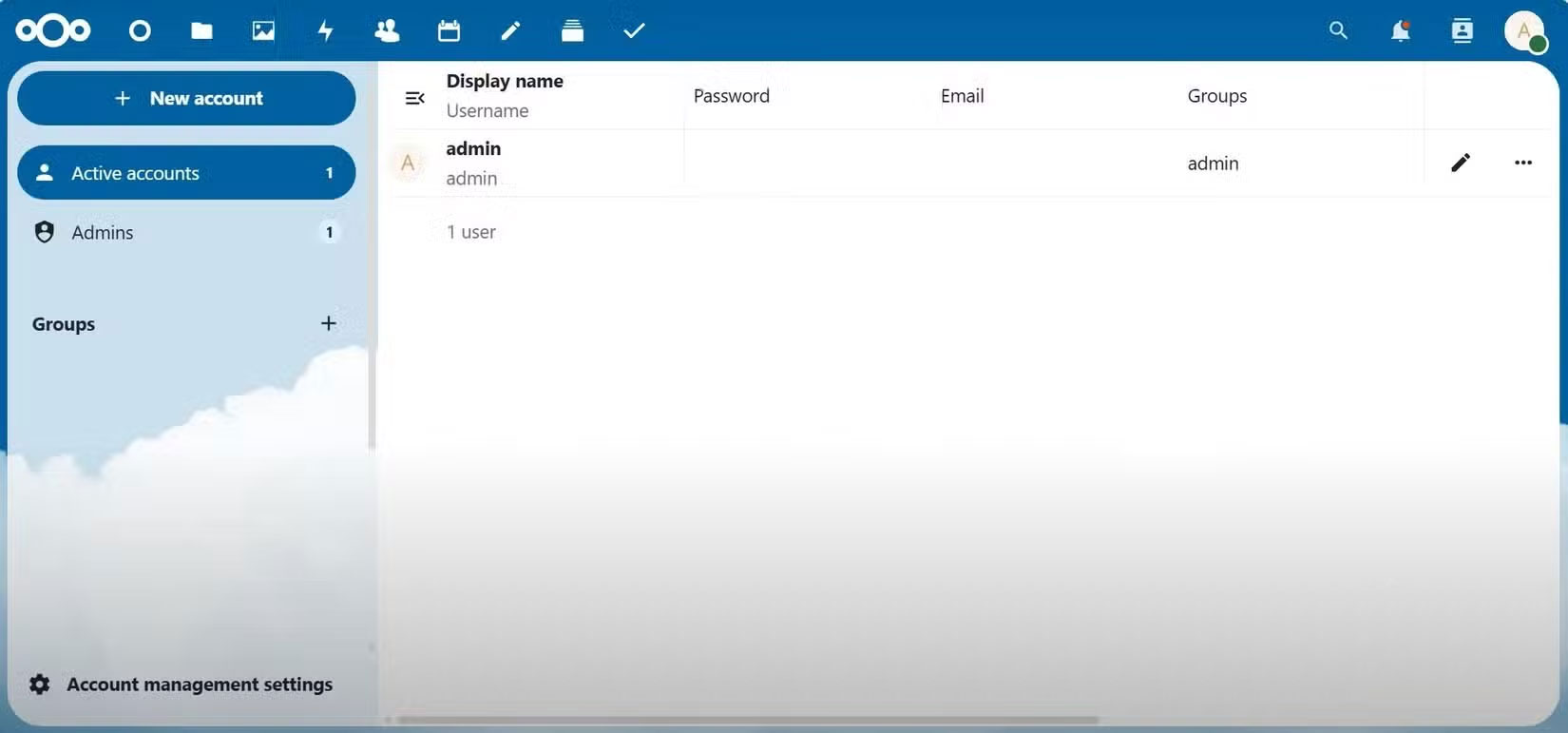
Nextcloud allows for a fully customizable workspace that's not just aesthetically pleasing - it adapts to your workflow. Widgets can be added, removed, or rearranged to display the information you actually use, rather than a static interface.
Nextcloud's email, calendar, tasks, and notes all live in one dashboard. This gives a unified view of your apps. This is very different from Google 's fragmented approach, where Gmail, for example, is separate from Calendar and Keep. Nextcloud's approach minimizes context switching and saves time.
Nextcloud's dashboard also has dynamic widgets. Calendar events are updated in real time.
Advanced file access
Access control beyond "Share With Link"
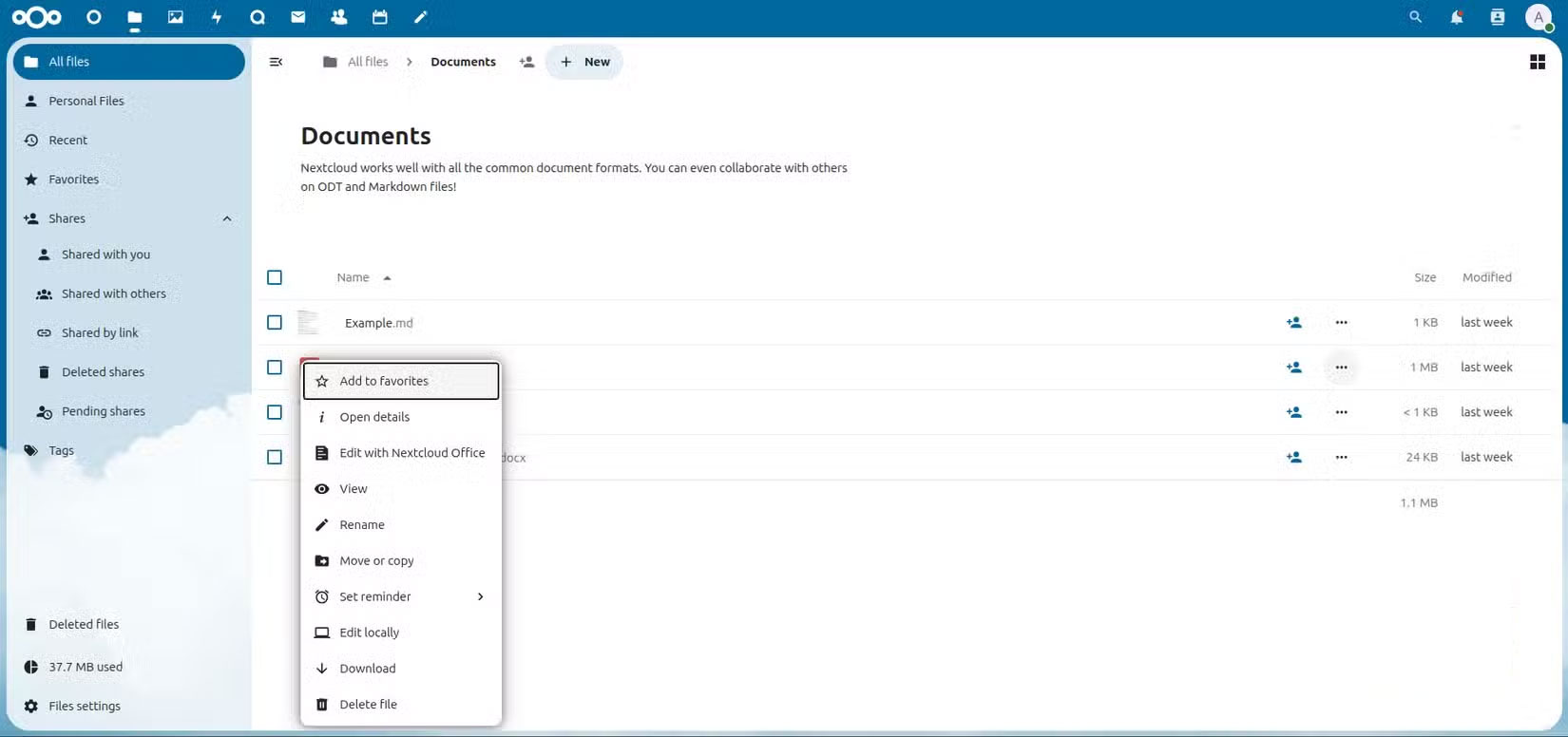
Nextcloud is open source and built with built-in security, so its advanced file sharing and access control features aren't surprising. However, here's one feature worth noting. It lets you add expiration dates to shared files or create one-time access links, which is handy when sharing sensitive documents. It's the kind of control that Google's basic "Share With Link" feature lacks.
Automatically watermarking PDFs or images is another standout feature. But there's more. You can also disable downloads for view-only sharing. If you're concerned about protecting your intellectual property, these are features you might want to consider.
Advanced level tools can be free
Nextcloud's features aren't a one-for-one copy of Google Workspace. It implements a few different features, proving that premium features don't have to be exclusive to subscribers. After years of using the Google ecosystem and now experiencing Nextcloud, you'll feel that the convenience of Google Workspace is probably just an effective marketing ploy.
You can find many ways to use Nextcloud. You can build your own Raspberry Pi cloud server, or even host your own note-taking app on it. Nextcloud gives you complete control and a level of flexibility that you won't find with proprietary software.
FAQ
What should you know about little-known nextcloud features that will make you consider paying for?
In practical terms, nextcloud outperforms Google Workspace in terms of usability. The added control and privacy are a plus.
Why does little-known nextcloud features that will make you consider paying for matter?
The article highlights that these features make you think twice about why you paid for them in the first place.
What is the main takeaway?
The main takeaway is that advanced file access Access control beyond "Share With Link" Nextcloud is open source and built with built-in security, so its advanced file sharing and access control features aren't surprising.
Related Articles
 7 Essential Google Workspace Features to Help You Work Faster8 minutes read
 TOP best AI Workspace platforms16 minutes read
 How to Use Nextcloud on Android to Replace Google Drive: Complete Guide6 minutes read
 Google Workspace Adds Anti-phishing, Client-side Data4 minutes read
 How to Create a Private Cloud Using Nextcloud10 minutes read
 Replace Google Drive with Self-Hosted Cloud Service Nextcloud: How-To Guide6 minutes read
Reader Comments 0
Sign in with email or Google to join the discussion.