Table of Contents
If Gemini recommends an app, use its answer to shortlist products. Get the installer from the developer’s verified website or an official app store. Gemini and Google AI Overviews can cite third-party pages, and the presence of a link in an answer does not verify the file it offers.
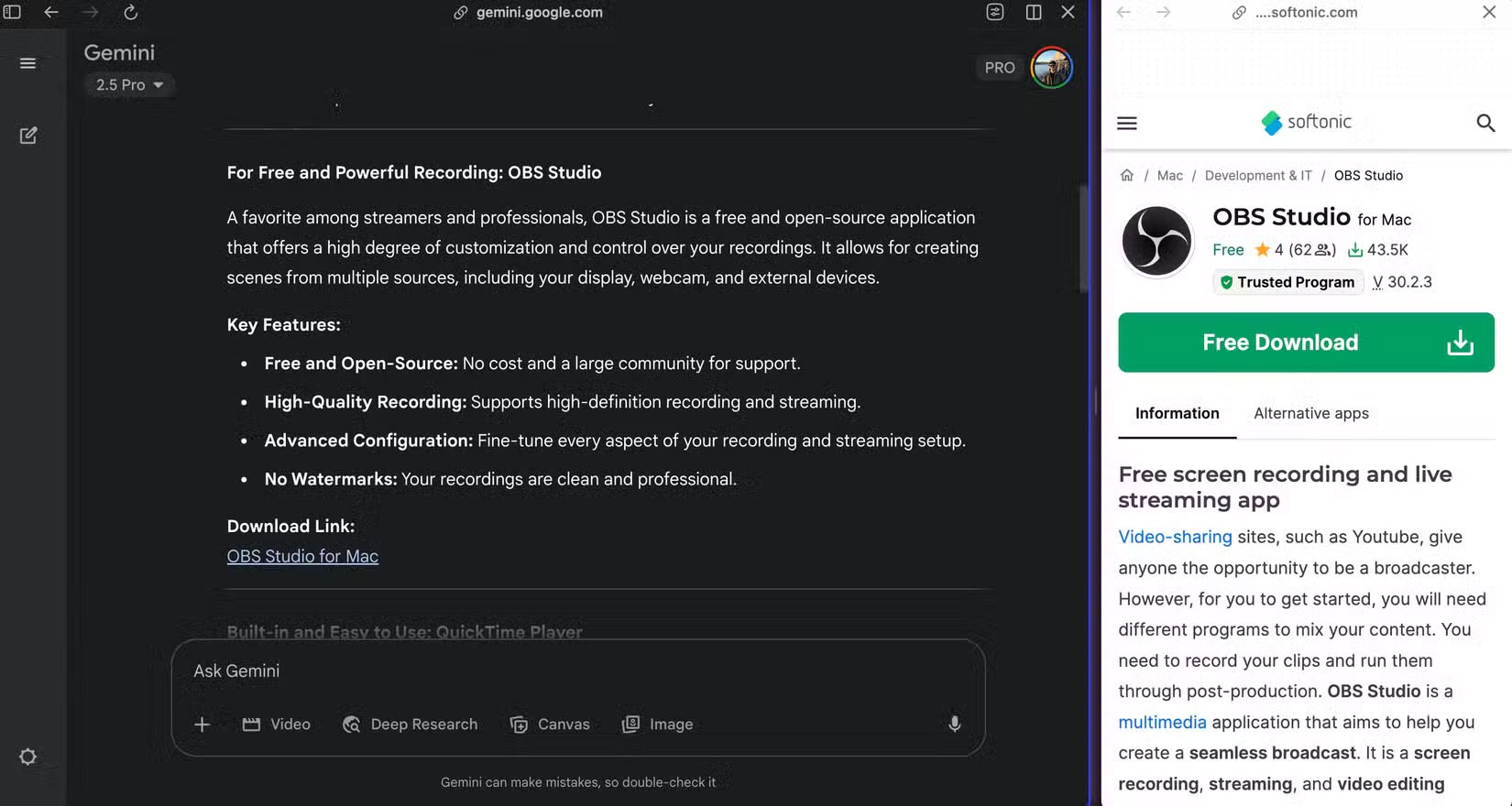
What happened in the screen recorder example
In the example below, Gemini suggested screen recorders and linked to a third-party download directory. The screenshot shows the source Gemini selected. It does not establish whether a particular download was malicious. The dependable next step is to find the app developer’s own release page.
Check the download in three steps
- Find the publisher independently. Search for the exact app name and developer. If the link is to a code-hosting site, check that the official project website identifies that repository.
- Read the actual destination. Check the domain in the address bar and distinguish the publisher’s download control from ads or mirrors. HTTPS protects the connection, but a lookalike site can also use HTTPS.
- Check the file before running it. Compare the installer’s publisher or digital signature with the expected developer when available. If the developer provides a checksum, compare it to the downloaded file. Stop if a security warning or an unexpected publisher appears, and get a fresh copy from the official source.
See how to choose a trustworthy app source and what to check during installation.
Apply the same checks to AI Overviews and email summaries
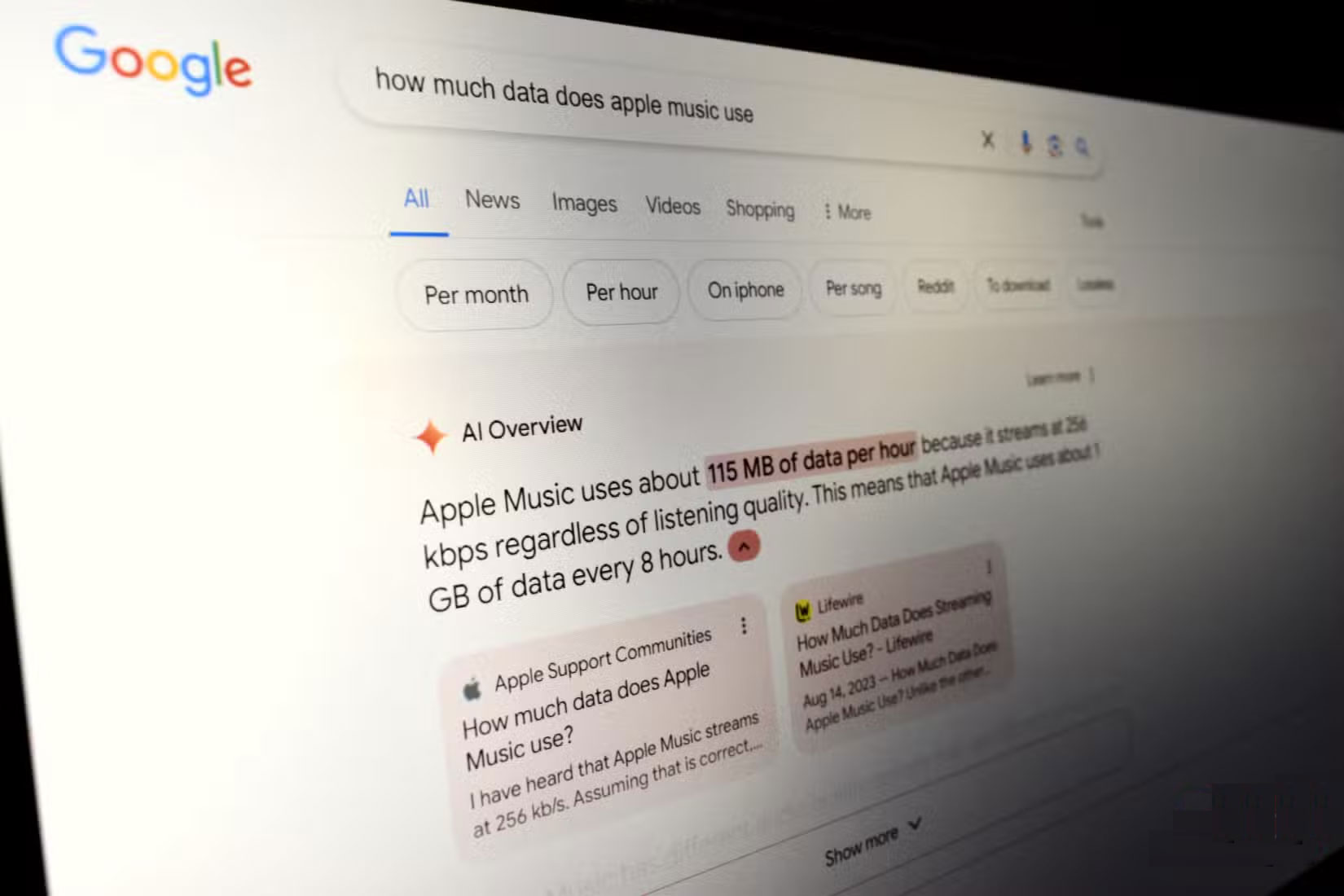
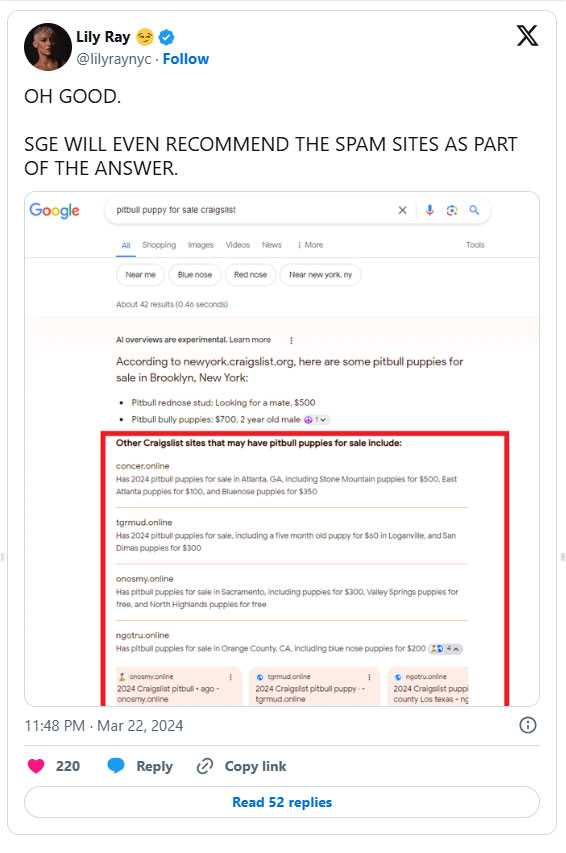
Open the cited source and check whether it supports the recommendation. If the source is a storefront, bank or account portal, reach it independently through an official app or saved bookmark. Google’s Gemini help page also advises double-checking responses.
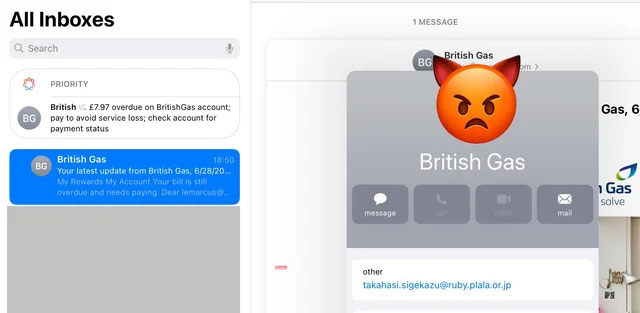
An email marked as a priority still requires a sender check. If it asks you to sign in, pay, or open an attachment, verify the request through a contact method you already trust. The guide to checking suspicious messages shows how to ask for a second opinion without opening links or exposing private details.






Reader Comments 0
Sign in with email or Google to join the discussion.