Table of Contents
Explore 4 practical ways to use gemini's camera mode around the house.
If you're wondering why people would want to share their live camera feed with Gemini Live, there's a simple reason – it can give the AI assistant more context to better understand your request. When describing the problem you're facing is difficult, sharing your front or rear camera feed can provide Gemini with the visual information needed to address your question. This can be a quicker and simpler way to solve the problem and find ideas than just using Gemini, voice-based Gemini Live, or Google Search, especially with the right tips and tricks.
Personalized meal planning
Show Gemini your refrigerator or pantry and get instant dinner ideas
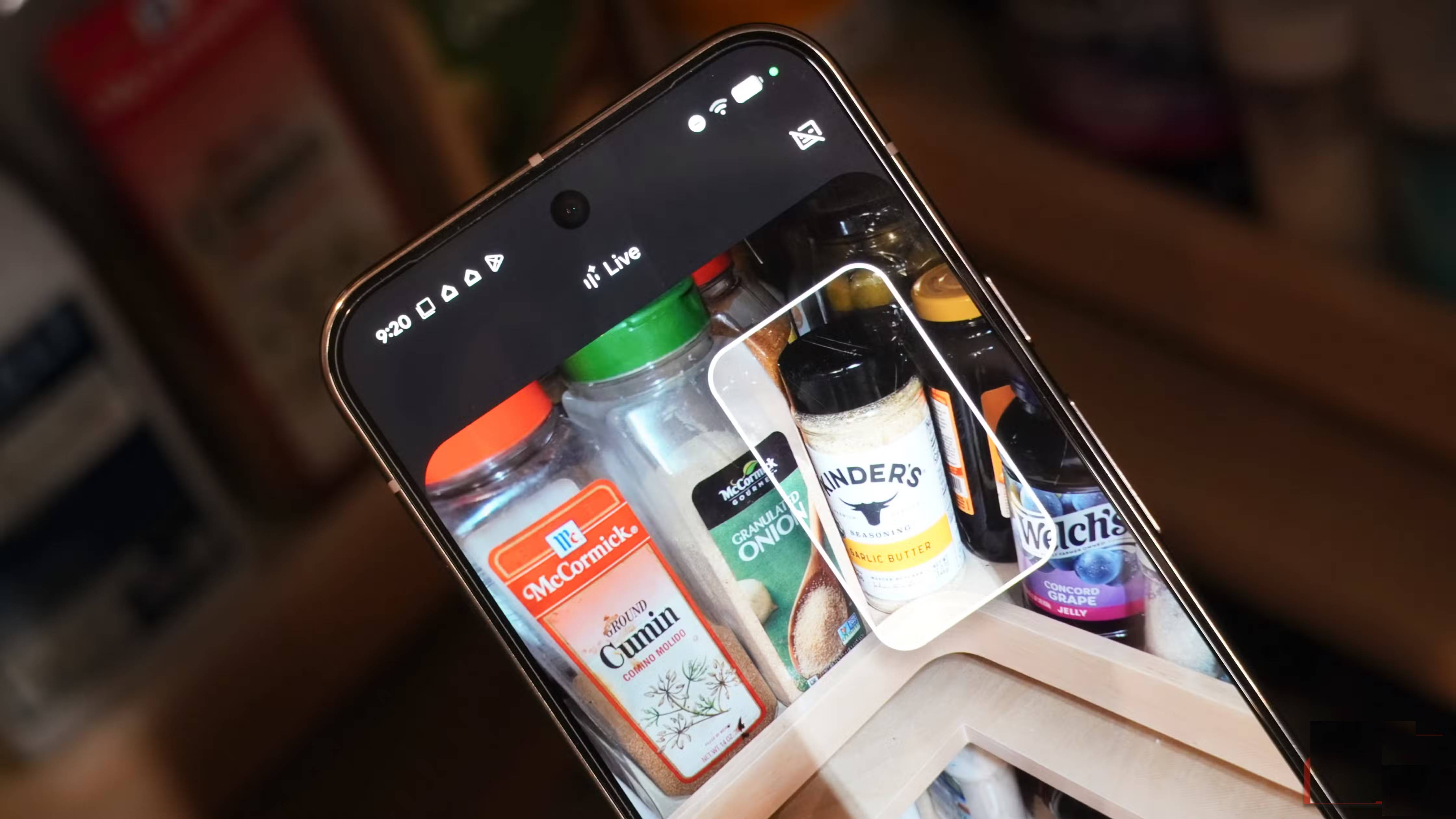
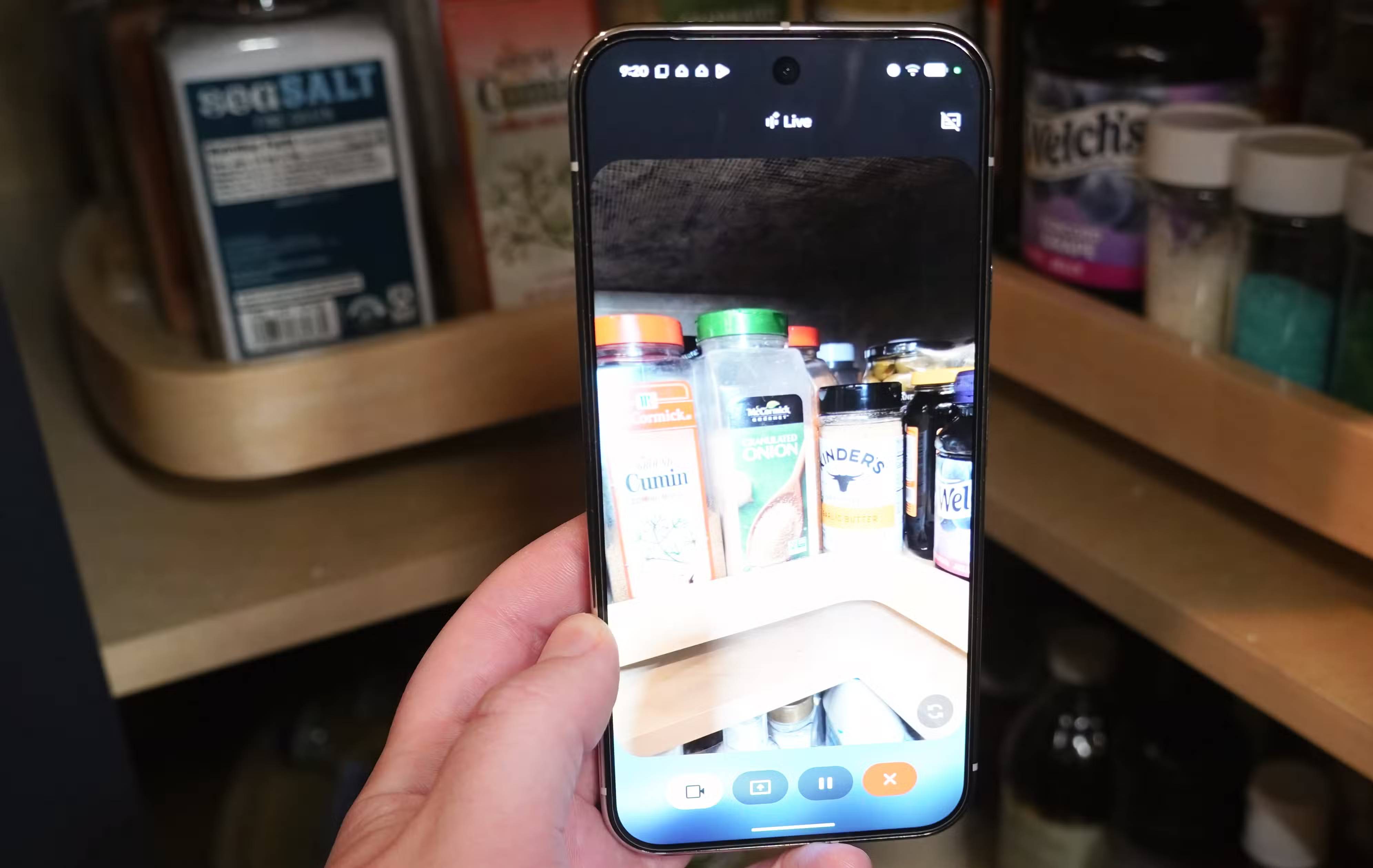
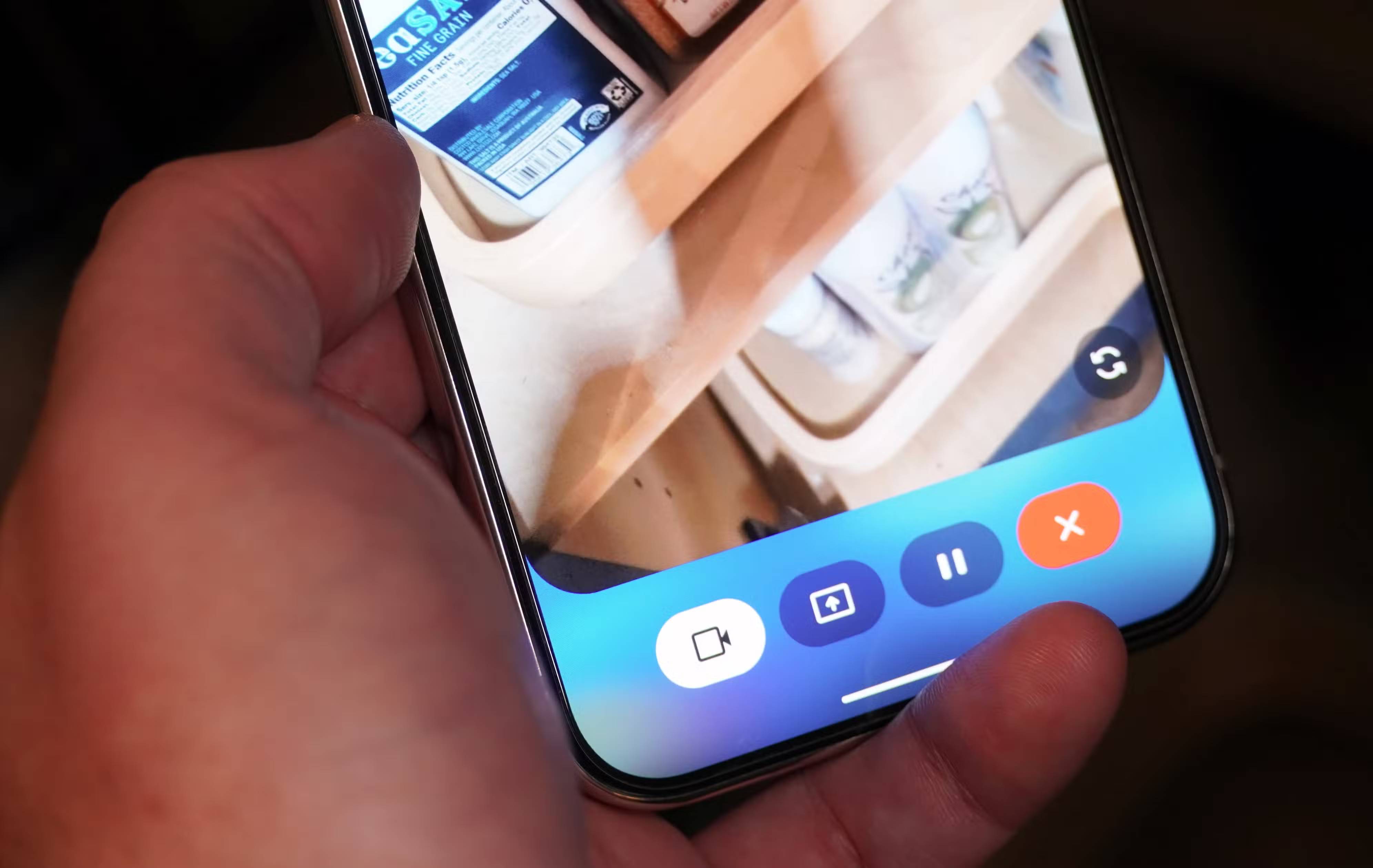
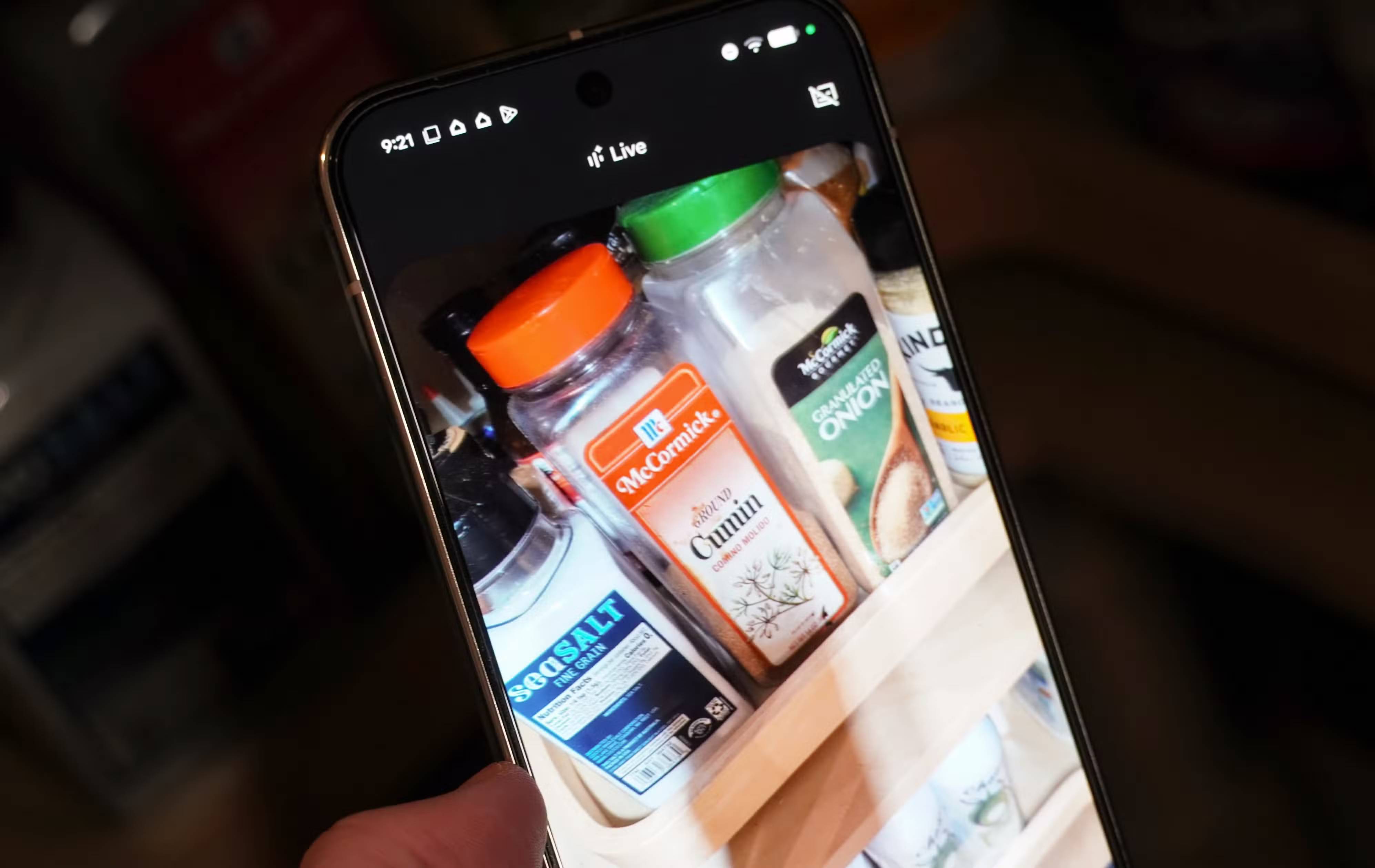

Gemini Live can make your life easier, but to get the most help, you need to think creatively. One way to use Gemini Live's video streaming capabilities to solve everyday problems is by tagging this virtual assistant as your personal meal planner. Turn on the camera, show Gemini Live what's in your pantry, and ask it for meal ideas for breakfast, lunch, or dinner. Like any other Gemini Live chat, the conversation is continuous, and you can walk around your kitchen, providing Gemini with the necessary data for it to suggest delicious meal options.
Identify technology devices and household appliances to troubleshoot
Forgot the name of your dishwasher? Gemini Live can help!
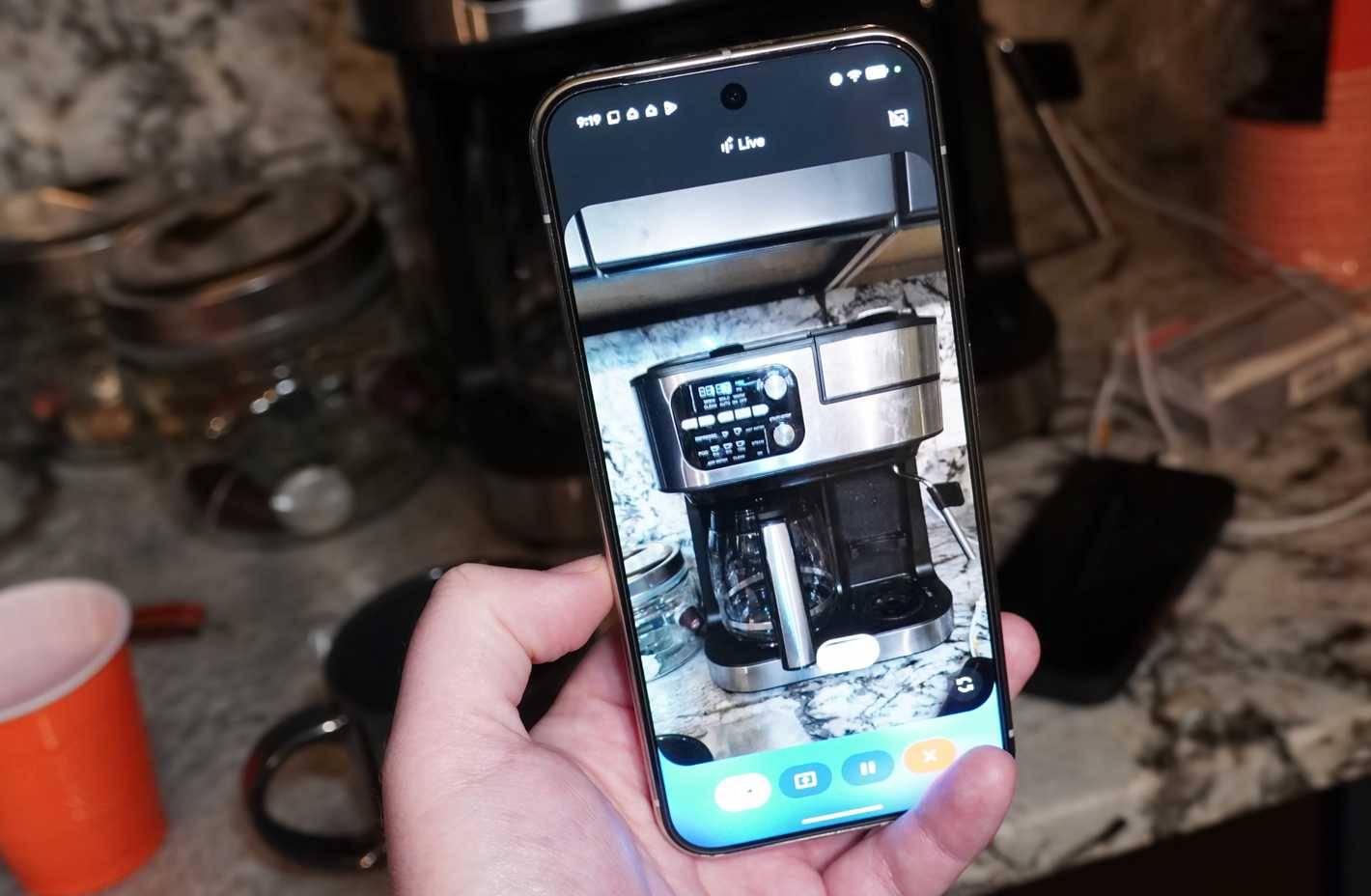
If there's one thing you learn as a tech enthusiast and reviewer, it's that you can't keep the box and instruction manual for everything. However, the worst-case scenario is that you've thrown away the packaging and instruction manual for a tech product or appliance and years later it malfunctions. Then you'll wonder what the device was called or how to troubleshoot it. This is especially difficult for devices that may have model numbers and other identifying information hidden away in cabinets or other fixtures.
By enabling a live video feed, Gemini Live can help identify device names, locate user manuals online, or guide you through basic troubleshooting steps. Many people frequently use Gemini Live to identify tech products when buying used items, and it also works well with devices or appliances you already own.
Get help assembling furniture and doing many other tasks
Practical tips based on what you're seeing
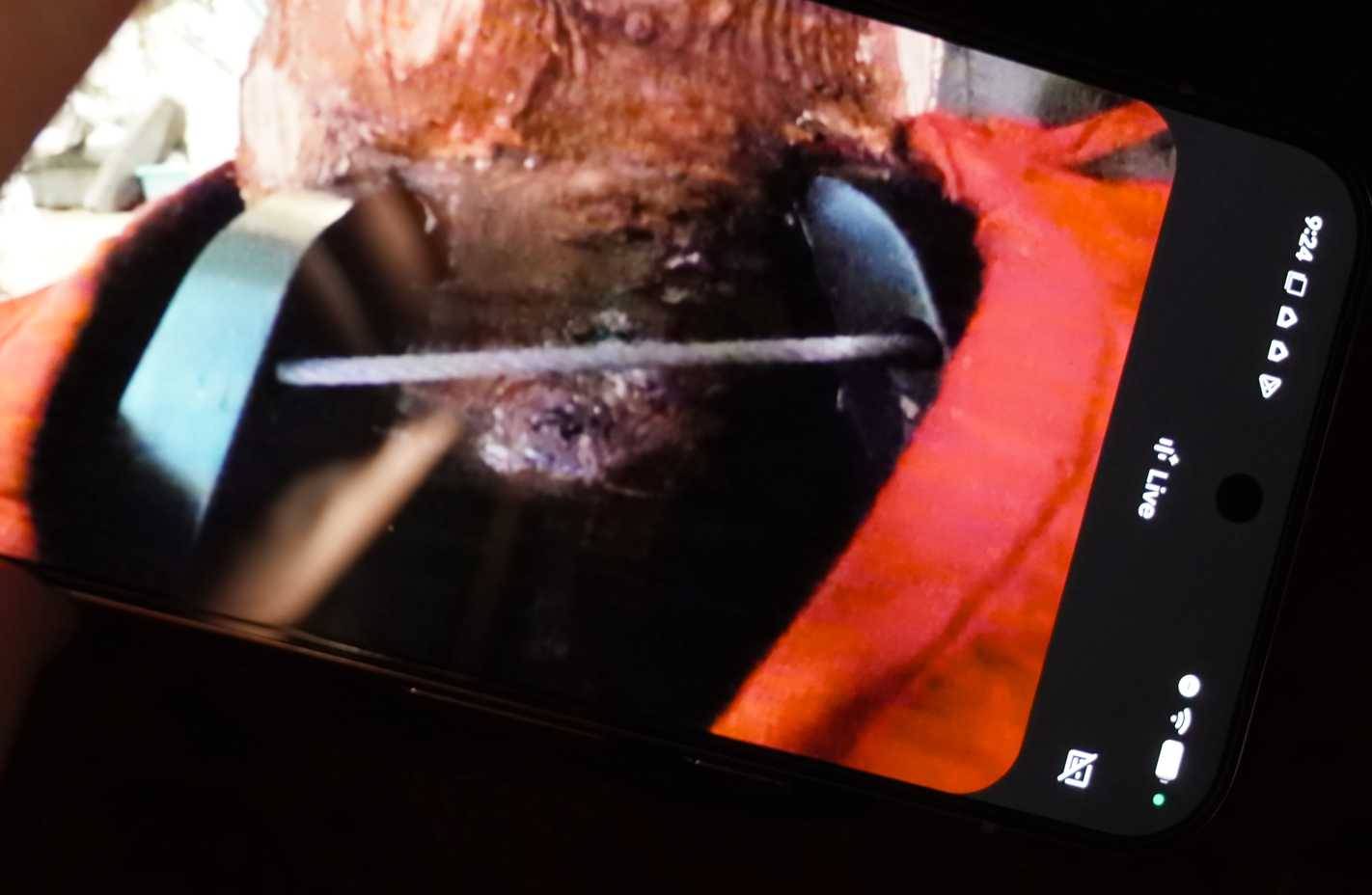
Even if you're fairly proficient with power tools and home projects, some DIY furniture assembly instructions can be incredibly complicated. Some steps are unclear at first glance, parts are poorly labeled, and there's always that screw that seems to disappear without a trace. Gemini Live's video streaming feature can help you overcome all these difficulties – simply point your phone's camera at the instruction manual, ask a voice question, and wait for the answer.
In the image above, the author is using Gemini Live to learn how to secure a Christmas tree to a stand using wire. It's the kind of thing you need to relearn every year, long after you've thrown the box and instruction manual in the trash.
Rearrange the drawers that hold miscellaneous items
Artificial intelligence can help you solve the mess
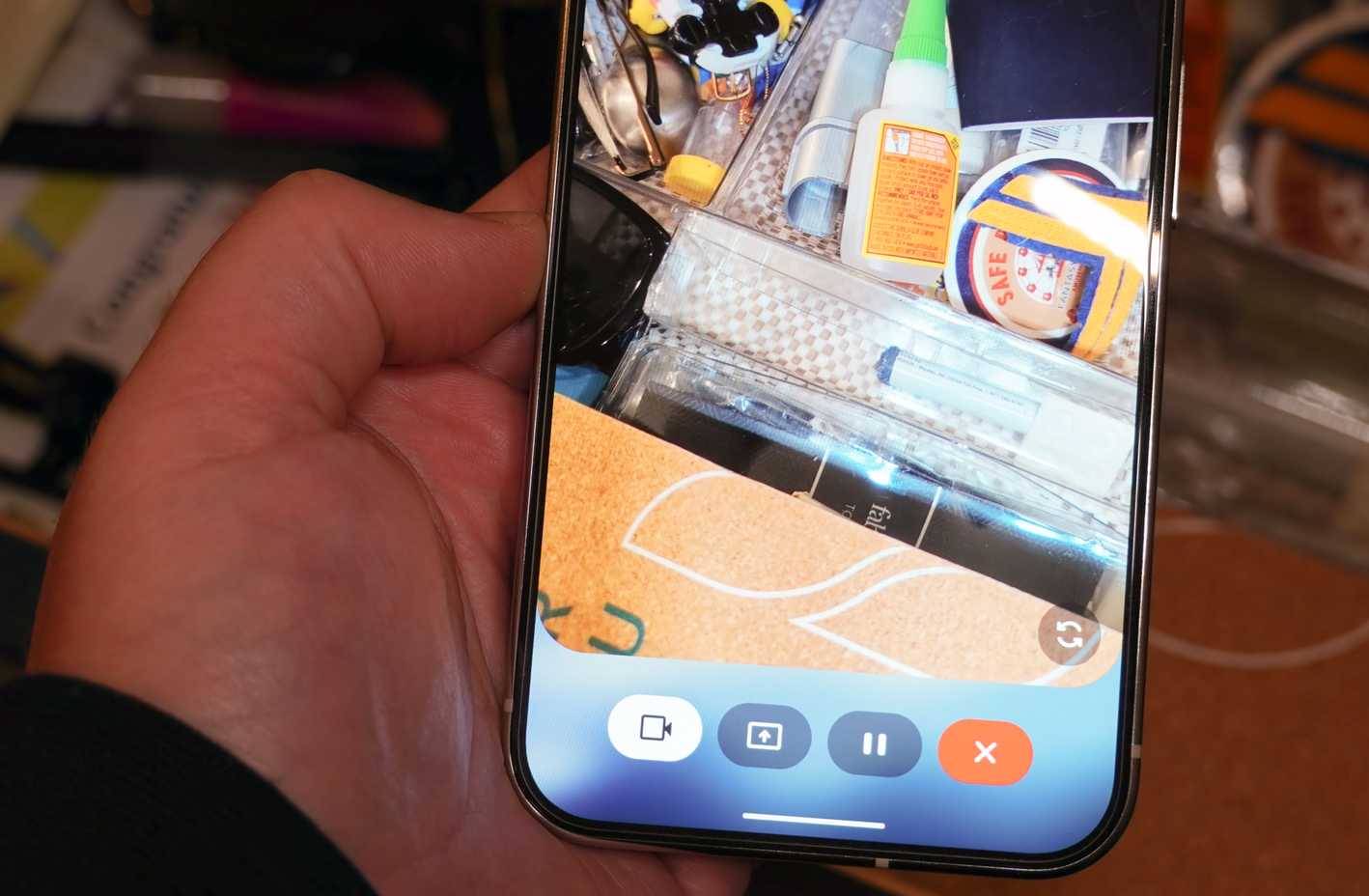
Most people probably have a drawer full of miscellaneous items that they never seem to clean out. Instead of stressing yourself out trying to find a neat place for every little thing in your clutter drawer, delegate the mental burden to Gemini Live. Let it help you reorganize the mess! It might ask you to take everything out of the drawer and suggest sorting things by category or type.
Finally, you can show Gemini Live the organization tools you have – for example, plastic bags or drawer organizers. Or ask Gemini Live what organization tools would be useful before heading to the stationery store to buy a few things.
Final Thoughts
Use this guide as a practical checklist for 4 practical ways to use gemini's camera mode around the house. Work through the steps in order, verify each result, and adjust the options to match your needs.
FAQ
What do you need before following this 4 Practical Ways to Use Gemini's Camera Mode Around the House guide?
Review the required tools, accounts, settings, or materials mentioned in the article. Explore 4 practical ways to use gemini's camera mode around the house.
What are the main steps for 4 practical ways to use gemini's camera mode around the house?
Follow the sections in order, especially Personalized meal planning, Show Gemini your refrigerator or pantry and get instant dinner ideas, Identify technology devices and household appliances to troubleshoot. Complete each step before continuing and verify the result as you go.
What should you do if the process does not work as expected?
Recheck the prerequisites, update the relevant app or service, review the settings, and repeat the step that caused the issue. Use any troubleshooting notes included in the guide.
Related Articles
 How to Set Up Security Cameras That Can Be Accessed Remotely7 minutes read
 How to Build a House in Minecraft: Practical Guide14 minutes read
 The Best Camera App for Android14 minutes read
 Top 6 Hidden Cameras to Protect Your House7 minutes read
 What to Do When the Indoor Wi-Fi Camera Is Defective and Hacked?10 minutes read
 Trick to Use Camera Application on Galaxy S86 minutes read
Reader Comments 0
Sign in with email or Google to join the discussion.