Table of Contents
This updated guide examines Facebook Stopped Automatic Face Recognition Because of a Lawsuit and organizes the essential facts, background, and practical takeaways in clear American English.
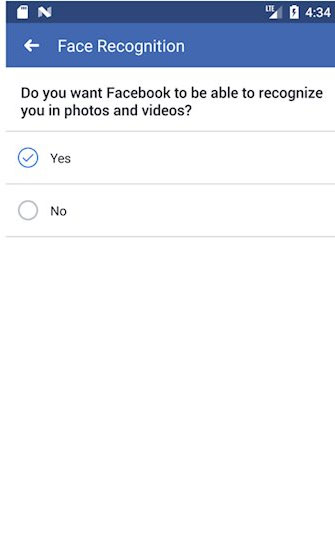
To check if your Facebook account has Face Recognition turned on or off, users can go to Settings -> select Privacy -> select Face Recognition.
Here, you will get the message "Do you want Facebook to be able to identify yourself in photos or videos?" with optional yes or no.
For new users, this option is disabled by default.
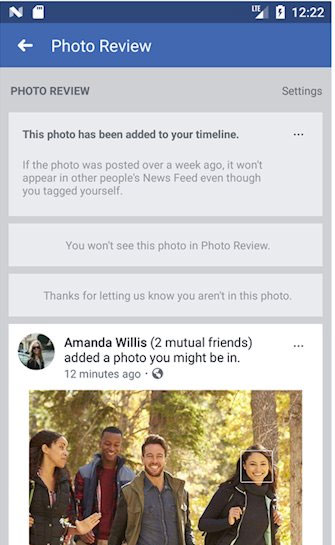
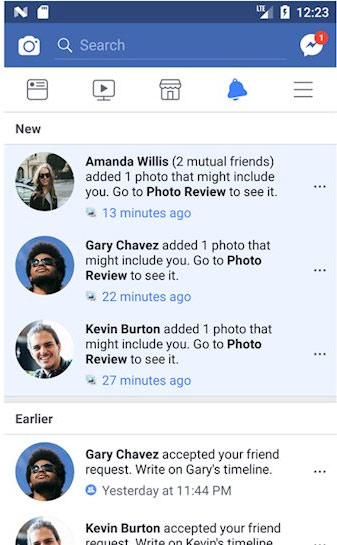
In the past, Face Detection was enabled by default for Facebook to find users in their photos and automatically tag them. Today, Facebook has turned this feature off and displays notifications in the News Feed. This means that Tag Suggestions - the feature that allows Facebook to automatically suggest tagging friends in photos when uploading - is no longer available and users have to manually tag each one.
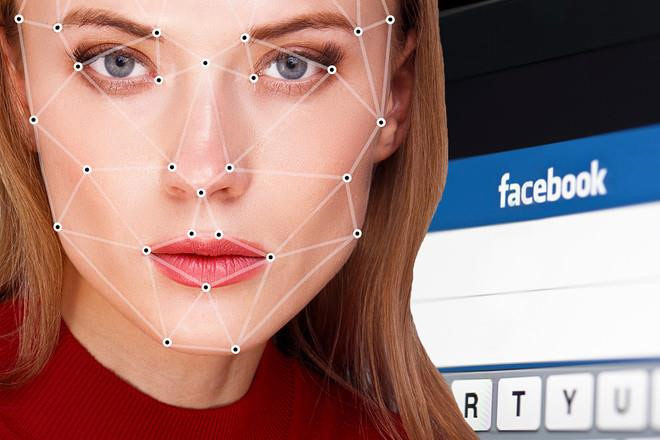
Facebook first introduced Face Recognition in December 2017. However, many people believe that this feature automatically collects biometric data without user permission. In August, Facebook was sued for violating the Biometric Information Privacy Act (BIPA) of Illinois (USA). If lost, the company will face a fine of billions of dollars.
- Phone numbers of 419 million Facebook accounts have just been leaked, 50 million accounts of users in Vietnam are affected
- Facebook wants to remove likes to make users less virtual?
FAQ
What is Facebook Stopped Automatic Face Recognition Because of a Lawsuit about?
It provides a structured overview of Face recognition feature on Facebook, explains the main context, and highlights practical takeaways for readers.
Why does this topic matter?
Understanding the main concepts helps readers evaluate the issue, avoid common mistakes, and make better-informed decisions.
How should readers use this information?
Use the guidance as a practical starting point, confirm details that may have changed, and follow current product, safety, or security recommendations.
Related Articles
 How to Turn Off Facebook Face Detection: Turn Off Face Recognition6 minutes read
 Facebook's 'Sadness' Recognition Ability3 minutes read
 It's Time to Face the 'Reverse Side' of Face Recognition2 minutes read
 New Feature of Facebook: Notify You of Photos That Have Your Face Even When You Are Not Tagged3 minutes read
 New Face Recognition Technology Can Identify Objects up to 1,0004 minutes read
 Programming a Face Detection Tool in Python13 minutes read
Reader Comments 0
Sign in with email or Google to join the discussion.