Table of Contents
Download the paid Geometry Dash from its official Google Play, App Store, or Steam listing. If you want to try the controls without buying the full version, look for Geometry Dash Lite by RobTop Games. The official listings below are a better starting point than a third-party APK or a console listing with a similar name.
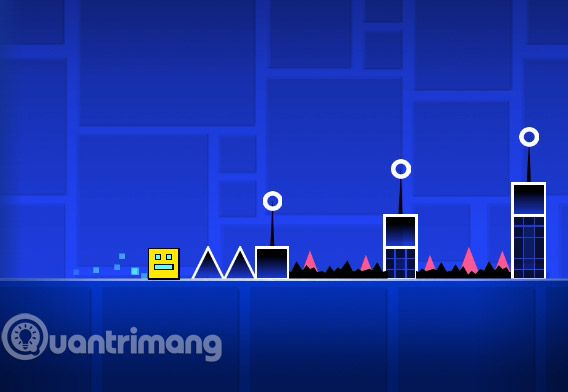
Where to get the official game
| Device | Where to get it | What to check |
|---|---|---|
| Android | Full game on Google Play or Geometry Dash Lite | Confirm RobTop Games is the developer. |
| iPhone or iPad | Geometry Dash on the App Store | Search for Geometry Dash Lite by the same developer if you want the free edition. |
| Windows or macOS | Geometry Dash on Steam | Check the current requirements for your operating system and hardware. |
RobTop’s listings above cover mobile and Steam. They do not show a native Nintendo Switch, PlayStation, or Xbox release. For a Windows PC, Steam gives you a desktop version without needing an Android emulator. See this guide to desktop games and Android emulation if you’re comparing how the two routes work.
Geometry Dash Lite vs. the full game
Lite gives you a selection of levels to try the rhythm-based platforming. The full game adds more official content and the level editor for creating and sharing stages. Geometry Dash Meltdown, World, and SubZero are separate games. Check the title carefully if you want the main game and its editor.
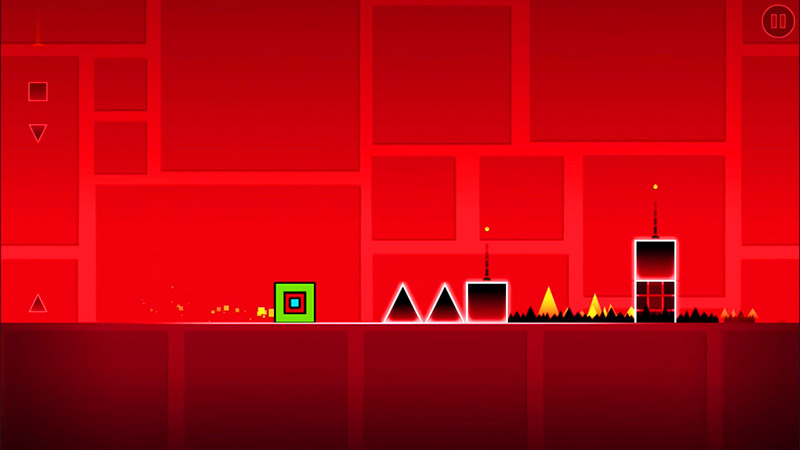
Use Practice Mode to learn a level
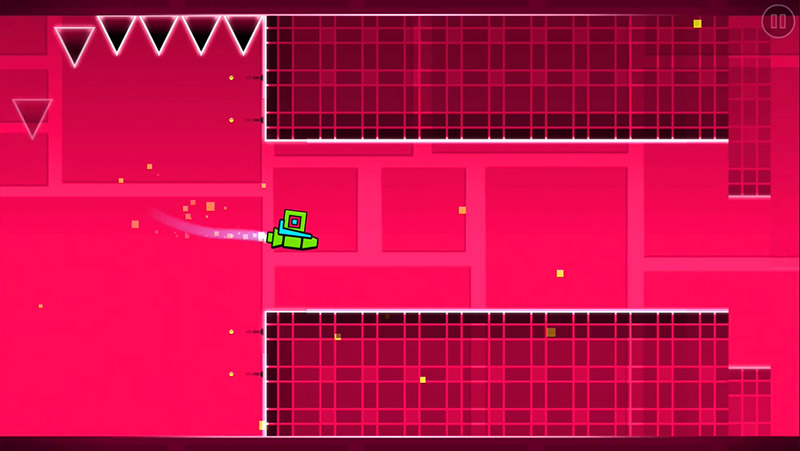
Tap or click to control your icon. Depending on its form, pressing and holding may make it fly or move differently. Use the music for timing cues and watch the path ahead for changes in movement. If you keep missing the same obstacle, switch to Practice Mode and use checkpoints to repeat that section. Finish the level in its normal mode when you’re ready to attempt a clear.
Related Articles
 Guide to drawing spatial geometry using Google AI Studio
 Windows 11 adds new keyboard shortcuts to help type special characters faster
 Can Extra-Dimensional Geometry Explain Particle Mass? A Theoretical Proposal
 How to type long dash (em dash) on Windows or Mac
 How to install and use the Cabri II Plus Math drawing software
 How to Mine DASH Coin?
Reader Comments 0
Sign in with email or Google to join the discussion.