Table of Contents
Although there are many Hi-Res quality streaming services, listening to Hi-Res music is not as simple as you think.
To listen to your favorite music in the best possible sound quality, you have to stream it in Hi-Res format. Hi-Res audio aims to minimize distortion and reproduce the recording as close as possible to the original.
Streaming services understand this; that's why there are a number of Hi-Res music streaming apps that offer their music catalogs in high-fidelity, or Hi-Fi, audio formats. However, despite the abundance of Hi-Res streaming services, listening to Hi-Res music isn't as straightforward as you might think. You might think you're listening to Hi-Res audio, but your current setup might be working against you.
Mistakes that ruin Hi-Res audio
Don't do this if you want the best sound possible
Unlike other lower-quality audio settings, you can't just switch the playback quality to Hi-Res, Lossless, or whatever format your streaming service calls it, and expect the sound you hear to be the same. Listening to hi-res music requires careful planning, and as you'll see, most of our modern listening habits are optimized for convenience, not sound quality. Here are three key mistakes you can make that are keeping you from enjoying hi-res music to its fullest:
1. Listen to music wirelessly via Bluetooth headset or headphones
Despite what you may have heard, Bluetooth doesn't provide enough bandwidth to transmit hi-res audio. Most people stream music over Bluetooth, but few realize that popular codecs like SBC and AAC compress the audio before it reaches your ears. So if you play music in a lossless format like FLAC or ALAC on your Android or iOS device, the codec won't transmit the full data as it was originally intended.
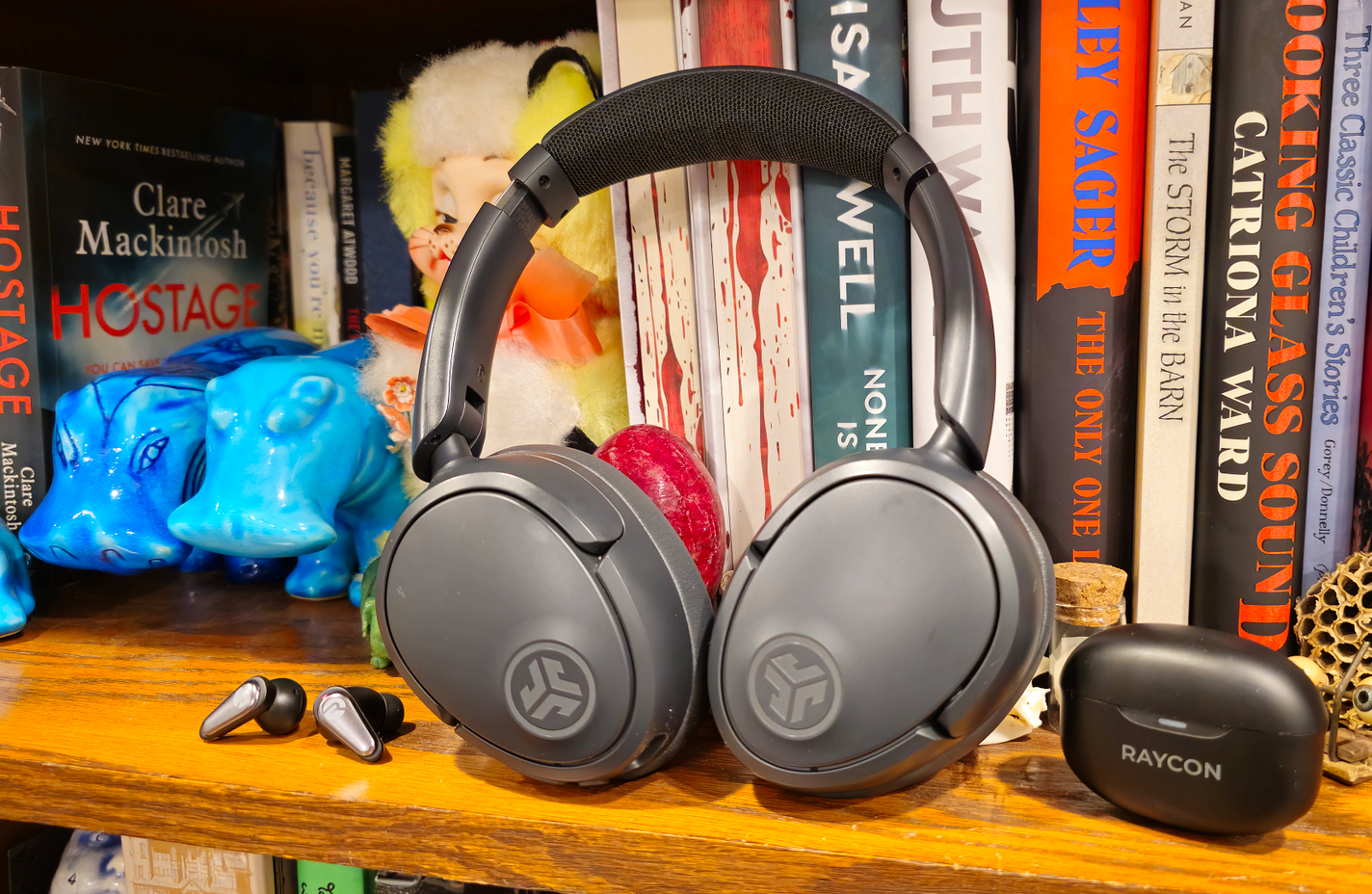
Some of that data is dropped to maintain stability because Bluetooth doesn't provide enough bandwidth or a reliable connection to transmit lossless audio.
2. Using low quality output devices
The connection isn't the only obstacle if you want to listen to hi-res music. Your output device also needs to be up to the task of playing hi-res audio. If you're listening to hi-res music on cheap speakers or regular laptop speakers, you won't get the benefit of hi-res audio. It's like watching 4K video on a 1990s TV. It just isn't possible. Just like watching 4K video, you need the right equipment to do it.
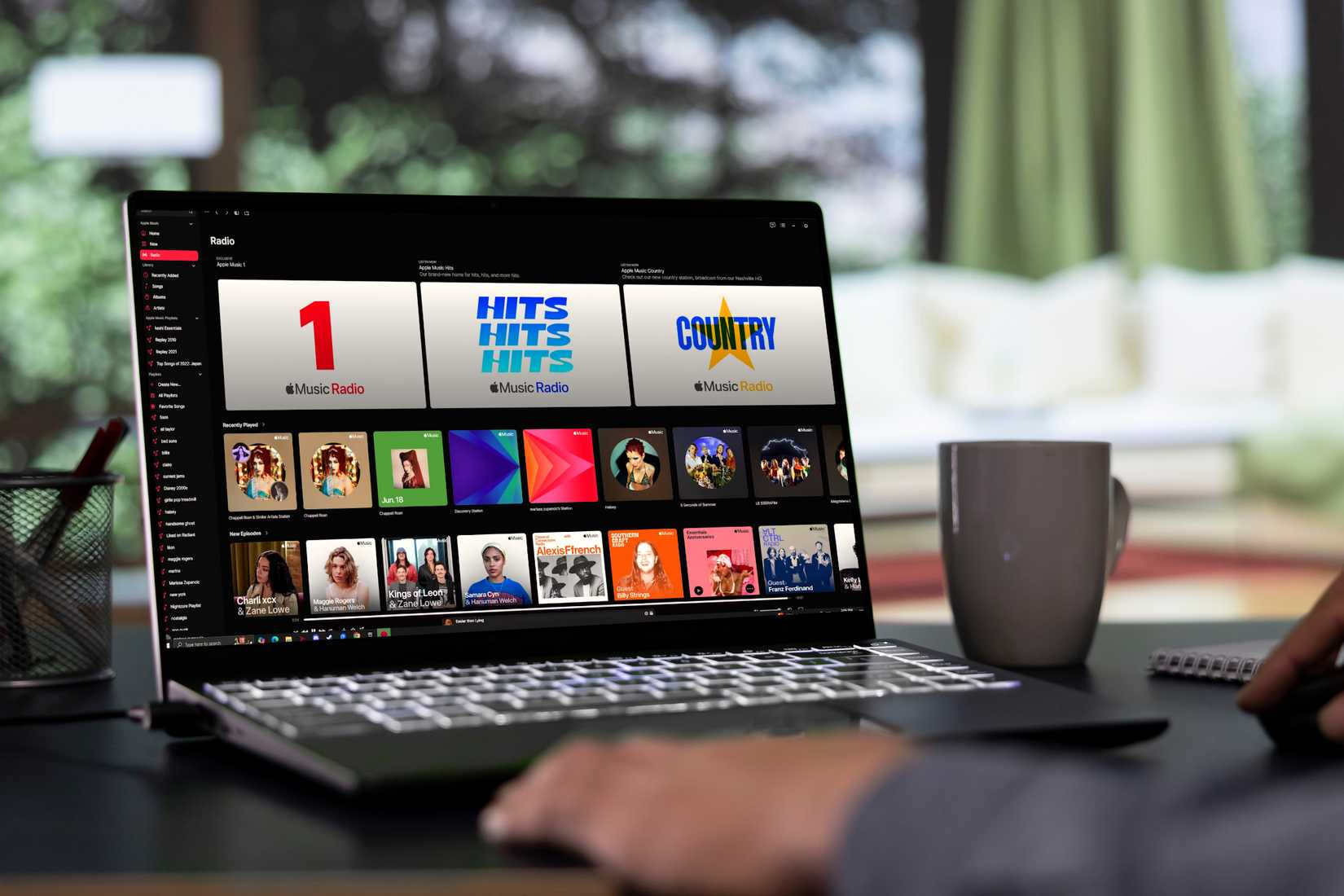
Almost every device that can play audio has a built-in Digital-to-Analog Converter (DAC). Unfortunately, most DACs found in everyday devices like smartphones, laptops, or desktops are pretty basic and can't handle hi-res audio.
3. Do not use a high quality DAC or audio interface
One important component you might not think about when playing hi-res music is the DAC, or in some devices, the audio interface. If you're streaming hi-fi music but still routing the audio through a cheap onboard audio chip, you're missing out on an important feature. As mentioned, every digital device has a built-in DAC, which converts digital audio data into an analog signal for your speakers to play.
The problem with these integrated converters is that most are usually designed for convenience, not to achieve high fidelity sound.
How to truly enjoy hi-res audio quality
Stream hi-res music like you've always wanted
So how do you listen to hi-res music? That's not the only problem You should solve, as hi-res audio is only as good as the weakest link in your setup. So there are a few steps you can take to enjoy your music in the best possible sound quality:
1. Use a wired connection
Bluetooth is getting better, with newer codecs offering better connections for higher-quality audio. However, since Bluetooth doesn't have enough bandwidth or a stable enough connection to handle the demands of hi-res audio without distortion (for now), avoid it like the plague.
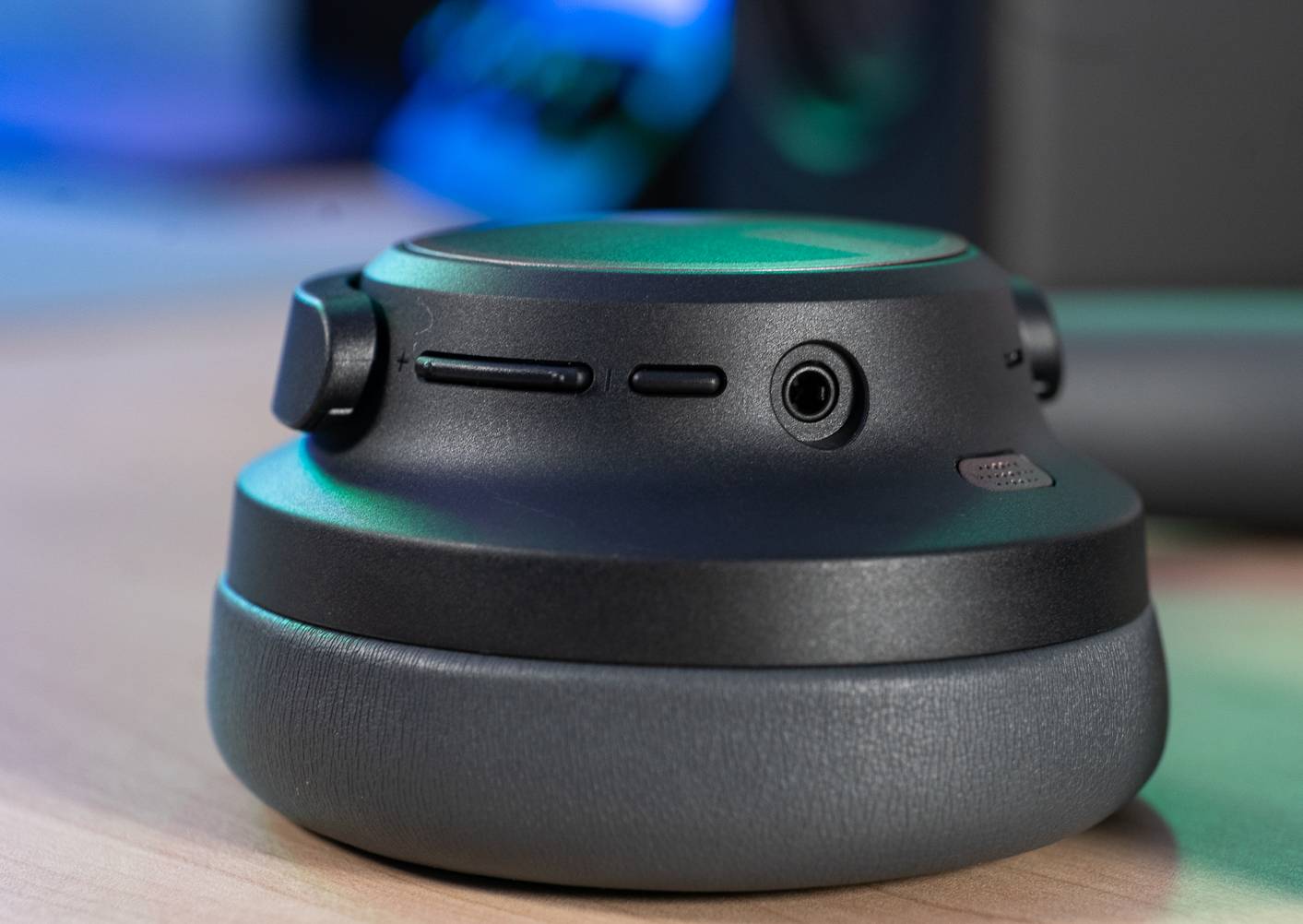
Currently, the most reliable option is to transmit the signal via a wired connection. This is one of the most cost-effective ways to improve sound quality.
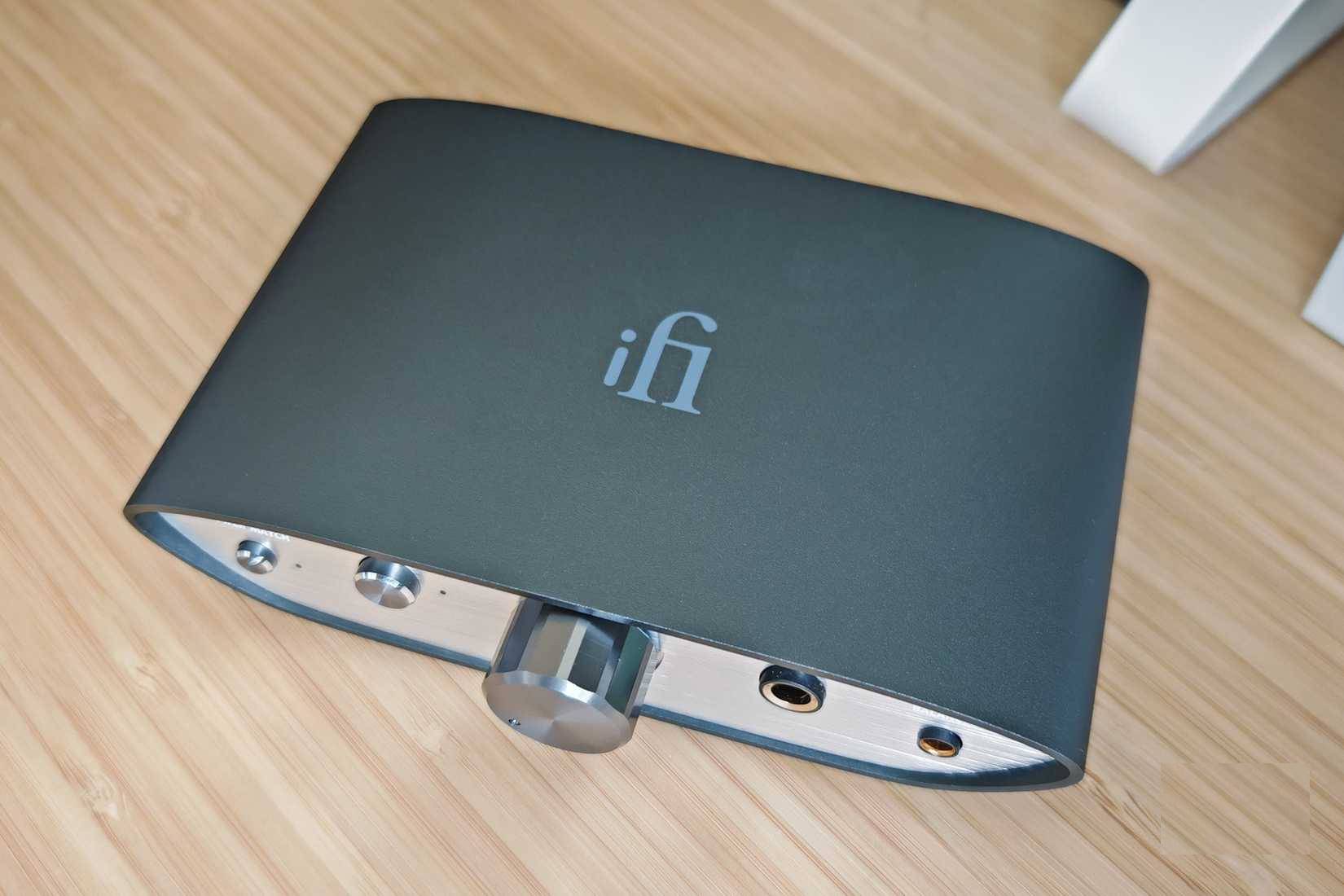
2. Use a quality DAC or audio interface
The next step is to buy a quality external DAC or audio interface, as built-in options are often quite basic and prone to distortion. If you need the best sound quality, there's no other way - you should buy an external DAC or interface.
3. Own a quality audio output device
The final aspect You should prepare for hi-res audio is the audio output device. This is where everything comes together perfectly. Regular speakers or headphones will not do the trick because they often distort the sound. The reason why some headphones and speakers are so expensive is because they deliver the best sound quality. So, even with a good DAC, you still need a pair of headphones or speakers that are designed to reproduce sound accurately, not the fake bass or treble that is so common in the market.
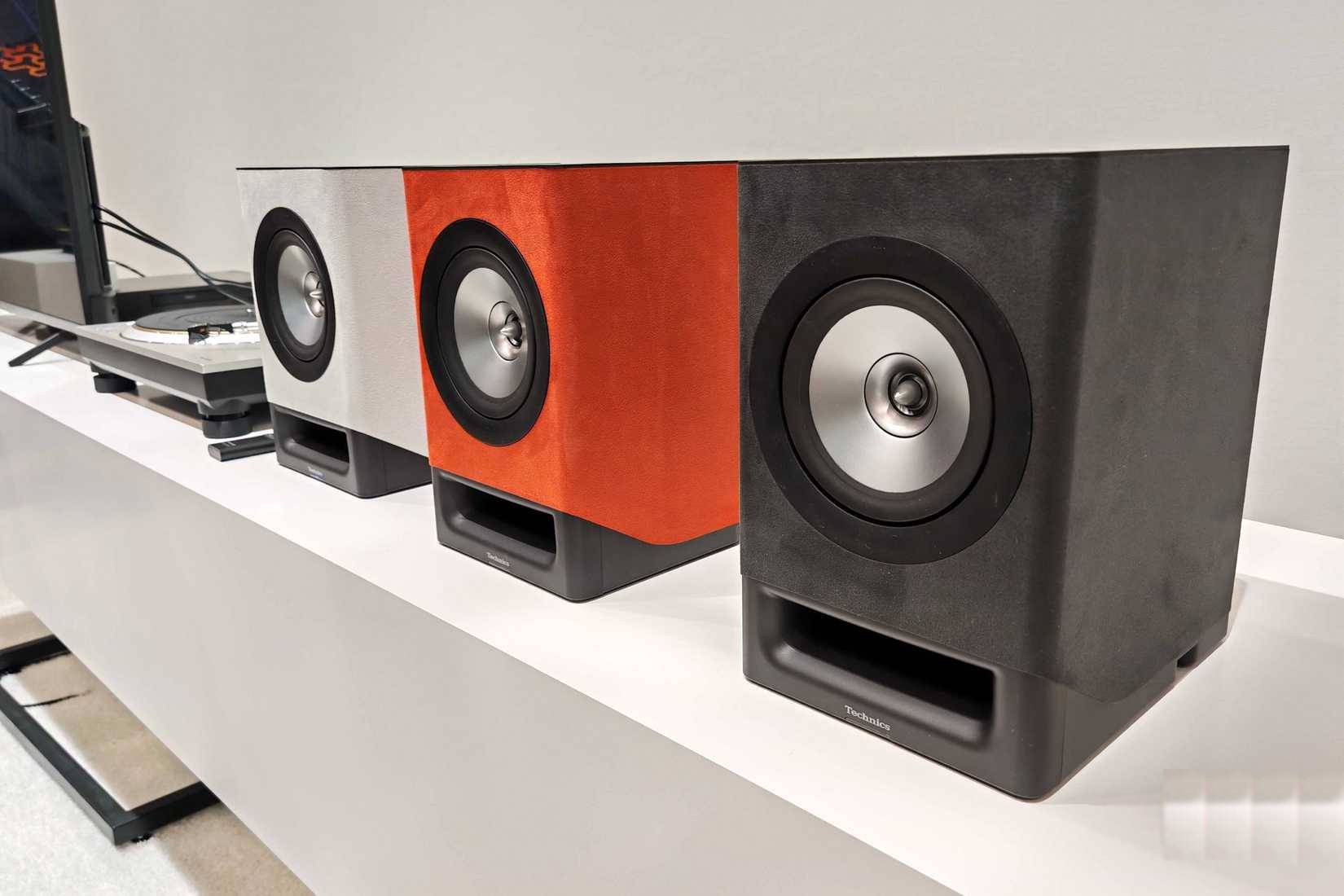
Get quality wired headphones like the Sennheiser HD 800 S, Sennheiser HD 560S, or HiFiMan Edition XS. For listening to music with friends, get quality speakers like the Polk Signature Elite ES20 or the Klipsch RP-600M.
FAQ
What should you know about common mistakes when streaming hi-fi audio?
In practical terms, although there are many Hi-Res quality streaming services, listening to Hi-Res music is not as simple as you think.
Why does common mistakes when streaming hi-fi audio matter?
The article highlights that mistakes that ruin Hi-Res audio Don't do this if you want the best sound possible Unlike other lower-quality audio settings, you can't just switch the playback quality to Hi-Res, Lossless, or whatever format your.
What is the main takeaway?
The main takeaway is that if you're streaming hi-fi music but still routing the audio through a cheap onboard audio chip, you're missing out on an important feature.
Related Articles
 10 Common Mistakes When Shopping Make You Spend More Money6 minutes read
 9 Common Mistakes About Technology Need to Stop Immediately9 minutes read
 Top 5 Most Common Errors When We Learn a New Skill8 minutes read
 12 Common Mistakes When Cooking That You Should Avoid7 minutes read
 9 Common Mistakes When Using Washing Machines and How to Fix Them7 minutes read
 15 Mistakes That Trainees Often Make13 minutes read
Reader Comments 0
Sign in with email or Google to join the discussion.