Table of Contents
BIDV SmartBanking is BIDV’s digital banking service for individual customers. It combines account management, transfers, bill payments, savings, and other services. The updated experience promoted as SmartBanking X adds personalized suggestions, AI-assisted support, and an automatic savings feature.
Features, eligibility, transaction limits, and fees depend on the service and customer’s circumstances. Check the bank’s current terms before registering or enabling a financial product.
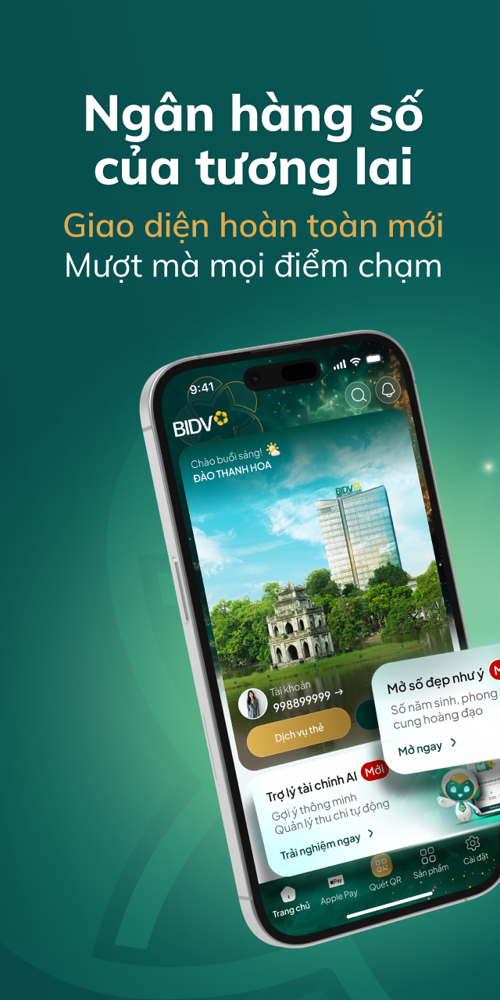
Everyday banking and AI assistance
BIDV describes SmartBanking as supporting transactions across phones and other compatible channels, with an interface that can be personalized. Available functions include bill payments, card services, and selected shopping and booking services.
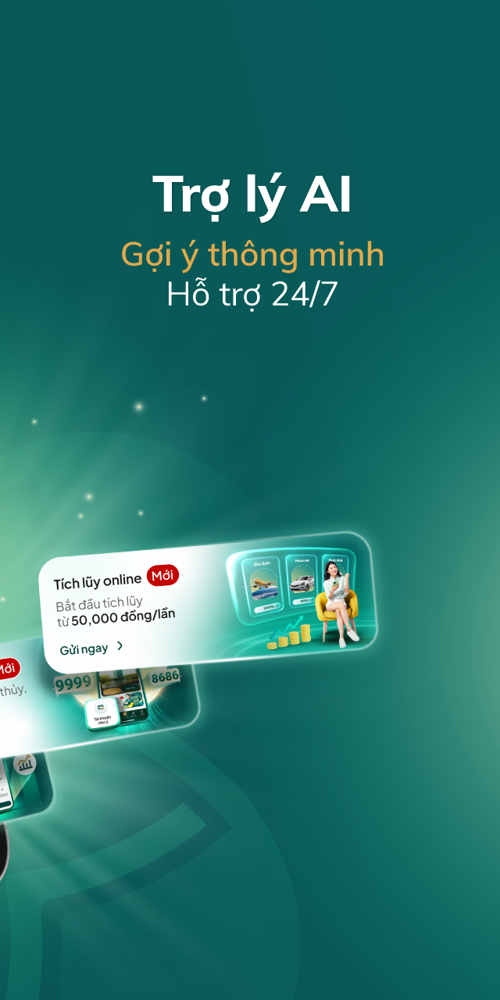
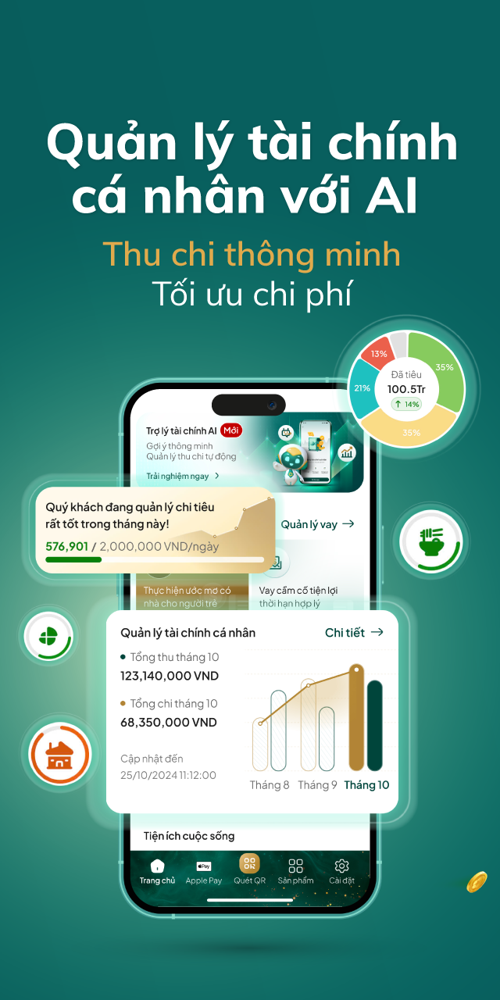
The bank says its AI tools analyze spending and suggest relevant features or offers, while a chatbot provides support. These suggestions should be treated as product information, rather than a guarantee that a service is suitable or produces the best financial outcome.
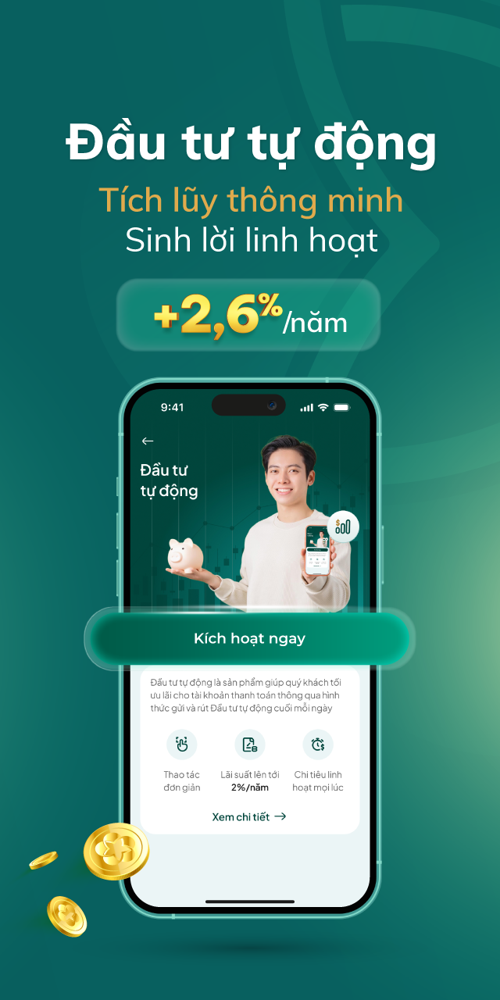
How “automatic investment” works
Although BIDV calls the feature Đầu tư tự động (“automatic investment”), its product description explains an automatic deposit-and-withdrawal mechanism for money in a payment account.
- At the end of the day, eligible funds above a configured threshold are moved into automatic savings.
- If the payment-account balance falls below that threshold, the system can withdraw savings to restore it.
- The published terms distinguish interest earned when a deposit is held for the full term from the lower rate applied to early withdrawals.
- The bank also specifies a late-evening spending restriction: from 22:00 to 23:59, the automatic savings balance is excluded from the funds available for spending.
Read the current threshold, deposit increments, interest terms, and access restrictions before activating it. A headline interest rate is not necessarily the rate earned on every balance for every period.
Check fees by service
BIDV advertises fee exemptions for several basic SmartBanking services. This should not be read as a promise that every account, card, transfer method, or partner service is free.
Use the bank’s current fee schedules and transaction limits and review any charges shown before confirming a transaction. Distinguish app notifications from separate messaging services and basic banking from optional products.
Registration and authentication
Start from BIDV’s official SmartBanking page to reach the correct app and registration guidance. Online registration depends on eligibility and identity verification; a BIDV branch can help when the online route is unavailable or additional checks are required.
Follow the app’s current instructions for identity checks, biometrics, and Smart OTP. BIDV’s Smart OTP guidance notes that the OTP PIN differs from the login password and that changing phones or reinstalling the app requires reactivation.
Use the service safely
- Never share your password, OTP, or Smart OTP PIN.
- Check the recipient and transaction details before authentication.
- Install the app through official bank links and supported stores.
- If a caller claims your account is locked, contact BIDV through a verified channel instead of installing software they send.
TipsMake’s explanations of common online banking attacks and fake bank-support app scams provide examples of the threats to watch for. Authentication and fraud alerts reduce risk; they do not make every transaction automatically safe.
Related Articles
 How to check the account balance of BIDV fastest
 How to use QR Pay on BIDV Smart Banking application
 4 ways to check BIDV transaction history on mobile phones and computers
 Can Pokemon Go be played on a computer? The answer is yes!
 Summary - How to play Pokemon GO, virtual reality game catch Pokemon on smartphone
 Poké Ball Types Explained: Generations III–V (Part 2)
Reader Comments 0
Sign in with email or Google to join the discussion.