Table of Contents
5 Ways to 'Revive' Old Laptops brings together practical options worth considering. Below, you'll find clear explanations, useful context, and tips for deciding which choices best match your needs.
Key Takeaways
- Review dedicated linux PC.
- Explore build network-connected storage.
- Understand host plex server.
5. Dedicated Linux PC
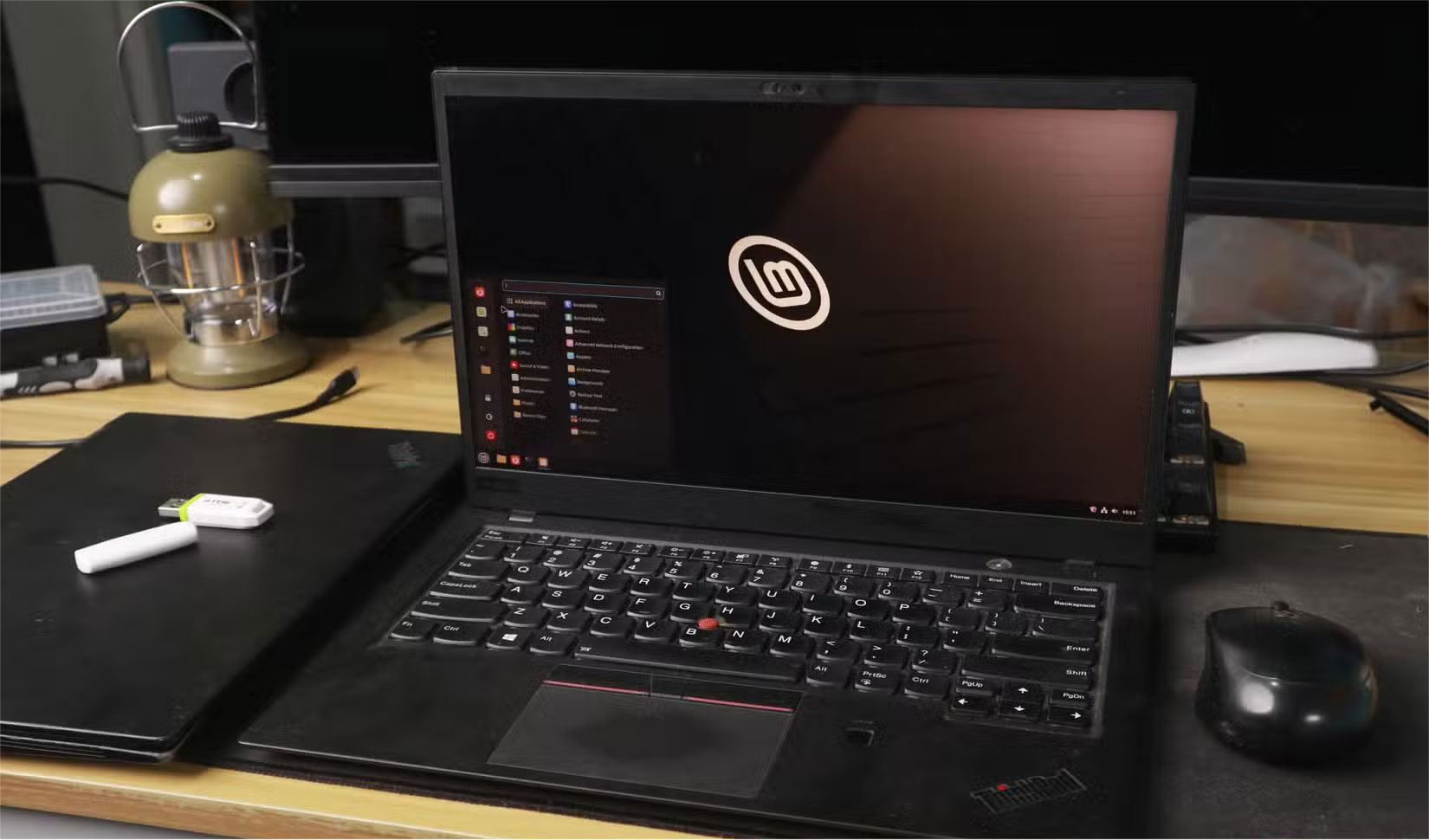
Switch to Linux to give it a new lease of life when an old laptop becomes too slow to run Windows. Linux distributions often have nice, user-friendly interfaces. Even on a 10-year-old machine, Ubuntu still runs well. Linux drivers work most of the time, and you don't have to use the terminal if you don't want to.
You will see an immediate increase in performance after installing Linux. Your newly refurbished machine can now serve as a secondary computer for tasks such as coding, web browsing, and online learning. In addition to the usual things you do with a PC, a Linux machine can also become an effective learning tool to learn terminal operations, file management systems, permissions, and general system administration by using the device almost every day.
4. Build Network-connected Storage
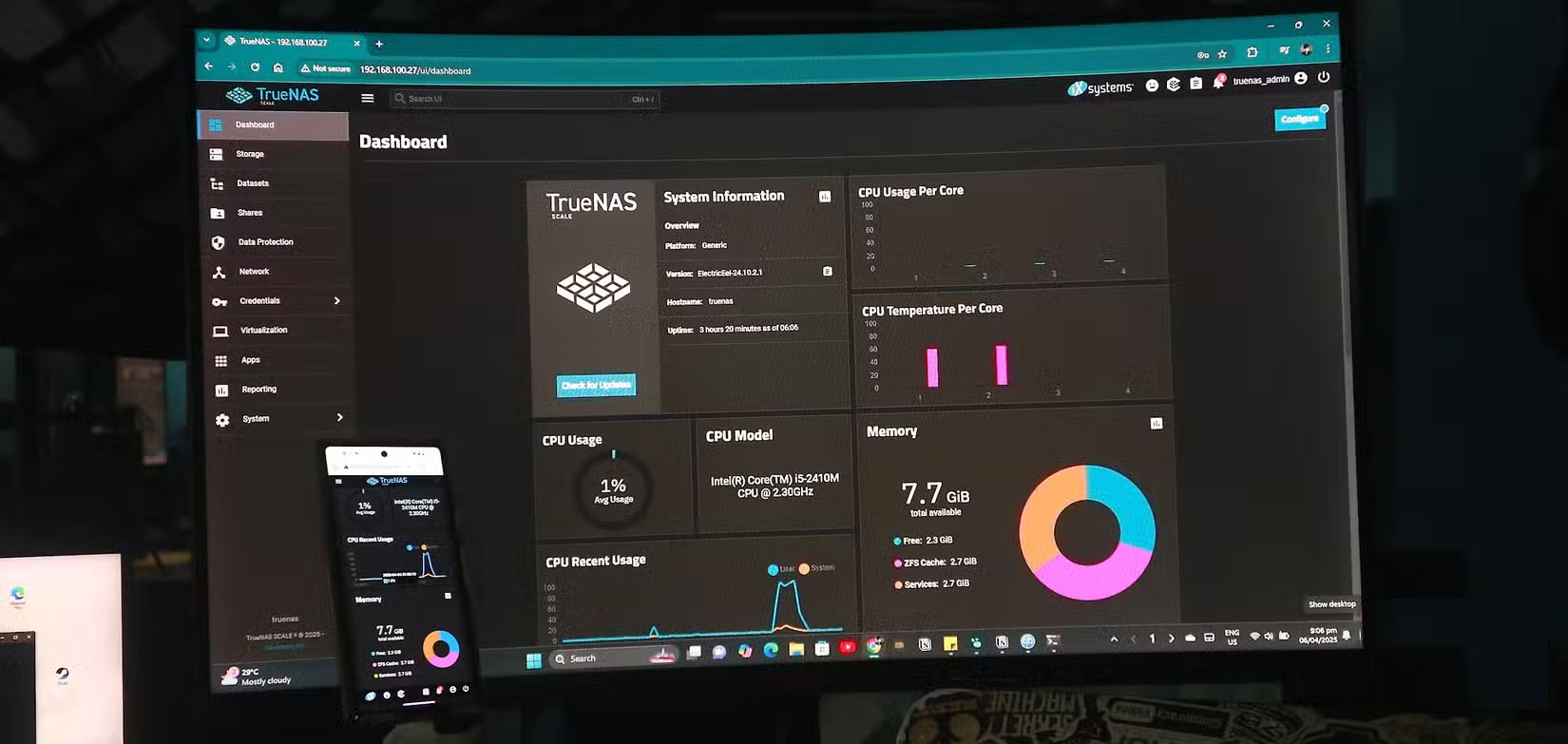
Repurposing an unused laptop into a personal NAS (network-attached storage) is both a fun and practical way to repurpose an old device. The great thing about a laptop NAS is that you already have most of the necessary components: a powerful processor, onboard memory, and networking capabilities. Plus, using a laptop also gives you a built-in battery backup and a compact design, perfect for tight spaces or power outages.
With a temporary NAS, you can now skip the Google One storage subscription and go with a personal cloud. It saves money and gives you more control over your personal privacy and security, since everything is stored locally and encrypted.
3. Host Plex Server
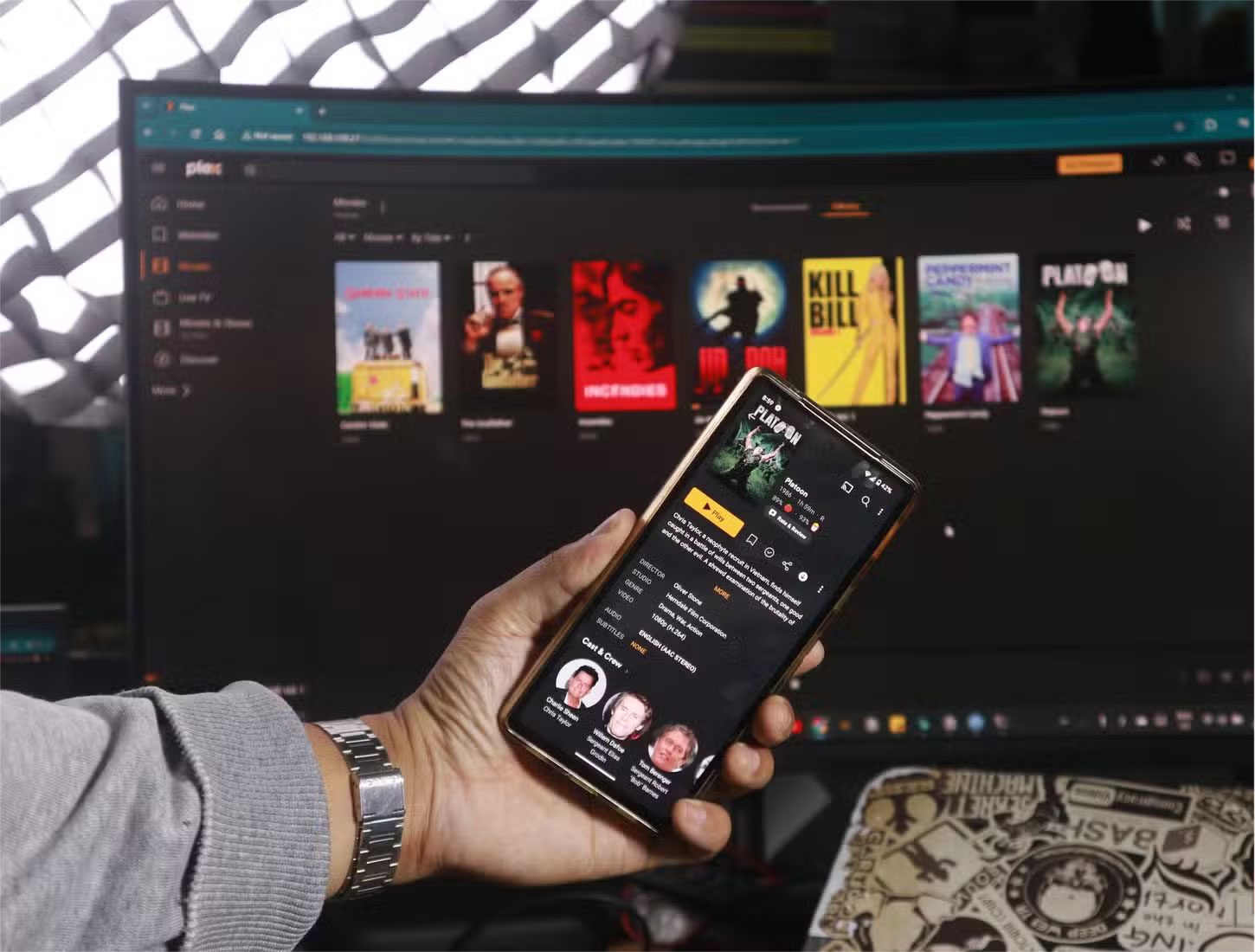
You can install Plex Media Server on the same operating system if you've already configured your old laptop as a NAS! This allows you to load a collection of movies, TV shows, and music into a streamlined, customizable library that looks and feels just like Netflix. So not only do you have free personal cloud storage, but you can also host your own movie streaming platform to share with your entire family and friends.
There are a few ways you can install Plex on an old laptop, such as installing it on Windows or Linux. There are also alternative self-hosted streaming platforms if you don't like Plex. One notable option is Jellyfin. Like Plex, Jellyfin allows you to host your own movie streaming space. It's not as restrictive while it's not as convenient or attractive as Plex. Plus, Jellyfin is open source, so people will always find a way to fork it, ensuring that it stays free.
2. Extract Media from CD

Once you've hosted your own Plex server, you'll need to add movies and other media to it to enjoy using the platform. A popular way to source content for Plex is to rip CDs and DVDs using an inexpensive CD ripping tool.
In addition to old laptops, the contents of our CDs and DVDs also deserve a second chance. After all, these media contents are one of the few things we actually own in today's subscription-based economy. So preserve your music, movies, and shows by digitizing them whenever possible. And if you've also turned one of your old laptops into a NAS, you can store them there!
1. Home Assistant Server
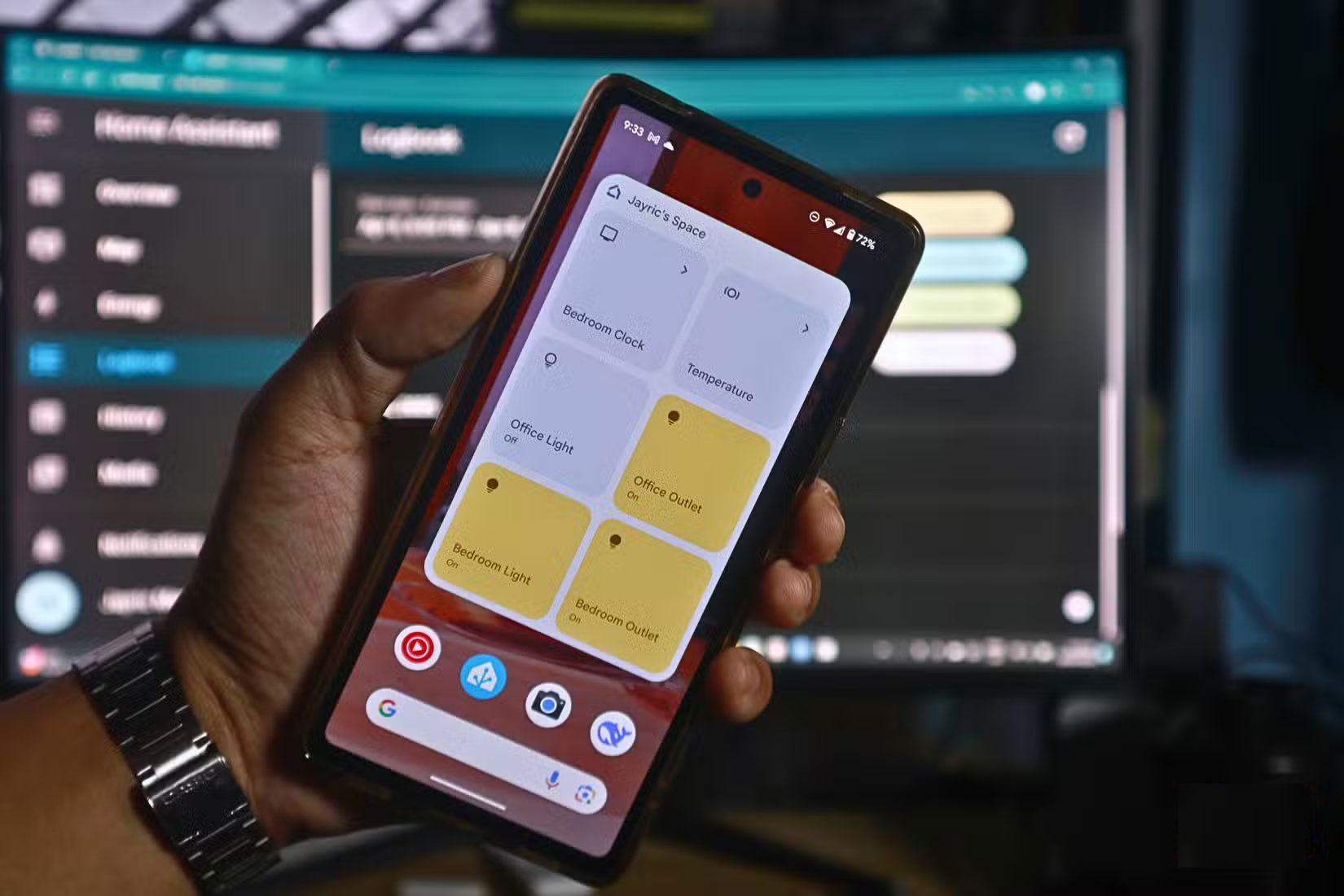
Turning an old laptop into a smart home server creates a hub for managing smart devices, giving you unlimited access to your IoT setup without paying for a premium subscription. By hosting your own IoT server, you can control and automate routines on smart lights, power outlets, digital clocks, speakers, and more. You can even integrate external services like weather APIs and calendar events, allowing for more dynamic automation, ensuring your home adapts in real time to changing conditions.
A popular open source solution for smart home servers is Home Assistant. The platform can be hosted in a variety of ways – by installing it as an app on Windows, using the standalone Home Assistant OS, or running it through TrueNAS Scale. The latter is easy to set up and offers flexible options for installing a variety of other applications.
Final Thoughts
The most reliable way to handle ways to 'revive' old laptops is to follow the process in order, verify each important setting, and test the result before moving on. Use the guidance above as a practical reference, then adjust the details for your device, software version, or specific goal.
FAQ
What should I know first about Ways to 'Revive' Old Laptops?
Reusing an old laptop not only reduces e-waste, it opens up a world of practical applications.
How do I get the best results with Ways to 'Revive' Old Laptops?
Use current software or equipment, follow the steps in order, review the recommended settings, and test one change at a time so you can identify what improves the result.
What should I do if Ways to 'Revive' Old Laptops doesn't work as expected?
Check compatibility, permissions, connectivity, and version-specific settings. Restart the relevant device or app, then repeat the process carefully before trying a more advanced fix.
Related Articles
 How Does India Bring the Dead Dead to Life Next Month3 minutes read
 4 Ways to 'Revive' Windows XP on Windows 103 minutes read
 How to Revive an Old Gaming PC with Atlasos8 minutes read
 Taking Advantage of the Punched Selfie Camera, Samsung Will3 minutes read
 6 Ways to Improve Battery Life for Windows Laptops7 minutes read
 Import Instructions and the Latest Revive Witch Codes4 minutes read
Reader Comments 0
Sign in with email or Google to join the discussion.