Table of Contents
Windows has built-in computer security system but if you do not understand basic security and click on links, install malware, it will bring higher risk to your computer.
Windows has built-in computer security systems, but if you do not understand basic security issues and click on links and install malware, it will bring higher risks to your computer. Below are 5 security misconceptions You should avoid to limit cases that affect your computer.
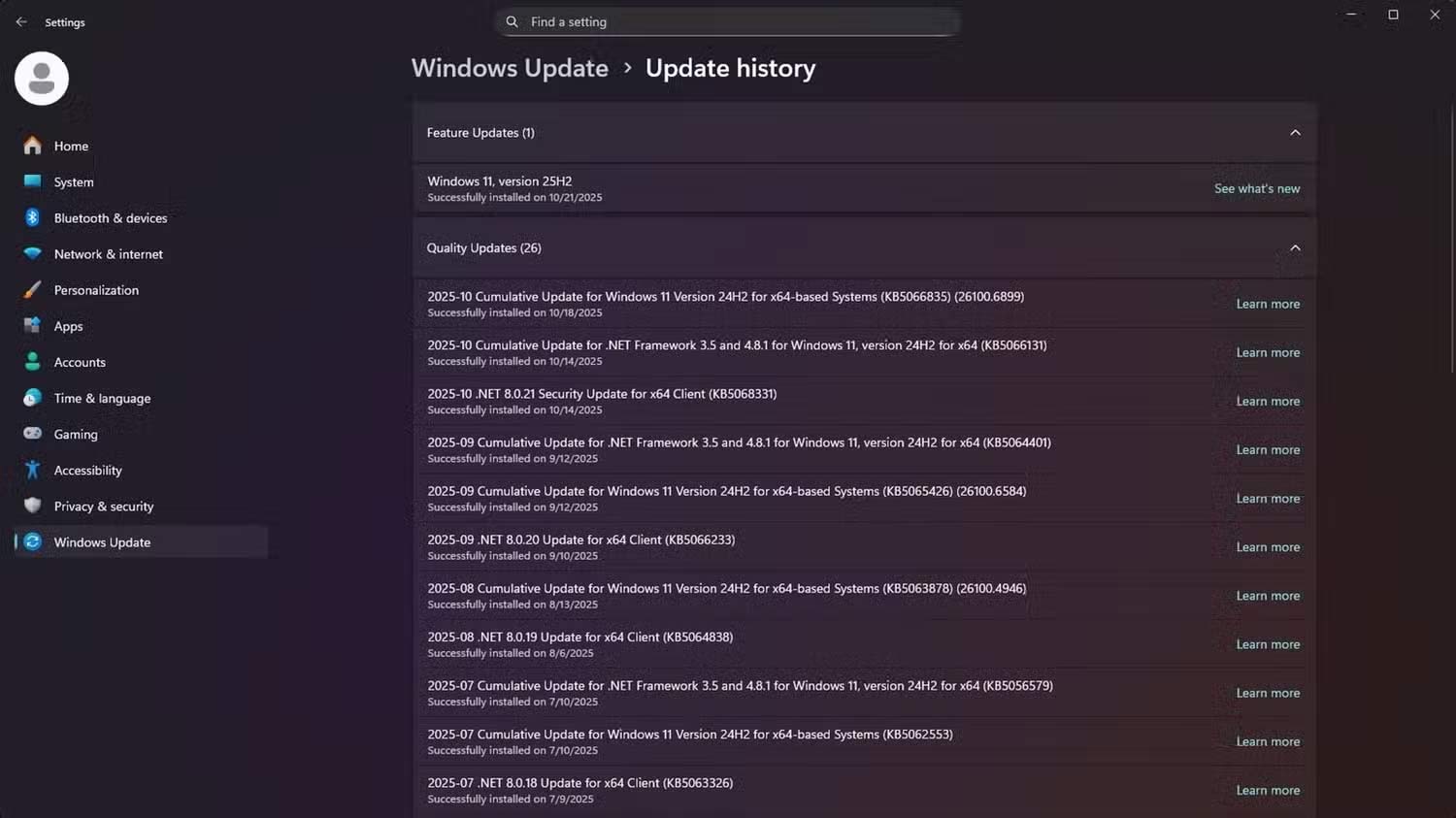
No need to update old Windows versions if you are careful
Reality : Continuing to use an unpatched operating system leaves your computer vulnerable to Zero-day attacks.
People often believe that older Windows is safe as long as they browse the web safely and avoid downloading suspicious files. However, computers stop receiving important security patches when support ends. In practice, new vulnerabilities will slip through, and computers can be at risk without even opening an infected attachment.
Attacks often target unpatched vulnerabilities, and they may not even require user interaction.
Only ".exe" files are dangerous
Reality : Malware hidden inside documents, scripts and compressed files
Malware can hide in exe files, but it would be a mistake and dangerous to assume that's the only way it can spread. Attacks these days can appear inside seemingly normal documents. These include Microsoft Office files, PDFs, and spreadsheets that have embedded scripts or macros that run malicious code as soon as you open them.
Compressed files can also be used to carry malware. And the hidden malware will be executed after unzipping. These types of malware can be disguised as files with double extensions e.g. invoice.pdf.exe.
To be safe, a good rule of thumb is to disable macros unless absolutely necessary. You should also display all file extensions, and finally, remember to be careful with compressed file attachments.
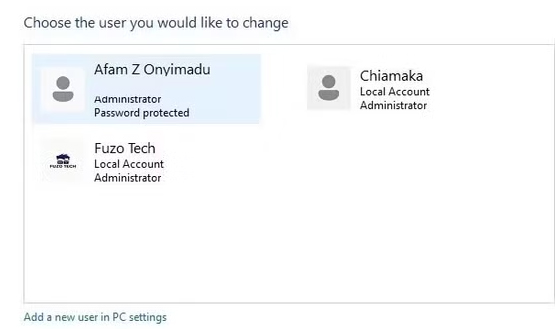
Using a standard user account is the same as using an Admin account.
Reality : Limiting privilege is the most powerful invisible defense
What you may not realize is that all programs running under an Admin account have elevated privileges. In practice, malware running on an Admin account can have elevated privileges and be able to make deep changes to your system without your permission.
On the other hand, the scope of malware on user accounts is limited. It will mostly be limited to personal files without the ability to install permanent rootkits or overwrite important system components. This ensures that small infections do not turn into full-scale attacks.
Windows User Account Control (UAC) is another often overlooked safeguard. If configured correctly, all system-level changes will require administrator credentials. This alone gives you the leeway and power to grant or deny access. Not only will you reduce your privileges by using a standard account, but you'll also be able to limit the damage.
Focus only on the router firewall, ignore the Windows firewall
Reality : Both are important
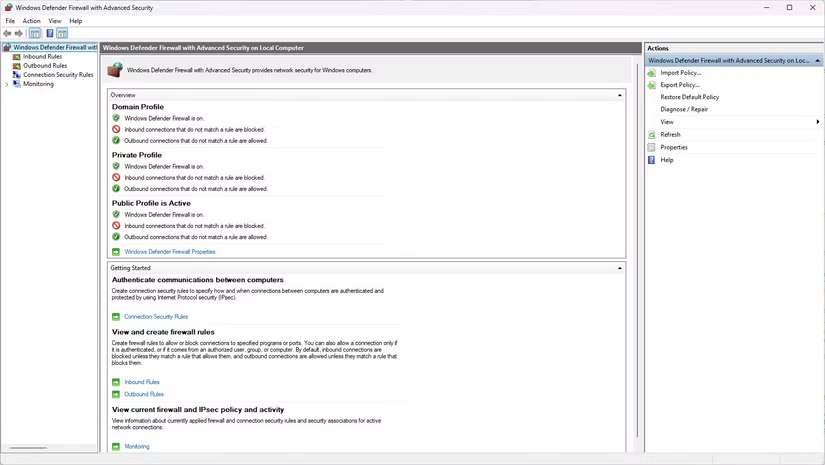
Routers have built-in firewalls that block unwanted connections before they reach your computer. However, they don't monitor what's on your network. Each computer takes action if a threat gets past the router.
This is where the Windows firewall on your computer comes in. By controlling incoming and outgoing traffic on your local machine, the Windows firewall can prevent malware from communicating with command and control servers outside your network, minimizing the spread to other devices. The Windows firewall also applies separate security profiles based on the origin of the connection, tightening the rules on public Wi-Fi networks. The Windows firewall and your router firewall complement each other, and disabling either one will leave a security gap.
Just use Windows Defender
Reality : It is advisable to combine multiple security methods.
Although Windows Defender Windows 11 has been upgraded quite a lot, if it is the only line of defense, the computer can still be attacked in many ways.
This tool focuses only on fighting suspicious behavior and known malware, but cannot replace sandboxing tools, browser-based phishing filters, or system-wide utility backups.
You should combine Windows' built-in defenses with good browsing habits, two-factor authentication (2FA) for key accounts,.
Security is often about more than just one app being able to do everything.
FAQ
What should you know about the options in this guide?
In practical terms, Windows has built-in computer security system but if you do not understand basic security and click on links, install malware, it will bring higher risk to your computer.
Which option is the best choice?
The best choice depends on your priorities, compatibility, budget, and the specific features discussed in the comparison.
What should you compare before deciding?
Compare core features, limitations, ease of use, compatibility, and long-term value before making a decision.
Related Articles
 5 Misconceptions About Password Security6 minutes read
 10 Misconceptions About Electronic Devices That We Have Long6 minutes read
 Is Virtualbox Safe or a Security Risk?4 minutes read
 7 Tech Misconceptions That Sound Smart but Are Actually a Waste of Money7 minutes read
 10 Common Myths About Computers That You Often Believe11 minutes read
 Steps to Restore Windows Security on Windows 104 minutes read
Reader Comments 0
Sign in with email or Google to join the discussion.